The short answer
A 2-wire intercom sends power, audio and video over one pair of wires, the usual choice when an old intercom's cable is already in the wall. An IP intercom runs over network cable, often with PoE power. The Spark S-301 is a 2-wire IP kit, and the Spark S-302 and S-303 are Ethernet IP kits. All three use Cat5 or Cat5e up to 50 m.
On this page
2-wire vs IP intercom: what is the difference?
The difference is the cable. A 2-wire intercom sends power, audio and video over a single pair of conductors, so it can often reuse the pair an old intercom left in the wall. An IP intercom treats each unit as a device on a network, over cable such as Cat5 or Cat5e, often powered by PoE.
With either, you see the visitor and open the door with a tap. All of Spark's video intercoms are IP based, and the kits come in both wiring styles:
- 2-wire: the usual route when you replace an old intercom and want to avoid new cable runs.
- Ethernet IP: the usual route in a new build, or wherever a new network cable is easy to pull.
Spark's 2-wire and Ethernet IP intercom kits compared
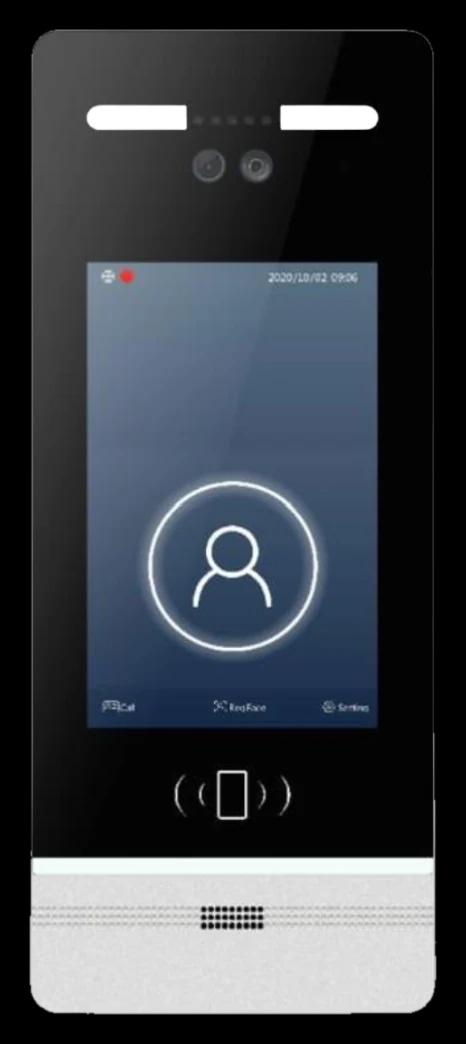
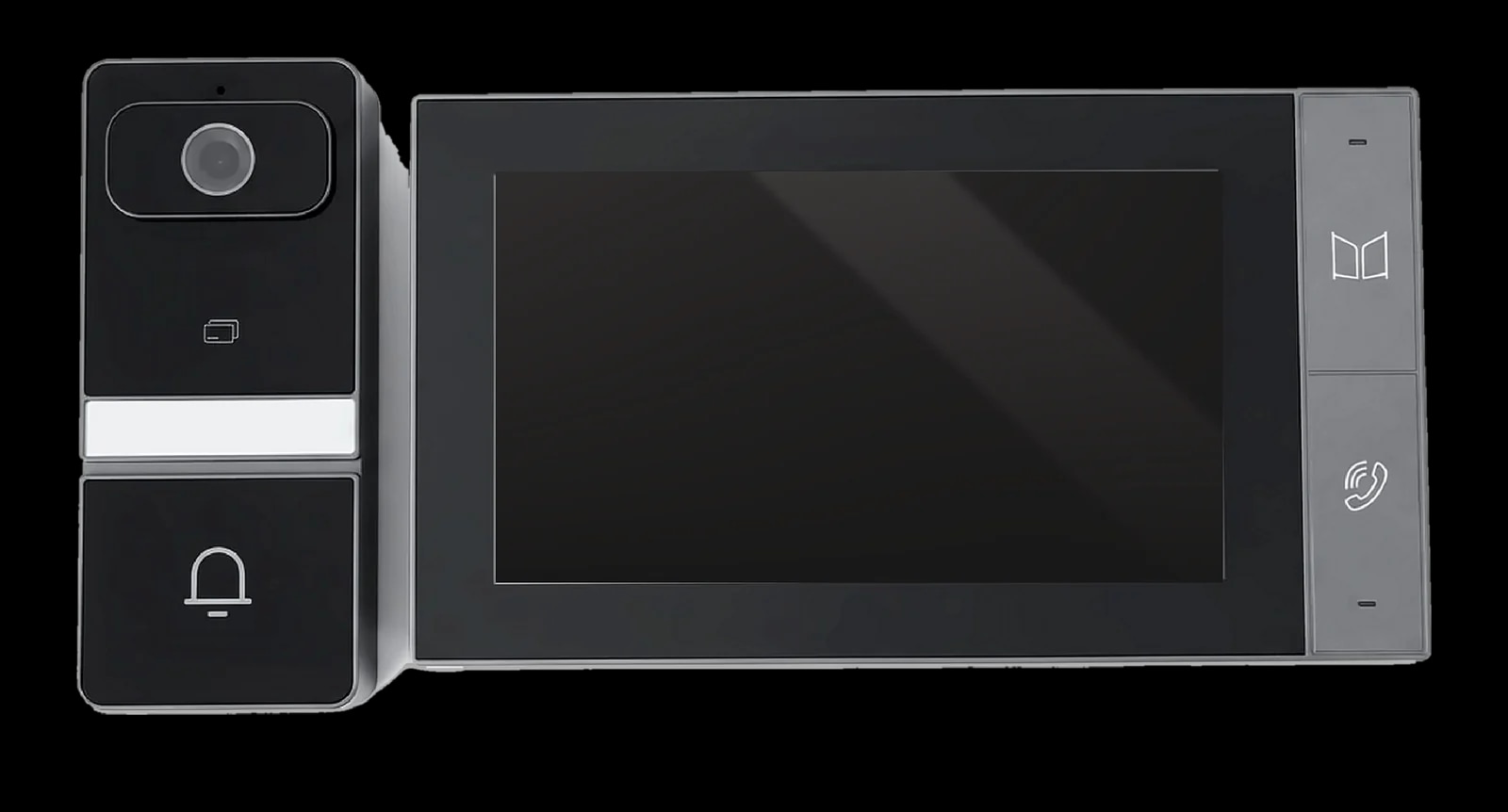
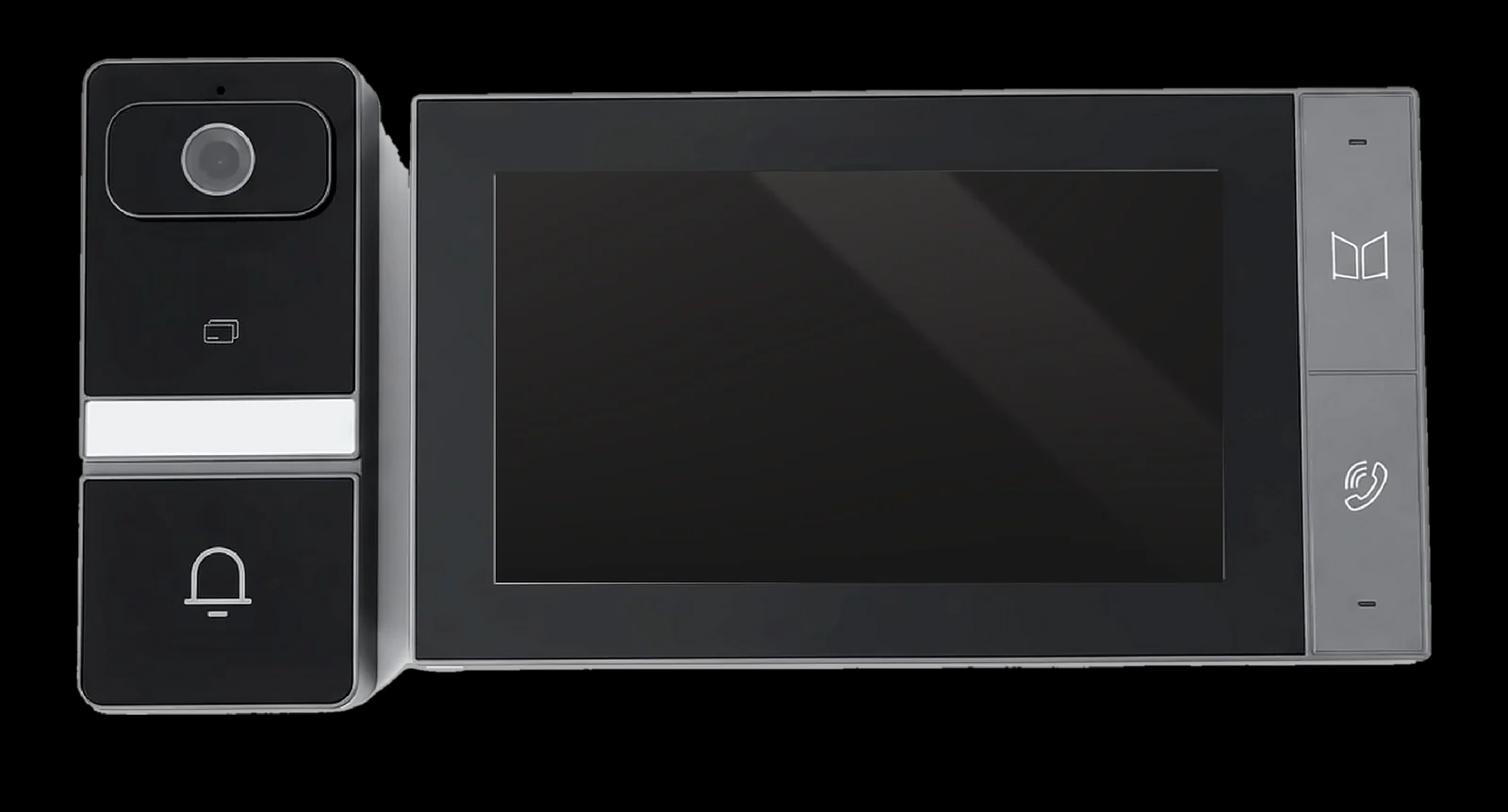
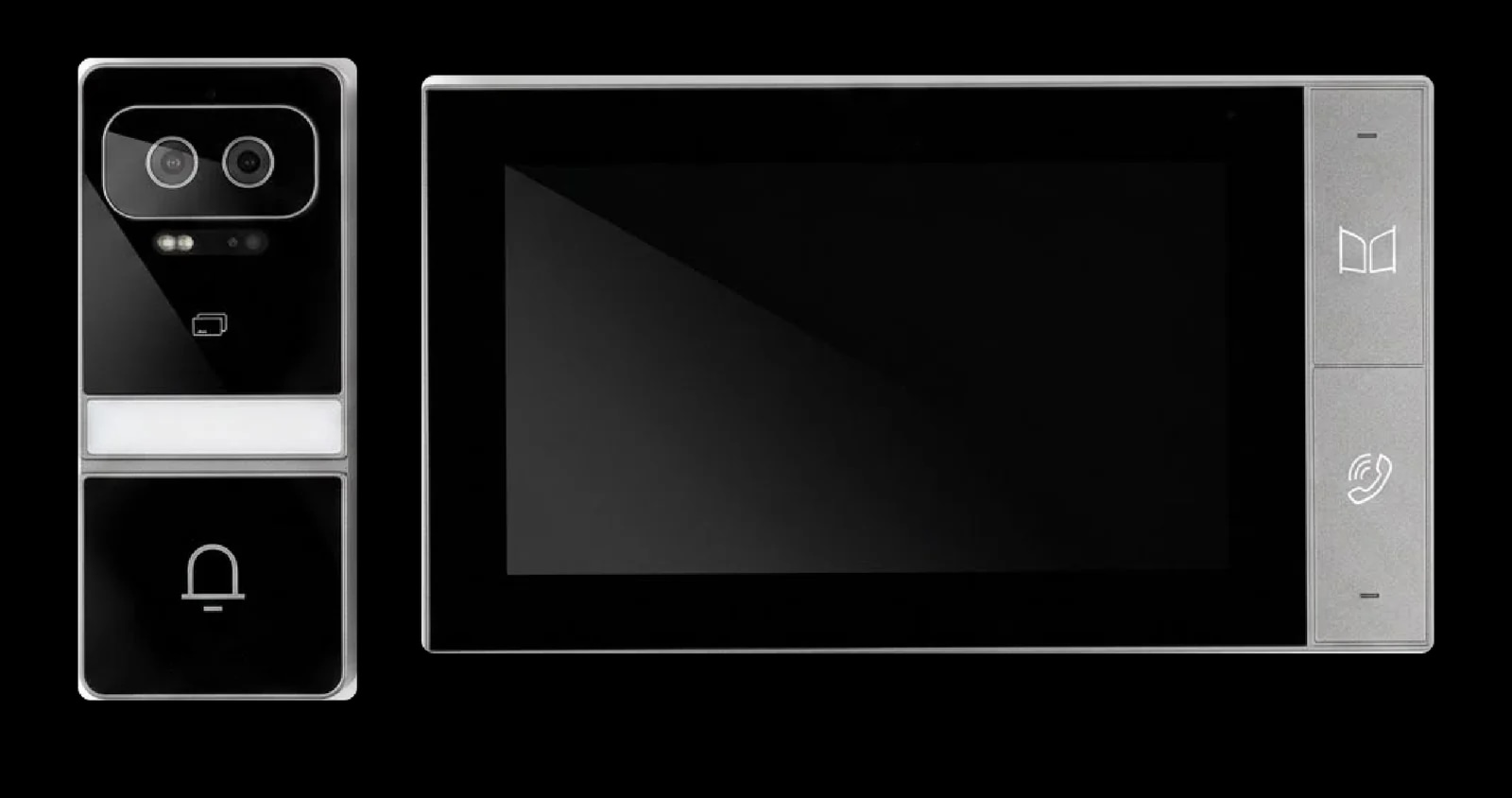
Each Spark kit puts an indoor monitor and an outdoor station in one box. The S-301 is the 2-wire IP kit, the S-302 the Ethernet IP kit, and the Spark S-303 the Ethernet IP kit with Face ID.
| Kit | Wiring | Power | Outdoor station | Indoor monitor | Notable feature |
|---|---|---|---|---|---|
| S-301 | 2-wire IP; one UTP Cat5 or Cat5e cable, up to 50 m | PoE or DC 24 V | 3.0 MP, 140°, IC card, IP65 | 7″ IPS touch | Listed as a 2-wire IP kit |
| S-302 | Ethernet IP, UTP Cat5 or Cat5e, up to 50 m | PoE or DC 24 V | 3.0 MP, 140°, IC card, IP65 | 7″ IPS touch | Runs on a standard Ethernet network |
| S-303 | Ethernet IP, UTP Cat5 or Cat5e, up to 50 m | PoE or DC 24 V | 3.0 MP binocular, 140°, Face ID, IC card, IP65 | 7″ IPS touch | Face ID with liveness detection |
Otherwise the kits match: infrared night vision, full-duplex audio, a 1024 × 600 monitor, an SD card of up to 128 GB, and door calls that ring your phone through the Tuya or Smart Life app over Wi-Fi. So you choose on wiring and Face ID.
The three Spark intercom kits
Intercom wiring: which cable, and how far can it run?
Plan Cat5 or Cat5e of up to 50 m from the outdoor station to the indoor monitor, and RVV 2×1.0 of up to 10 m to the lock. Those two figures decide where the monitor and the lock can go.
- Kits: UTP Cat5 or Cat5e up to 50 m, and RVV 2×1.0 up to 10 m to the lock.
- Door stations: the Spark I-50 and Spark I-100 take Cat5 or Cat5e under 50 m, and RVV 2×1.0 under 10 m to the lock.
- Longer runs: the Spark I-300 door station accepts Cat5 or Cat5e up to 100 m, with a switch for anything longer.
Many villas in Jordan sit behind a boundary wall, so measure the route the cable will really take, along that wall and under the drive, not the straight line on the plan. In a new build, lay it in a conduit so a new cable can be pulled later.
PoE intercom or a separate power supply?
Either works. PoE (Power over Ethernet) sends power and data down one network cable from a PoE switch, so no adapter is needed at the wall. Every intercom unit in this guide runs on PoE and also accepts a DC supply:
- Kits: DC 24 V or PoE for the indoor unit; the outdoor unit takes DC 24 V / 200 mA through the indoor unit, or PoE.
- I-50 and I-100: PoE, or DC 12 to 15 V / 1 A, with each unit on its own supply and the two linked by Cat5.
- Spark's separate indoor monitors: PoE, or DC 15 V.
On a network, the I-50 and I-100 configure themselves by DHCP, and their unlock time and ring volume are set from the indoor monitor.
How to replace an old intercom with a video intercom
Start with what is already in the wall: whether the old cable can be reused decides the route.
- 1
Look at the old cable
With the old system switched off, open the handset and the outdoor unit, photograph the terminals and count the conductors.
- 2
Measure the route
From the gate or door to the new monitor. The kits allow up to 50 m between the units and 10 m of lock cable.
- 3
Reuse or replace the cable
If a Spark partner confirms the old cable suits the S-301, keep it. Otherwise pull new Cat5 or Cat5e, through the old conduit where possible, for the S-302 or S-303.
- 4
Choose the power and check the lock
Use a PoE switch near the router or a DC 24 V supply. Each kit's relay drives one motor-operated electric lock, so ask whether the old door release can stay.
- 5
Mount and connect
Both units surface mount with the brackets, fixings and Cat5 terminals in the box. Put the camera at eye level.
- 6
Pair the app and test
Pair the monitor with the Tuya or Smart Life app over Wi-Fi, then ring from the gate and open the door from the monitor and from your phone.
Opening the door and the gate from the intercom
Every option opens at least one lock with a tap on the call screen; what differs is how many locks, and what kind.
- Kits: one motor-operated electric lock (12 V, max 500 mA instantaneous), released from the call screen or the app, plus IC card entry, and Face ID on the S-303.
- I-50 and I-100: two lock outputs (Lock 1 NO / NC, and Lock 2) for electric or magnetic locks, each with an exit-button and a door-contact input.
- Spark's separate indoor monitors: each can also release a lock wired to its own relay.
So one I-50 or I-100 can release a pedestrian gate and a door, each on its own RVV 2×1.0 run of under 10 m. For a motorised car gate, ask a Spark partner. For a smart lock on the front door, see choosing a smart lock by door type.
Adding monitors and door stations later
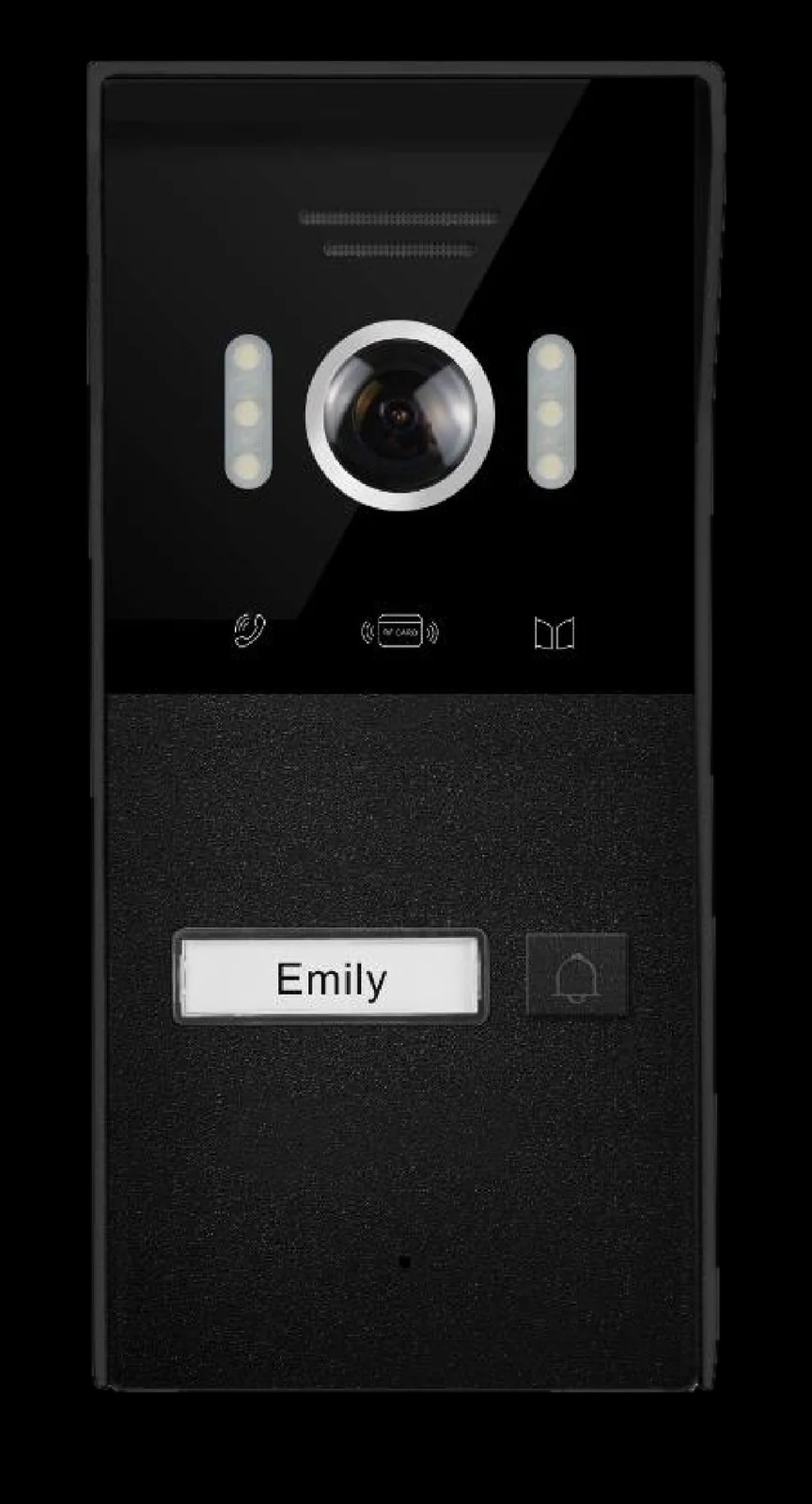
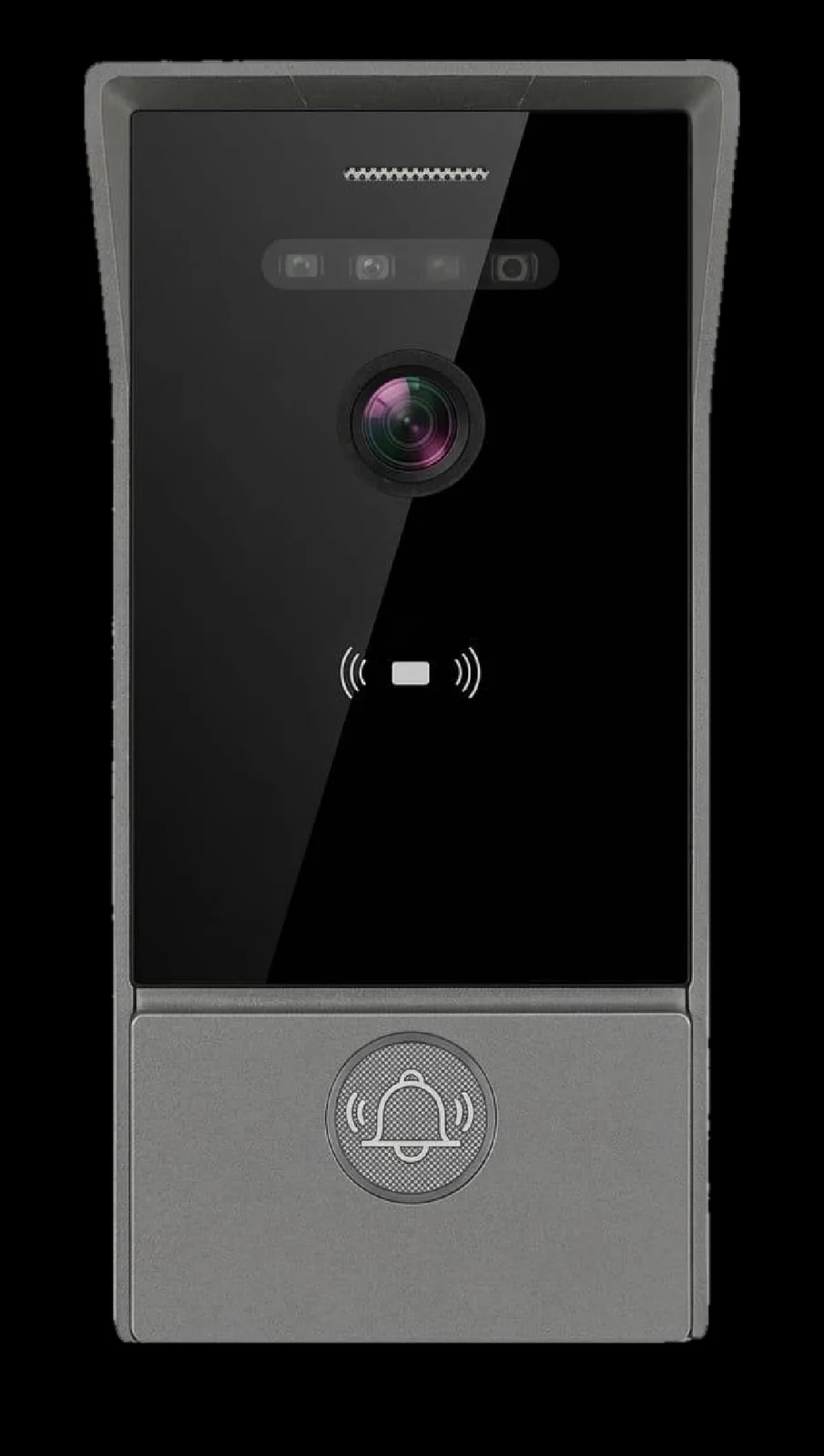
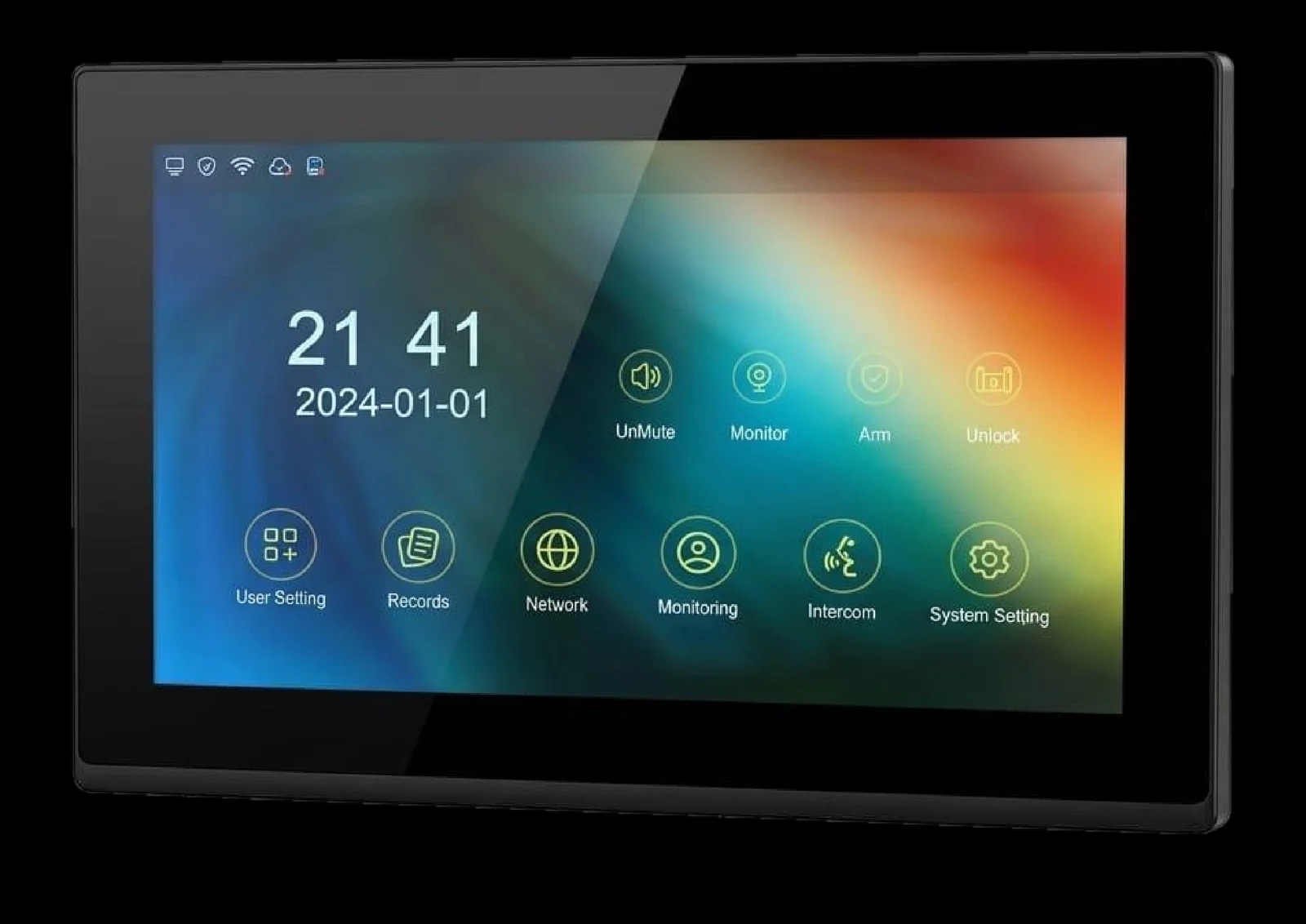
A kit is a complete pair; separate door stations and monitors let a system grow. The kit pages describe one outdoor station and one 7-inch monitor, and do not list extra units that can join a kit.
To build up, start with an I-50 or I-100 and choose from four Spark indoor monitors on the same cabling, Cat5 or Cat5e of up to 50 m, with PoE or DC 15 V:
- Spark S-107, Spark S-208 and Spark S-210: 7, 8 and 10-inch IPS screens with Tuya built in, and up to 100 indoor monitors per outdoor station.
- Spark S-110: a 10-inch IPS touch screen, wired or on Wi-Fi, in villa or building-community mode, with fewer than 100 indoor extensions per system, and it can add ONVIF IP cameras on the same network.
2-wire or IP: which should you choose?
Choose by the cable you have or can pull, then by what you want at the door:
- S-301: Spark's 2-wire IP kit, for example to replace an old intercom once a partner has checked the cable.
- S-302: a new Cat5 or Cat5e run is easy, and you want a standard Ethernet IP kit on PoE.
- S-303: the same Ethernet wiring, plus Face ID with liveness detection.
- I-50 or I-100 with separate monitors: two lock outputs, several monitors, or a screen bigger than 7 inches.
Not sure what is in your walls? A Spark partner can check the old cable, measure the run and recommend the right kit for your home.
Door stations and monitors for a system that grows
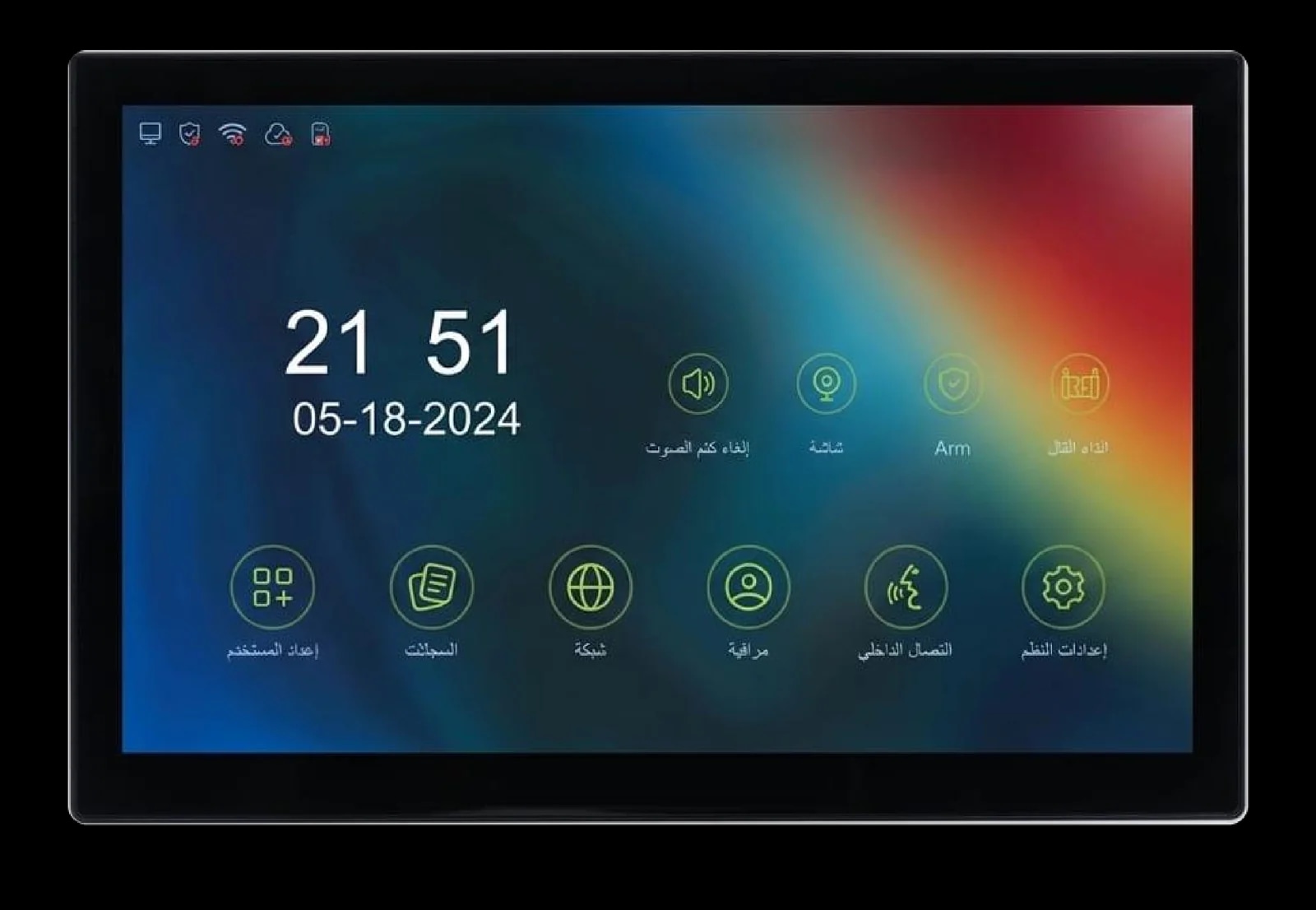
Questions people ask about 2-wire and IP intercoms
What is a 2 wire video intercom?
A video intercom that carries power, audio and video between the outdoor station and the monitor over one pair of conductors. It suits homes where an old intercom's cable is already in the wall. Spark's 2-wire IP kit is the S-301.
Is an IP intercom better than a 2 wire intercom?
Neither is better everywhere. Ethernet IP suits new cable runs; 2-wire suits reusing an existing pair. Spark's three kits share the same monitor and app, so the wiring and Face ID decide.
Can I use my old intercom wires for a video intercom?
Sometimes. It depends on the cable, its condition and its length, so have it checked before you buy. A Spark partner can confirm whether it suits the S-301.
What cable do I need for an IP intercom?
Spark's kits, the I-50 and the I-100 use Cat5 or Cat5e of up to 50 m between the units, and RVV 2×1.0 of up to 10 m to the lock. The I-300 accepts up to 100 m.
Does a PoE intercom need a power supply?
Not at the wall: a PoE switch powers the units through the network cable. Without PoE, the kits take DC 24 V, and the I-50 and I-100 take DC 12 to 15 V.
Can I answer a 2 wire intercom on my phone?
Yes, with the S-301. Like the S-302 and S-303, it pairs with the Tuya and Smart Life apps over Wi-Fi, so door calls ring your phone. That needs home Wi-Fi and internet.