Access · 9 min read
Face recognition intercom: entry by face, fingerprint or card
Which Spark door stations open by face, fingerprint, card or code, how they release the lock and the gate, and who keyless intercom entry suits.
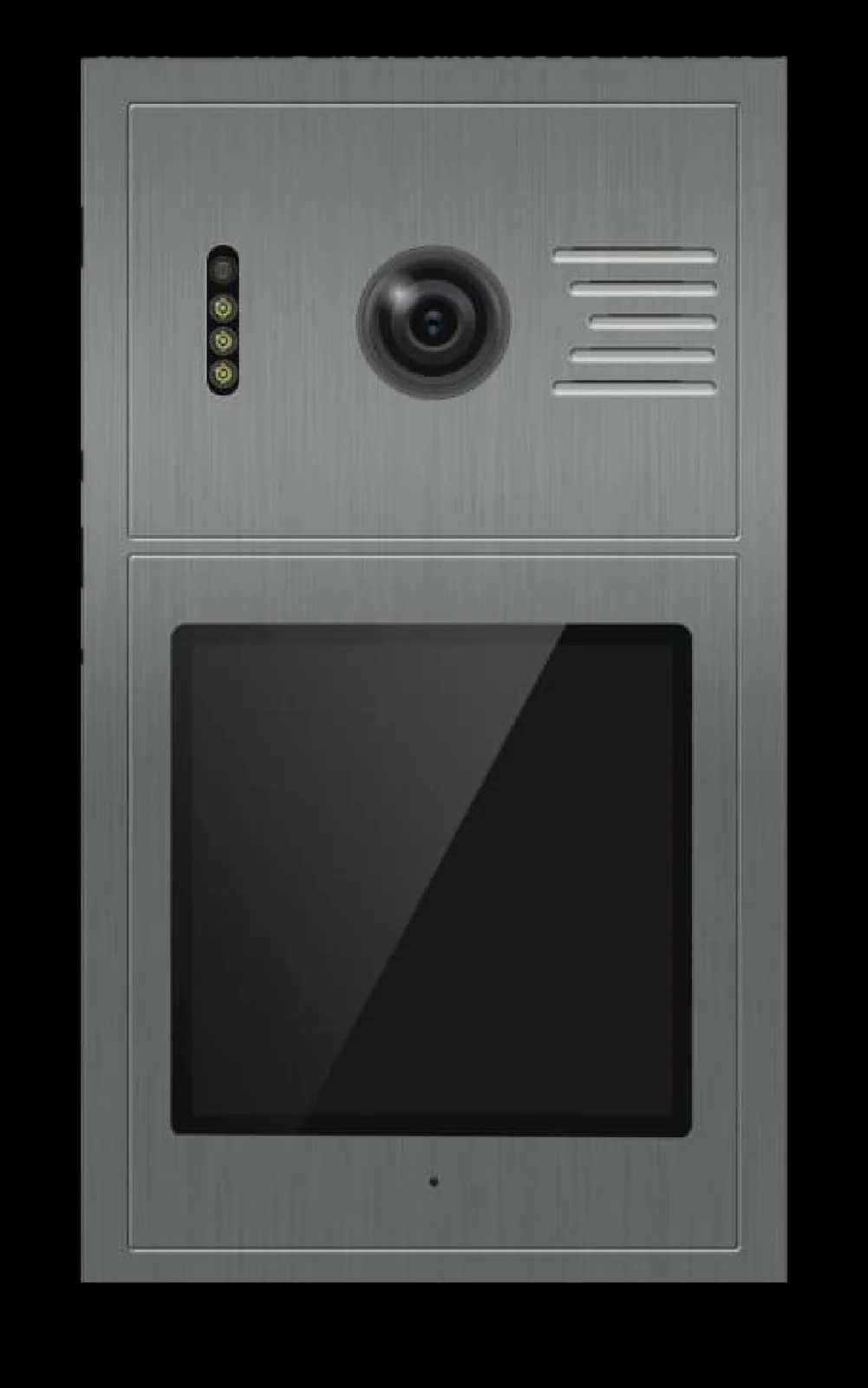
Spark I-300
Square · 1:1
4.5″ LCD IP video outdoor station.
An IP video intercom outdoor station with a 4.5-inch capacitive touchscreen, a 150° wide-angle camera, white-LED night vision, PIR motion detection and IC or ID card access, powered over PoE or DC 12 V.
150°wide angle
Horizontal field of view across the whole entrance.
4.5″touch
Capacitive LCD at 480 × 272.
2,000cards
IC cards at 13.56 MHz and ID cards at 125 kHz.
999residents
In the on-screen list in high-rise mode.
Calling and access
Visitors tap the 4.5-inch capacitive touchscreen to call the indoor monitor and talk in full duplex. Residents can also get in without calling, with an IC or ID card or the public unlock password.
Talk and listen at the same time. Talk volume 1 to 10.
IC and ID cards open the door without calling. Up to 2,000 cards.
Six-digit public password entered on the touchscreen.
Ring volume 1 to 10 and ring time 0 to 150 s.
White LEDs light visitors at the door after dark.
Black screen, clock or a digital photo frame from the SD card.
Camera and vision
The wide-angle camera covers a 150° horizontal field of view across the entrance. White-LED night vision lights visitors after dark, a built-in PIR sensor detects motion, and photos are saved as JPG to an SD card.
A 150° horizontal viewing angle covers the entrance area.
White LEDs light the entrance so visitors can be seen after dark.
A built-in passive infrared sensor detects motion in front of the station.
Video is encoded in H.264.
Photos are stored locally as JPG on an SD card of up to 256 GB.
In standby, show up to 8 custom 480 × 480 JPG images from the SD card, switching every 5 to 30 s, or a clock or black screen.
Access control
The I-300 reads 13.56 MHz Mifare IC cards and 125 kHz EM ID cards, up to 2,000 cards. Unlock by card, by public password or through an external Wiegand reader. The relay drives electric or magnetic locks.
Reads IC cards (13.56 MHz Mifare) and ID cards (125 kHz EM).
Add, delete and sync cards from the station settings.
Connect an external Wiegand reader to the D0/D1 terminals for unlocking.
NC / COM / NO relay. An EL/ML DIP switch selects electric or magnetic lock. Unlock delay 2 s by default, adjustable from 1 to 10 s.
Six-digit public unlock password, kept separate from the admin and super-admin passwords.
For opening the door from inside.
System modes
The I-300 runs in Villa, Building or High-rise mode. In high-rise mode, visitors find residents in an on-screen list of up to 999 users, shown by name, room number or both.
Single row (4 users per page) or double row (8 users per page). Display by name, room or both.
One-tap call to the guard station from the admin screen, or dial 1000.
10 ringtones. Ring and talk volume 1 to 10 (talk default 6). Ring time 0 to 150 s, default 30 s.
DHCP or netcfg network modes, and door station numbering.
A multi-language interface, including English, Russian and German.
Device info, reboot and factory reset from the settings menu.
Installation
Connect with a Cat5 or Cat5e Ethernet cable up to 100 m. With PoE the station needs no separate power supply, or power it from DC 12 V. Mount it flush in the supplied embedded box, or on the surface.
Cat5 / Cat5e up to 100 m. Use a switch for longer runs.
Lock on the NC / COM / NO relay, plus the exit button input. Set the EL/ML DIP switch to match the lock.
PoE, or a DC 12 to 15 V 2 A supply. Working current 250 mA at DC 12 V.
Flush in the included embedded box, or on the surface.
120 to 160 cm from the floor.
Avoid direct sunlight and strong light. Keep 30 cm from AC power, away from water and magnetic fields.
Answers to the questions people ask before they choose.
Access · 9 min read
Which Spark door stations open by face, fingerprint, card or code, how they release the lock and the gate, and who keyless intercom entry suits.
Access · 9 min read
Which Spark door station, kit and indoor monitor suit a villa or an apartment building, how residents get in, and how to answer from your phone.
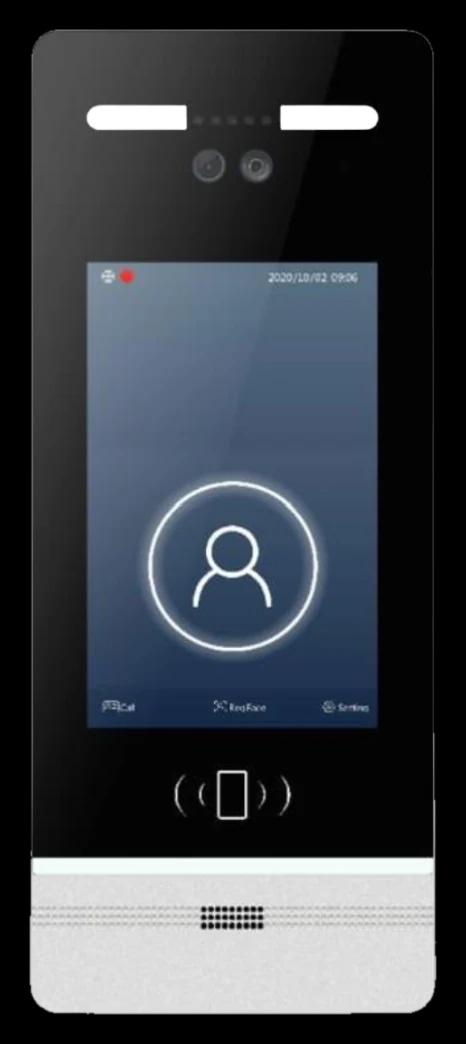
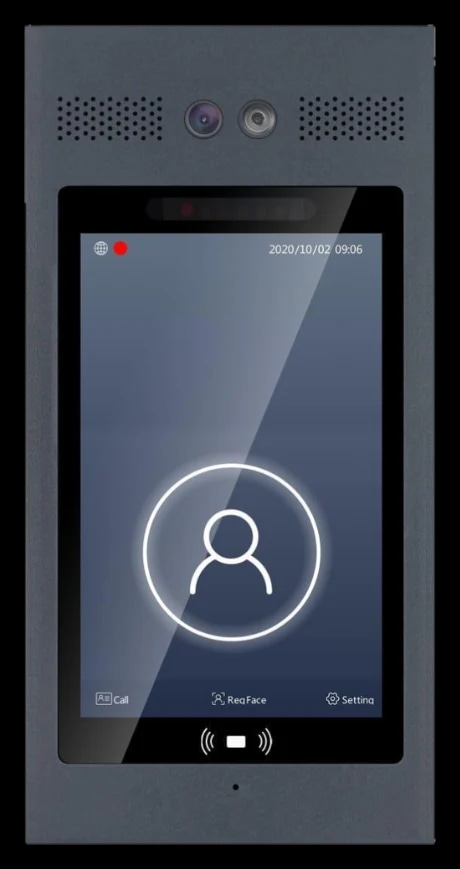
Planning a home or a building? A Spark partner can specify the right I-300 for it.