

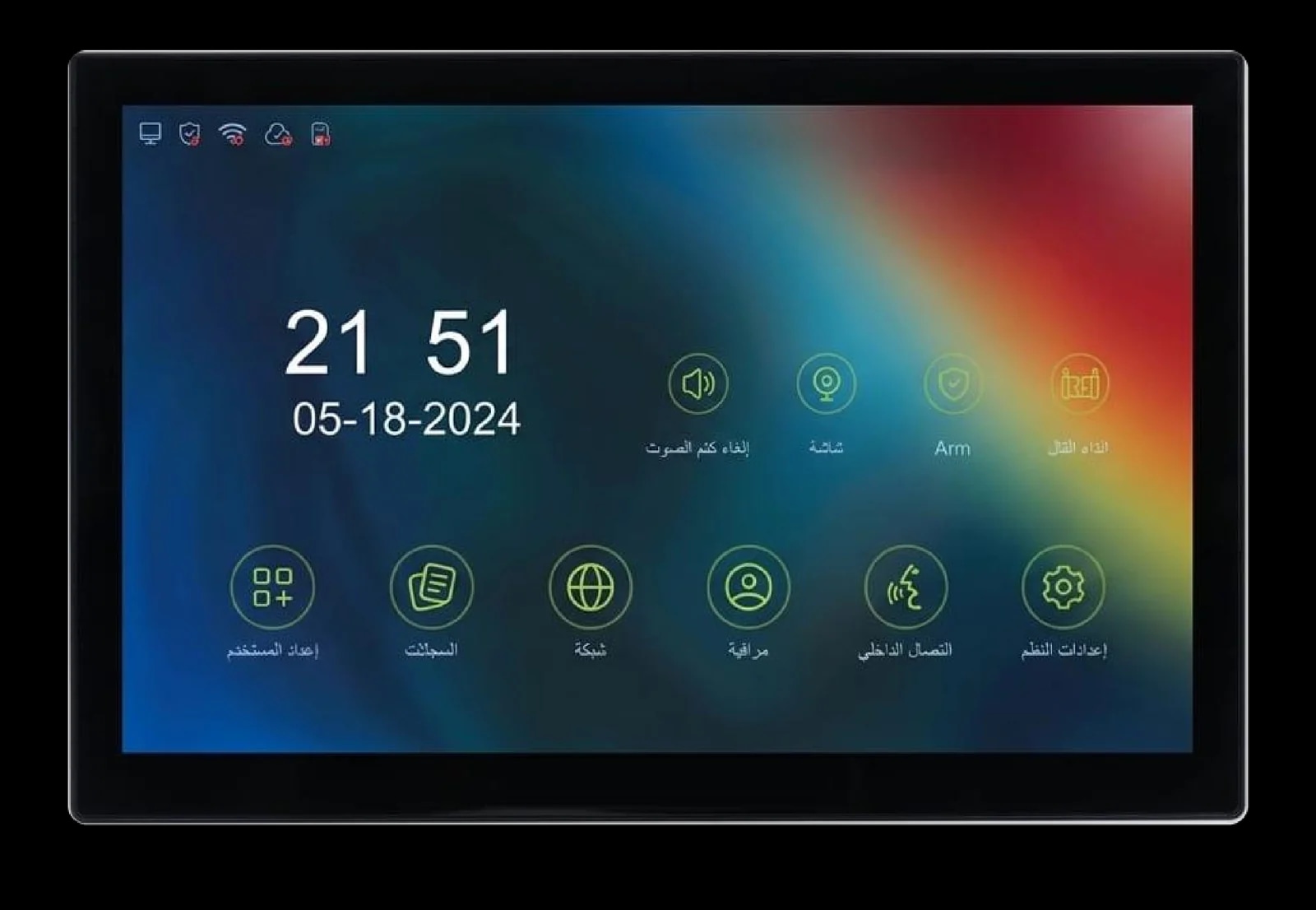
Spark S-110
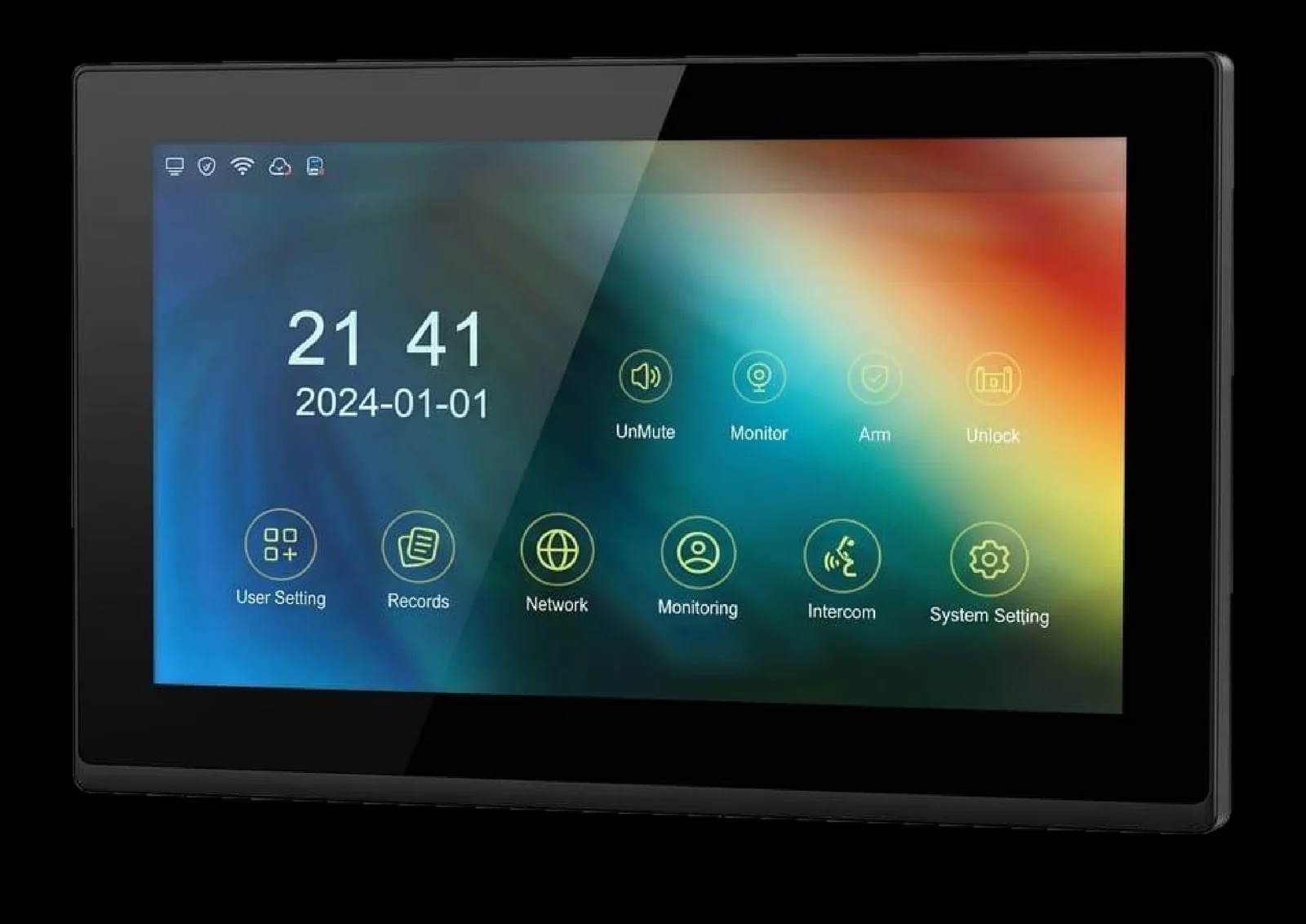
Square · 1:1
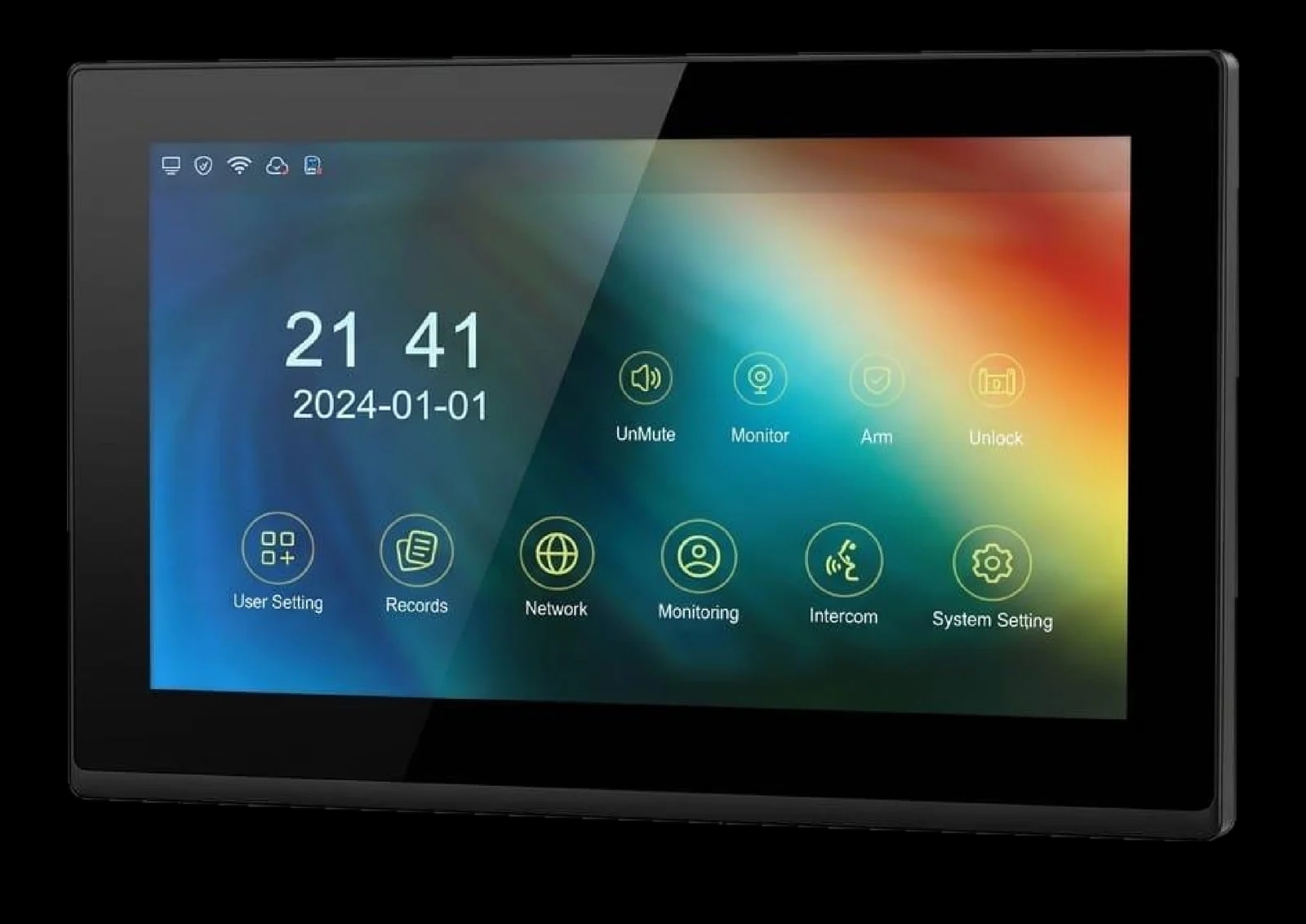
10-inch IP video intercom indoor monitor.
See who's at the door, talk to them and let them in, from the wall or from your phone. The S-110 also watches your cameras and runs your home alarm zones.
10″IPS touch
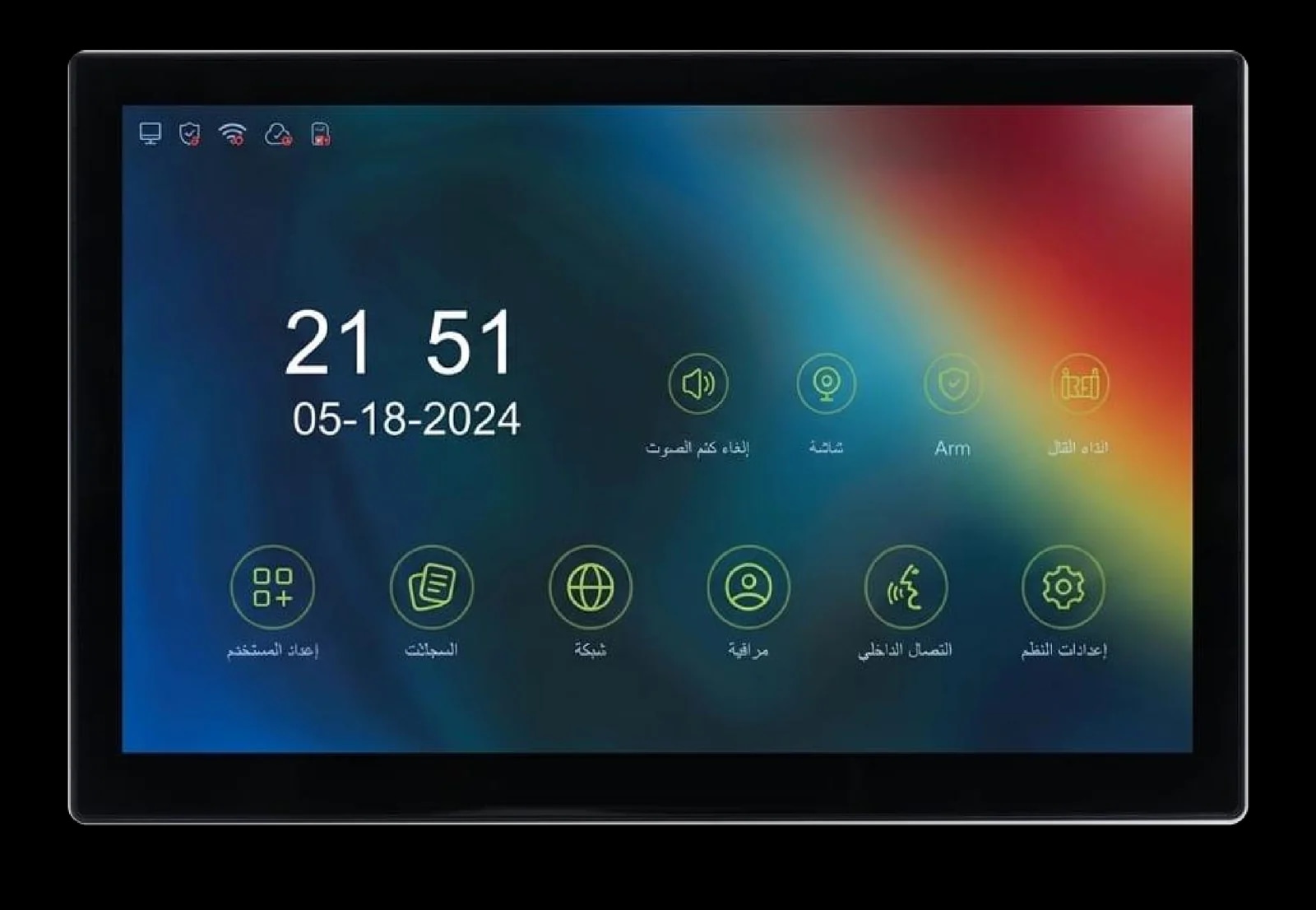
A 1024 × 600 touch screen for calls, cameras and alarms.
8zones
Wired alarm inputs, S1 to S8, each NO or NC.
4views
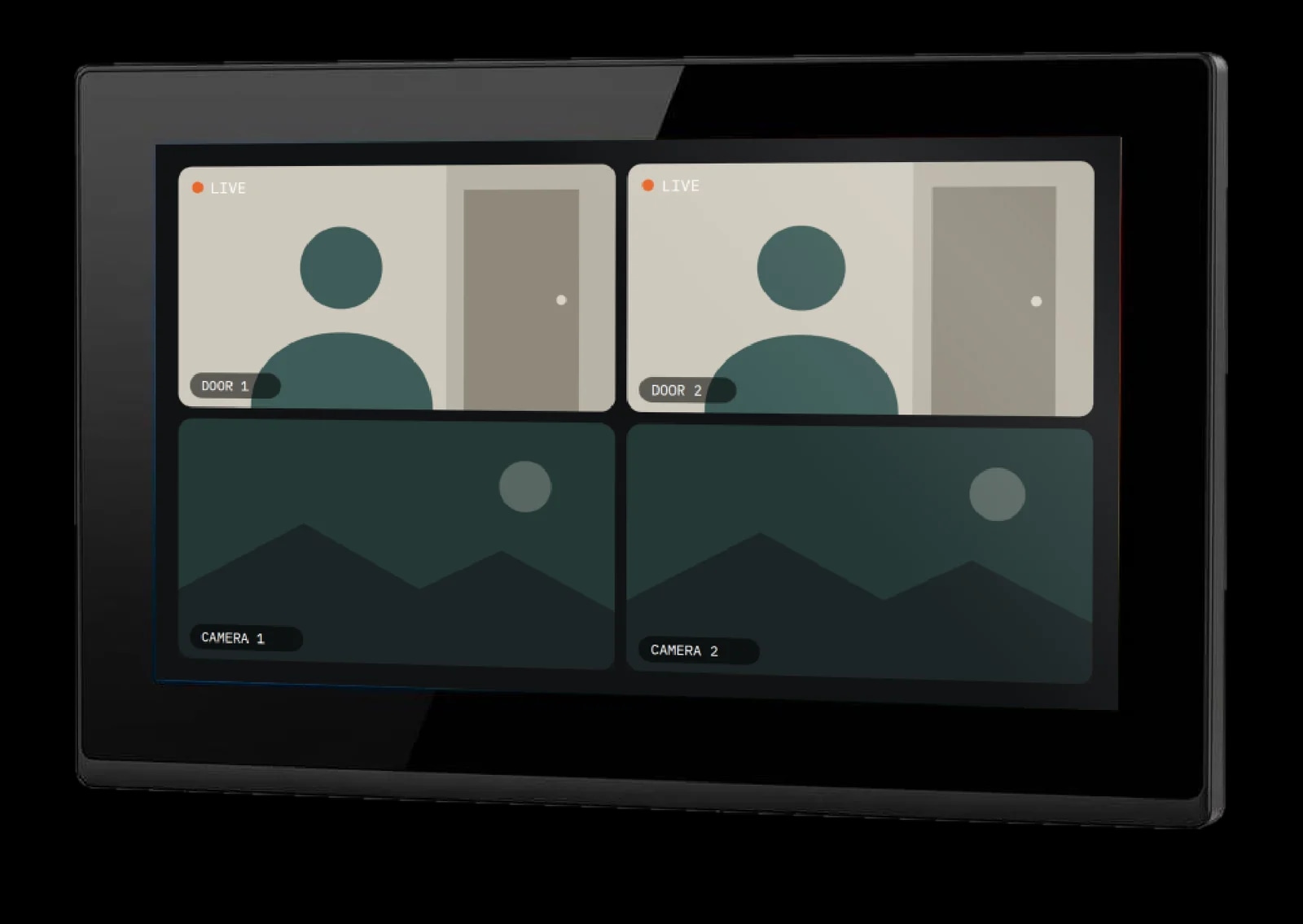
Door 1, door 2, camera 1 and camera 2 in the app, or all at once.
Wi-Fi+ app
Door calls reach your phone wherever you are.
Answer the door
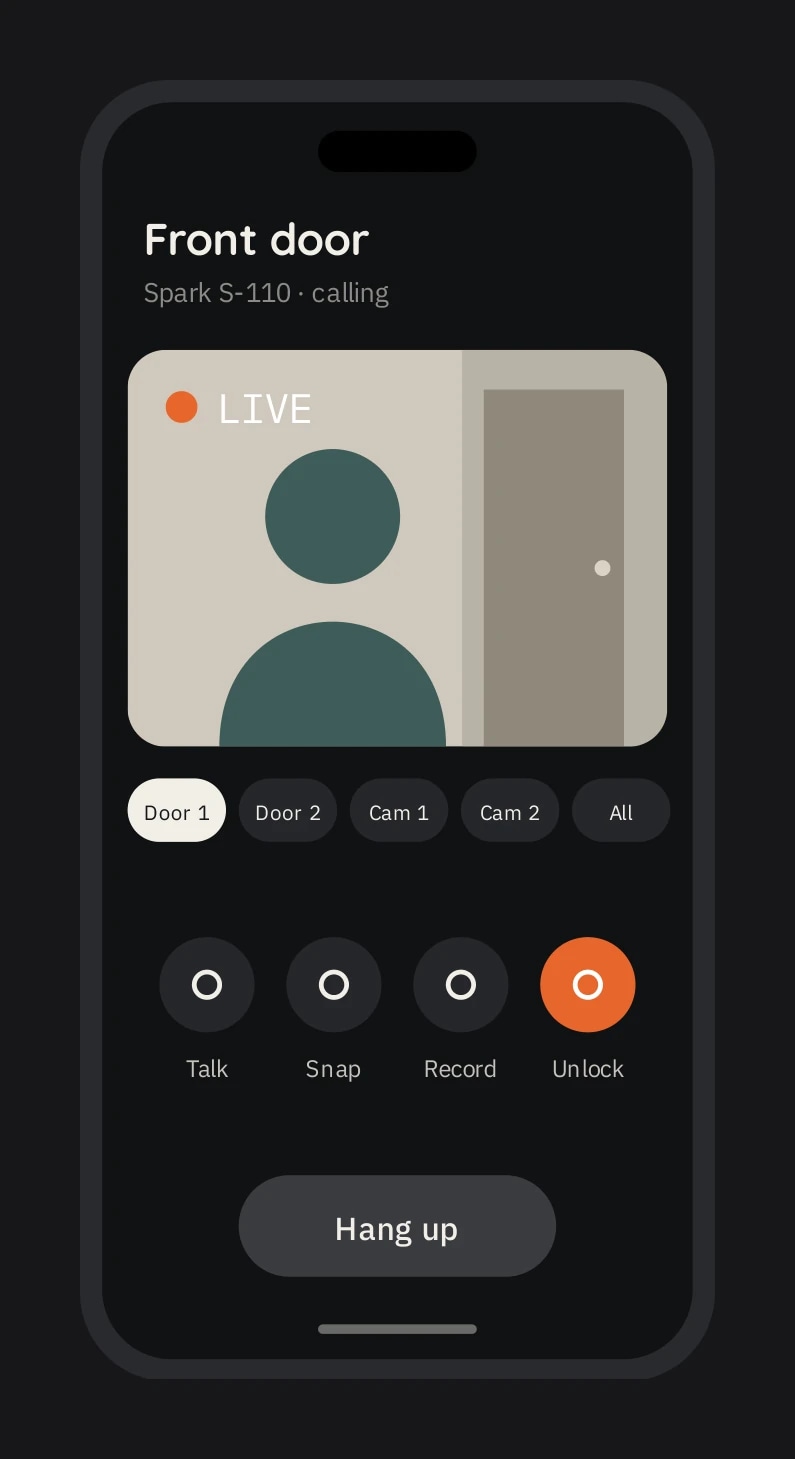
When a visitor presses the call button outside, the S-110 shows them on screen with the outdoor unit's room number. Talk in full duplex, then open the door with a tap.
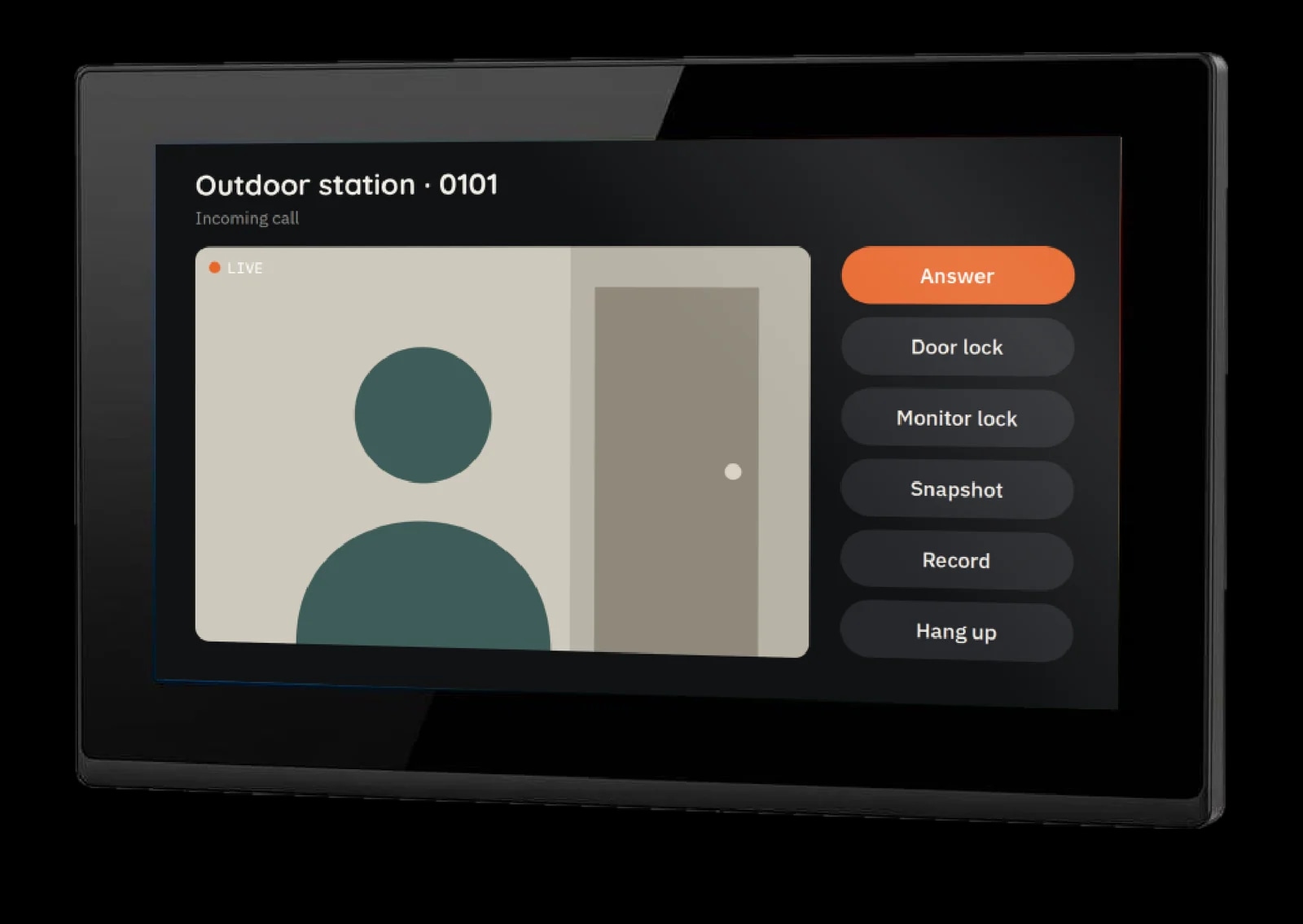
Full-duplex digital intercom with the visitor.
Unlock the door-station lock or the monitor's own relay lock.
Save the call to the records list on the SD card.
Set how loud the visitor sounds during the call.
Adjust brightness, contrast and colour.
Visitors can leave a message when nobody answers (SD card).
Monitoring
Look at any outdoor station, villa station or camera whenever you like. Switch channels from a drop-down list, talk through the outdoor unit, and save what you see to the SD card.
Pick any online outdoor station, villa station or camera from the list.
Connect IPC cameras on the same network by ONVIF, with RTSP stream details.
Turn on the intercom while monitoring to speak through the outdoor unit.
Save pictures (JPG) and video to the SD card, up to 32 GB.
Adjust brightness, contrast and colour of the video.
Open the door-station lock, or a lock wired to the monitor's own relay.
Home alarm
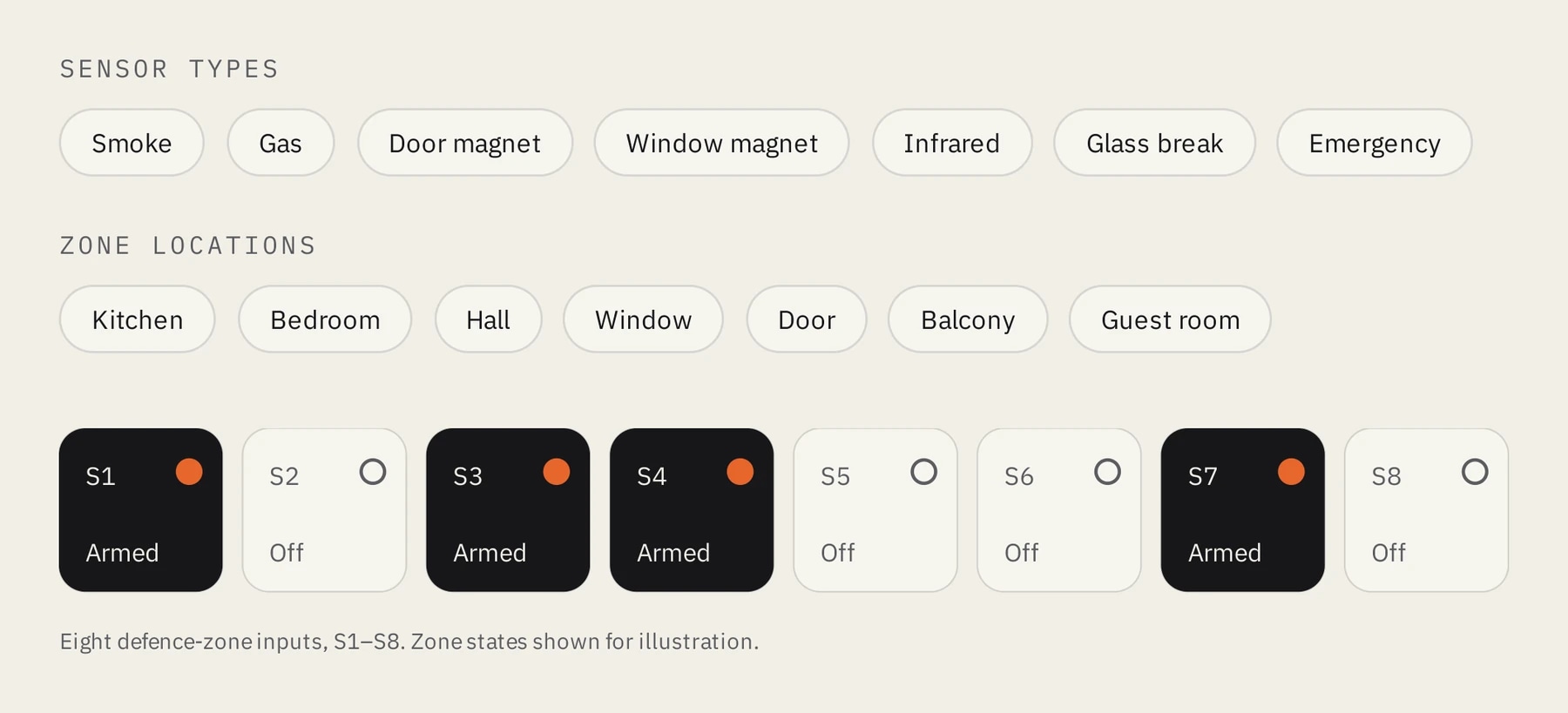
Wire sensors straight to the S-110's eight defence-zone inputs. Give each zone a room and a sensor type, arm the house with one tap, and disarm it with your password.
Arm with a countdown of 30 to 120 s (60 s by default) to leave the house.
Set each zone to normally open or normally closed.
Adjustable trigger delay and siren ringing time.
Disarm with a six-digit password.
On your phone
Connect the S-110 to Wi-Fi and pair it with the smartphone app by scanning a QR code on the screen. Door calls then reach your phone wherever you are. Only the main account can unlock the door; shared accounts can view and talk.
Answer calls, speak to the visitor and unlock the door-station lock.
Switch between door 1, door 2, camera 1 and camera 2, or see all four at once.
Take snapshots, record video and play back recordings from the monitor's SD card.
Share with several phones. Family members all receive call notifications.
Set motion-detection sensitivity and get told if the monitor goes offline.
Make it yours
Set the S-110 up the way your household lives, from the ringtone at the front door to how loud it rings at 2 am.
9 ringtones each for door calls, indoor calls, the doorbell and outgoing calls.
Load custom music from the SD card.
Lower the ringtone volume between set hours (00:00 to 08:00 by default).
Choose the home-screen wallpaper.
Standby shows time, weather and shortcut keys.
Set ringing, call, screen-saver, unlock and recording times.
For installers
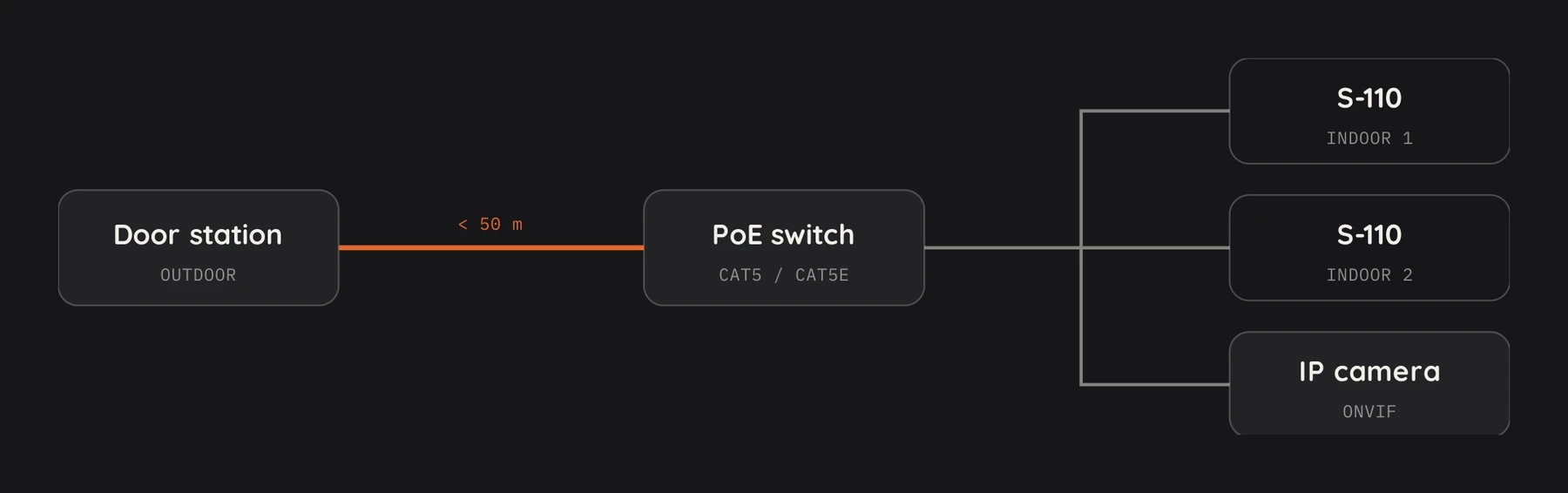
Run the S-110 in villa mode or building-community mode. One Cat5 cable carries video, audio and PoE power from the switch.
Fewer than 100 indoor extensions per system. Room 0001 to 9999, extension up to 99.
Cat5 / Cat5e under 50 m to the door station, and RVV 2×1.0 under 10 m for the lock.
Call other indoor monitors by room number or from the online list.
Add or delete fingerprints and access cards on a compatible outdoor station.
DHCP or static IP, wired or Wi-Fi.
Software upgrade from the SD card.
Planning a home or a building? A Spark partner can specify the right S-110 for it.