The short answer
In a power cut, everything that runs on the home's electricity stops: lights, relay modules, control panels, the Hub-Z and the router, so the app and remote control pause. Spark smart locks such as the SL-250 keep working on their own battery. When the power returns, the 16-CH Relay brings its circuits back Off, On or as a custom scene, and the MC-10 and WL-50 keep their saved settings.
On this page
What happens to a smart home in a power outage?
Everything that runs on the home's electricity stops, and everything with its own battery carries on:
- Keeps working: Spark smart locks, each on its own battery.
- Stops until the power returns: lights, relay modules, the 16-CH Relay, curtain motors, control panels, the T-50 thermostat and the tank monitor.
- Stops, and takes the app with it: the router and the Hub-Z Zigbee gateway. Without them, the Tuya Smart app can't reach your devices.
- Video intercom: door stations and indoor monitors run on PoE or a DC supply, so they need power too.
The more useful question is what happens when the power comes back:
| Device | Powered by | During the cut | When the power returns |
|---|---|---|---|
| SL-250 smart lock | 5000 mAh lithium battery | Opens by face, palm, fingerprint, password or card | Nothing changes: it never used the mains |
| SL-100 smart lock | 4 × AA dry batteries | Opens by fingerprint, password or card | Nothing changes: it never used the mains |
| 16-CH Relay | 110 to 240 V~ mains | No power to its circuits | Circuits return Off, On or as a custom scene, as you set it |
| ZR-50 and WR-50 modules | 100 to 240 V~ mains | No power to the lights | Wall switches work again; no power-on setting stated |
| MC-10 curtain motor | Mains socket, EU plug | Stops; pull the curtain by hand | Open and closed limits stay saved |
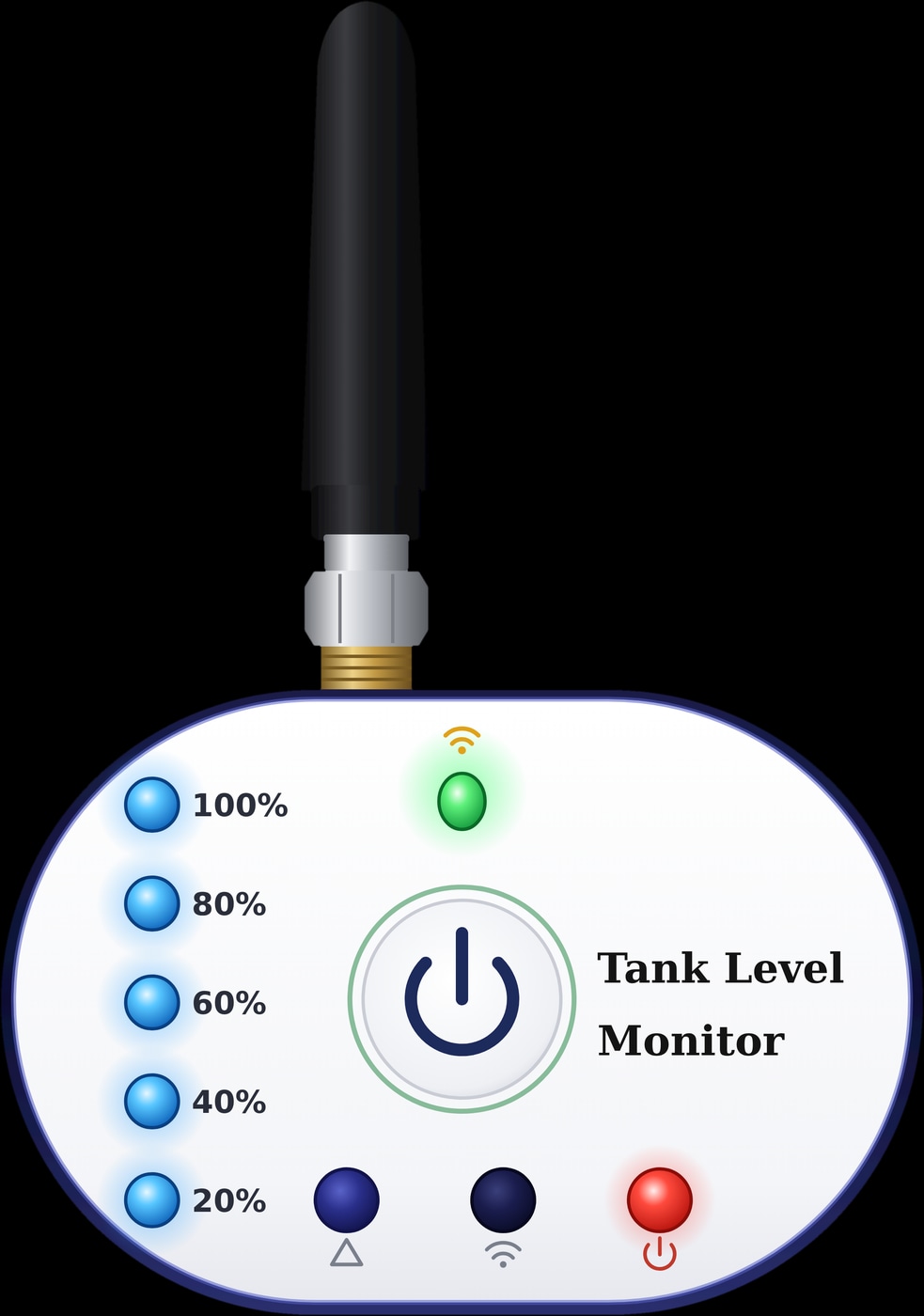
| WL-50 tank monitor | Two 5 V power adapters | Sensor and display are off | Installation and level settings remain |
| T-50 thermostat | 95 to 240 V AC | Off, so it isn't controlling the heating | Not stated: check the mode and programme |
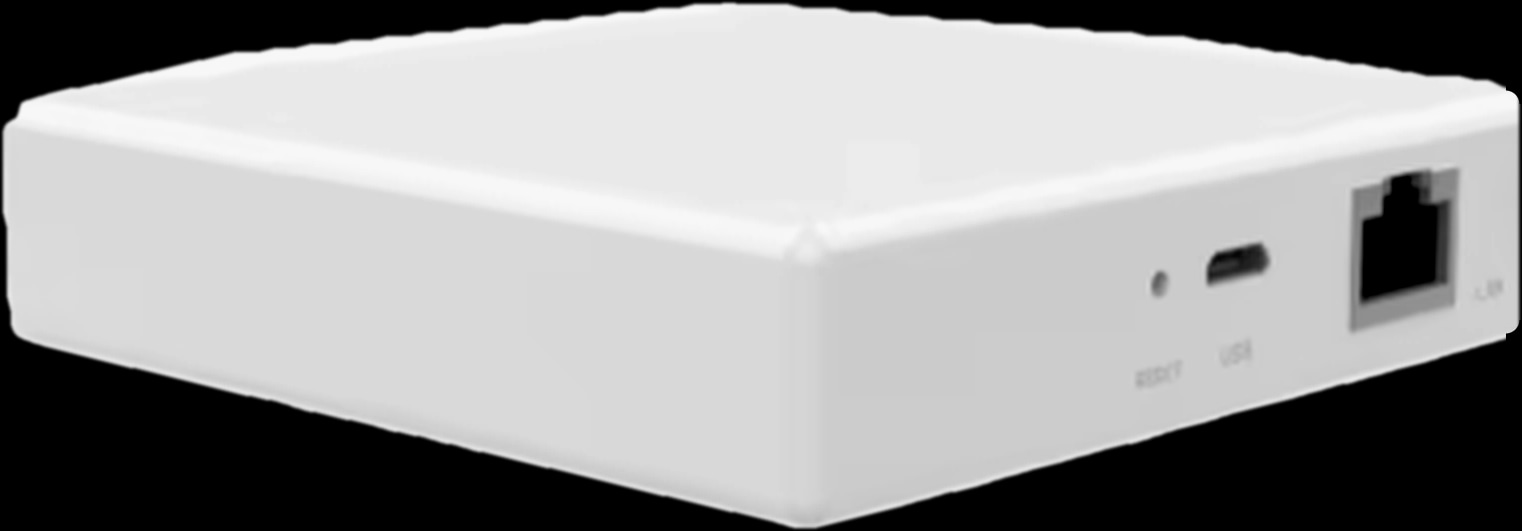
| Hub-Z gateway | USB Type-C, from a power adapter | Off; local scenes and app control pause | Ready when its two green lights show |
Do smart locks work without electricity?
Yes. Every Spark smart lock runs on its own battery, not on the home's electricity, so a power cut doesn't lock you out. The camera models, from the SL-120 to the SL-260 and the TL series, use a 5000 mAh lithium battery. The SL-100 and the WL, AL and GL locks run on 4 × AA dry batteries.
You open the door the usual way, by face, palm, fingerprint, password or card depending on the model. What pauses is the network side: the Tuya Wi-Fi locks join the Tuya Smart app over your home Wi-Fi, so unlocking from your phone and live view wait for the router and the internet.
If the lock's own battery is ever flat, every model in the smart door locks range has a mechanical key and a Type-C port where a power bank can power the lock for entry. Our guide to smart lock batteries covers both.
What do smart switches do when the power comes back?
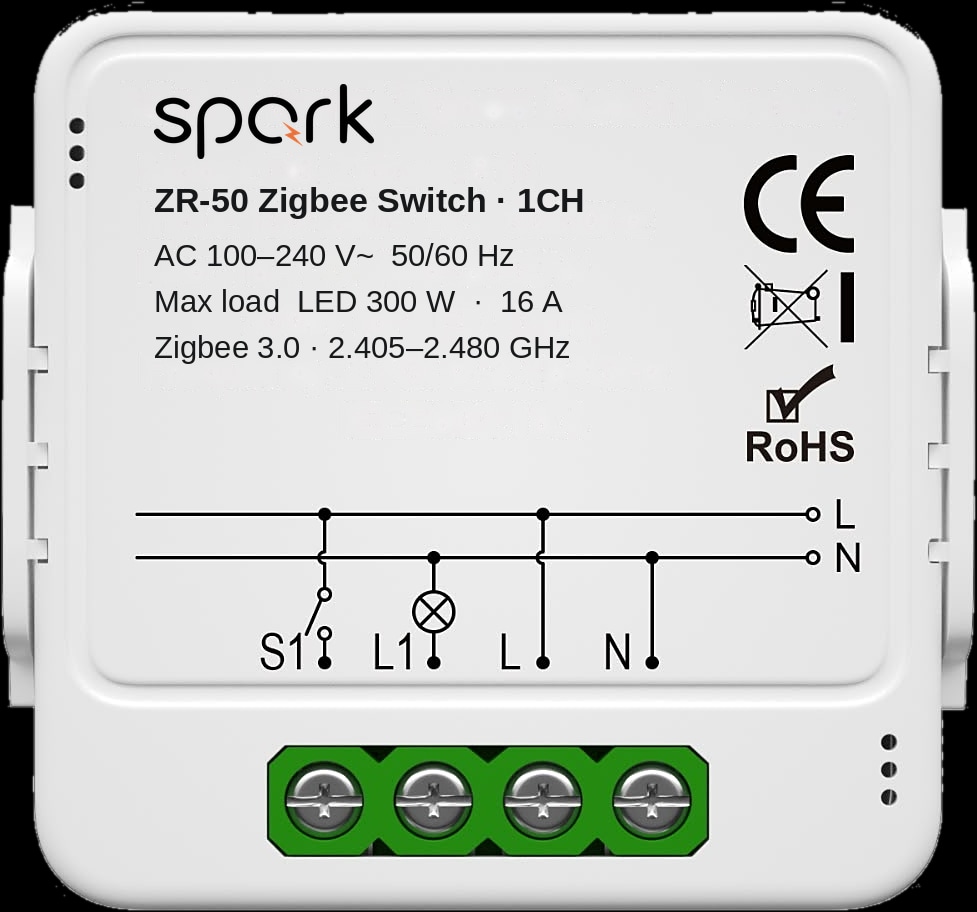
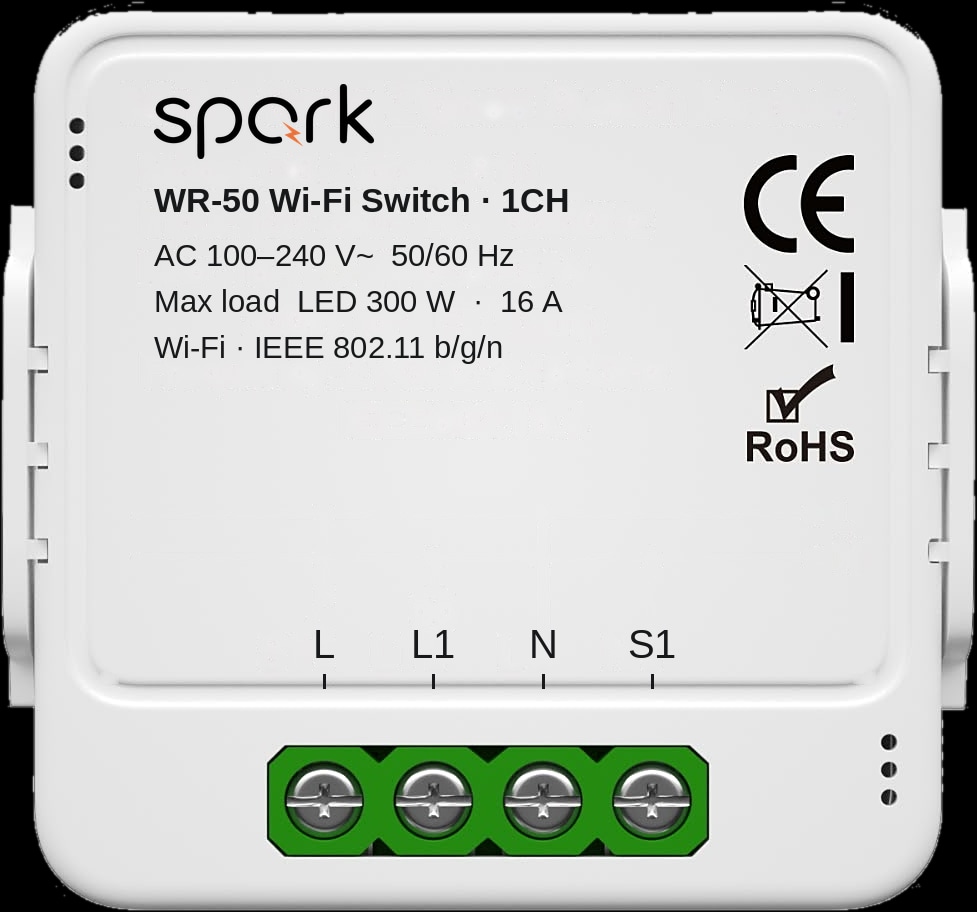
Your wall switches work again once the power is back, because every Spark switch is a real switch before it is a smart one. Whether lights come on by themselves depends on the device, and the 16-CH Relay is the one where you choose.
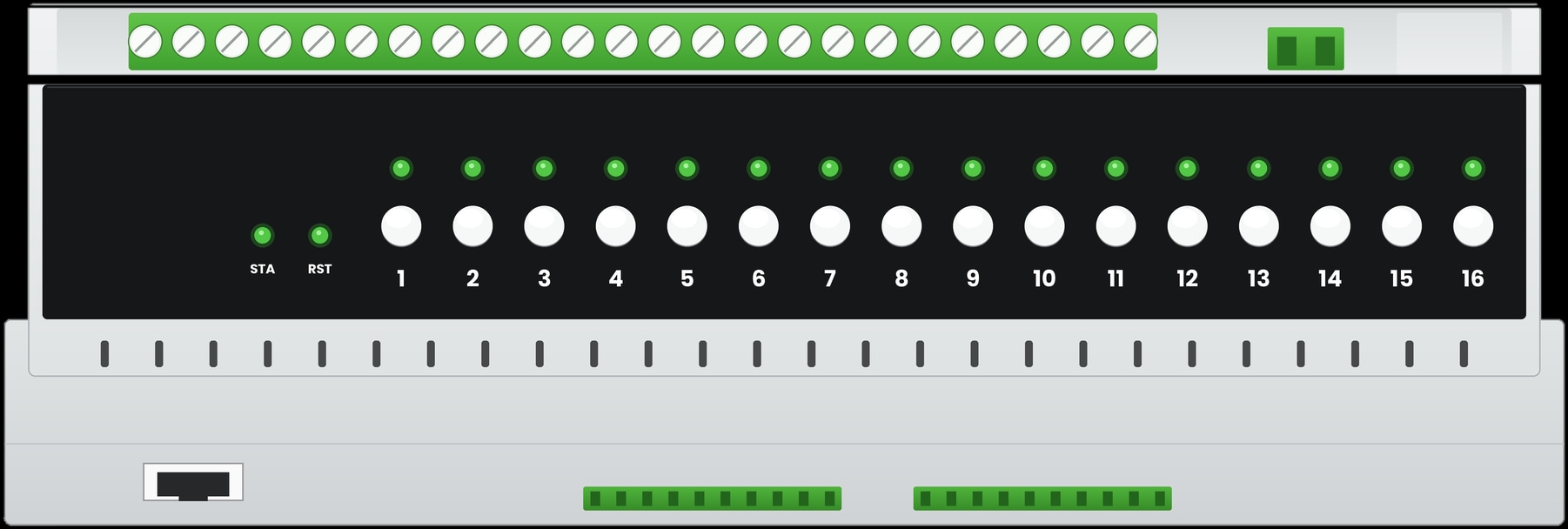
The 16-CH Relay sits on a DIN rail in the distribution board and switches 16 independent circuits: channels 1 to 4 use 50 A magnetic latching relays, channels 5 to 16 use 16 A relays. Its power-recovery setting has three choices:
- Off: the circuits stay off, and you switch on what you need.
- On: the circuits come back on.
- Custom scene: the circuits return the way you set in a scene, for example only the entrance and stair lights.
For most homes, Off or a small custom scene is the calmer choice: a cut that ends at three in the morning shouldn't light up the whole villa.
The ZR-50 Zigbee switch module and the WR-50 Wi-Fi switch module sit behind the switches you already have, and those switches work again with the power. Their files don't state a power-on setting, so ask a Spark partner to confirm how those lights return. Our guide to making normal light switches smart covers these modules.
Switching that knows how to come back
Can you open smart curtains in a power cut?
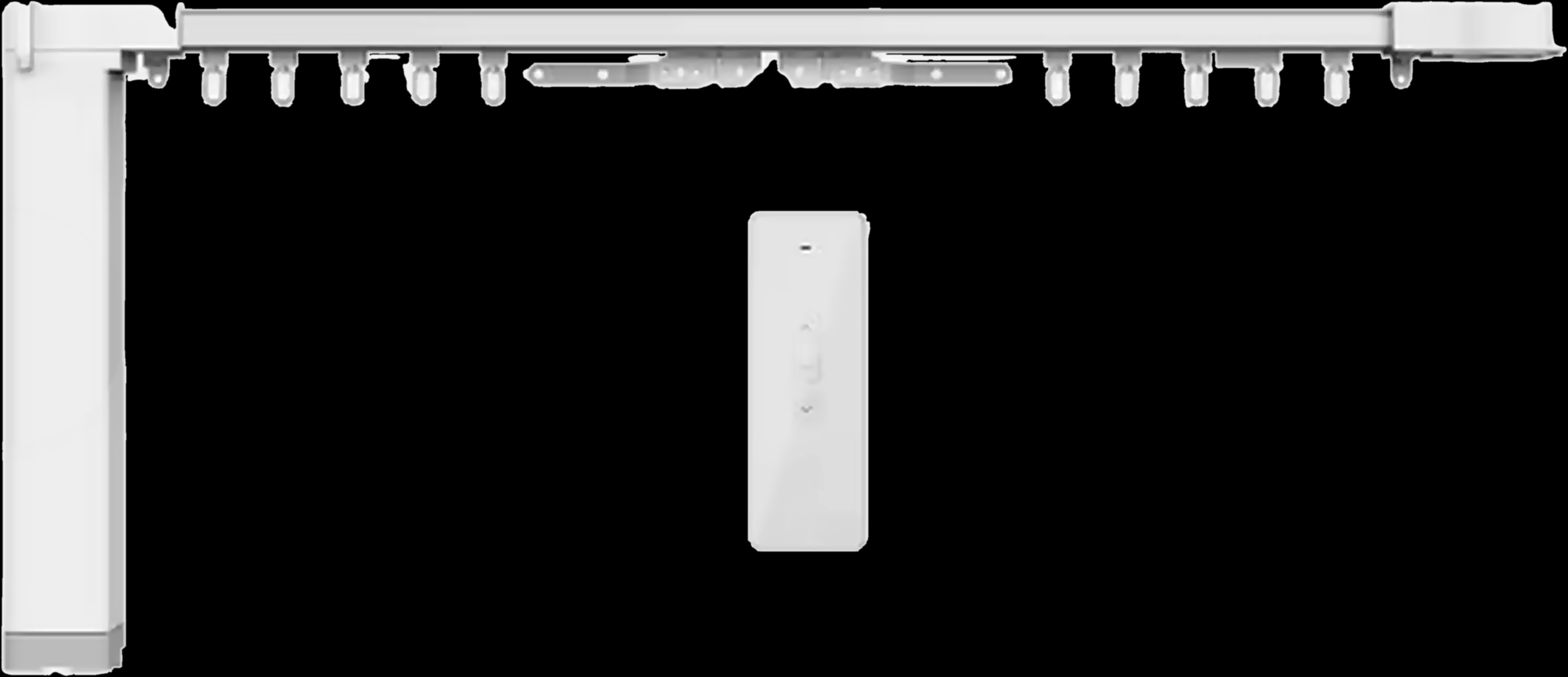
With the MC-10, yes: you pull the curtain by hand. The MC-10 curtain system keeps its open and closed limits saved after a power cut, so you don't set them again when the power returns.
On a normal day it opens from the Tuya Smart app, by voice, with its 433 MHz remote or on a timer, and all of that needs power. During a cut, you simply move the curtain yourself.
The MC-20 tubular motor sits inside the tube of a roller, zebra or Shangri-La blind. Its file doesn't describe power cuts or moving the blind by hand, so if a window must open without power, ask a Spark partner before you choose.
Does the tank monitor or the thermostat lose its settings?
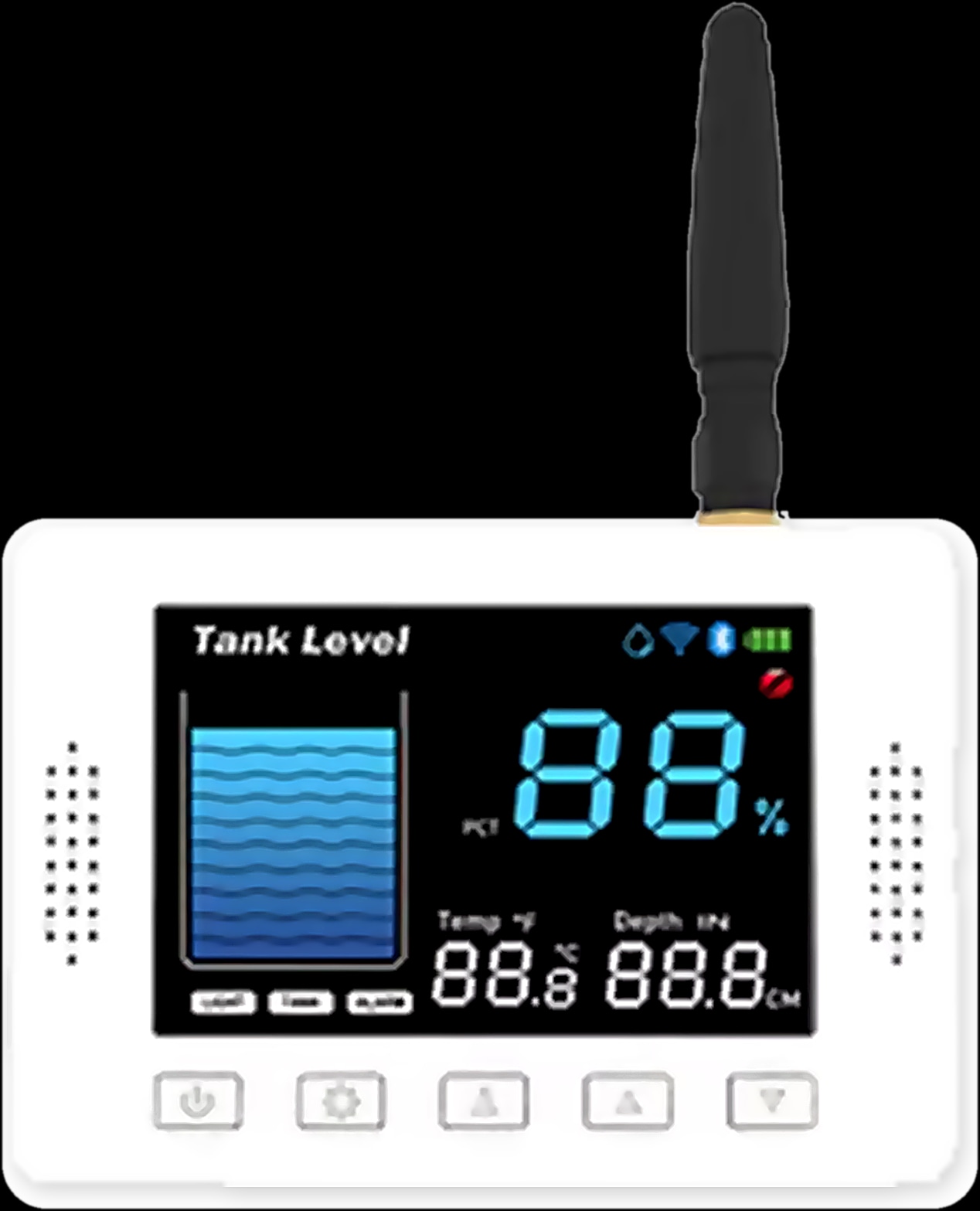
The WL-50 keeps its settings; the T-50's file doesn't say. The WL-50 tank level monitor keeps its installation and level settings after a power cut. Its sensor and display go quiet during the cut, but Max, Min and the installation height are still there afterwards.
That matters on the roof. Many homes in Jordan store water in rooftop tanks, and the WL-50 sounds its buzzer above Max or below Min and can run the pump: it starts below Min and stops at Max minus 5 percentage points. You don't set those limits again after every cut.
The T-50 thermostat runs on 95 to 240 V AC, so during the cut it isn't controlling the heating, whether water underfloor heating, an electric floor or a gas boiler. Its file doesn't state whether the mode and 7-day programme survive a cut. After a long one, check both on the round screen or in the Tuya Smart app.
Keep the network up: a UPS for the router and the Hub-Z
A small UPS (uninterruptible power supply) for the router and the hub keeps your network running through short cuts. It is general advice, not a Spark product.
The Hub-Z is powered through USB Type-C from a power adapter, and the Ethernet version sits beside the router, so both can share one UPS. While they run and your internet line is up, the app can still reach your Wi-Fi lock, and the network is ready the moment the power returns.
When only the internet is down
If the power stays on and only the internet drops, much more keeps working: switches still work at the wall, and the Hub-Z keeps local scenes running between Zigbee devices. Our guide to smart switches that work without internet covers that case.
Devices that ride out a power cut well

How to prepare your smart home for power cuts
Most of this is done once, at handover, with your Spark partner or electrician.
- 1
Choose the power-recovery setting
Set the 16-CH Relay to Off, On or a custom scene, and note which lights run on modules behind your switches.
- 2
Keep the lock backups within reach
The mechanical key with you or someone nearby, and a charged power bank with a Type-C cable.
- 3
Put the router and the Hub-Z on a small UPS
The network rides out short cuts and is ready when the power returns.
- 4
Know which windows open by hand
MC-10 curtains can be pulled by hand. For MC-20 blinds, ask your Spark partner.
- 5
Note your tank and heating settings
The WL-50 keeps its Max and Min. Write down the T-50's mode and programme to check after a long cut.
- 6
Test it once, on purpose
With your electrician, switch off the supply at the board for a few minutes, switch it back on and watch how each room returns.
If something comes back differently from what you expected, a Spark partner can adjust the setup.
Questions people ask about smart homes in a power cut
Do smart locks work without electricity?
Yes. Spark smart locks run on their own battery, 5000 mAh lithium or 4 × AA depending on the model, so a power cut doesn't stop face, fingerprint, password or card entry. Unlocking from the app waits for the Wi-Fi.
What happens to smart switches after a power failure?
They work again at the wall once the power is back. On the 16-CH Relay you choose whether circuits return Off, On or as a custom scene; for the ZR-50 and WR-50, a Spark partner can confirm it.
Do smart devices need to be set up again after a power outage?
Not the WL-50, which keeps its installation and level settings, or the MC-10, which keeps its open and closed limits. Wi-Fi and Zigbee devices need the router and the Hub-Z running before the app can reach them.
Do I need a UPS for my router?
It helps. A small UPS keeps the router and the Hub-Z running through short cuts, so the app can still reach your lock while the internet line is up. Your electrician can size it.
Can I control my smart home from my phone during a power cut?
Only in part. Lights, curtains and the thermostat have no power, but with backup power for the router and a working internet line, your Wi-Fi lock stays reachable.
Does the T-50 thermostat keep its programme after a power cut?
Its product file doesn't say. After a long cut, check its mode and 7-day programme, and ask a Spark partner if anything has changed.