The short answer
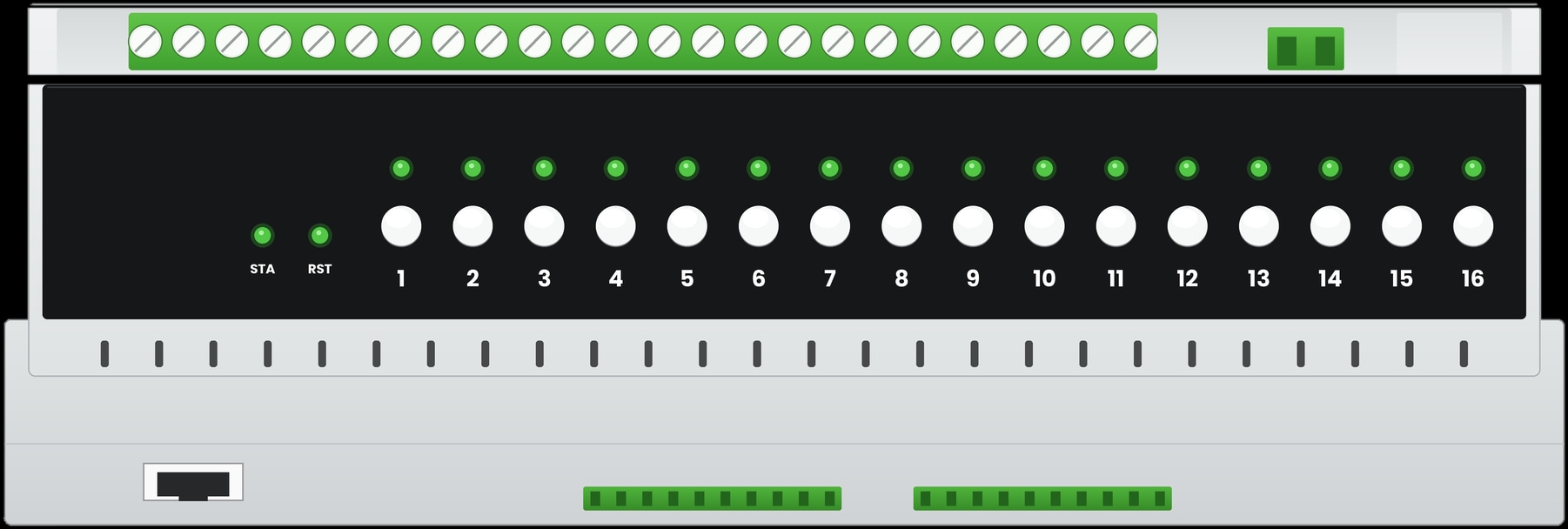
Most smart home mistakes happen before installation: switch boxes without a neutral wire, no power at the windows for curtain motors, a big home built on Wi-Fi alone, a lock that doesn't fit the door, and no plan for internet or power cuts. Wire before plastering, run Zigbee devices through the Hub-Z or the gateway built into the 7-inch Panel, and keep a wall key for every light.
On this page
Wiring mistakes: the neutral, the window and closed walls
Common smart home mistakes start in the walls, where you only find them after the plaster and paint. Settle the wiring first.
No neutral in the switch boxes
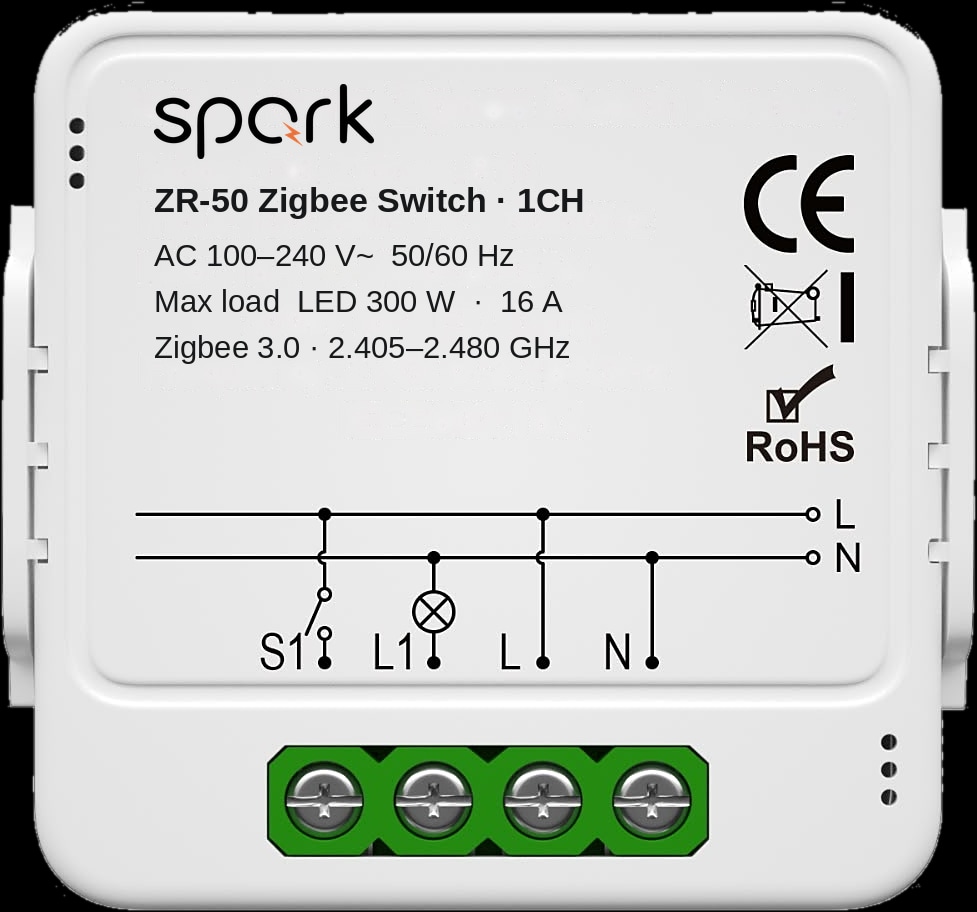
To keep your switches and make the lights smart, a module goes in the wall box behind each one. Spark's wall-box modules and dimmers, such as the ZR-50 switch module, all need a neutral wire in that box, and older boxes often have none. Have an electrician check first, and see our guide to making normal light switches smart.
No power at the window
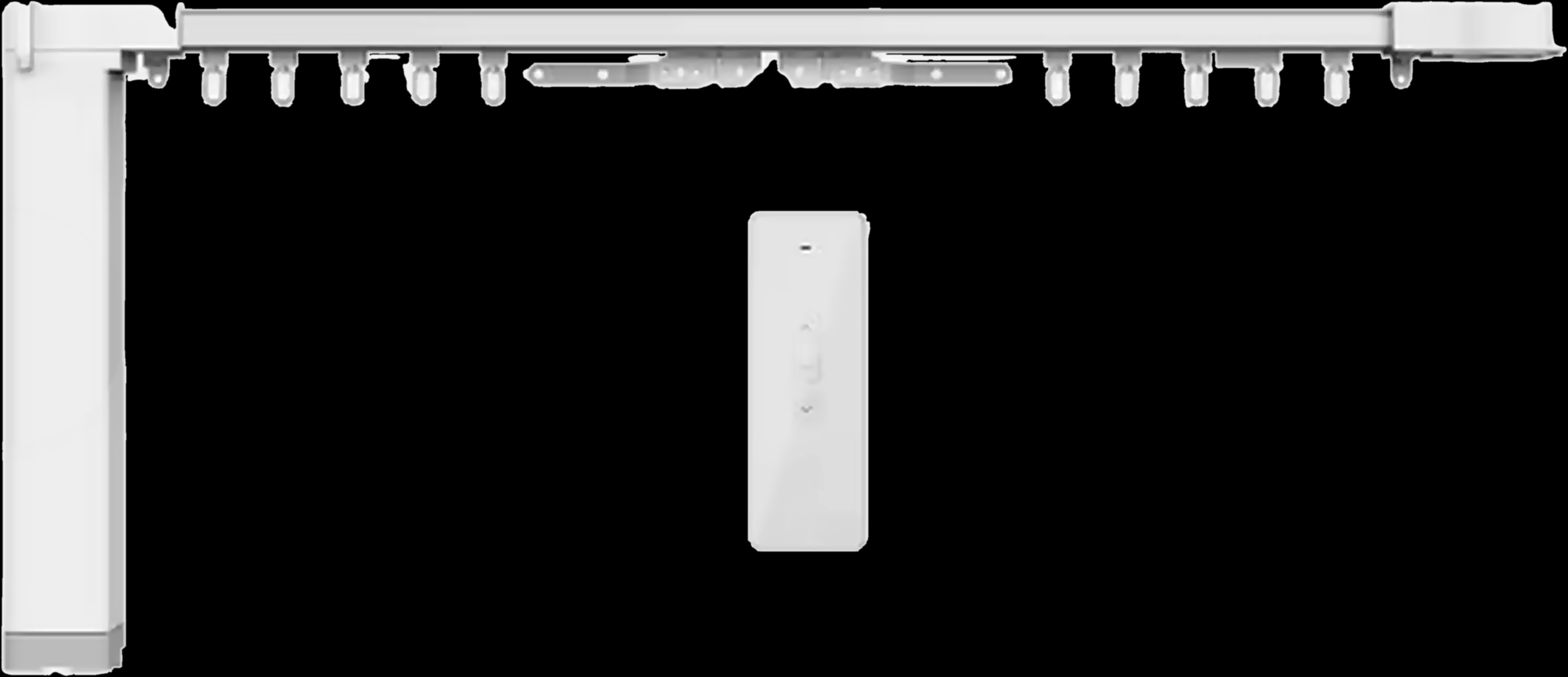
A curtain motor needs power at the window head. The MC-10 curtain system has a 1 m motor power cable with an EU plug, so plan an outlet near the motor, and a curtain box deeper than 10 cm for one track or 20 cm for two. Tubular motors for blinds need power at the blind as well.
Calling the installer after the walls are finished
Neutrals, window outlets, a cable to the router and the panel positions are simple on a drawing and disruptive later. Spark partners plan devices room by room, so every room is settled before the walls close; the full list is in our smart home wiring guide for new builds.
Plan these into the wiring
Network mistakes: Wi-Fi everywhere, no gateway, no signal on the roof
Many smart home problems, such as devices that won't pair, start with the network: choose it for the size of the home, give Zigbee devices a gateway, and check the signal where each device sits.
Wi-Fi devices everywhere in a big home
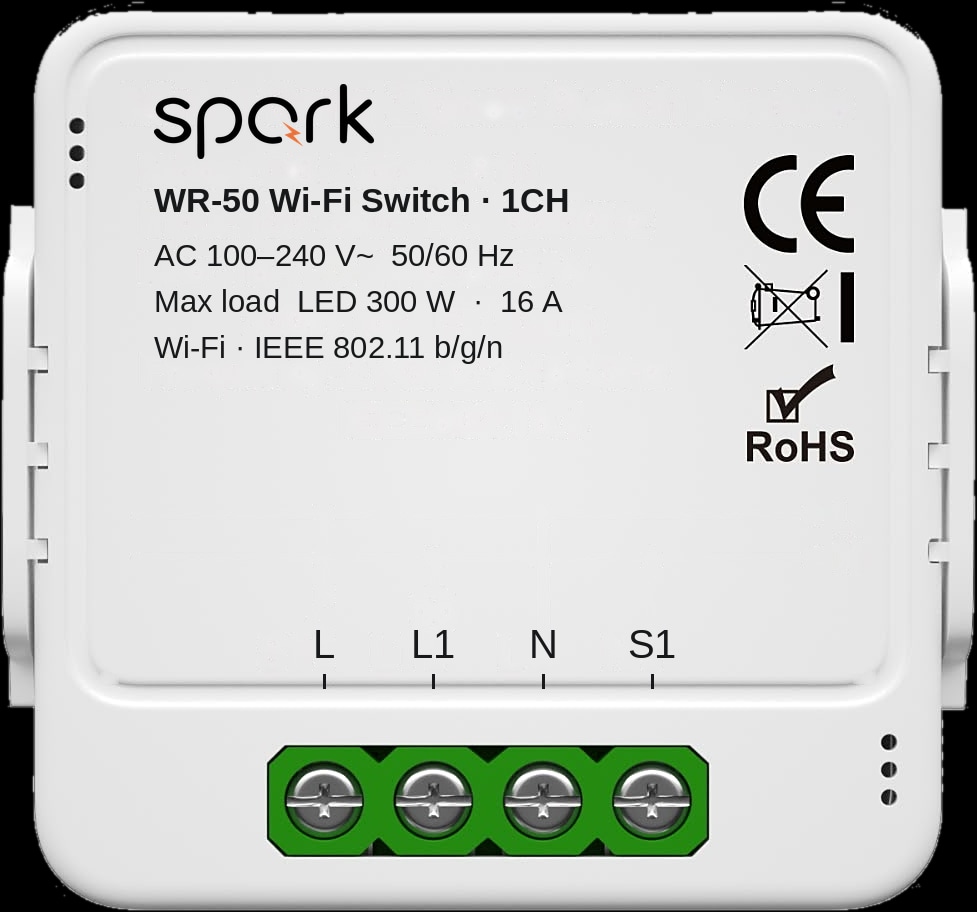
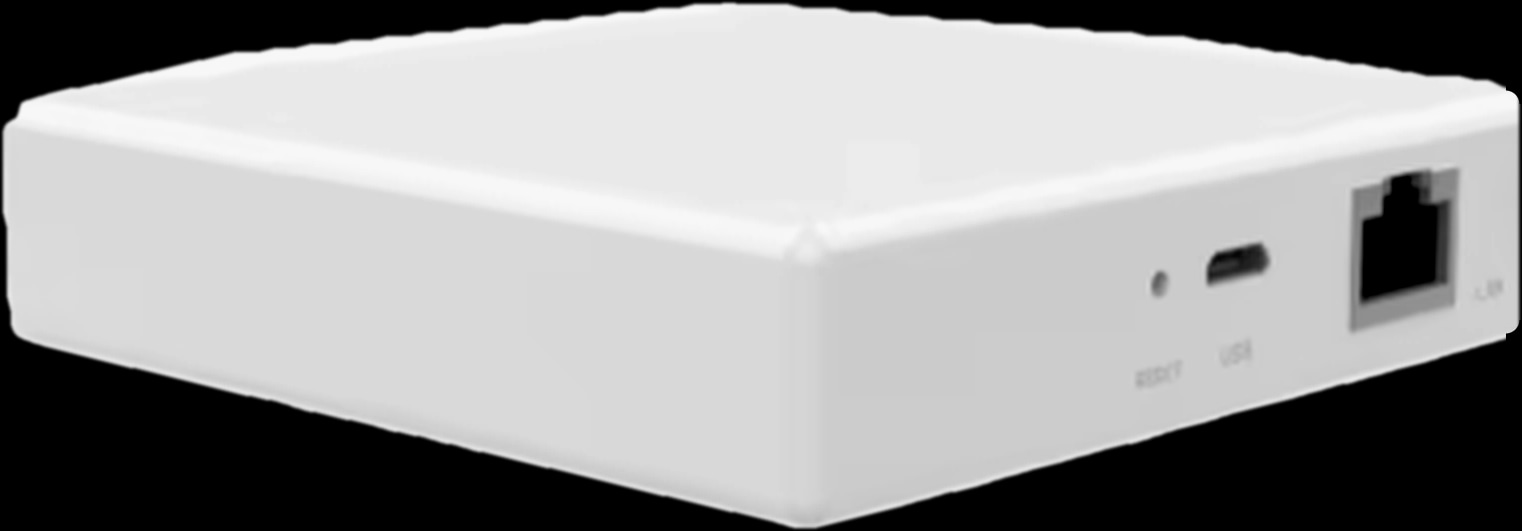
Wi-Fi devices connect straight to your router with no hub, which suits a few rooms. Across a whole villa, dozens of them lean on that one router. Zigbee devices use their own network instead: the Hub-Z keeps them off the router's Wi-Fi, and its Ethernet version supports up to 128 sub-devices.
Zigbee devices without a gateway
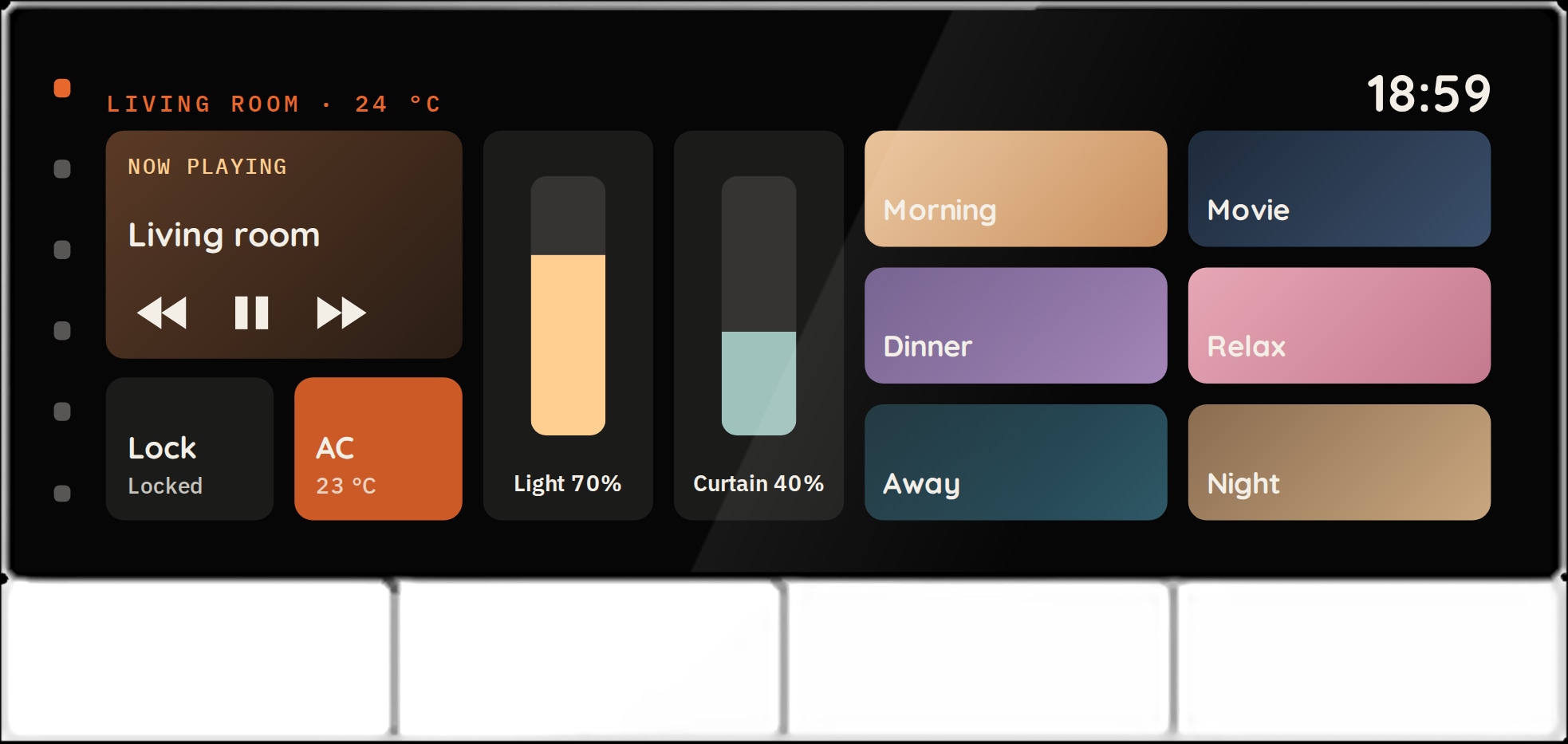
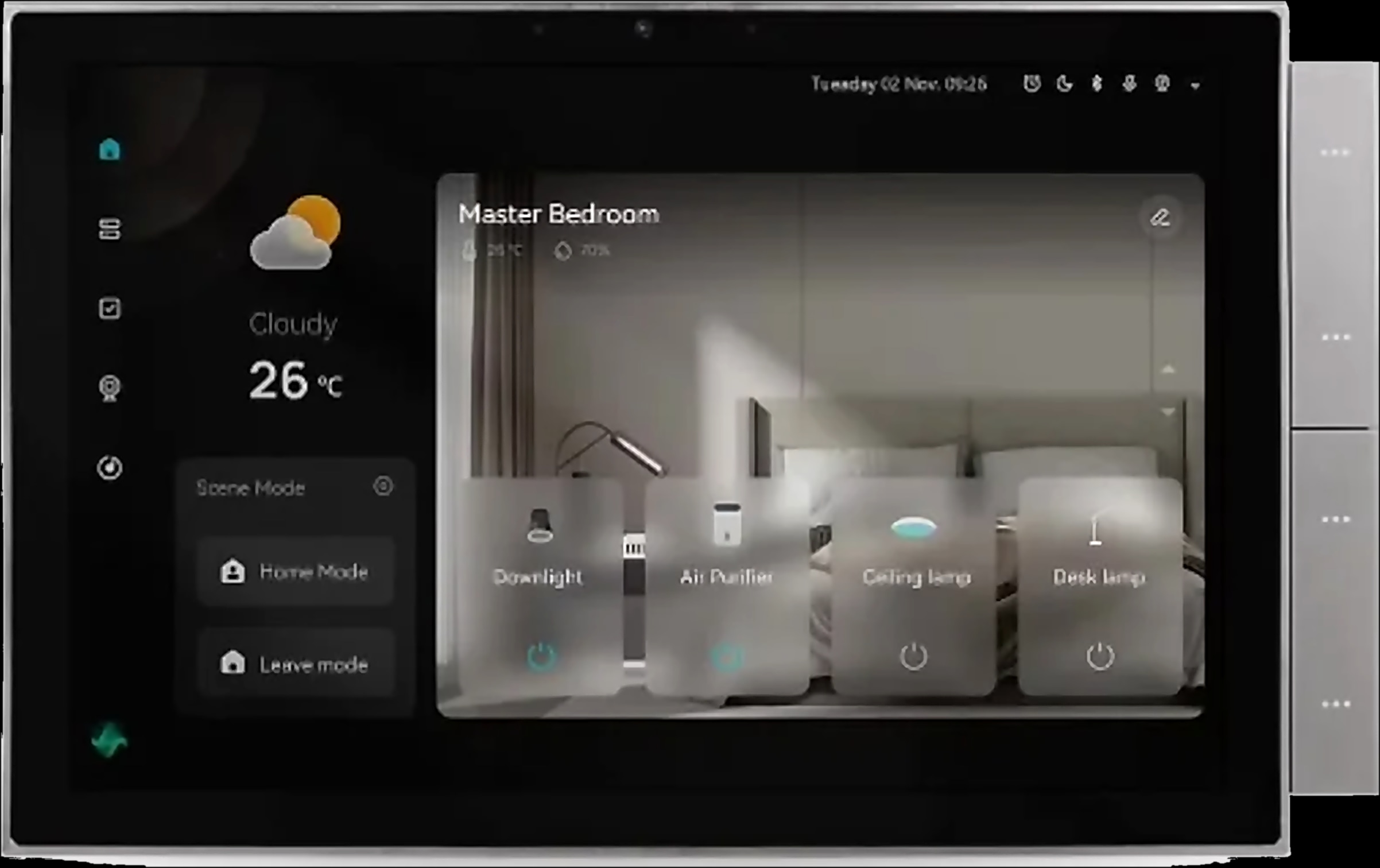
A Zigbee device has nothing to pair with until a gateway is in place. Every Spark control panel has a Tuya Zigbee gateway built in, so a panel such as the 7-inch Panel can do the job, or the Hub-Z can. Our guide to Zigbee vs Wi-Fi smart switches compares the two networks.
Weak Wi-Fi on the roof
Many homes in Jordan store water in rooftop tanks, and the roof is often where the home's Wi-Fi is weakest. The WL-30 water level sensor connects over Wi-Fi from the tank itself, so the signal has to reach it. The WL-50 tank level monitor sends the level by LoRa radio to a display indoors, and only the display needs 2.4 GHz Wi-Fi. More in our smart home Wi-Fi setup guide.
Access mistakes: the wrong lock, and no plan for who gets in
Measure the door before you choose a lock, and decide who gets in before installation day.
A lock that doesn't fit the door
Spark smart door locks are made by door type: SL for security doors, TL for 85-series doors with three locking points, WL for wood, AL for aluminium and GL for glass. The SL models fit a 6068 mortise lock body, so measure before you order, or use our guide to which smart lock fits your door.
No decision on who gets access
Depending on the model, Spark locks open by face, palm, fingerprint, password, card or app, with a mechanical key as a backup. Decide early who uses which method, who can unlock remotely, and how you remove a helper's or tenant's fingerprint, card or code when they leave.
No plan for internet or power cuts
Plan for both, because they test different things: an internet cut stops remote control and voice, and a power cut stops everything without a battery of its own.
- Internet down: Spark switches still switch their lights at the wall, and local Zigbee scenes keep running through the Hub-Z.
- Power down: locks run on their own batteries, the MC-10 keeps its limits and can be pulled by hand, and the WL-50 keeps its settings. The router, hub and panels wait for the power.
- Either way: a small UPS keeps the router and the hub up through short cuts.
Read what keeps working in a smart home without internet, and what happens in a smart home power outage.
Control mistakes: several apps, a small panel, voice alone
Keep the home in one app, choose each panel for its room's job, and never make voice the only way to switch a light.
Several apps for one home
Spark's product families share one app, and the control panels put the same devices and scenes from the Tuya Smart app on the wall. Devices with their own apps make scenes harder to build and give the family more to learn, so check the app before you buy.
A panel too small for its room's job
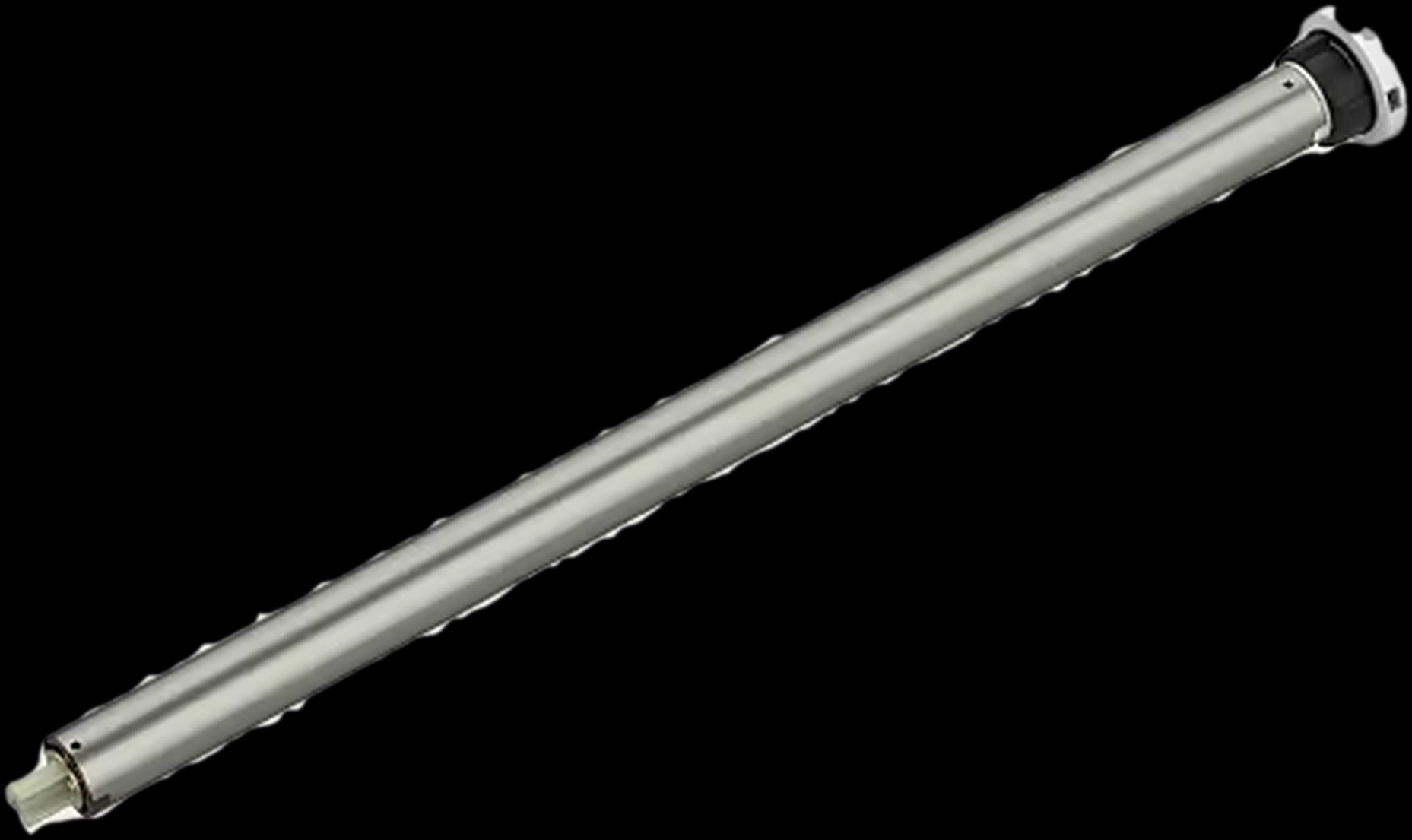
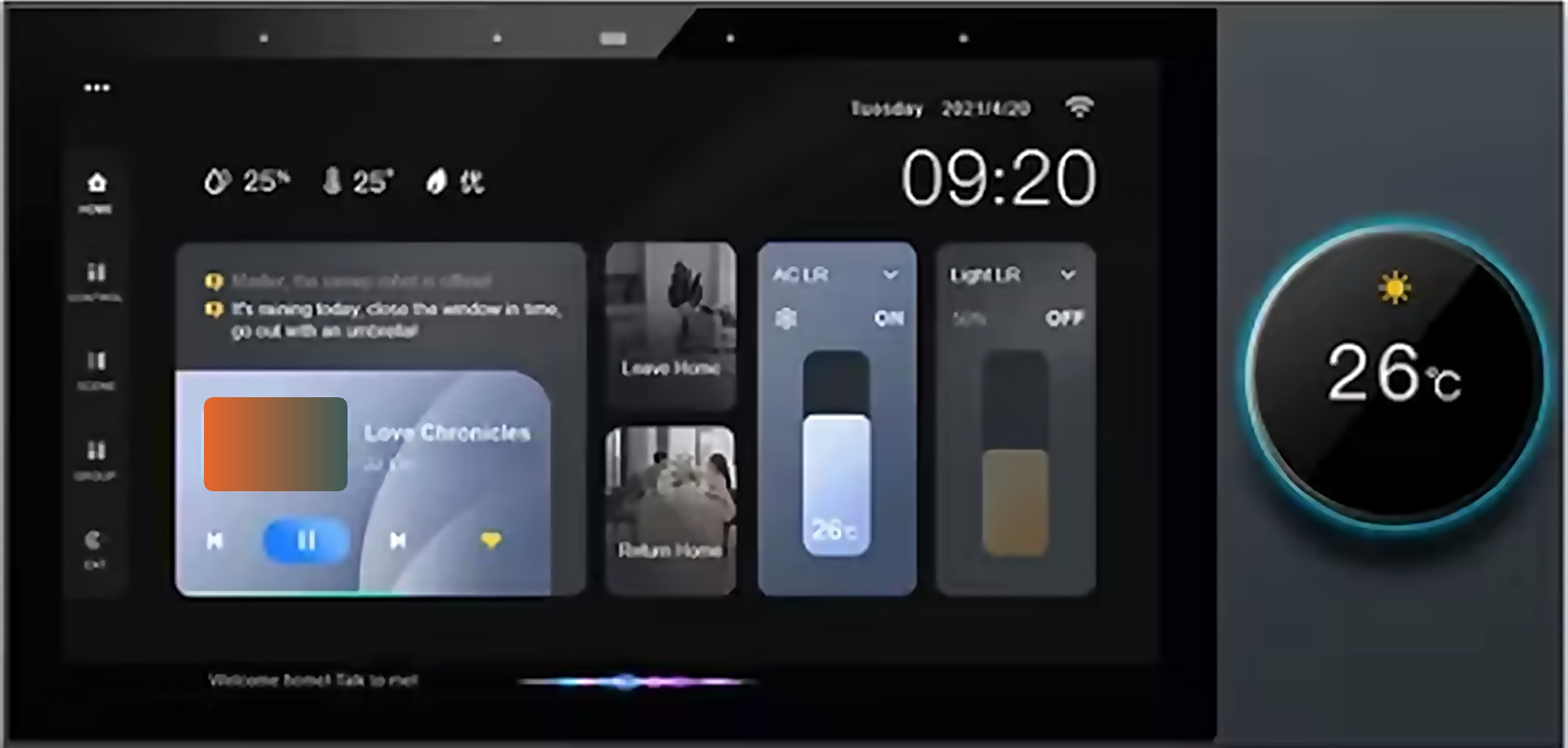
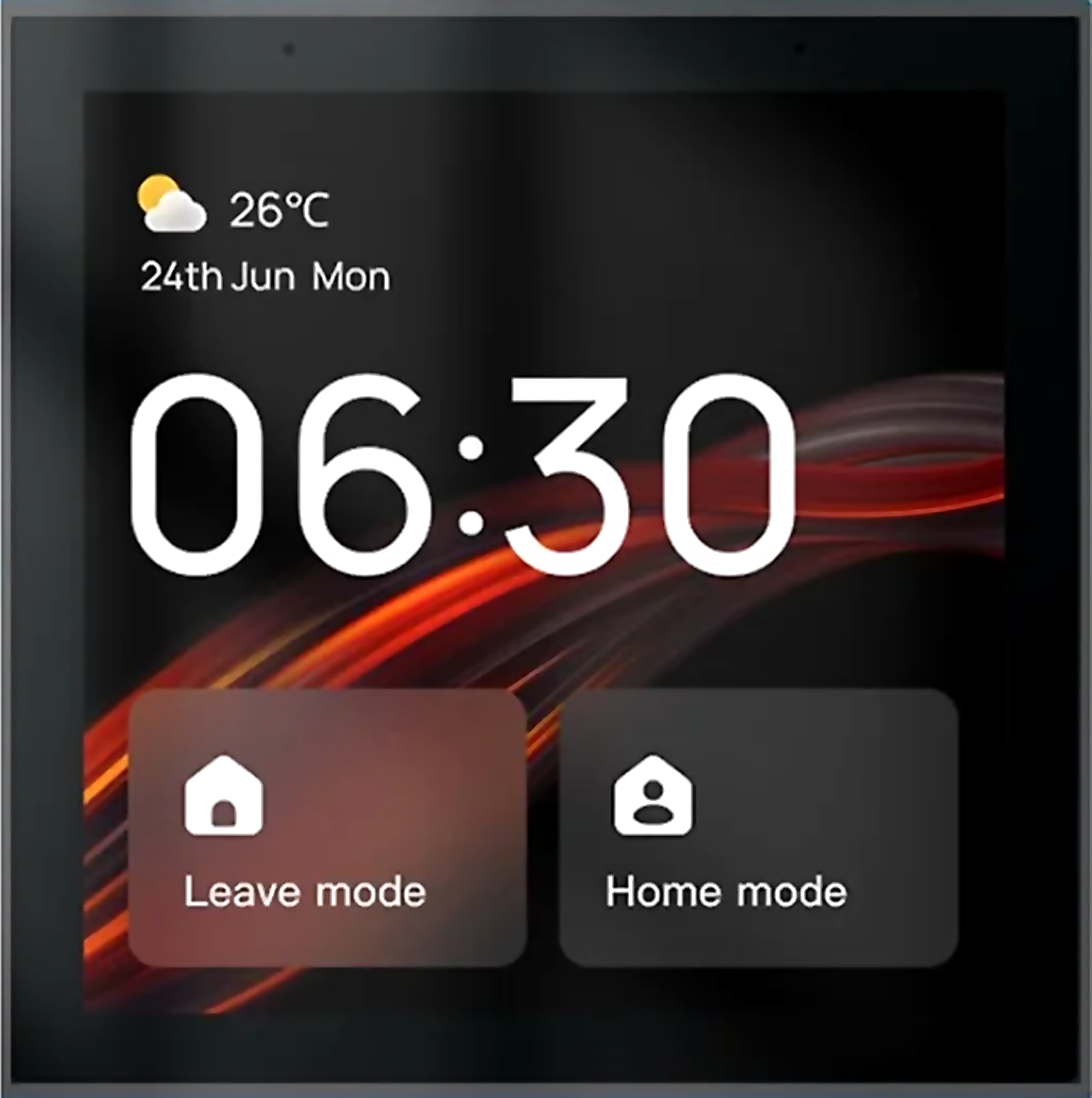
Spark panels run from 4 to 10 inches, and size is only part of it: some add Alexa, an intercom, a camera or a built-in amplifier. The 7-inch Panel has a built-in Tuya Zigbee gateway, speaker and microphone, and connects two speakers. Decide what each panel must do, then see our control panel size guide.
Relying on voice alone
Voice assistants need the internet, and guests, children and older parents won't always use them. Keep a wall key for every important light and a keypad or panel scene for the routines you repeat: a single press on the way to bed can turn off every light.
One home, one app
What are the disadvantages of a smart home?
A smart home has real disadvantages. Planning shrinks most of them, but you should know them before you buy:
- Cost. It costs more than ordinary switches and locks, and more again when work is redone after the walls are finished.
- Internet. Remote control and voice assistants stop when the connection drops.
- Power. Panels, the hub and the router stop in a power cut, and lock batteries need attention when they run low.
- Management. Someone has to own the app account and add and remove people.
- Privacy. Cameras in locks, intercoms and panels need agreed rules on who sees what.
- Planning. Neutrals, window power and Wi-Fi coverage are cheap on a drawing and costly later.
None of this is a reason to avoid one. Every Spark switch is a real switch before it is a smart one, so the home still works when the app is off.
Smart home checklist: what to plan, and in what order
Use these smart home planning tips on the drawings, with your architect, electrician or Spark partner, before anything is bought.
| Spark product | What it needs in place | When to plan it |
|---|---|---|
| ZR-50 switch module | A neutral in the wall box and a compatible Zigbee gateway | Before the boxes are closed |
| MC-10 curtain system | An outlet near the motor (1 m cable) and a curtain box over 10 cm deep, or 20 cm for two tracks | Before the ceilings are built |
| 7-inch Panel | A wall position with power, 2.4 GHz Wi-Fi, and a network cable if you want its LAN interface | With the electrical drawings |
| WL-50 tank level monitor | A socket by the tank for the sensor, one indoors for the display, and 2.4 GHz Wi-Fi at the display | When you plan the roof |
| Smart lock | The right family for the door (SL, TL, WL, AL or GL) and a measured lock body | Before you order |
- 1
List what each room should do
Lights, curtains, heating or AC, music and the door.
- 2
Choose the network
Zigbee with a gateway for a whole home, Wi-Fi for a few rooms.
- 3
Mark the wiring on the drawings
Neutrals, window outlets, power for the panels and the tank, a cable to the router.
- 4
Measure the doors and check the Wi-Fi
Lock bodies before ordering, and 2.4 GHz coverage up to the roof.
- 5
Settle the app and the access
One app, one account owner, and a clear list of who opens which door.
- 6
Test before you move in
Cut the internet, then the power, and check everything with your installer.
Questions people ask before a smart home
What should I know before buying a smart home?
Plan it before the walls close: a neutral in each switch box for Spark's modules, power at the windows for curtain motors, and a gateway for Zigbee devices. Remote control and voice need the internet, so keep a wall key for every light.
Is a smart home worth it?
It is when it solves problems you actually have, such as checking the water tank or opening the door for a visitor, and less so when devices are added without a plan. You can start with one room and add the rest later.
Can I make my home smart after it is finished?
Yes, within limits. Modules can go behind your existing switches where the box has a neutral, Wi-Fi devices need no hub, and a curtain motor can sit near an existing outlet. New cabling is what gets hard after plastering.
Do I need a hub for a smart home?
For Zigbee devices, yes: they join through the Hub-Z or the gateway built into every Spark control panel. Wi-Fi devices connect straight to your router, and one home can use both.
Can a smart home be hacked?
Any connected device can be a target, so treat the app account like any important account. Use strong, unique passwords for the app and your Wi-Fi, keep the router updated, and remove people who no longer need access.