Spark Hub-Z Zigbee Gateway
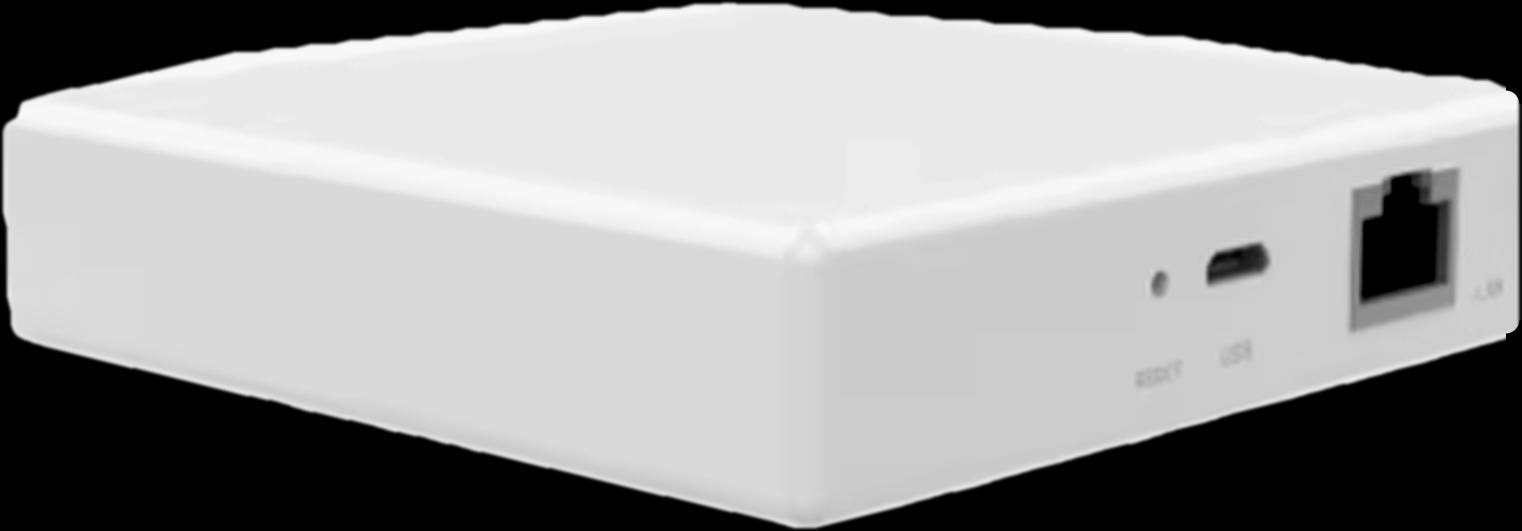
Square · 1:1
One hub for your Tuya Zigbee devices.
Bring compatible Tuya Zigbee switches, sensors, curtains and thermostats into the Tuya Smart app. Choose Ethernet or wireless connectivity, with local scenes between Zigbee devices that keep running when the internet is down.
128devices
Maximum sub-devices specified for the Ethernet version.
2versions
Ethernet or wireless connection to the router.
90 × 90mm
Ethernet-version footprint; 23 mm high.
How it connects
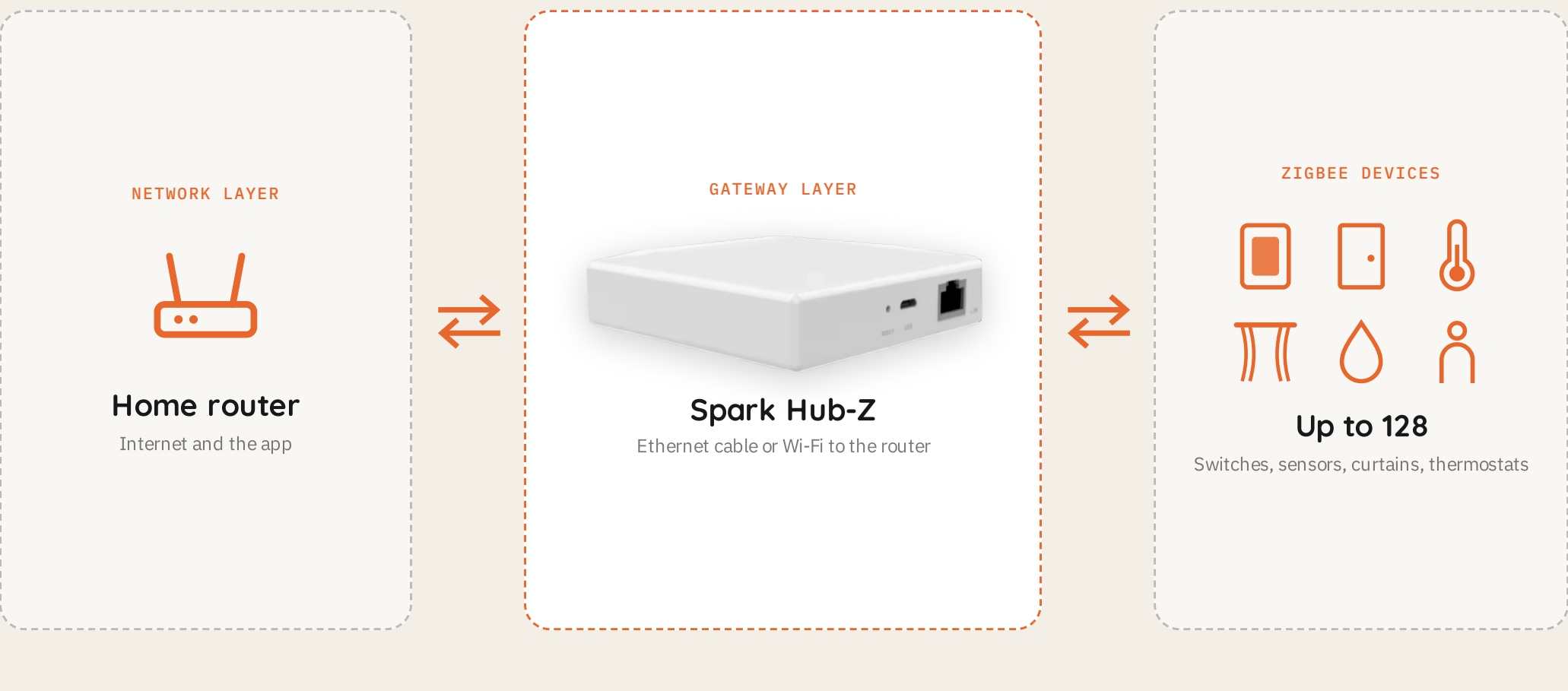
The Hub-Z sits between the home router and compatible Tuya Zigbee devices. Its own Zigbee network keeps those devices off the router’s Wi-Fi network while bringing them into Tuya Smart for app control, voice commands and scene linkage.
Ethernet or Wi-Fi connects the gateway to the router.
Switches, sensors, curtains and thermostats join the hub.
Up to 128 sub-devices, as specified for the Ethernet version.
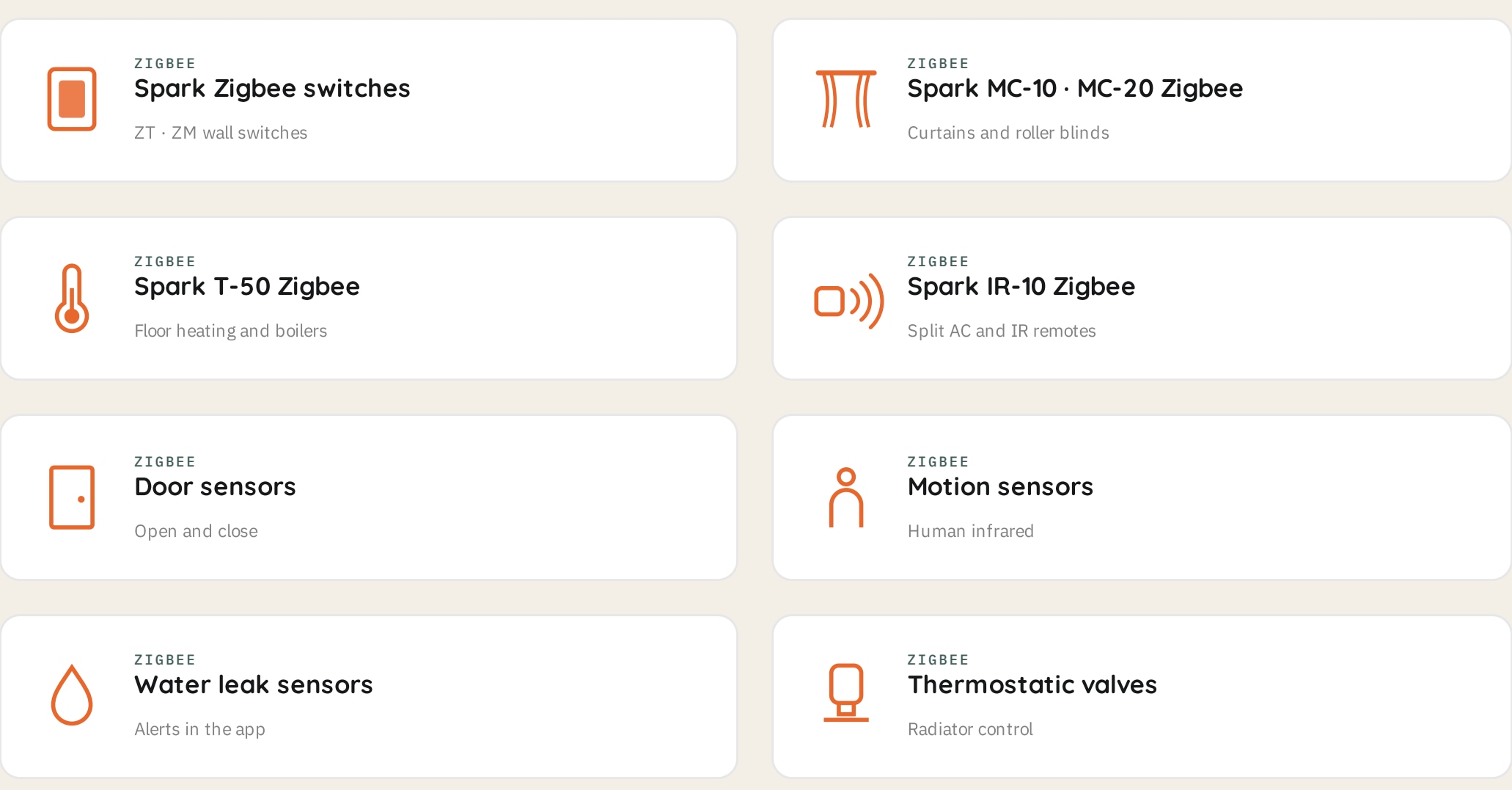
The Tuya Zigbee family
Pair compatible Tuya Zigbee devices, including Spark ZT/ZM switches, Zigbee versions of MC-10 and MC-20, T-50 Zigbee and IR-10 Zigbee. The brochure also lists door, motion and water-leak sensors, plus thermostatic valves. Devices and sensors are sold separately.
Compatible Tuya Zigbee switches, door, motion and leak sensors.
MC-10 and MC-20 Zigbee versions.
T-50 Zigbee, IR-10 Zigbee and thermostatic valves.
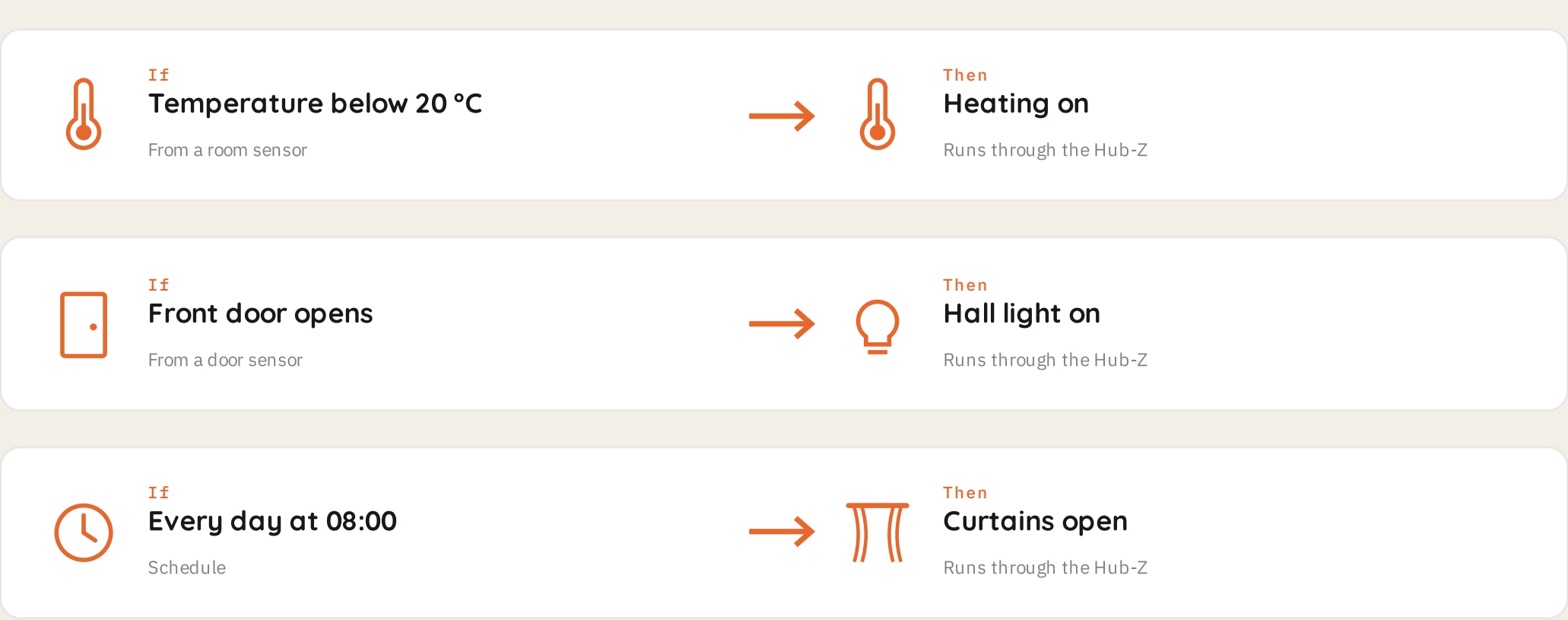
Local automation
Set device triggers and schedules in the app. Local scenes between Zigbee devices keep running through the gateway when the internet is down. Example scenes in the brochure turn heating on from a temperature sensor, light the hall when a door opens and open curtains on a schedule.
Automation between connected Zigbee devices.
Use a compatible sensor to trigger another device.
Run an action at a set time.
Choose the router connection
The Ethernet version connects to the home router with a network cable and supports up to 128 sub-devices. The wireless version joins home Wi-Fi and can sit anywhere within its range, with power supplied. The supplied photo and detailed hardware specifications show the Ethernet version.
Wired router connection; 128-device capacity stated in the brochure.
Connects through home Wi-Fi; choose placement within Wi-Fi range.
Ethernet-version setup
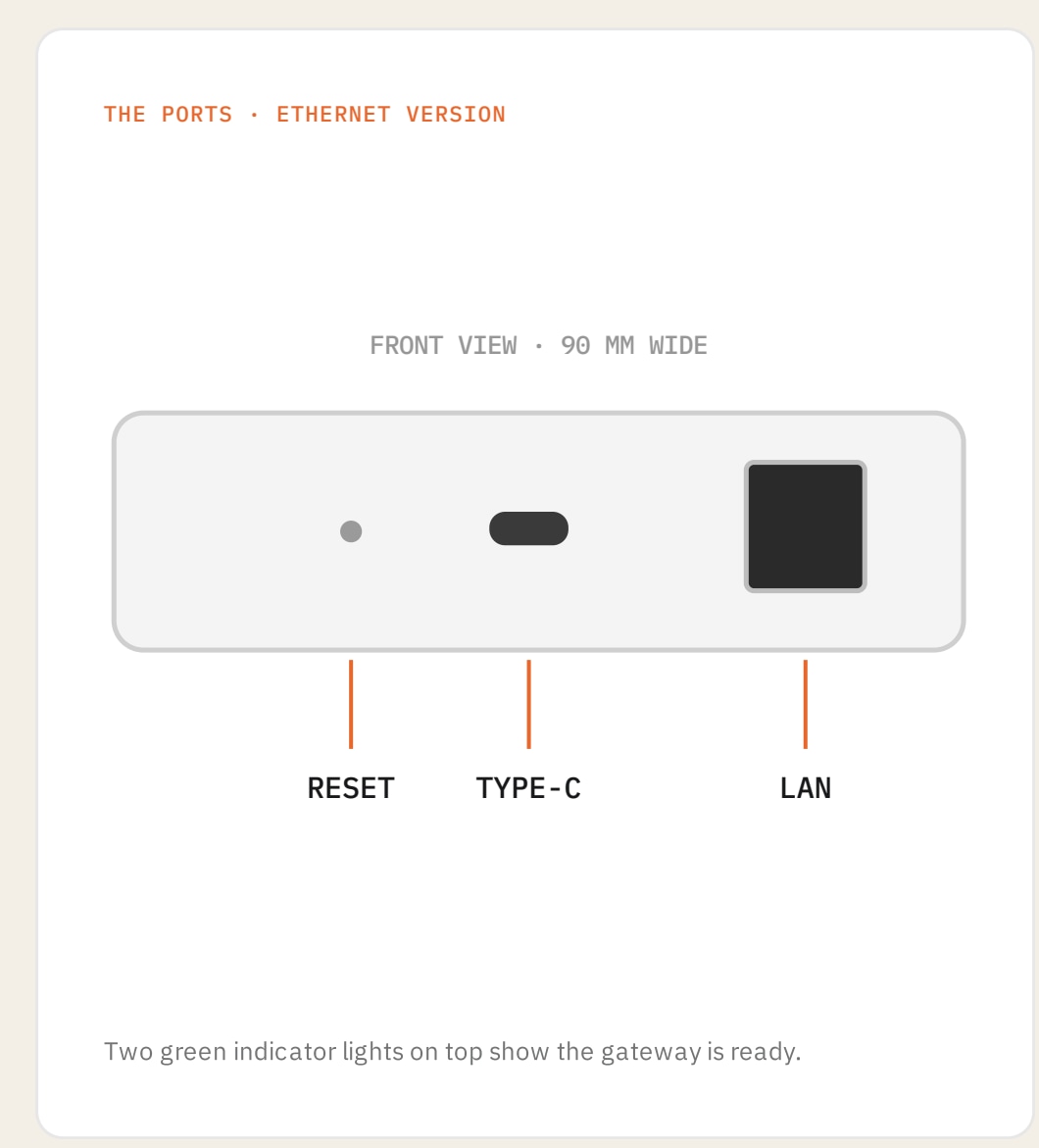
Connect the USB Type-C power cable to a power adapter and the network cable from the LAN port to the router. The two green lights indicate readiness. If needed, hold Reset until the lights are steady green. In Tuya Smart, tap + and follow the prompts, then open the gateway to pair compatible Zigbee devices.
Ethernet-version connection to the router.
Gateway power.
Reset control and two green indicator lights.
Ethernet version beside the router; wireless version within home Wi-Fi range.
Planning a home or a building? A Spark partner can specify the right Hub-Z for it.