Control · 10 min read
Smart home for villas: a room-by-room plan from the gate to the roof
A room-by-room smart home plan for a villa in Jordan, from the gate and the majlis to the bedrooms, the roof, the distribution board and the network.
Spark WL-50 Tank Level Monitor
Square · 1:1
The tank level. On your wall.
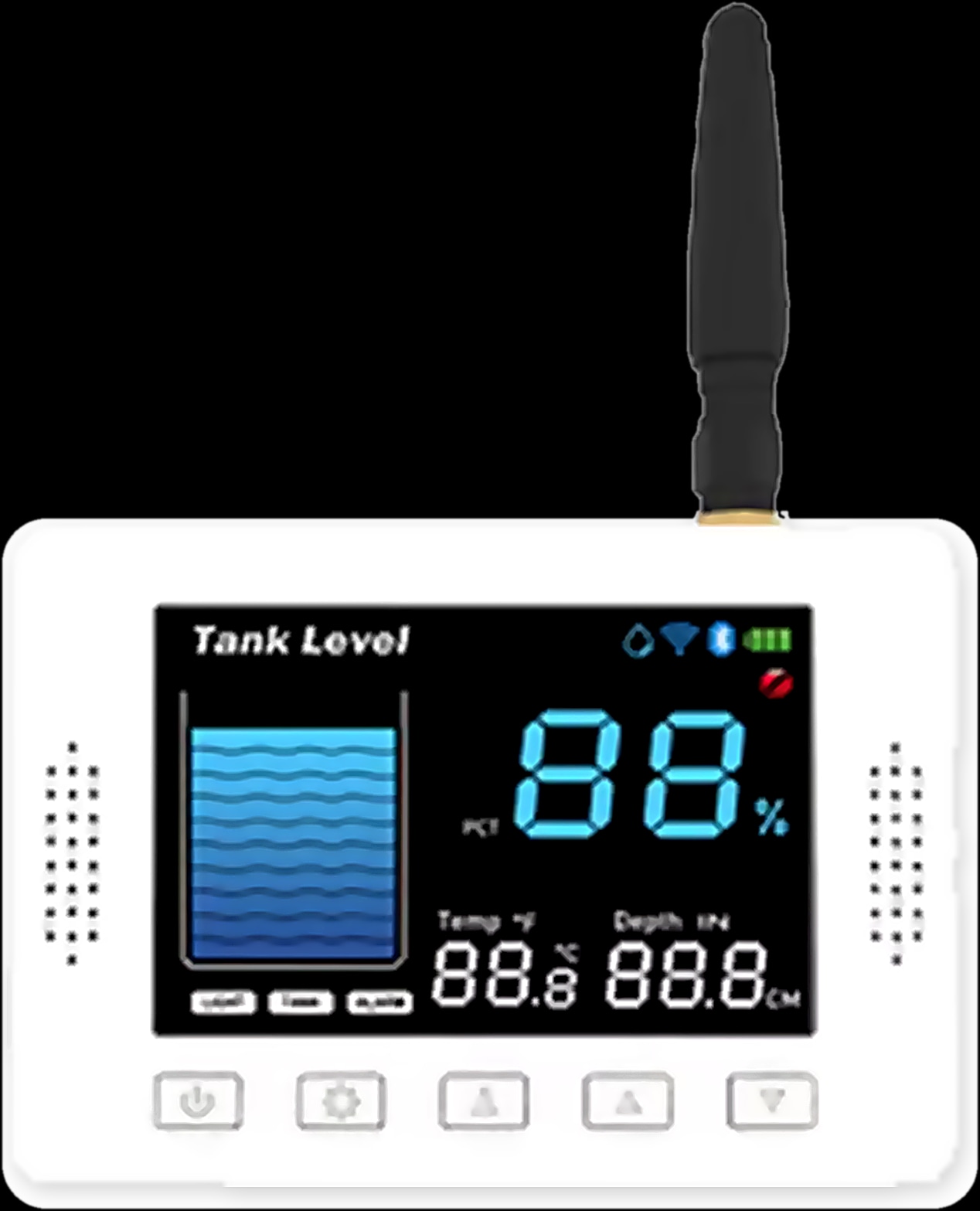
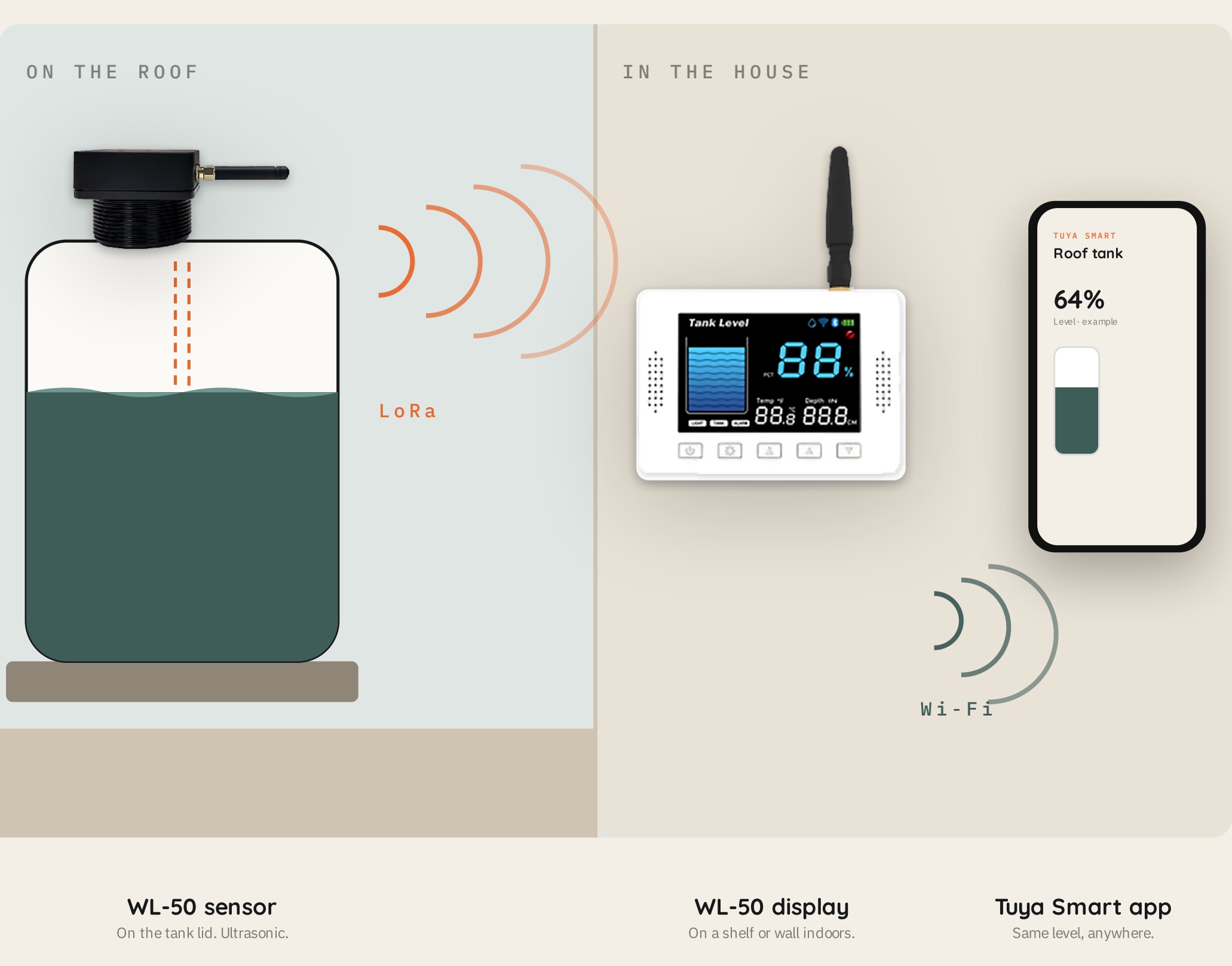
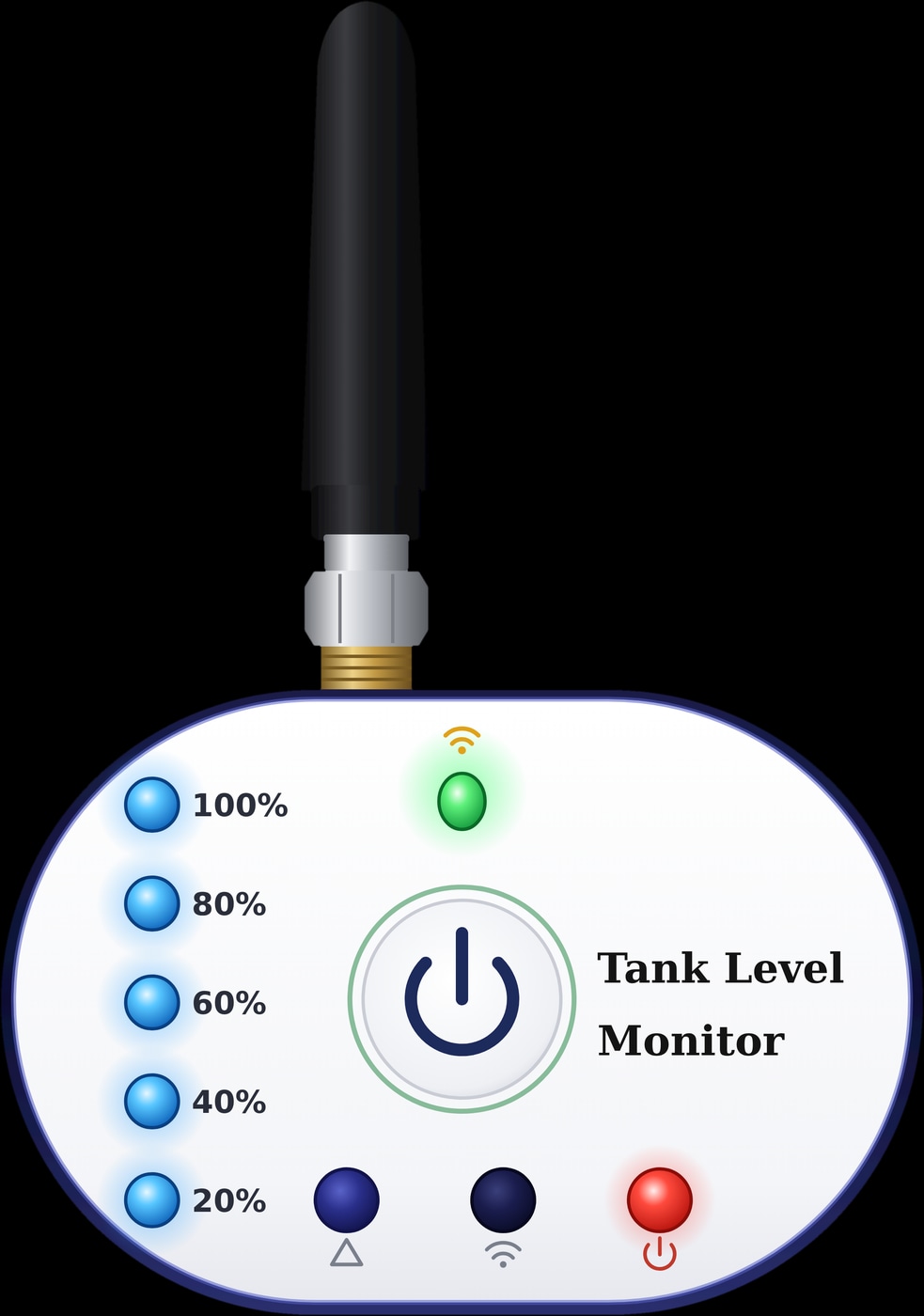
An ultrasonic sensor on the tank sends the level by LoRa radio to a colour display in the house. The display joins your Wi-Fi, so you see the same level in the Tuya Smart app. It sounds an alarm and can run the pump for you.
5m
Maximum tank installation height.
2.4GHz
Display Wi-Fi; 5 GHz is not supported.
3m
Sensor cable length.
Sensor and display
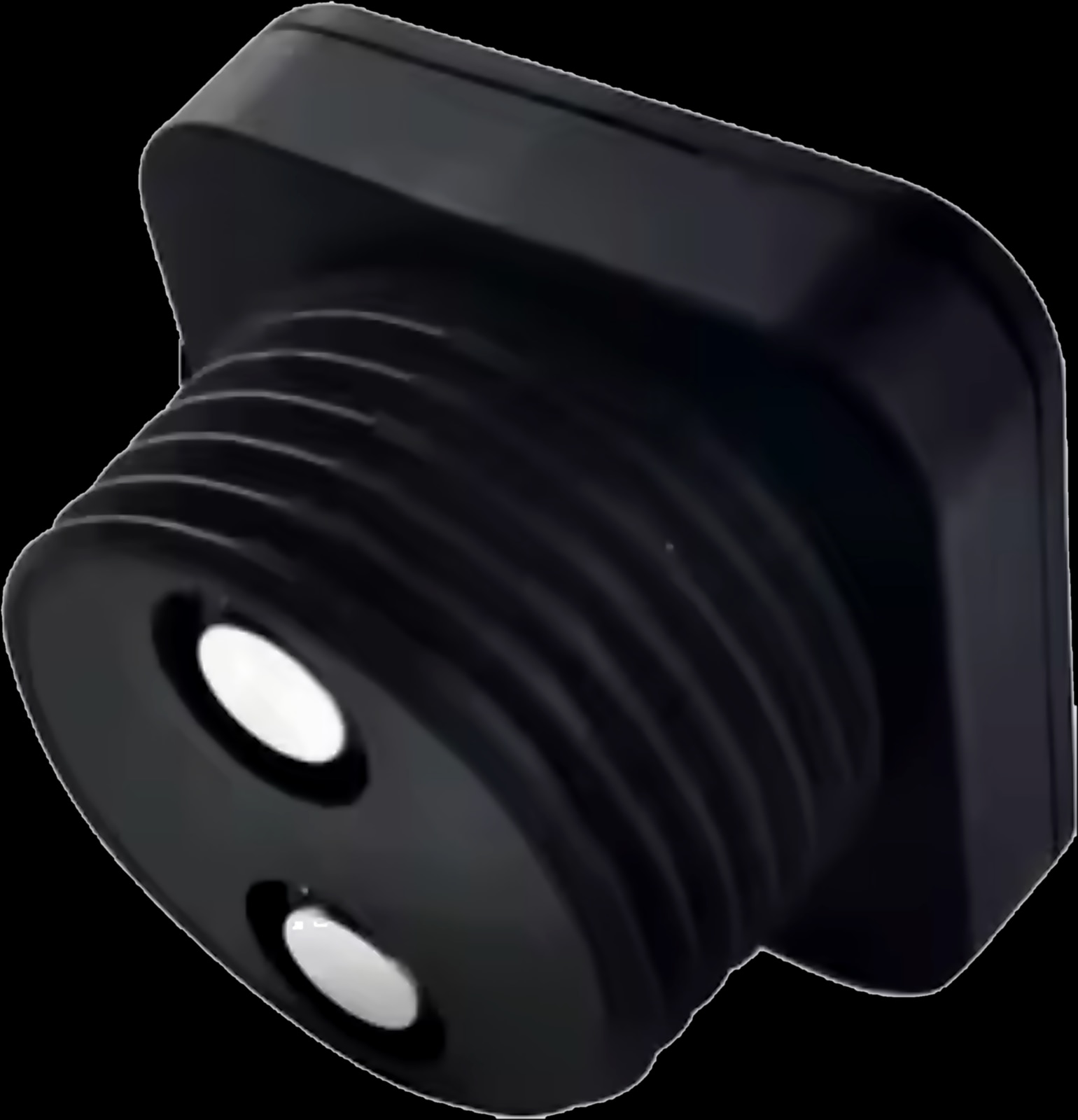
The tank-top sensor measures without touching the liquid and sends the reading to the display by LoRa radio. The display shows level, depth and room temperature, and shares them with Tuya Smart over 2.4 GHz Wi-Fi.
Contact-free measuring at the tank.
The wireless link between sensor and display.
The display needs 2.4 GHz Wi-Fi; 5 GHz is not supported.
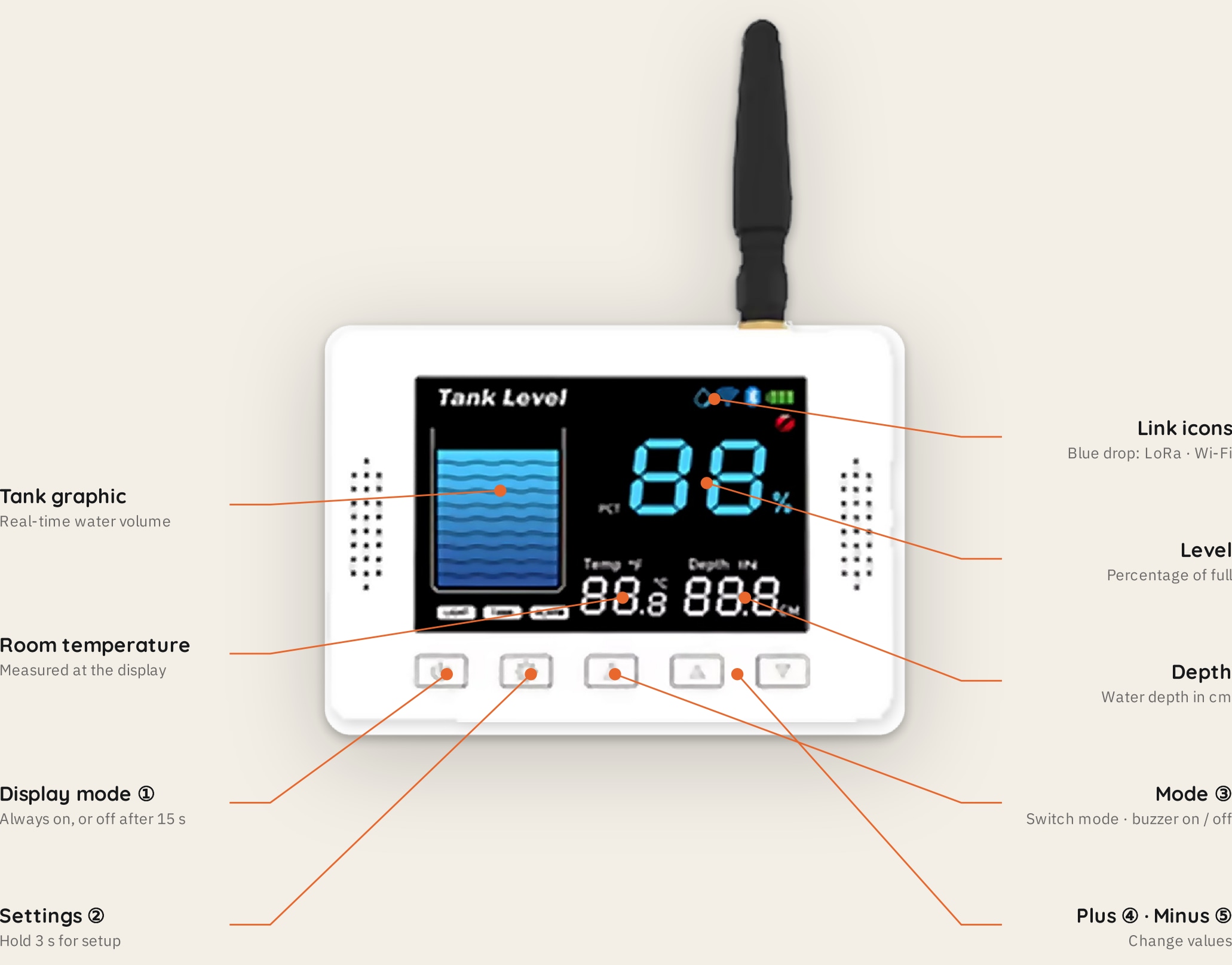
The display
See the tank graphic, percentage, water depth in centimetres, room temperature and LoRa/Wi-Fi link icons. Above 99%, the level reads FU. Select always-on display or off after 15 seconds, and adjust brightness with plus and minus.
Display mode, settings, mode, plus and minus.
Installation and level settings remain after a power cut.
Depth flashes after 30 seconds if the LoRa link drops.
Alarm and pump
Set Max and Min on the display or in the app; the settings stay in sync. The buzzer sounds above Max or below Min. Automatic pump control starts below Min and stops at Max minus 5 percentage points: Max 60% stops at 55%.
Stops when the level returns to range; press any key to mute.
Below the Min level.
At Max minus 5 percentage points.
Max, Min, installation height and sensor-to-full-line distance.
Pair once
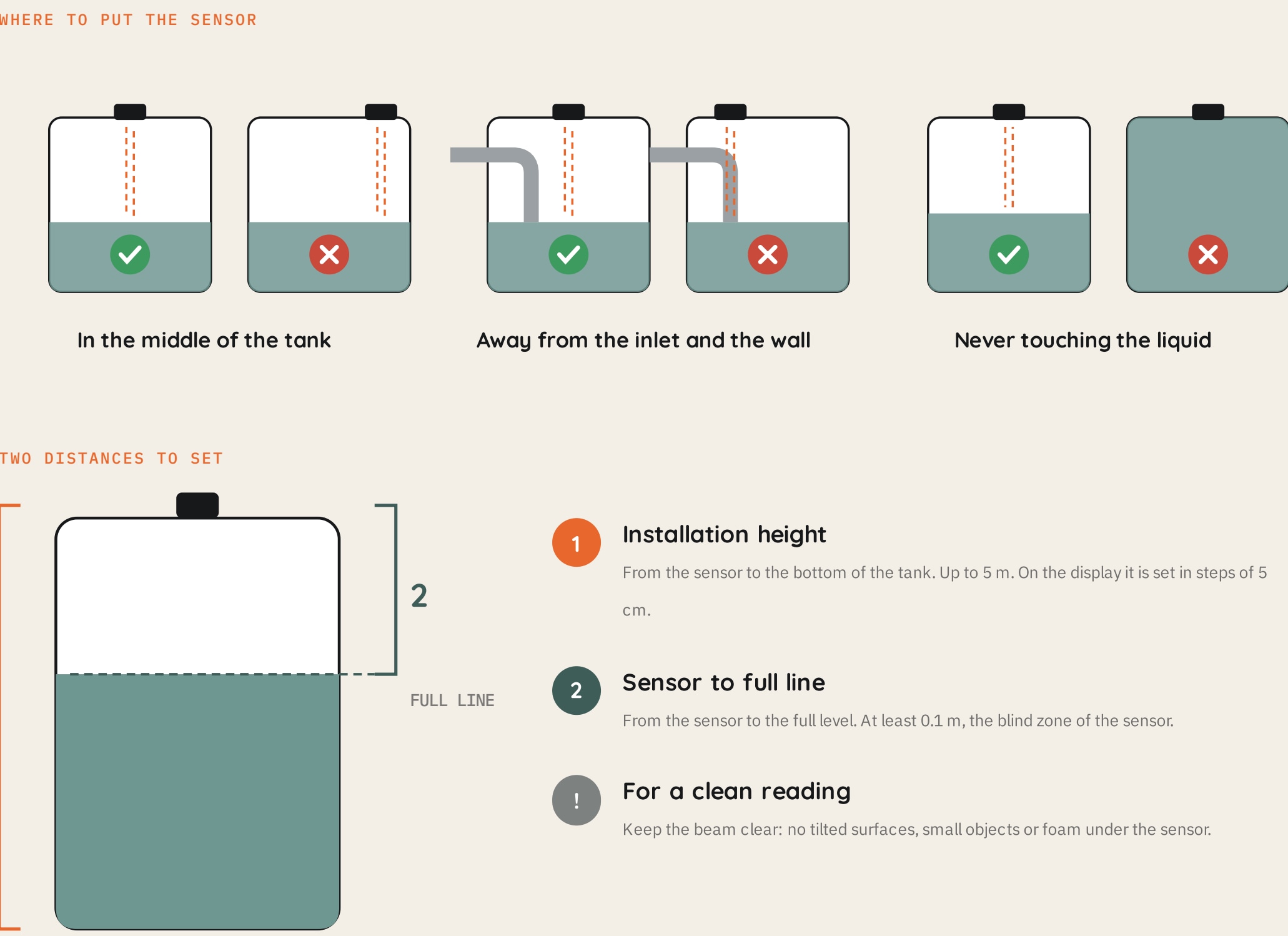
Cut a hole of about 58 mm and mount the sensor centrally, away from the inlet and tank wall. Keep the liquid at least 0.1 m below the sensor. The maximum installation height is 5 m. Pair sensor and display with their buttons, then add the display to Tuya Smart using Bluetooth and 2.4 GHz Wi-Fi.
Sensor to tank bottom, up to 5 m; display steps are 5 cm.
At least 0.1 m.
Avoid tilted surfaces, small objects and foam under the sensor.
Answers to the questions people ask before they choose.
Control · 10 min read
A room-by-room smart home plan for a villa in Jordan, from the gate and the majlis to the bedrooms, the roof, the distribution board and the network.
Control · 9 min read
The planning mistakes that make a smart home frustrating, from wiring and Wi-Fi to locks, apps and outages, with the fix for each one.
Access · 9 min read
Practical, respectful changes for parents who live alone in Jordan: keyless locks, a big screen at the door, simple controls, routines the family can adjust, and honest limits.
Planning a home or a building? A Spark partner can specify the right WL-50 for it.