The short answer
Choose Wi-Fi for a few switches with no hub: the Spark WT-50-B connects straight to your home Wi-Fi. Choose Zigbee for a whole home: switches such as the Spark ZT-50-B join a Zigbee network through the Hub-Z gateway or a Spark control panel and stay off your router's Wi-Fi, and with the Hub-Z, local scenes keep running when the internet is down.
On this page
What is Zigbee, and how is it different from Wi-Fi?
Zigbee is a low-power wireless mesh network made for smart devices such as switches, sensors and curtain motors. Zigbee devices do not join your router directly: they join a Zigbee gateway, and only the gateway connects to the router.
A Wi-Fi smart switch works the other way: it connects straight to your home router, with no hub. That difference decides how you set it up, how many devices you can add and what keeps running when the internet drops.
- Zigbee: its own network for smart devices, joined through a gateway such as the Spark Hub-Z and kept off your router's Wi-Fi.
- Wi-Fi: each switch or module is one more device on your router. Spark's Wi-Fi relay modules use 2.4 GHz Wi-Fi.
- Mesh: messages can pass from device to device instead of all going to one central point.
Either way, you get a real switch on the wall. Every model in the Spark smart switches range works when you press it; the network decides how it talks to the rest of the home.
Zigbee vs Wi-Fi smart switch: the Spark models side by side
Spark makes touch switches for both networks and mechanical-key switches for Zigbee only. The table shows the black (B) models; each also comes in a white W version, such as the ZT-50-W.
| Switch | Network | Keys | Controls |
|---|---|---|---|
| ZM-100-B | Zigbee (gateway) | Mechanical, LED on each key, 16 A | 1 to 4 gang, lights |
| ZT-50-B | Zigbee (gateway) | Touch, glass-look panel | 1 to 4 gang, lights |
| WT-50-B | Wi-Fi (no hub) | Touch, glass-look panel | 1 to 4 gang, lights |
| ZM-110-B | Zigbee (gateway) | Mechanical, LED on each key, 16 A | 3 key: one motor. 4 key: two motors |
| ZT-60-B | Zigbee (gateway) | Touch, glass-look panel | 3 key: one motor. 4 key: two motors |
| WT-60-B | Wi-Fi (no hub) | Touch, glass-look panel | 3 key: one motor. 4 key: two motors |
| WT-55-B | Wi-Fi (no hub) | 4 touch keys, glass-look panel | 2 lighting circuits and 1 shutter or curtain motor |
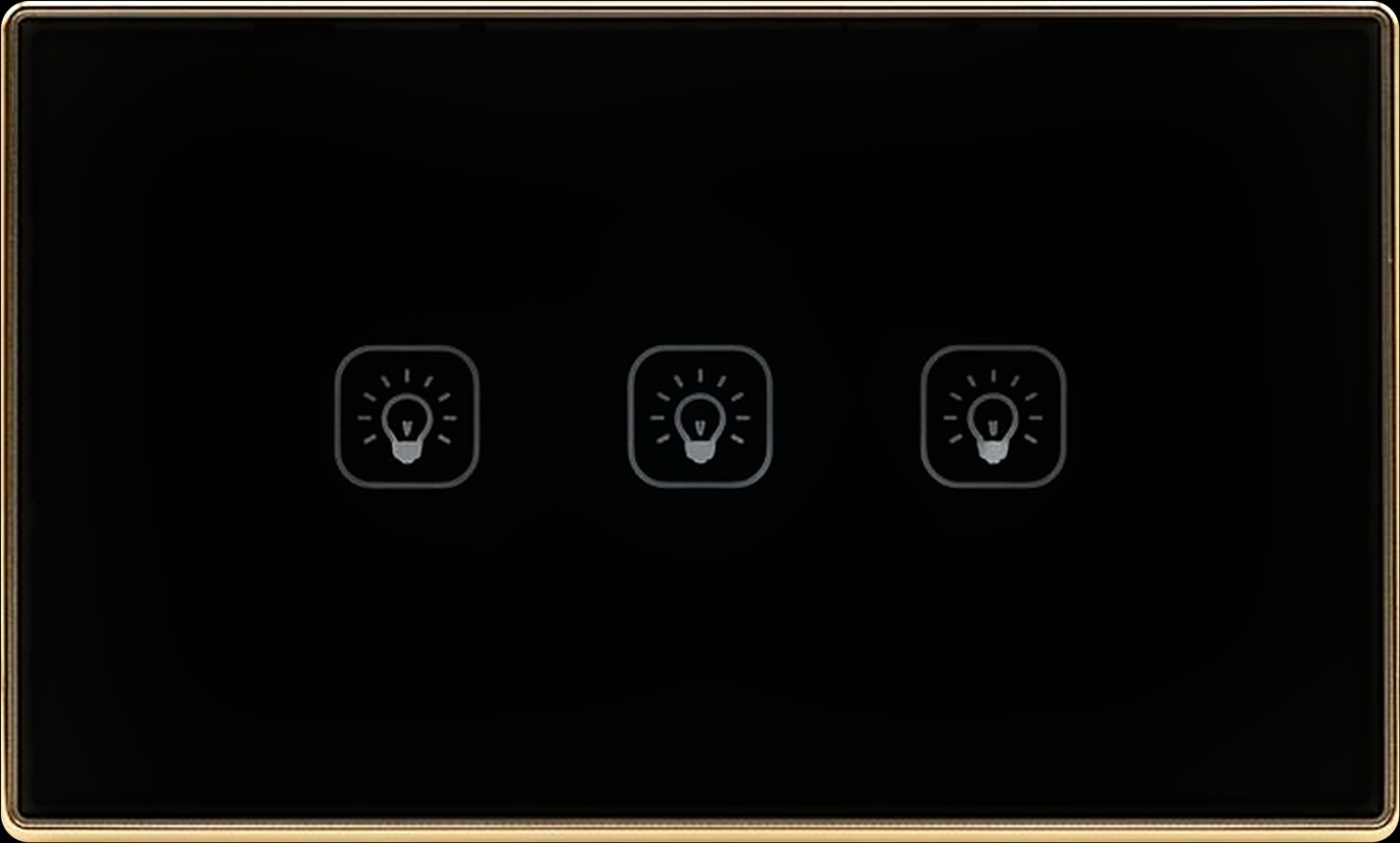
Read the table in pairs. For lights, the ZT-50-B and WT-50-B are the same flat glass-look touch switch, black with a gold frame: one joins Zigbee, the other your Wi-Fi. The ZT-60-B and WT-60-B pair up the same way for curtains and shutters.
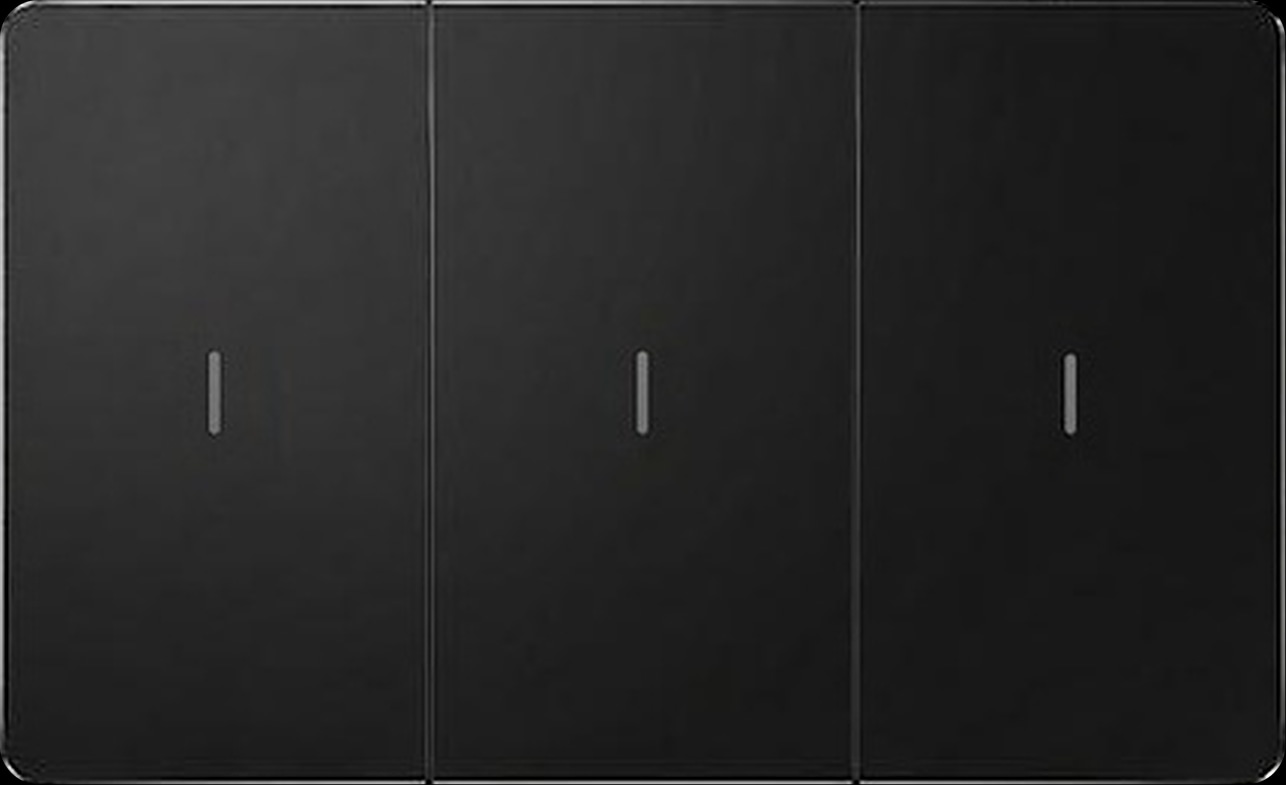
Two choices are made for you. Mechanical keys, with a real press and an LED on every key, are Zigbee only: the ZM-100-B and ZM-110-B. Two lights and a shutter on one panel is Wi-Fi only: the WT-55-B.
Do Zigbee switches need a hub?
Yes. A Zigbee switch joins your smart home through a Zigbee gateway, often called a Zigbee hub: in a Spark home, the Spark Hub-Z or a Spark control panel.
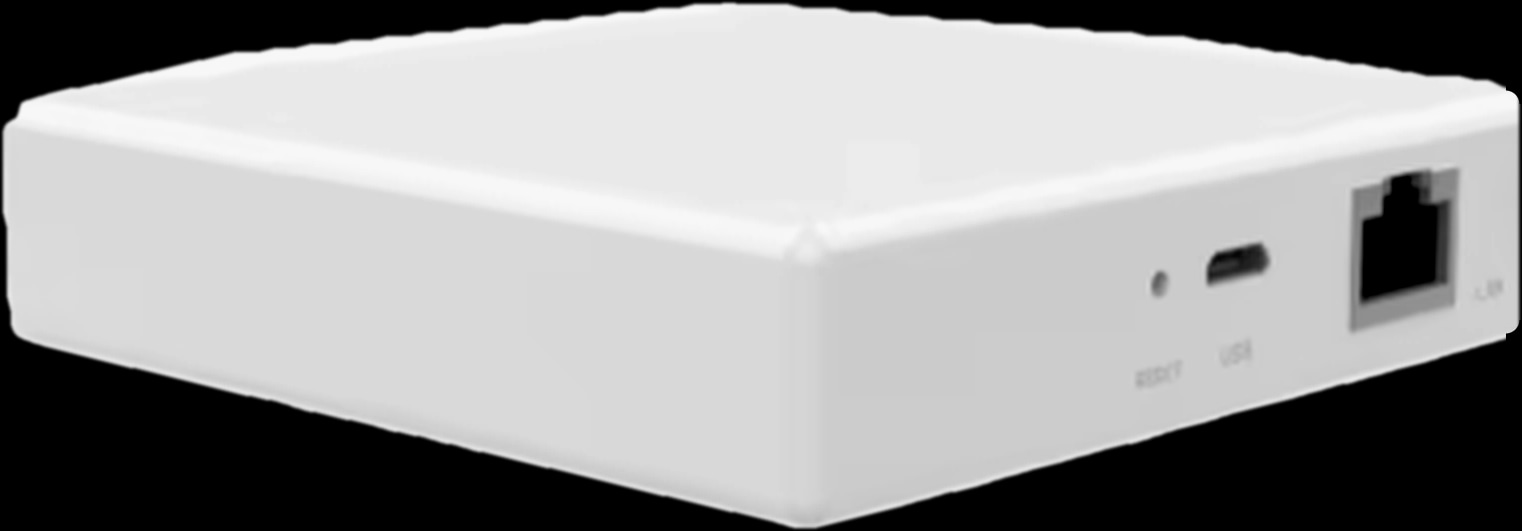
The Hub-Z sits between your router and your Zigbee devices and brings them into the Tuya Smart or Smart Life app for app control, voice commands and scenes. The Ethernet version is cabled to the router and supports up to 128 sub-devices; the wireless version joins your home Wi-Fi.
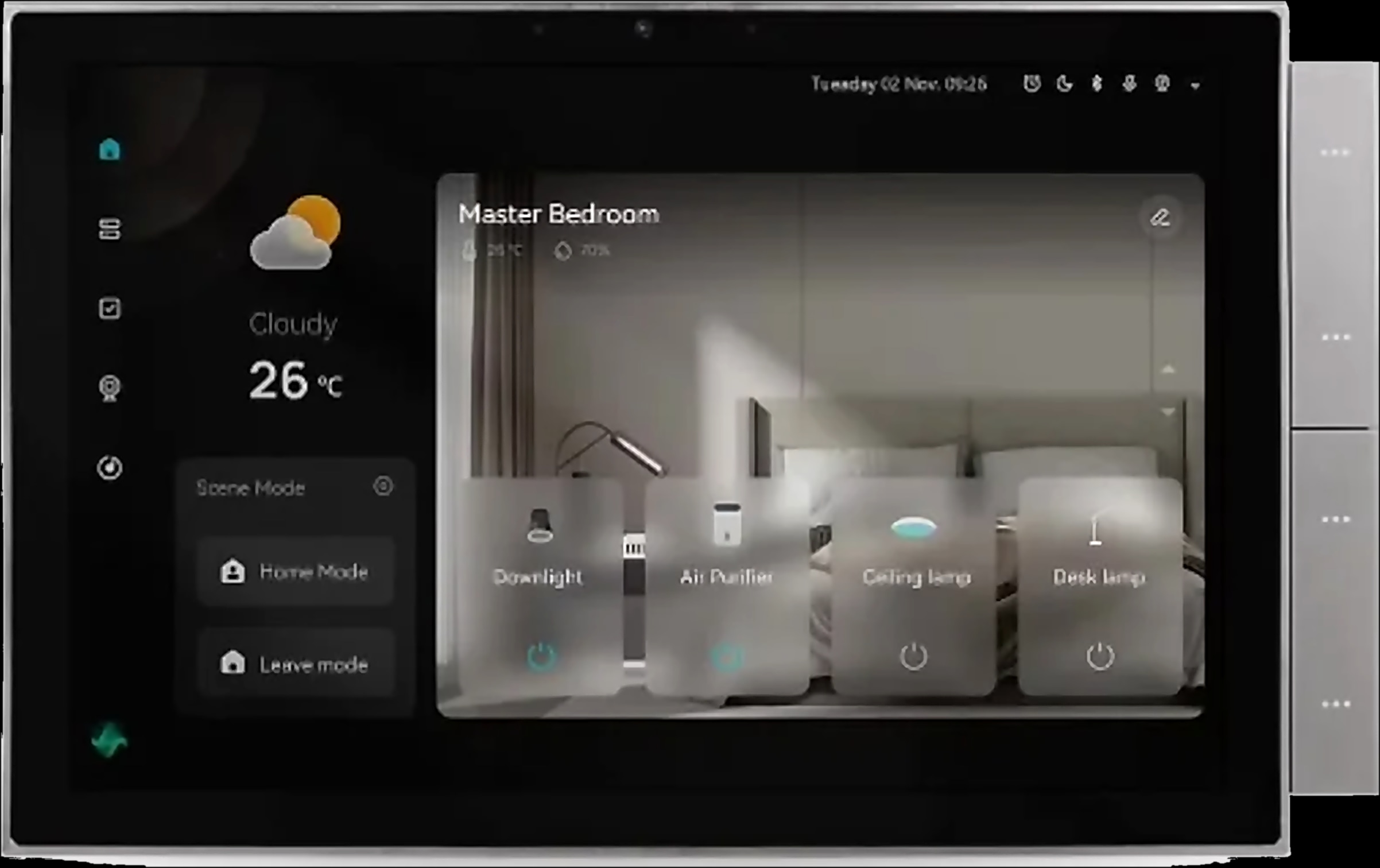
Every one of the Spark control panels has a built-in Tuya Zigbee gateway. If you are planning a wall screen anyway, ask your Spark partner whether the panel will be your gateway or whether you also want a Hub-Z.
Setting up the Hub-Z
- 1
Power it
Connect the USB Type-C cable (0.5 m, in the box) to a power adapter.
- 2
Connect it to the router
Ethernet version: network cable from the LAN port to the router. Wireless version: join your home Wi-Fi.
- 3
Check the lights
Two green lights mean it is ready. If needed, hold Reset until they are steady green.
- 4
Add it in Tuya Smart
Tap + in the app and follow the prompts.
- 5
Pair your switches
Open the gateway in the app and pair compatible Zigbee devices such as Spark ZT and ZM switches.
Local scenes: what keeps running when the internet drops
With Zigbee, local scenes between Zigbee devices keep running through the Hub-Z when the internet is down. Wi-Fi switches still work at the wall, but they are not part of those local scenes.
You build scenes in the app from device triggers and schedules. The Hub-Z brochure's examples light the hall when a door opens and open the curtains on a schedule; Spark ZT and ZM switches can take part too.
Control from outside the home and voice assistants need the internet, whichever network you choose. For the full picture, read our guide to smart switches that work without internet.
How many devices can a Zigbee hub handle?
The Ethernet version of the Hub-Z supports up to 128 sub-devices. No capacity is stated for the wireless version, so for a large home, ask a Spark partner to confirm it first.
Devices add up quickly in a villa. Besides Spark ZT and ZM switches, the Hub-Z lists the Zigbee versions of the MC-10 and MC-20 curtain controllers, the T-50 thermostat and the IR-10 remote, plus door, motion and water-leak sensors and thermostatic valves.
With Wi-Fi, every switch and module is one more device on your router. Zigbee keeps the switches on their own network, with only the gateway on the router: for a whole villa, that is one of the main reasons to choose it.
Zigbee relay or Wi-Fi relay: keep the switches you have
A relay module lets you keep your existing switches. It fits in the wall box behind the switch, adds app and voice control, and comes in a Zigbee and a Wi-Fi version.
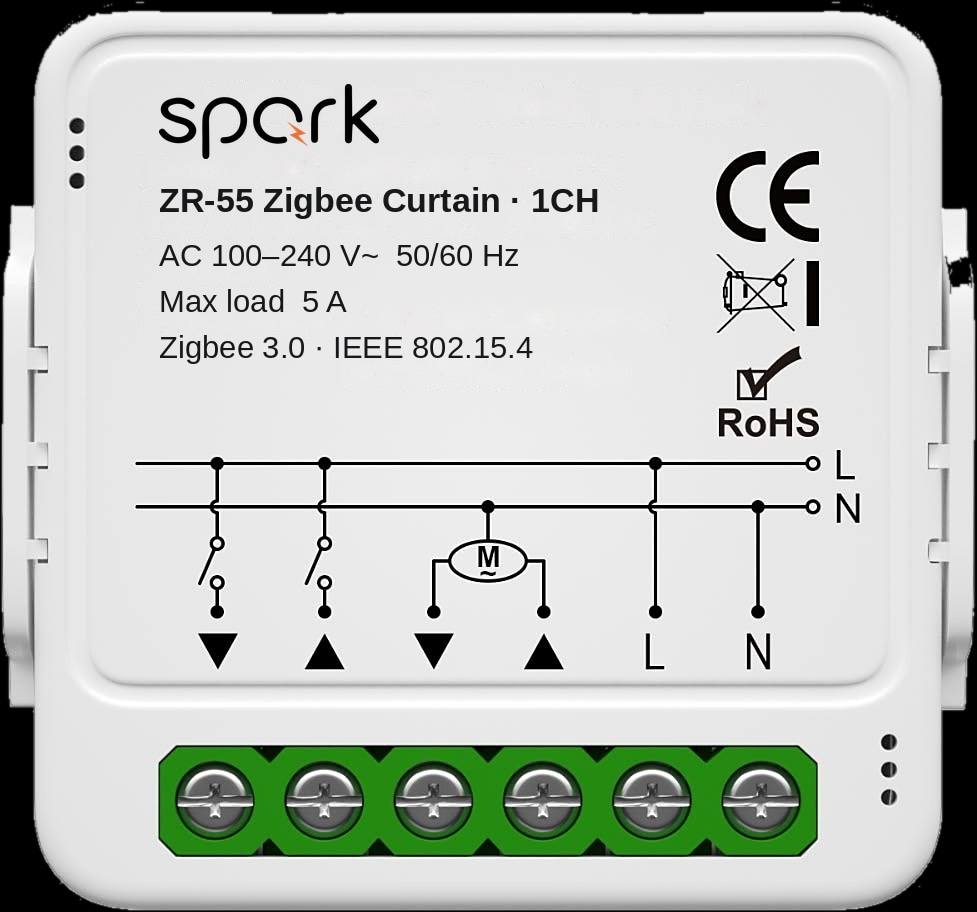
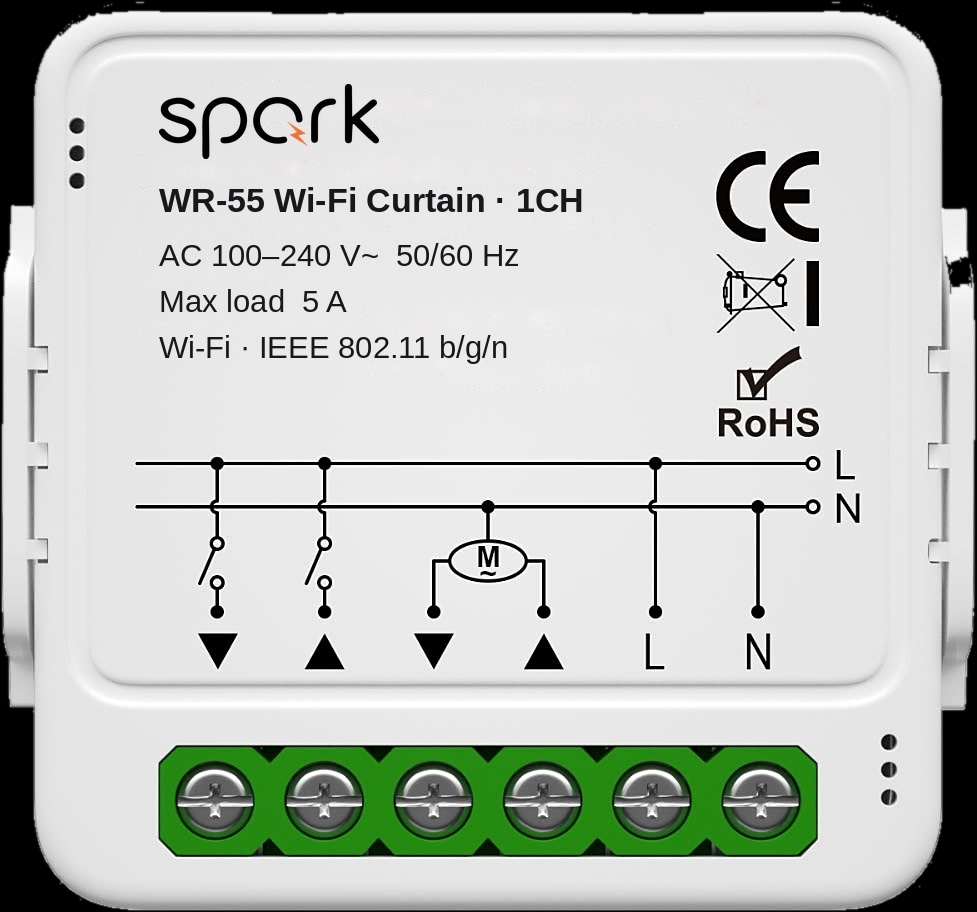
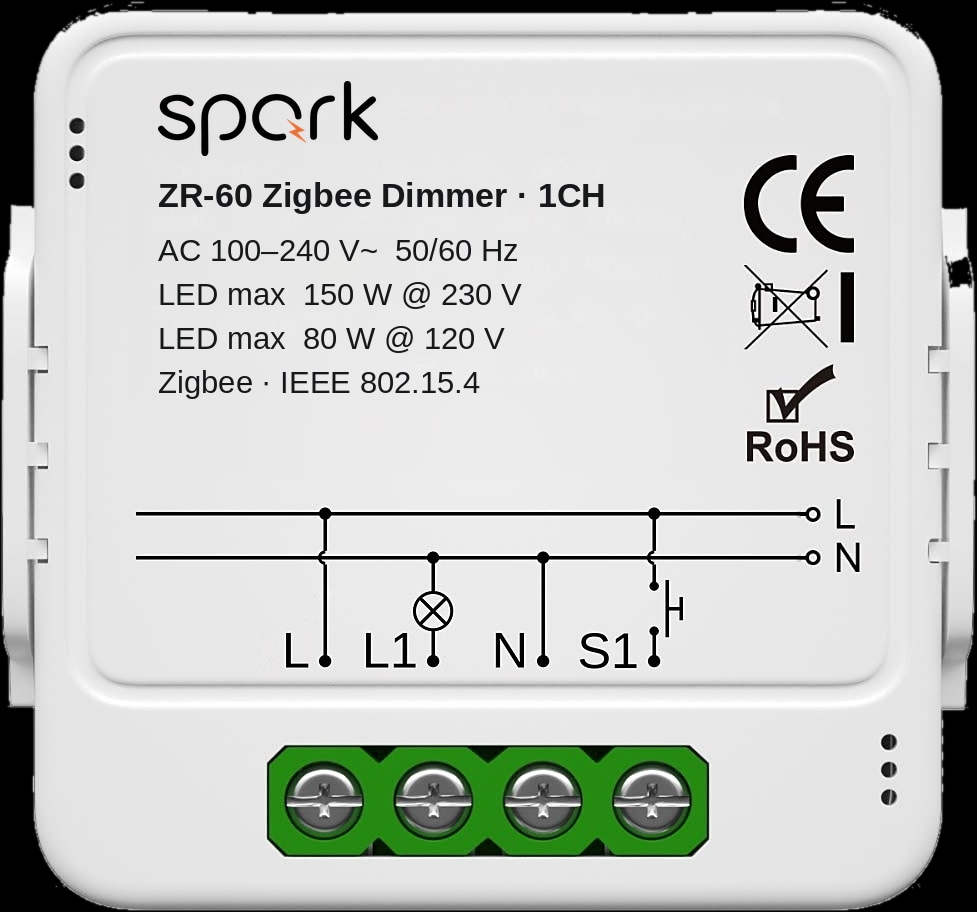
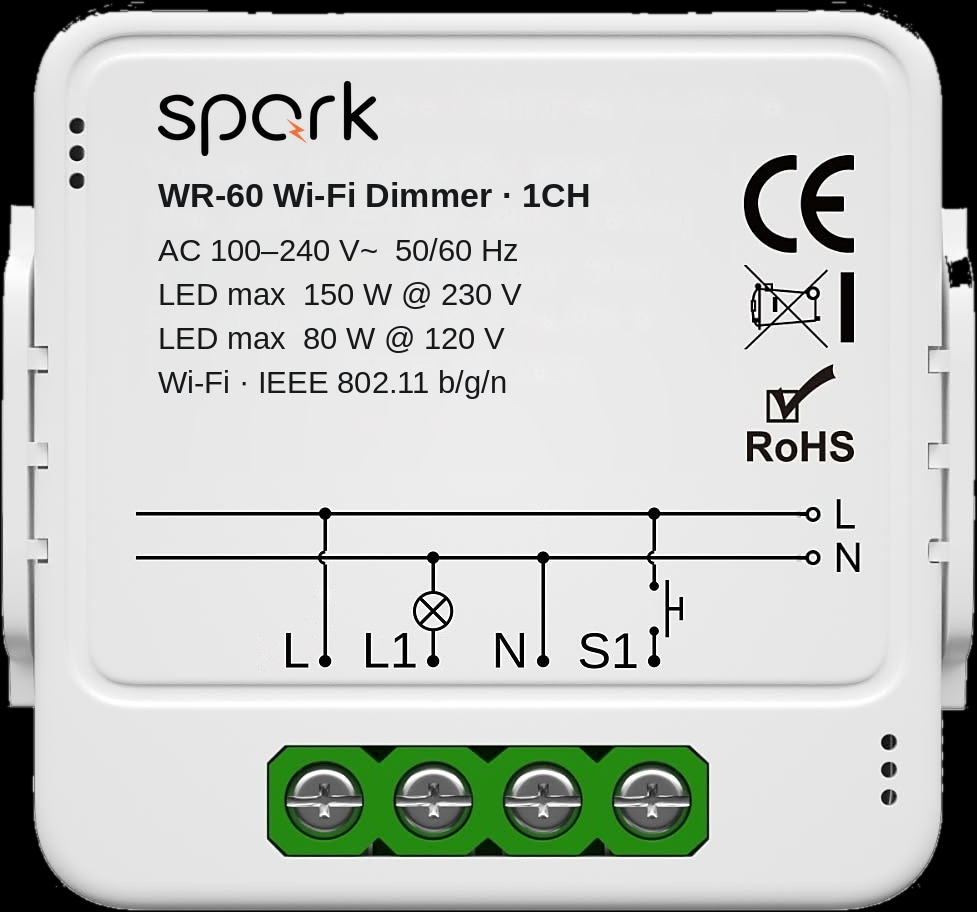
The ZR-50 Zigbee switch module pairs through a compatible Zigbee gateway; the WR-50 Wi-Fi switch module uses your home 2.4 GHz Wi-Fi. The curtain modules (ZR-55, WR-55) and dimmers (ZR-60, WR-60) split the same way, and the Spark relay modules page lists every version.
| Job | Zigbee module | Wi-Fi module | Versions and limits |
|---|---|---|---|
| Switch lights | ZR-50 | WR-50 | 1 to 4 channels. 1CH: LED 300 W / 16 A. 4CH: LED 4 × 150 W / 4 × 2.5 A |
| Curtains and shutters | ZR-55 | WR-55 | 1CH: one motor, 5 A, up/down wall push-buttons. 2CH: two motors, 2 × 5 A, no wall-button inputs |
| Dim LED lights | ZR-60 | WR-60 | 1 or 2 channels, stepless 0 to 100%, dimmable LED lamps only |
| Connects through | A compatible Zigbee gateway | Home 2.4 GHz Wi-Fi | Both need a neutral wire in the wall box |
Each Zigbee module and its Wi-Fi twin share the same channels, loads and wall-switch support; on the Zigbee side, Alexa and Google Home voice control goes through the compatible Zigbee hub. For the electrical board of a new build, the Spark 16-CH relay puts sixteen circuits (four at 50 A, twelve at 16 A) in one DIN-rail module, in separate Zigbee 3.0 and Wi-Fi versions.
Curtain and dimmer modules, in Zigbee and Wi-Fi
Can you mix Zigbee and Wi-Fi switches in one app?
Yes. Spark devices join the same app whichever network they use, Zigbee through the gateway and Wi-Fi directly. A ZT-50-B in the living room and a WT-50-B in the study sit side by side on your phone.
Mixing helps when one room is simpler on Wi-Fi: a WT-55-B for two lights and a shutter in a bedroom, or Wi-Fi switches in a roof room added later.
One limit: offline local scenes run only between Zigbee devices on the gateway. If a scene must run when the internet is down, put every device in it on Zigbee.
When Wi-Fi is simpler, and when Zigbee is the better choice
In short: Wi-Fi for a few switches and no hub; Zigbee for a whole home, many devices and scenes that run offline.
Wi-Fi is the simpler choice when
- You are adding a few smart switches, say in one or two rooms, and want no gateway.
- Your Wi-Fi reaches every switch position. The WR relay modules need 2.4 GHz Wi-Fi.
- You want two lights and a shutter on one panel, which is the Wi-Fi WT-55-B.
Zigbee is the better choice when
- You are fitting out a whole villa or apartment.
- You plan many devices: the Ethernet Hub-Z takes up to 128.
- You want scenes that keep running when the internet is down.
- You want mechanical keys, or plan Zigbee curtains, a T-50 thermostat or sensors later.
- You are installing a Spark control panel, which has its own Zigbee gateway.
Still undecided? A Spark partner can plan it with you room by room, check the wall boxes and place the gateway.
The switches and gateway to start with
Questions people ask about Zigbee and Wi-Fi smart switches
Is Zigbee better than WiFi for smart switches?
For a whole home, usually yes: Zigbee switches stay off your router's Wi-Fi and local scenes keep running offline. For a few switches with no hub, Wi-Fi is simpler.
Do Zigbee switches need a hub?
Yes, a Zigbee gateway: the Spark Hub-Z, or a Spark control panel with its built-in Tuya Zigbee gateway. Wi-Fi switches such as the WT-50-B connect straight to your router.
Can I use Zigbee and WiFi switches together?
Yes. Spark devices join the same app, Zigbee through the gateway and Wi-Fi directly. Only the offline local scenes are limited to Zigbee devices.
What is a Zigbee relay?
A small module behind an existing switch that makes the circuit smart through a Zigbee gateway. The Spark ZR-50 switches lights, the ZR-55 runs curtain or shutter motors and the ZR-60 dims LED lamps. All need a neutral wire.
How many devices can a Zigbee hub control?
The Ethernet version of the Spark Hub-Z supports up to 128 sub-devices. No figure is stated for the wireless version, so ask a Spark partner for a large home.