The short answer
Smart office automation links the lights, AC, blinds and doors so one scene opens the office in the morning and another closes it at night. With Spark, staff enter at the I-220 fingerprint door station, central AC runs from the VRF controller and split units from the IR-10, the MC-20 moves meeting-room blinds, and a 10-inch Panel runs each meeting room from the wall.
On this page
What does smart office automation cover?
Smart office automation is the building side of the office: lights, air conditioning, blinds, doors and visitors, run from wall switches, a wall panel and a phone app. It is not office software for documents or payroll.
Spark's home page puts it simply: villa, office, hotel, one Spark system. The parts that run a home in Jordan also run an office, a clinic or a showroom:
- One tap to open, one to close. Lights, blinds and AC follow two scenes.
- No AC running all night. Every unit switches off from the app.
- No keys to collect back. Staff enter with a fingerprint or a card.
- Visitors seen first. Reception answers the door on a screen, or on a phone.
Priorities shift by business: a clinic leans on reception and lockable consulting rooms, a showroom on its glass front, display lighting and roll-up door.
Office lighting control: an open scene and a close scene
Start with two scenes. The open scene switches on the lights, raises the blinds and starts the AC; the close scene turns it all off when the last person leaves, so nobody walks the floor checking switches.
Keep the lights on wall switches people already understand. Spark smart switches are real switches before they are smart ones: mechanical or touch keys, Zigbee or Wi-Fi, 1 to 4 gang.
Many circuits: the 16-CH Relay in the board
An open-plan floor or a showroom with many circuits is easier to run from the distribution board. The 16-CH Relay is one DIN-rail module with sixteen channels: four 50 A magnetic latching relays for heavy circuits and twelve 16 A relays for everyday loads, in Zigbee 3.0 or Wi-Fi.
It accepts RS485 panels, dry-contact inputs and rocker switches, and also controls curtain, roll-up door and electric gate motors. Group control switches a whole area at once, and the external buttons can be locked.
After a power cut, circuits return Off, On or as a custom scene, as you choose. More scene ideas are in smart home scene and automation ideas.
Office AC control: how to stop it running all night
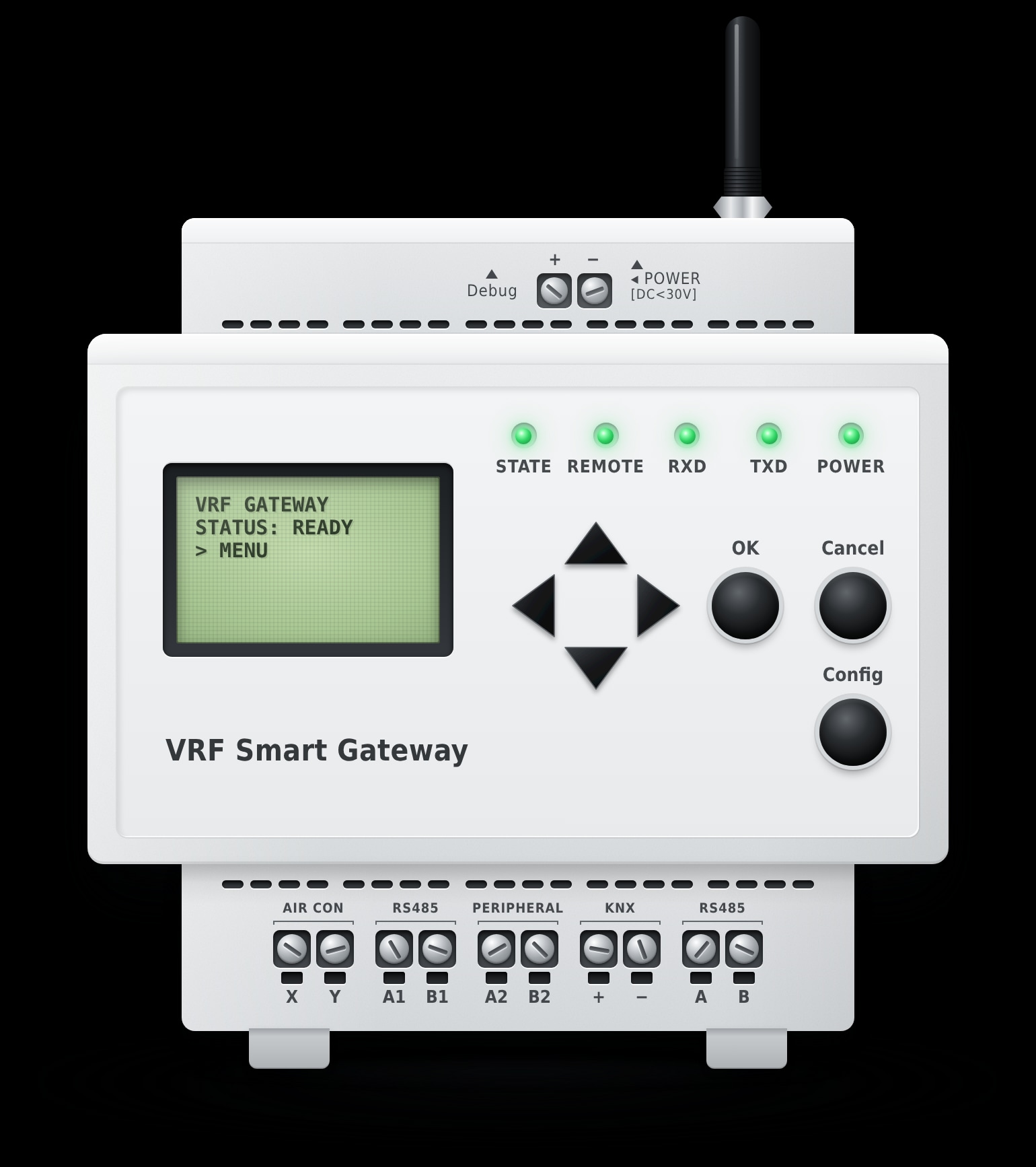
Choose the controller by the AC you have: the VRF controller for a central multi-split VRF system, the IR-10 smart remote for split units. Both bring the AC into the same app as the lights.
Central VRF. The VRF controller connects to an indoor unit's communication port on a non-polarised X-Y 2-wire bus, up to 1000 m, and finds the indoor units by itself. From the app you switch each unit on or off and set its mode, temperature and fan speed. A Spark partner confirms, from your VRF brand and model, how the units fit your close scene.
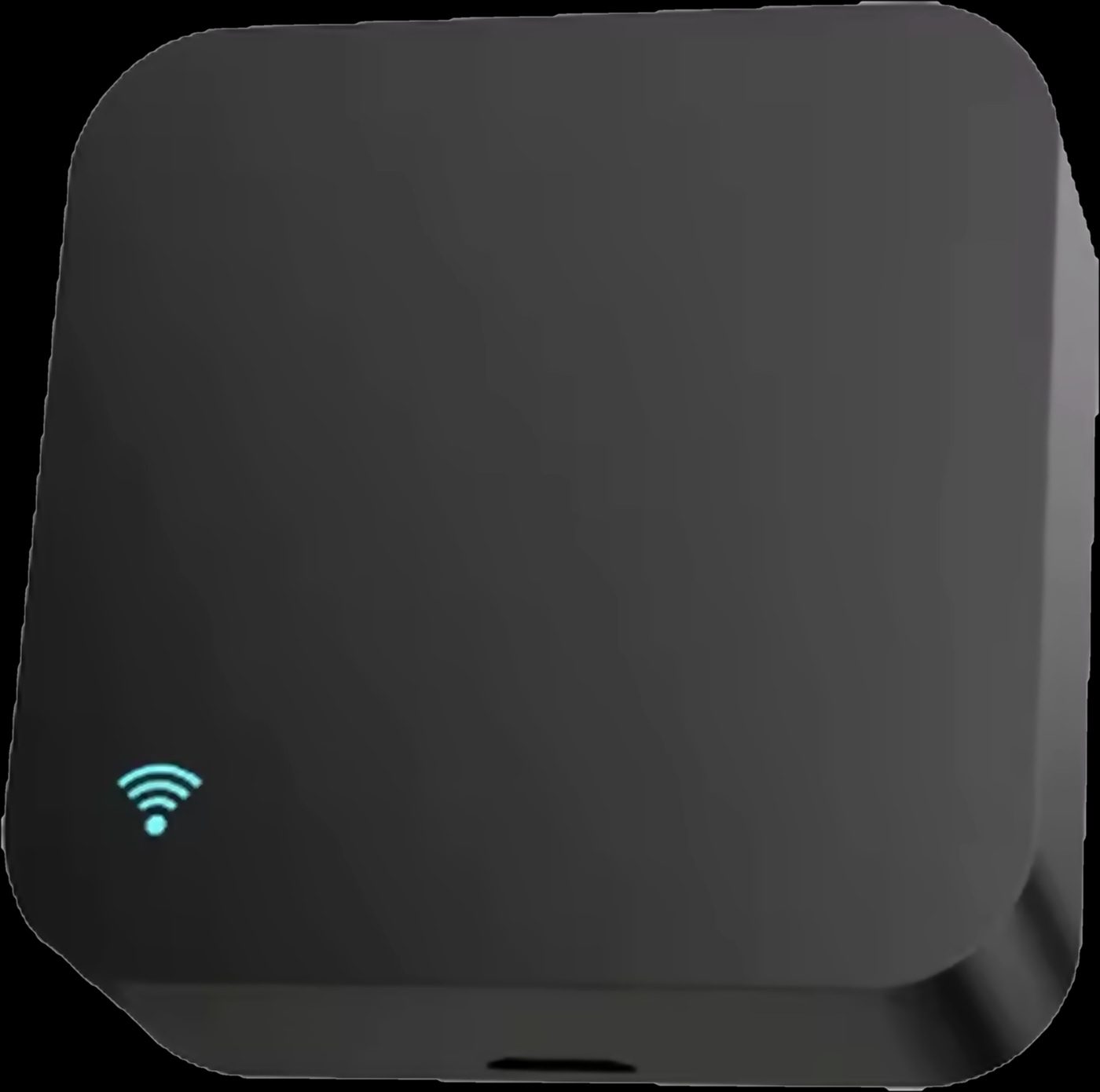
Split units. The IR-10 smart remote speaks the split unit's infrared language, and its timers switch the AC off at a chosen time. Infrared needs a clear line of sight, so place each IR-10 where it sees its AC, within 10 m. Both are compared in how to control your AC from your phone.
Meeting room automation: blinds and a panel on the wall
A meeting room works best when the blinds, lights and AC change together, from one panel by the door.
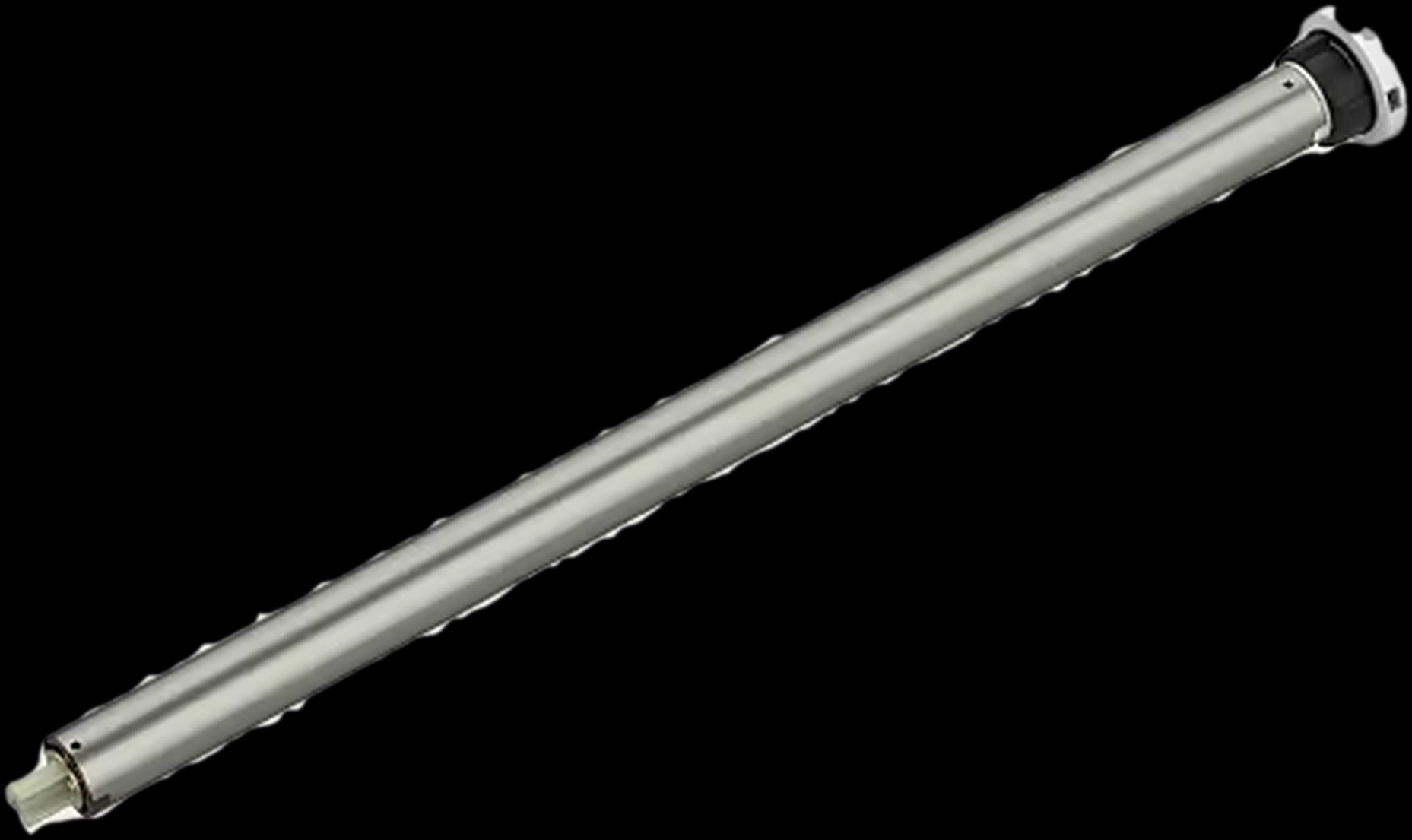
The MC-20 tubular motor fits inside the tube of a roller, zebra or Shangri-La blind, and its brochure names offices and meeting rooms among the places it suits. Size 25 suits smaller tubes and size 35 larger ones, in Wi-Fi or Zigbee, with a remote in the box.
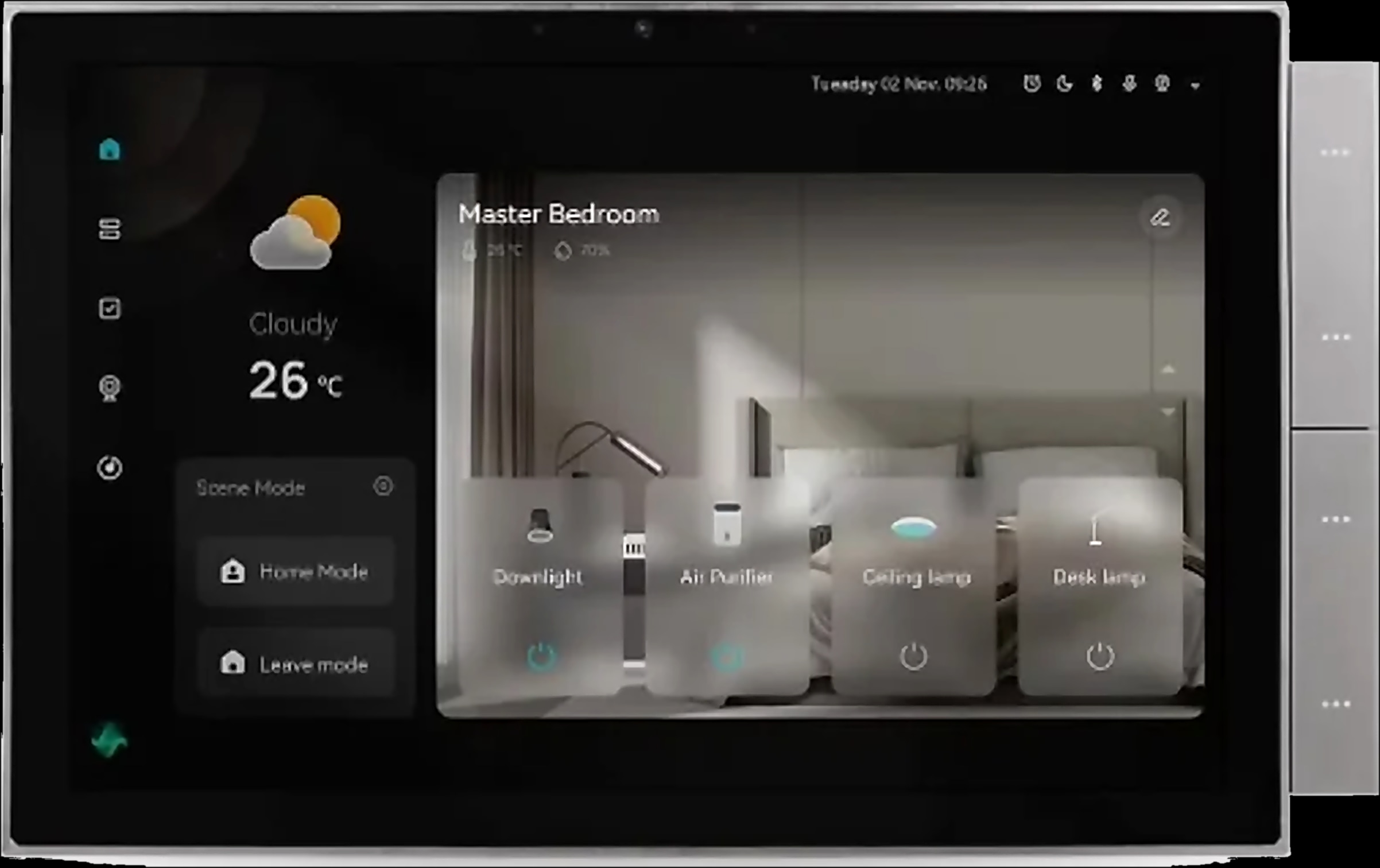
On the wall, the 10-inch Panel shows lights, curtains, switches, locks and scenes on an Android touch screen. Its built-in Tuya Zigbee gateway pairs Zigbee devices such as the Zigbee MC-20, and it adds Alexa, a camera and an intercom for hands-free video calls. Alexa needs the internet, so keep a wall switch for the lights too.
For meeting rooms and air conditioning
Smart office access control: fingerprints, cards and visitors
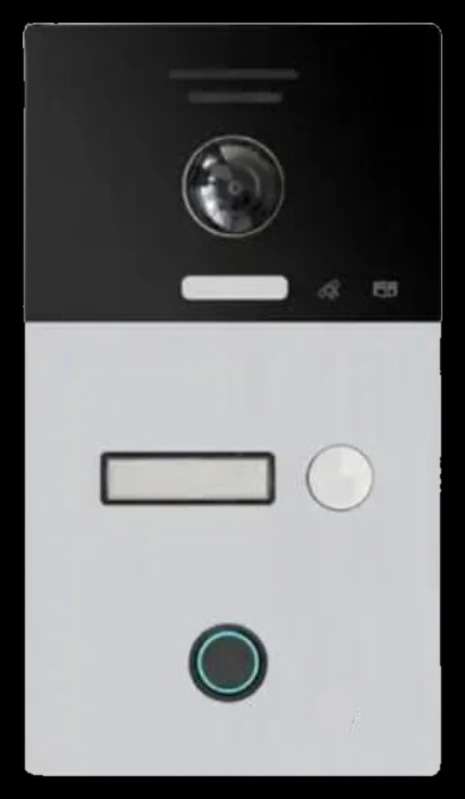
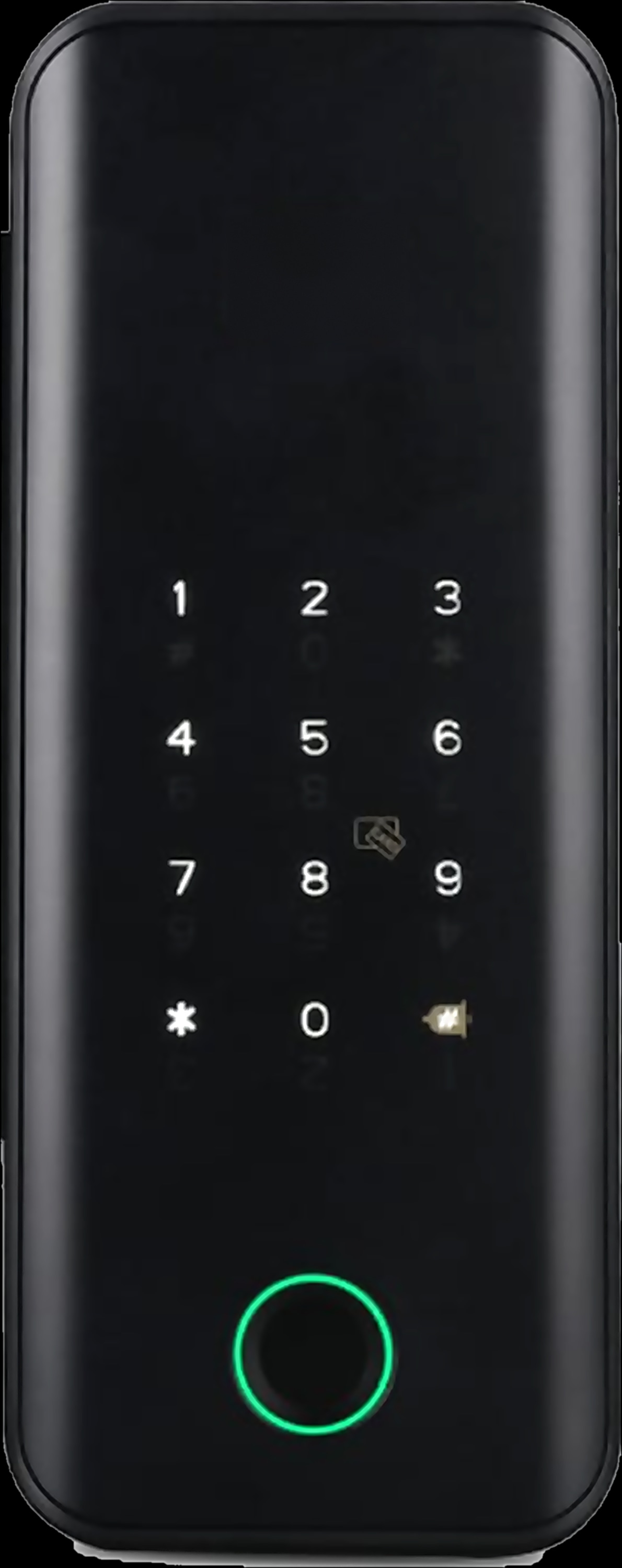
At the entrance, a fingerprint door station replaces the keys you hand out and collect back. The I-220 opens with a registered fingerprint, a 13.56 MHz IC card, the indoor monitor or an exit button, and visitors press the call button to reach reception.
- Capacity: up to 500 fingerprints and 1,000 IC cards.
- Outdoors: a 110° camera with a white-LED light, rated IP65.
- Lock outputs: for electric and magnetic locks, plus an exit button and a door sensor.
Each household's list is kept separate on the indoor unit, so in a building shared by several offices, one company's changes do not touch another's.
Adding and removing a staff member
- 1
Open the management page
On the indoor unit, open System Settings with the project password, then Card Management or Fingerprint Management.
- 2
Register the card or finger
Enter the office's room number, choose Add Mode, then present the card or place the finger twice. Two beeps confirm it.
- 3
Remove access when someone leaves
Delete their card or fingerprint from the list, or clear the office with Delete All.
Visitors at reception
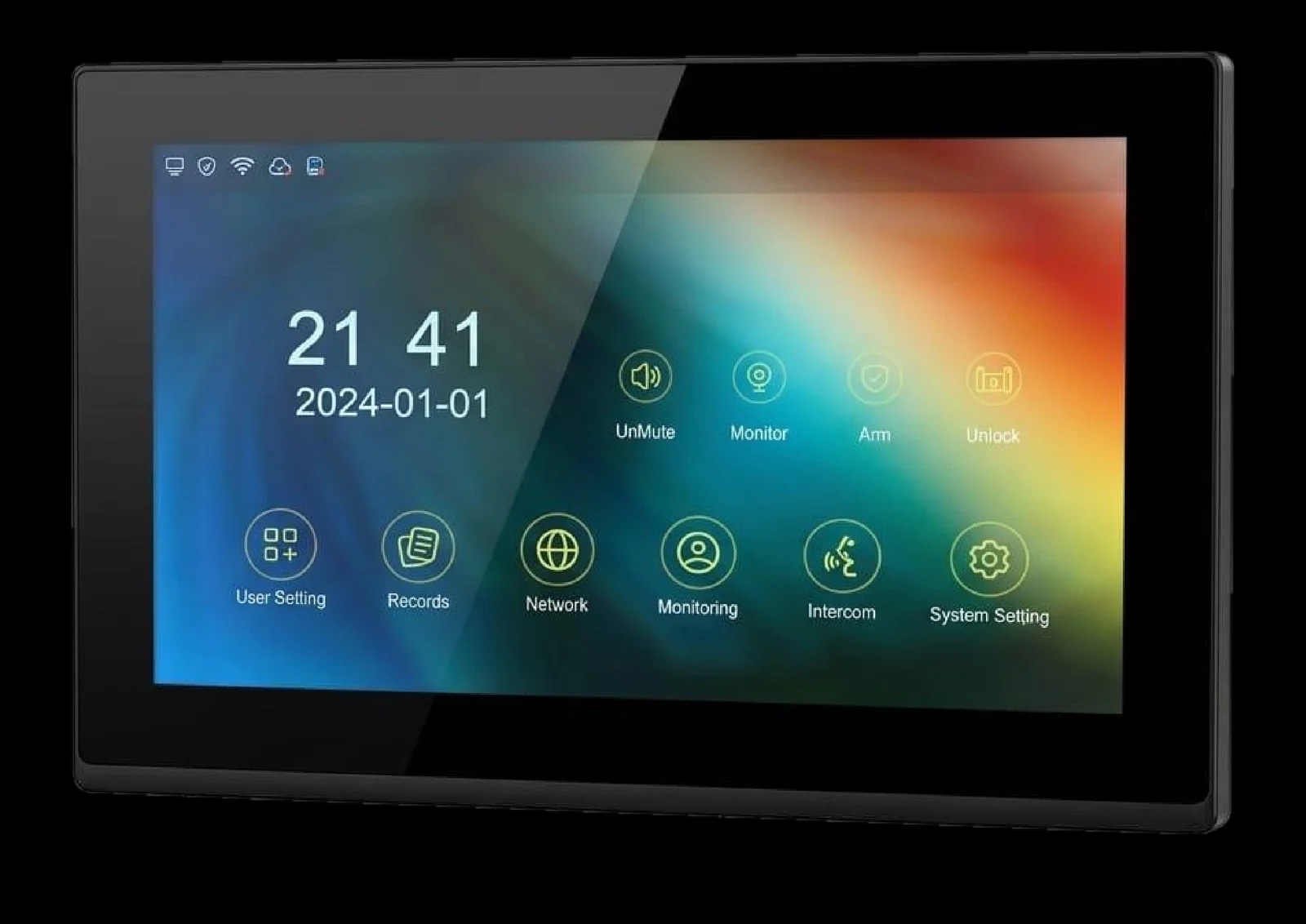
The S-110 10-inch indoor monitor shows the visitor on its touch screen, lets reception talk in full duplex and opens the door with a tap. On Wi-Fi, door calls also reach the app on your phone when the desk is empty.
It also records to an SD card of up to 32 GB and arms eight wired alarm zones after hours. A Spark partner confirms which door station and monitor pair in your system.
Prefer face recognition? See face recognition intercoms.
Smart locks for office doors, with unlock records
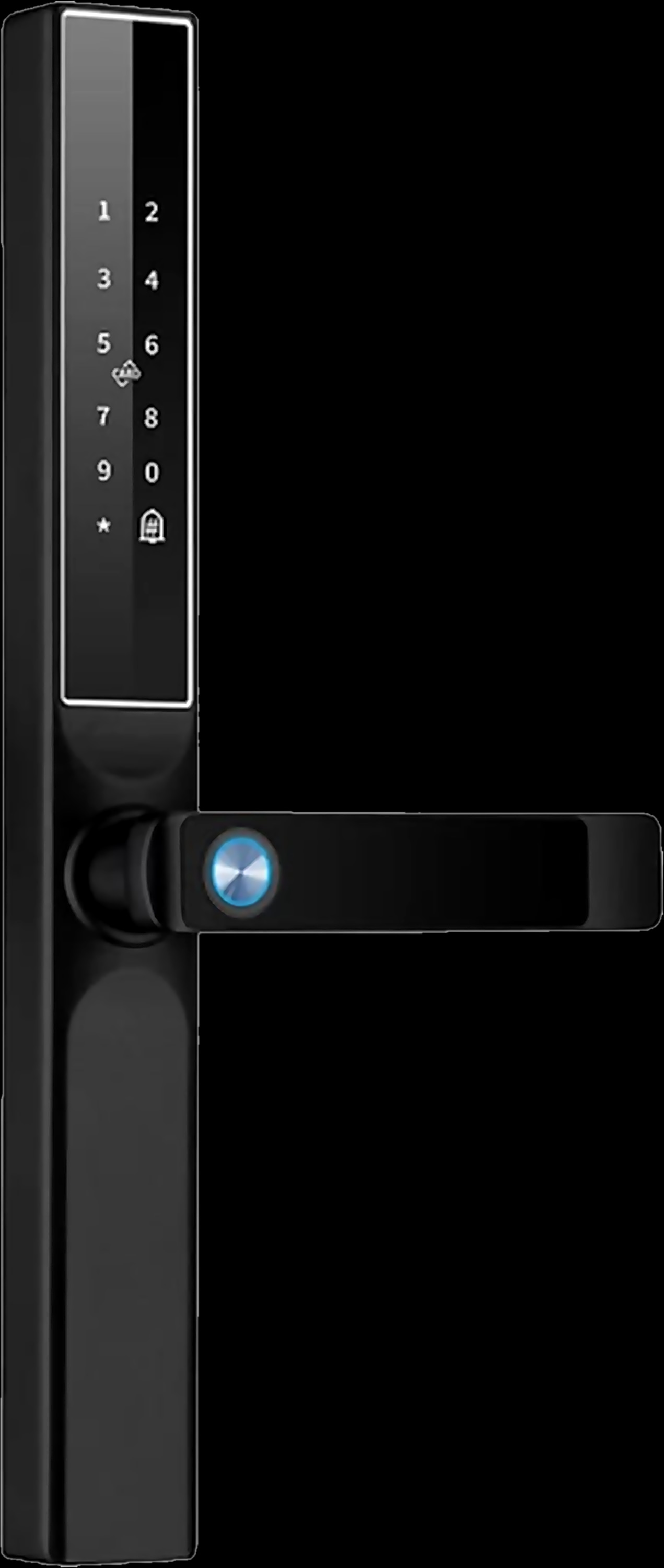
For doors without a door station (a glass office front, an aluminium showroom door, a wooden office door), a smart lock does the job. The GL-50, AL-50 and WL-50 open with a fingerprint, a password, an IC card or the Tuya Smart app, with a mechanical key as a backup.
In the Tuya Smart app, each adds remote unlocking, user management, unlock records (who came in and when) and a low-battery alert.
| Model | Door | Ways to open | Users and records | Power |
|---|---|---|---|---|
| I-220 door station | Entrance, electric or magnetic lock | Fingerprint, card, indoor monitor, exit button | 500 fingerprints, 1,000 cards, from the indoor unit | PoE or DC 12 V |
| GL-50 | Glass, 5 mm gap to the fixed glass | Fingerprint, password, card, app, key | Unlock records in Tuya Smart | 4 × AA, Type-C emergency power |
| AL-50 | Aluminium, rated IPX5 | Fingerprint, password, card, app, key | Unlock records in Tuya Smart | 4 × AA, Type-C emergency power |
| WL-50 | Wood, 40 to 70 mm backset | Fingerprint, password, card, app, key | Unlock records in Tuya Smart | 4 × AA, Type-C emergency power |
Every lock has to fit its door, so check each one with which smart lock fits your door before you order.
For the entrance and reception
Hotel room control with the 16-CH Relay
In a small hotel or serviced apartments, the 16-CH Relay can serve as a hotel room control unit: bedside and entrance switches connect through dry-contact or RS485 inputs, and its channels switch the lights and curtain motors.
Set power recovery to Off, On or a custom scene. The catalogue does not describe key-card switches or a front-desk system, so ask a Spark partner about anything beyond the room.
How to plan a smart office, clinic or showroom
Plan space by space while the ceilings are open, and take this table to a Spark partner to check against your drawings.
| Space | What to plan | Spark products |
|---|---|---|
| Entrance | Staff entry, visitor calls, lock output | I-220 door station |
| Reception | Answer visitors, after-hours alarm zones | S-110 indoor monitor |
| Open-plan office | Lighting circuits, scenes, AC off at night | Smart switches, 16-CH Relay, VRF controller or IR-10 |
| Meeting room | Blinds, lights and AC from one screen | 10-inch Panel, MC-20 |
| Private offices and clinic rooms | A lock with unlock records, AC per room | WL-50 or GL-50, IR-10 |
| Showroom front | Glass or aluminium door, roll-up door, display lights | GL-50 or AL-50, 16-CH Relay |
- 1
Walk the drawings
Mark every door, window, lighting circuit and AC unit, VRF or split.
- 2
Choose Zigbee or Wi-Fi
Zigbee devices join through a gateway, such as the one in the 10-inch Panel; Wi-Fi versions join the router directly.
- 3
Run the cables early
Cat5 from the entrance to a PoE switch for the I-220 and S-110, and power at each panel position.
- 4
Decide who gets access
List who gets a fingerprint or card and who holds the main app account.
- 5
Build the scenes, then test
Create the open and close scenes in the Tuya Smart app and test them before you open.
Questions people ask about smart office automation
What is a smart office?
It is an office whose lights, AC, blinds and doors run from switches, a wall panel and an app, with scenes that open and close it. With Spark, it is the same system used in homes.
Can I turn off the office AC from my phone?
Yes. The VRF controller switches central VRF indoor units off from the app, and the IR-10 does the same for a split unit, also on a timer.
How many employees can use a fingerprint door station?
The I-220 stores up to 500 fingerprints and 1,000 IC cards. You add and remove them from the indoor unit.
Is it a time attendance system?
No. The catalogue describes opening doors and unlock records, not attendance reports or HR exports, so plan attendance separately.
Can I answer the office door when nobody is at reception?
Yes, with the S-110 on Wi-Fi. Door calls reach the app on your phone, where the main account can talk and unlock.