The short answer
A scene is a group of actions you start with one tap or your voice; an automation starts itself at a set time or when a device changes. Start with Leave, Home, Good morning, Good night, Guests, Film night, suhoor and a low-tank alert. Build them in the Tuya Smart app, run them from the Spark 8-inch Panel and keep local Zigbee scenes working offline with the Hub-Z gateway.
On this page
Scene or automation: what is the difference?
A scene is a group of actions you start yourself: one tap on a wall panel, in the app or by voice, and the lights, curtains, AC and heating change together (voice assistants often call this a routine). An automation starts on its own, at a set time or when a device reports a change, such as a door opening or a tank running low.
Leave, Home, Good night and Film night work best as scenes, because you choose the moment. Good morning, suhoor and the low-tank alert work best as automations. Either way, a scene adds to your wall switches: every one of the Spark smart switches stays a real switch, with its own key on the wall.
Where scenes run: panel, Hub-Z or the Tuya Smart app
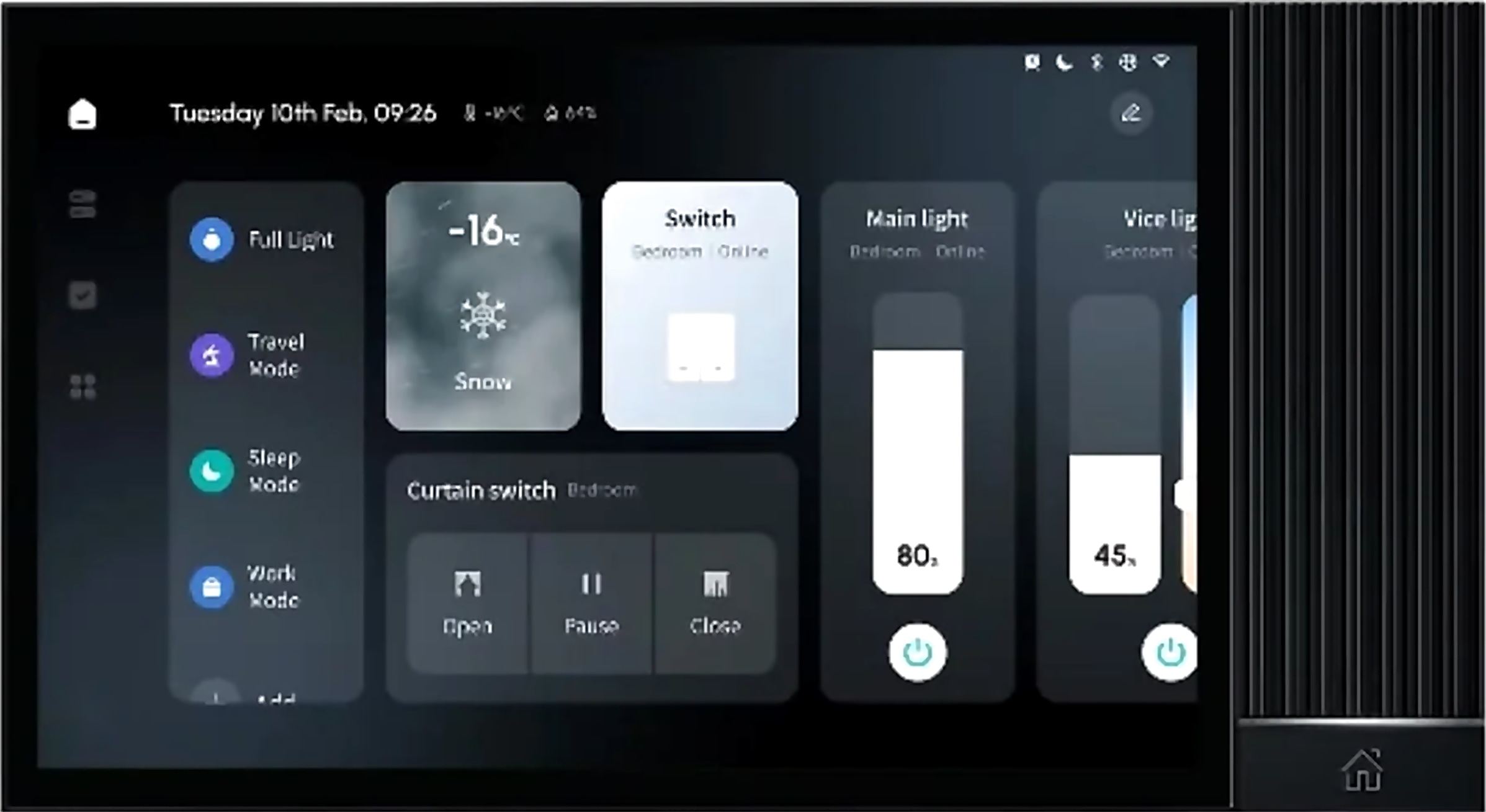
Build a scene once and it appears on your phone and on the wall. In a Spark home, scenes start from three places:
- The Tuya Smart app, where you create scenes and automations from triggers and schedules; see our guide to using Spark in the Tuya Smart app.
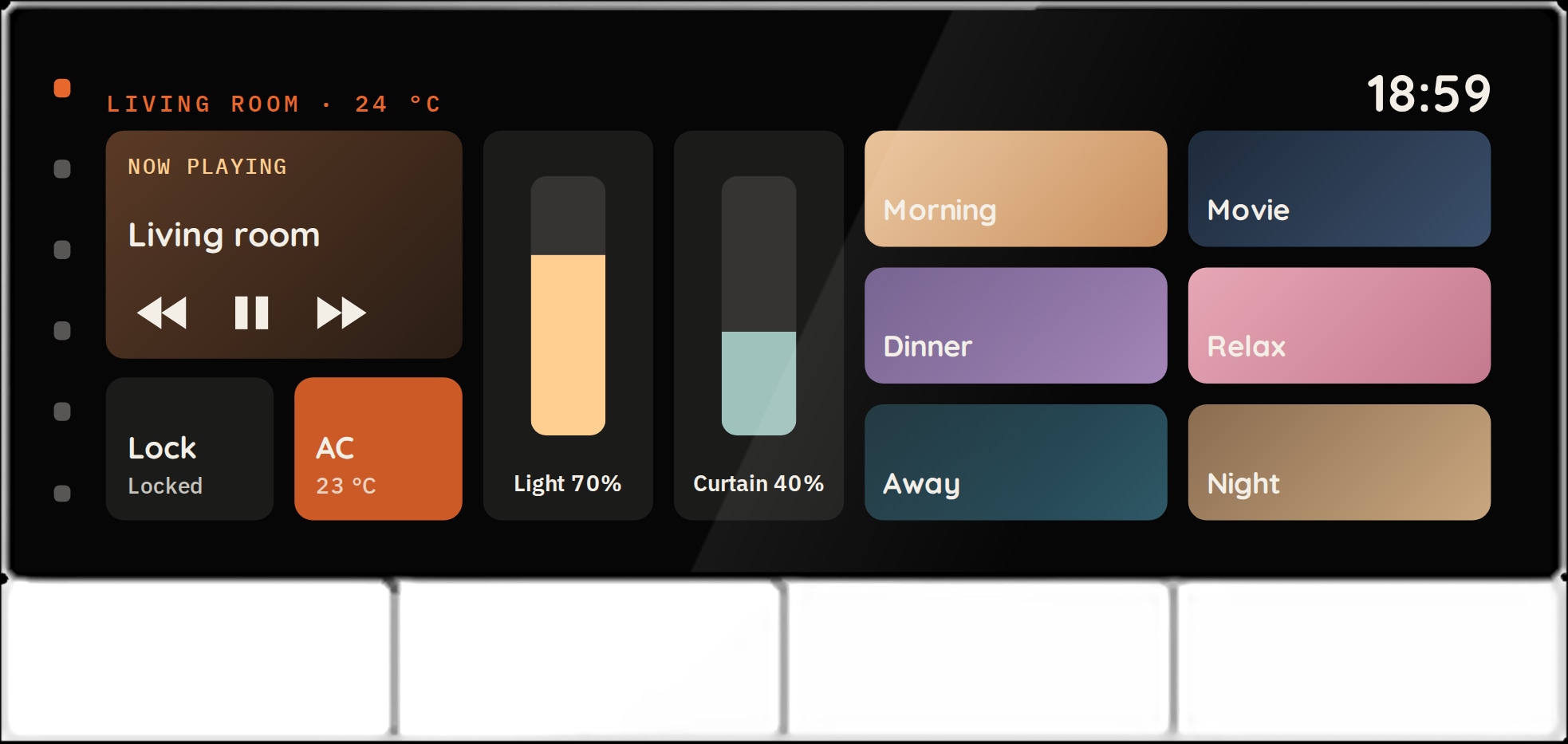
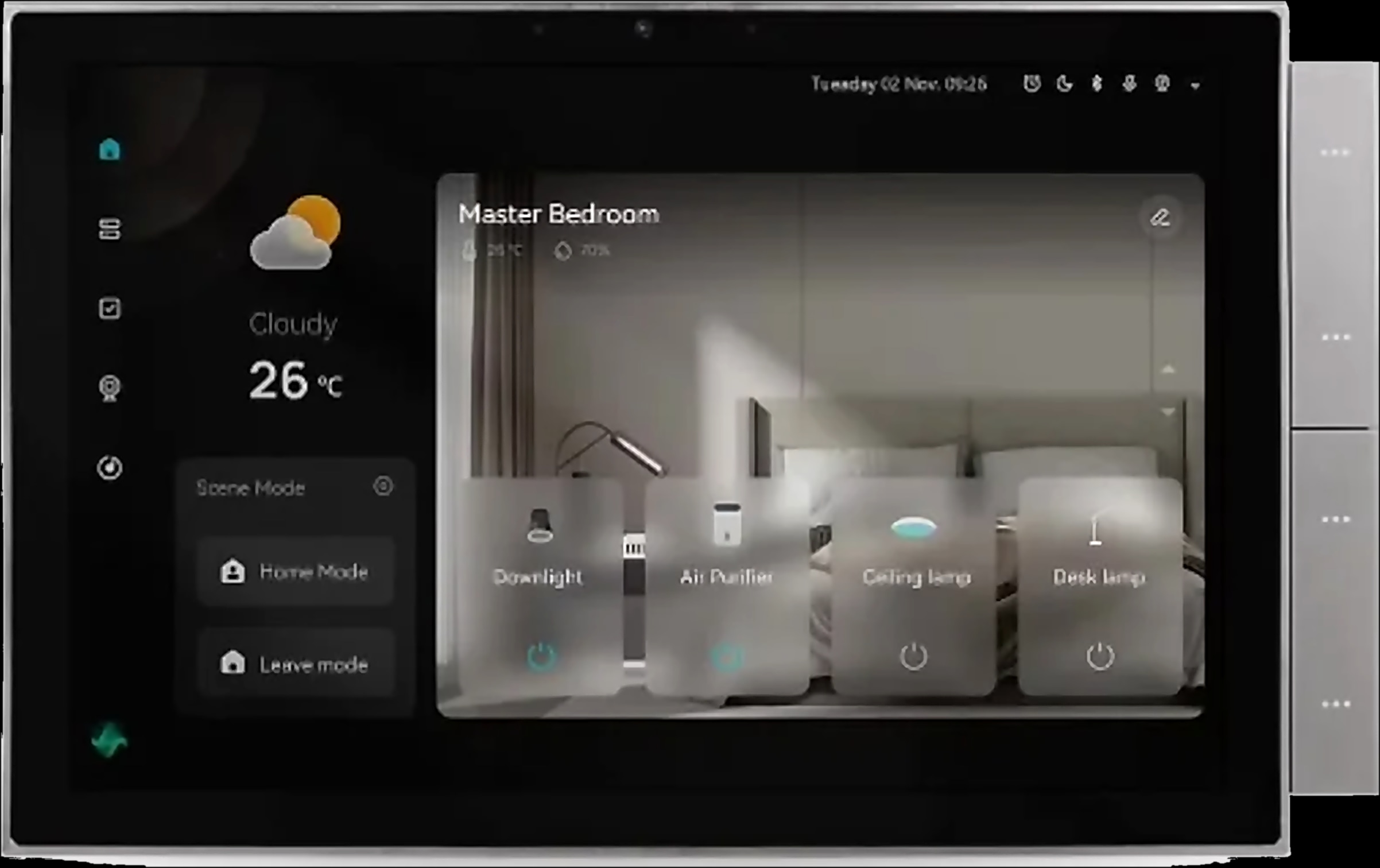
- A wall panel. All seven Spark control panels have a built-in Tuya Zigbee gateway; the 8-inch Panel and the Spark 10-inch Panel also have Alexa and an intercom, with Home mode, Leave mode and a movie scene among their scenes.
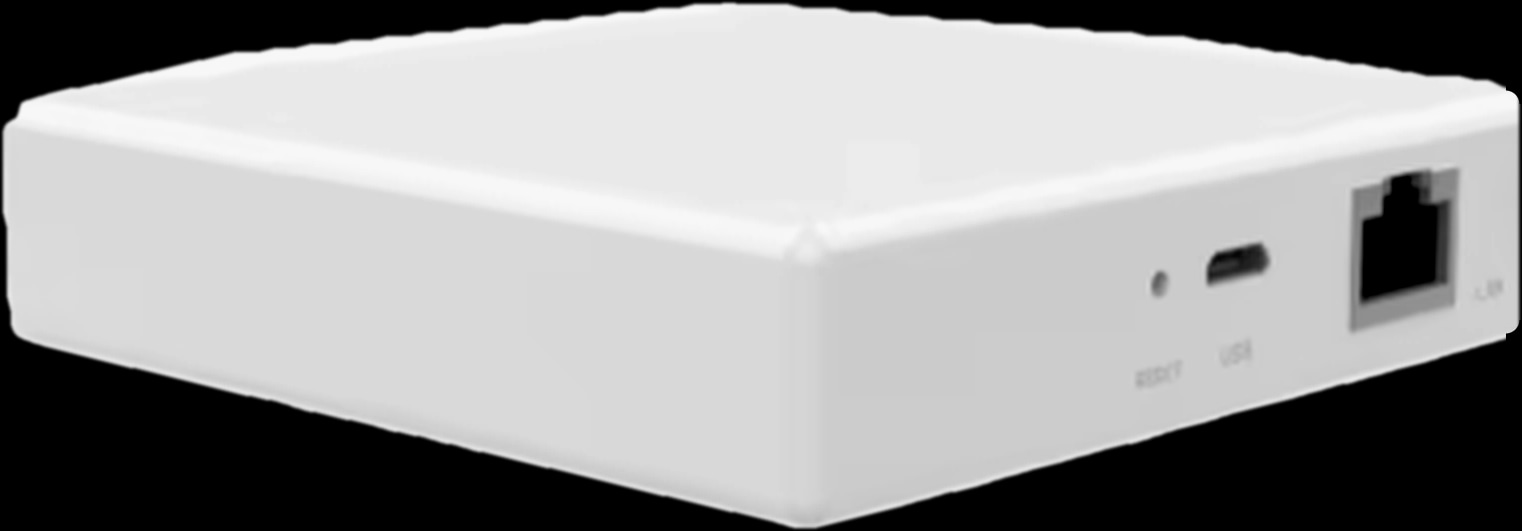
- The Hub-Z gateway, which brings compatible Tuya Zigbee switches, sensors, curtains and thermostats into the app and keeps local scenes between them running when the internet is down.
That matters at night: Spark states that local Zigbee scenes on the Hub-Z run offline (see what keeps working in a smart home without internet). Test any scene with Wi-Fi devices once with the internet unplugged.
Where your scenes start
Smart home scene ideas at a glance
Eight smart scene examples and automation ideas for a normal day in a Jordanian home. Start with two or three.
| Scene | Trigger | What happens | Spark products |
|---|---|---|---|
| Leave | Tap Leave mode by the door | Lights off, curtains closed, AC off, heating to energy saving where the app allows | Panel, 16-CH Relay, MC-10, IR-10, T-50 |
| Home | Tap Home mode, or a compatible door sensor sees the door open | Hall lights on, AC cooling the living room | Hub-Z, Zigbee switches, IR-10 |
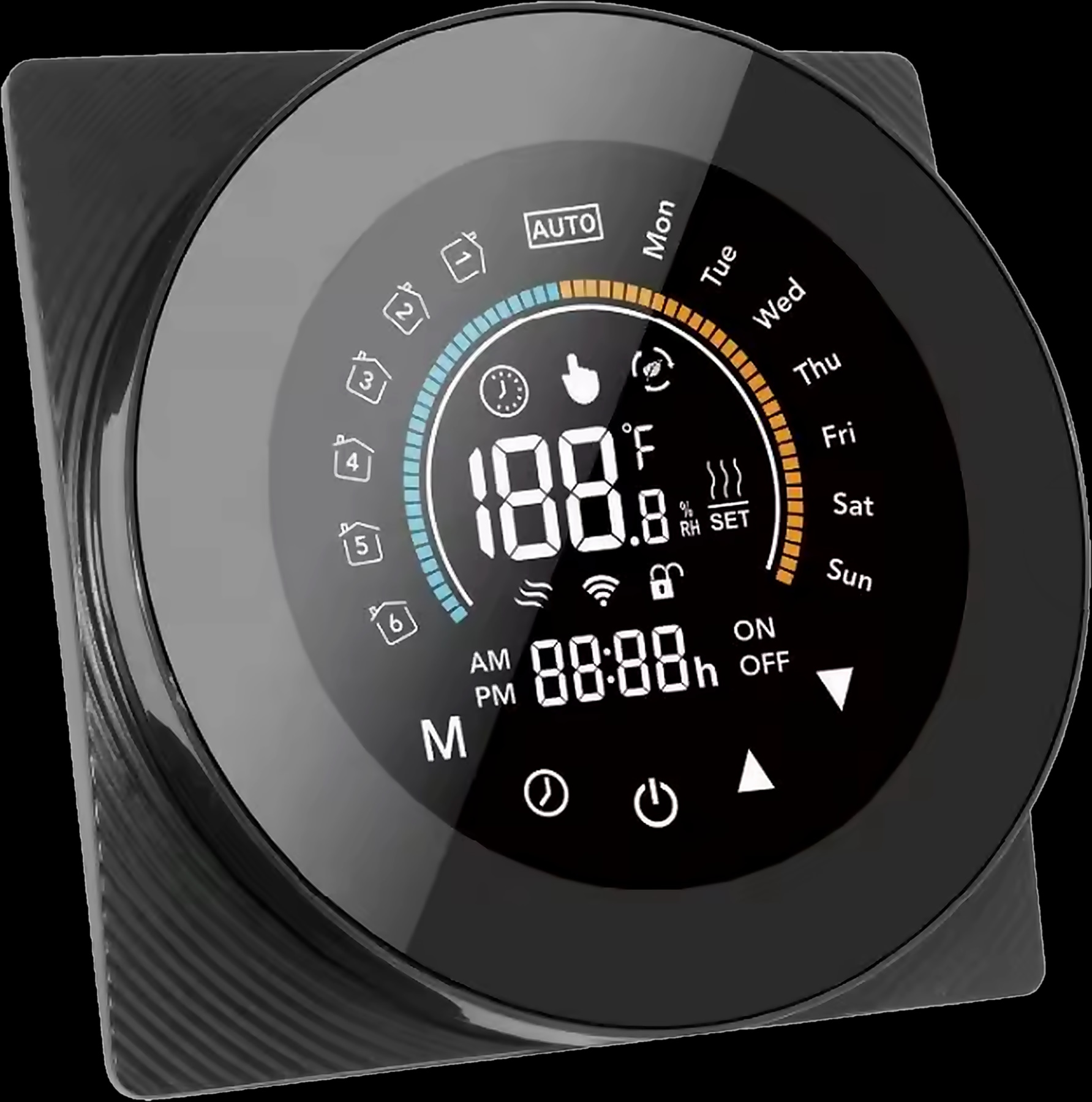
| Good morning | A schedule on working days | Curtains or blinds open, floor already warm | Zigbee MC-10 or MC-20, Hub-Z, T-50 |
| Good night | One tap by the bed, or your voice | Lights off, curtains closed, AC on a night setting with an off timer | 8-inch or 10-inch Panel, IR-10, MC-10 |
| Guests | Tap it on the majlis panel | Lights on, sheers closed, AC or heating set, music on the panel speakers | 10-inch Panel, MC-10, IR-10, T-50 |
| Film night | Tap the movie scene | Main lights off, blinds down, TV on | Panel, MC-20, IR-10 |
| Suhoor | A set time each night in Ramadan | Kitchen and dining lights on, floor warm | Zigbee switches, Hub-Z, T-50 |
| Low tank | The level falls below your Min setting | A notification on your phone | WL-30, Tuya Smart app |
Leaving home and coming back: build these two first
You will use Leave and Home every day, so put them on the panel by the main door.
Leave: last one out, everything off
One tap switches off the lights, closes the curtains and turns off the split AC through the IR-10. Lights can be Zigbee wall switches or circuits on the 16-CH Relay in the distribution board, which supports device linkage and group control; a Spark partner confirms how it joins your scenes.
The T-50 thermostat has an energy-saving mode you can select in the app, so add it where the app offers it; our guide to smart home energy saving goes further. Panels can control door locks, but no Spark lock page lists scene triggers, so add a lock to a scene only where it supports it in the app.
Home: the house is ready before you are
Start Home mode as you walk in, or make it an automation with a compatible Tuya Zigbee door sensor, sold separately: lighting the hall when a door opens is one of the Hub-Z brochure's own examples. Linked to the same kind of sensor in an app scene, the IR-10 sends the AC its command as you arrive.
Good morning and good night scenes
Good morning: curtains open, floor already warm
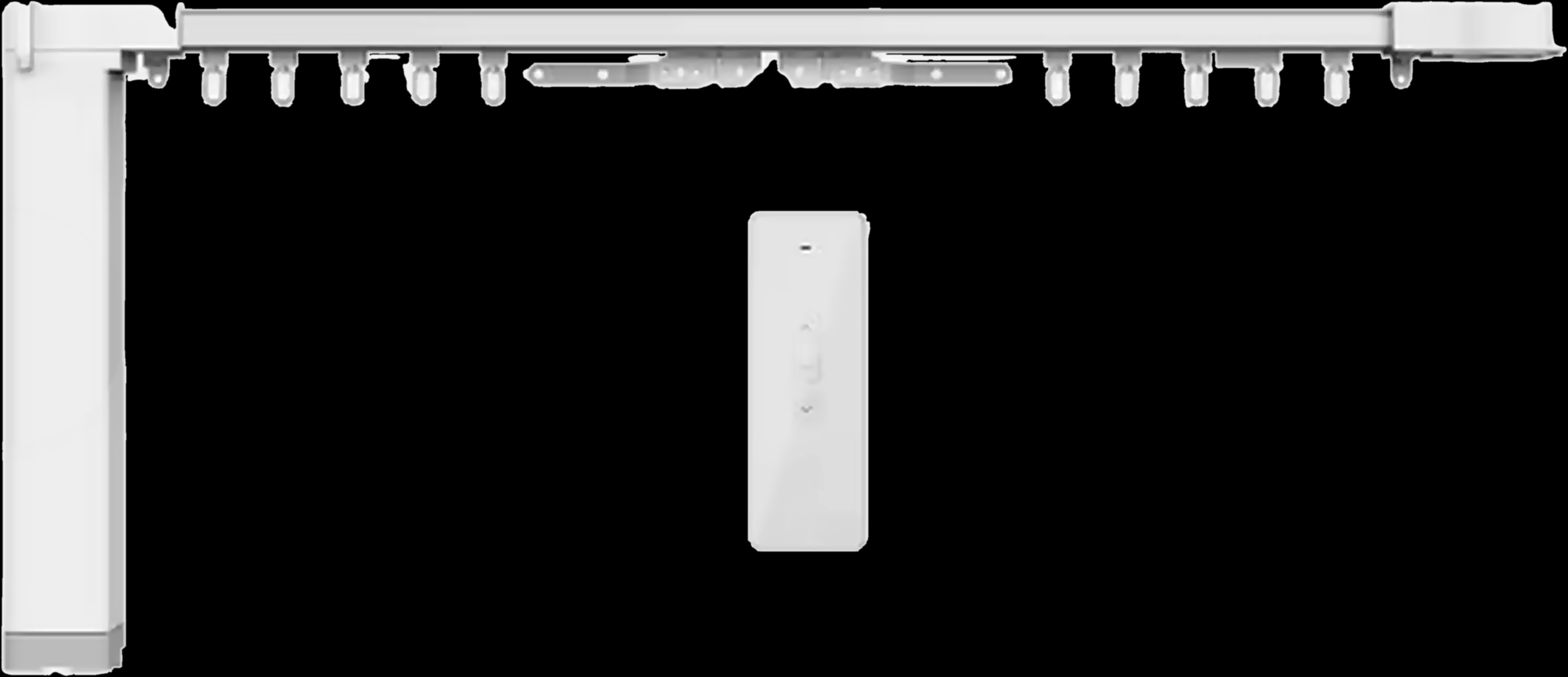
Schedule the bedroom curtains to open a few minutes before the alarm. The MC-10 curtain system has its own timer, and the Zigbee versions of the MC-10 and the MC-20 tubular motor join the Hub-Z, whose scenes run actions at a set time. The T-50 runs a 7-day programme with up to six periods a day, so the floor is warm when you get up.
Good night: one tap by the bed
A good night scene turns off the lights, closes any open curtains and puts the AC on its night setting. With the IR-10 you preset the temperature, mode and timing, and a timer switches the AC off at a chosen time. Keep a wall key for every bedside light anyway.
Guests in the majlis and film night
Guests in the majlis
On the 10-inch Panel in the majlis, one tap turns on the lights, closes the sheers and sets the temperature. The MC-10 can move several motors together, so curtain and sheer close as one; the IR-10 sets the AC's mode, temperature and fan speed, and in winter the T-50 in manual mode holds your temperature.
Two speakers connected to the panel can carry background music, and when the food is ready, the built-in intercom lets you tell the family hands-free.
Film night
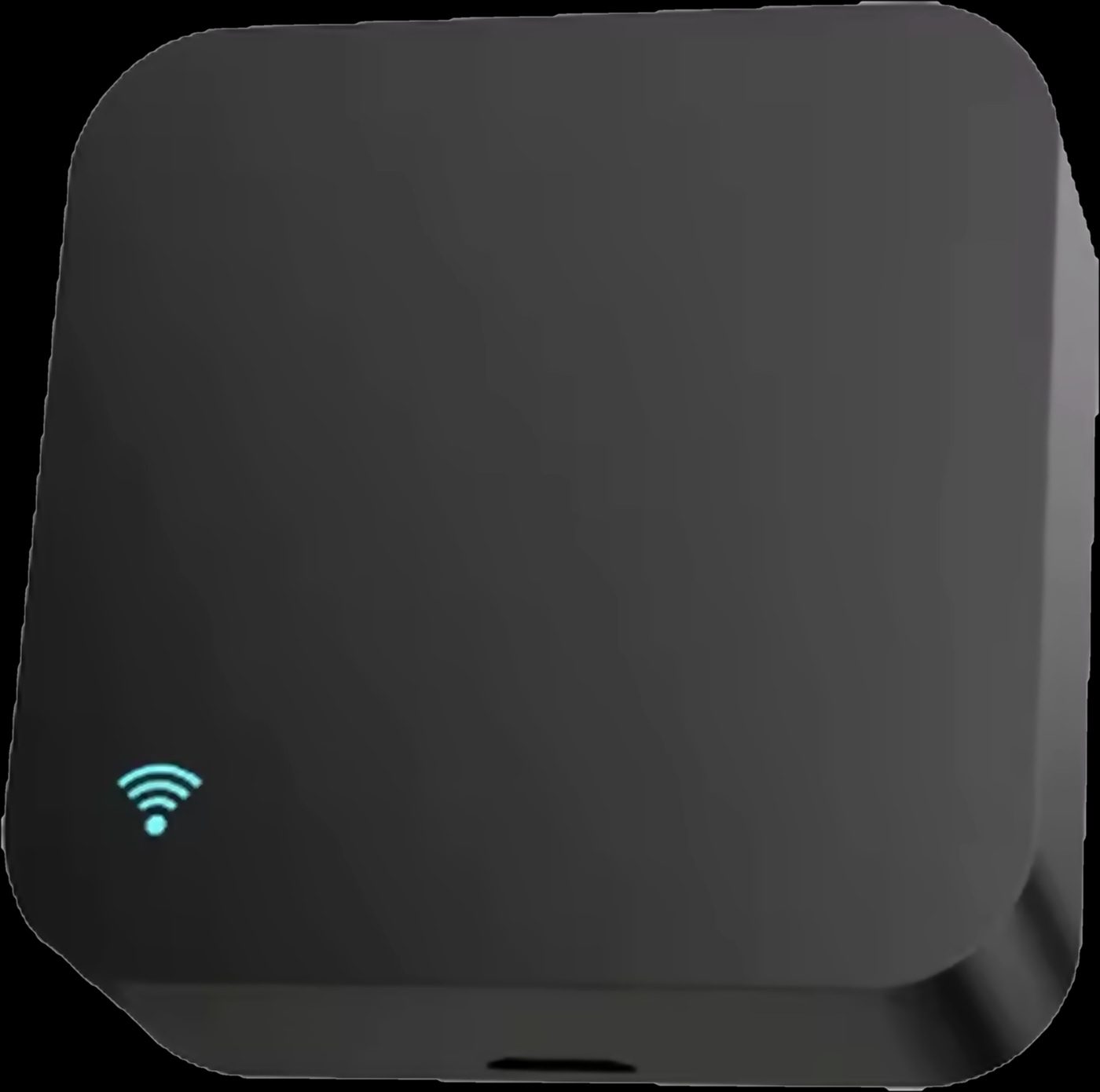
This is the panels' movie scene: main lights off, the MC-20 lowers the blinds, the MC-10 closes the curtains and the IR-10 turns on the TV and set-top box. Its library covers above 98% of infrared appliances, and it can learn a missing button from the original remote.
Suhoor in Ramadan and a low-tank alert
Suhoor: lights at a set time
In Ramadan, schedule the kitchen, dining and hall lights to come on shortly before suhoor; Zigbee switches on the Hub-Z can run this on a schedule. Give the T-50 an extra period before dawn so the floor is warm for the meal. Suhoor moves a little through the month, so check the times every week and switch the schedule off after Eid.
Low-tank alert
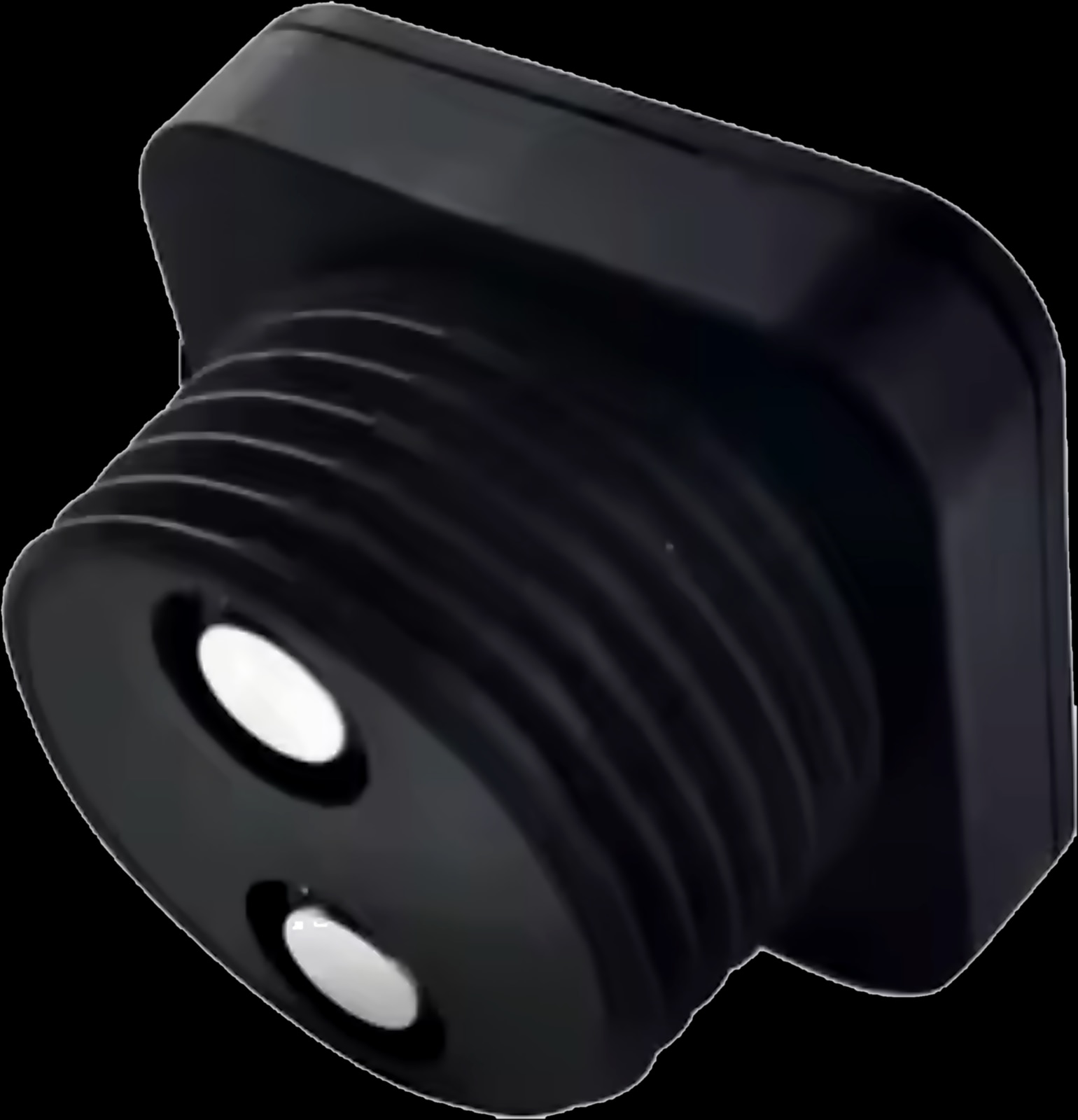
Many homes in Jordan store water in rooftop tanks that fill on supply day. The WL-30 water level sensor measures the tank with ultrasound, without touching the water. Set its Min threshold, then add a Tuya Smart scene that notifies you when the level status changes. Starting and stopping the pump from the tank level is covered in our guide to automatic water pump control.
The products behind these scenes
How to build a scene that works, and start it by voice
Follow these steps in the Tuya Smart app, or ask a Spark partner to set them up when the home is handed over.
- 1
Name it after the moment
Leave, Good night or Guests, not Living room 2. Short names are easier to remember and to say.
- 2
List the actions
Write down what each light, curtain, AC and thermostat should do.
- 3
Choose the trigger
A tap for a scene; a set time or a device change for an automation. Sensors are sold separately.
- 4
Put it where people reach for it
Leave and Home by the door, Good night by the bed, Guests in the majlis.
- 5
Test it, then test it offline
Unplug the internet line from the router and run your local Zigbee scenes again.
By voice. The 8-inch and 10-inch Panels have Alexa built in; the MC-10 and IR-10 state Alexa and Google Home, the T-50 Alexa and Google Assistant. Assistants need the internet, and which scenes they can start depends on how they link to the Tuya Smart app, so keep everyday scenes on a panel too.
Questions people ask about smart home scenes
What is the difference between a scene and an automation?
A scene runs when you start it: a tap on a panel, in the app or by voice. An automation starts itself at a set time or when a device reports a change.
Which smart home scenes should I set up first?
Leave, Home and Good night, because you will use them daily. Then add Good morning, Guests, Film night and, for a home in Jordan, suhoor and a low-tank alert.
How do I make scenes in the Tuya Smart app?
Add your devices to the app, then build a scene from the devices to change and its trigger: a tap, a schedule or a device change. The same scenes appear on Spark panels.
Do smart home scenes work without internet?
Local scenes between Zigbee devices on the Hub-Z keep running when the internet is down. Voice commands and control from outside the home need the connection.
Can a smart lock turn on the lights when I open the door?
Spark lock pages don't list scene triggers, so plan it only where your lock supports it in the app. A compatible Tuya Zigbee door sensor on the Hub-Z can light the hall when the door opens.
How do I set up a good night scene?
Choose what changes at bedtime: lights off, curtains closed, the AC on a night setting with an off timer through the IR-10. Save it as one scene on the bedroom panel and test it.