The short answer
To control your AC from your phone, match the controller to the system. For a split unit, the Spark IR-10 smart remote sends infrared commands from up to 10 m away, in clear line of sight. For central VRF air conditioning, the Spark VRF Controller connects to the indoor units' bus. Both control power, temperature, mode and fan speed from the Tuya app on your phone.
On this page
How can you control your AC from your phone?
You need a small smart controller between the app and the air conditioner. Spark makes one for each kind of system, both in its range of HVAC controllers for smart AC control:
- Split units: the IR-10 smart remote. It speaks your air conditioner's infrared language, with no new AC and no wiring.
- Central VRF systems: the VRF Controller. It connects to the system's 2-wire bus and brings the indoor units into one app.
Both work with the Tuya app, in Wi-Fi or Zigbee versions, as part of a wider smart home system. You do not need a phone with a built-in IR blaster: the IR-10 is the IR blaster, and your phone talks to it through the app.
Smart remote for split AC: how the IR-10 works
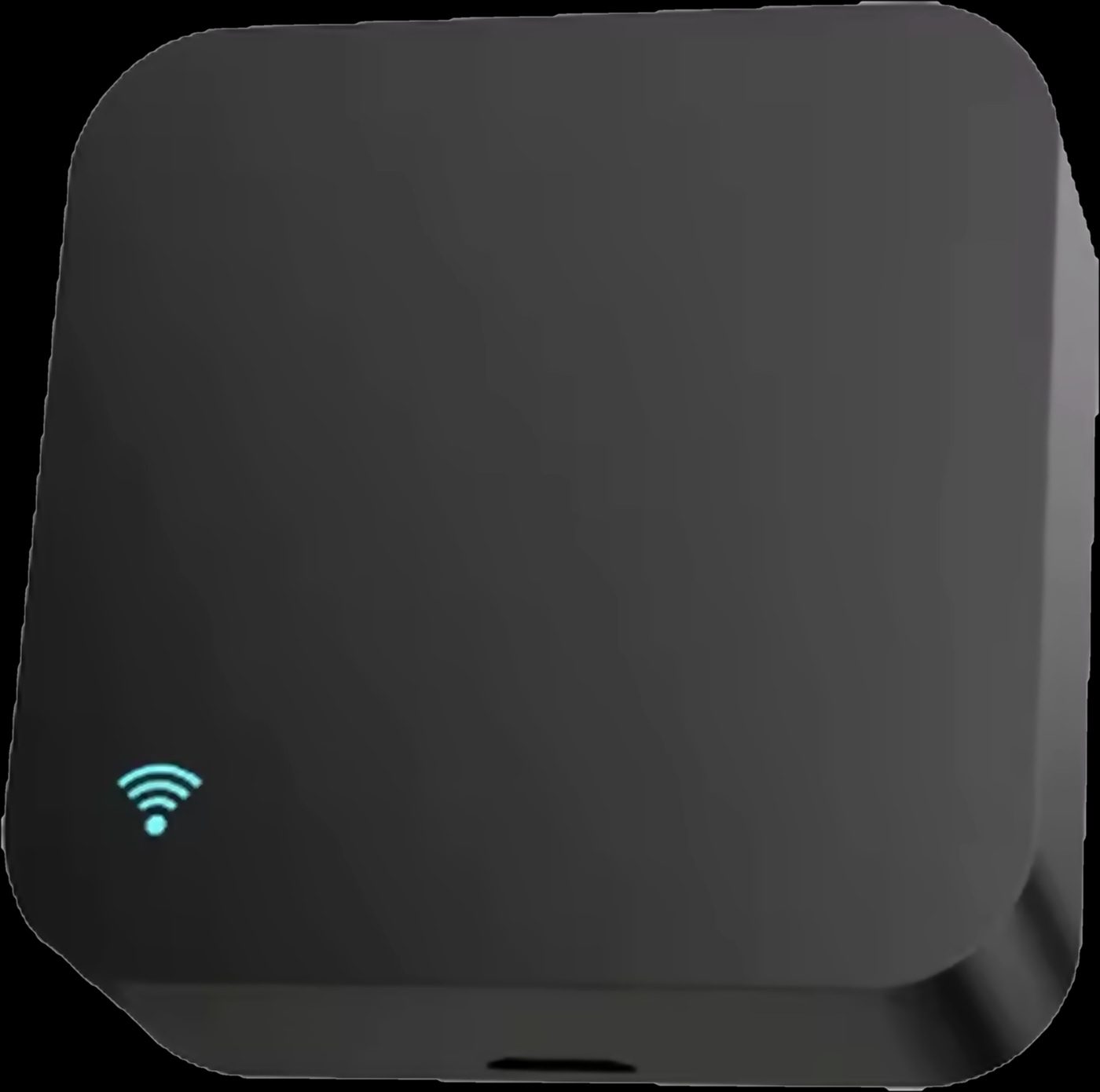
The IR-10 is an IR blaster for your AC: it sends infrared commands just like the original remote, but from your phone. Its IR library covers above 98% of infrared appliances, as stated in the brochure, and it can learn buttons from the original remote when your model is not in it.
- Power: on or off from the app, by voice or on a timer.
- Set temperature: raise or lower it in the app.
- Mode: the modes your air conditioner supports, such as cooling or drying.
- Fan speed: up or down in the app.
- Timers: change a setting or switch the AC off at a chosen time.
The library also covers TVs, set-top boxes, fans and IR lighting. The Wi-Fi version connects straight to your router; the Zigbee version joins through a Tuya Zigbee gateway, such as the Spark Hub-Z or a Spark control panel.
VRF controller: central air conditioning from your phone
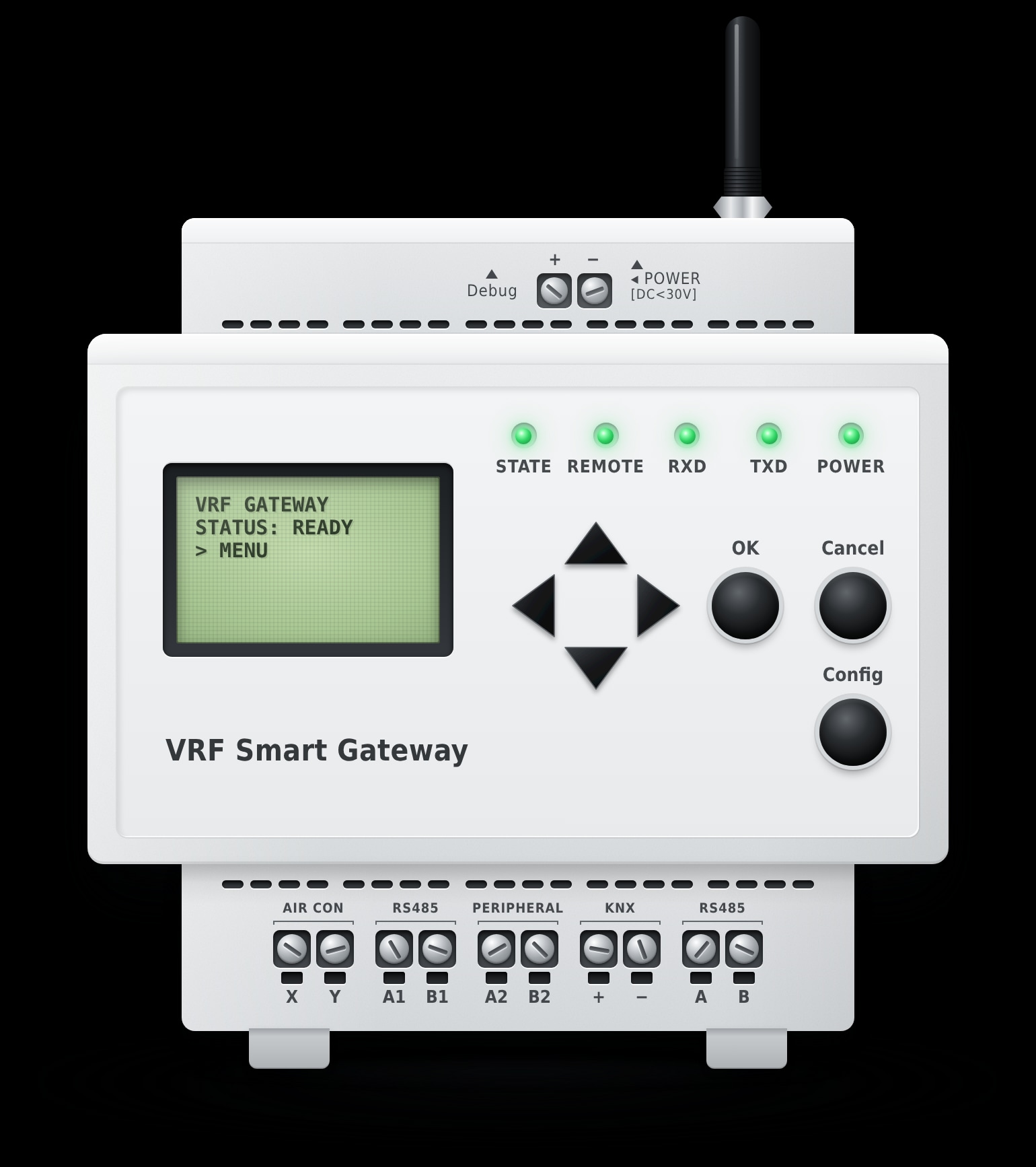
For central air conditioning, the VRF Controller connects a multi-split VRF system to the Tuya platform, so you switch indoor units on or off and set the mode, temperature and fan speed from one app on an iOS or Android phone.
Its signal cable goes to the communication port of an indoor unit, and the controller discovers the indoor units on the bus automatically. The X-Y bus is non-polarised, with runs up to 1000 m on cable of 0.5 mm² or above.
- Mounting: 105 × 87 × 58 mm, on a DIN rail in the distribution board or on a wall.
- Power: DC 12 V / 1 A from the supplied adapter, below 2 W consumption.
- Integration: an optional RS485 interface for building management systems, KNX panels or other third-party controllers.
IR-10 or VRF Controller: which smart AC controller do you need?
Look at how your air conditioning is built: a split unit with an infrared remote in each room calls for the IR-10, and one central VRF system serving several indoor units calls for the VRF Controller.
| IR-10 smart remote | VRF Controller | |
|---|---|---|
| Made for | The split units you already have | Multi-split VRF central air conditioning |
| Link to the AC | Infrared, up to 10 m with a clear line of sight | X-Y non-polarised 2-wire bus, cable up to 1000 m |
| What you control | Power, temperature, mode, fan speed and timers | Power, mode, temperature and fan speed of the indoor units |
| Network | Wi-Fi or Zigbee version | Tuya Wi-Fi or Tuya Zigbee |
| Voice | Alexa and Google Home | Not listed; a Spark partner can confirm |
| Installation | No wiring; place it where it sees the unit | DIN rail or wall mount, DC 12 V / 1 A power |
Choose the IR-10 for the split units you already have, room by room, with no wiring, even in a rented flat. Choose the VRF Controller when a central VRF system serves the home or building. Some homes use both.
The AC controllers compared here
Wi-Fi AC remote or Zigbee: what does each one need?
Every version needs your home network; the Zigbee versions also need a Zigbee gateway.
Wi-Fi version. The IR-10 Wi-Fi is an AC controller with Wi-Fi built in: it connects directly to your router, with no hub. It is the simplest choice for one or two split units within Wi-Fi range.
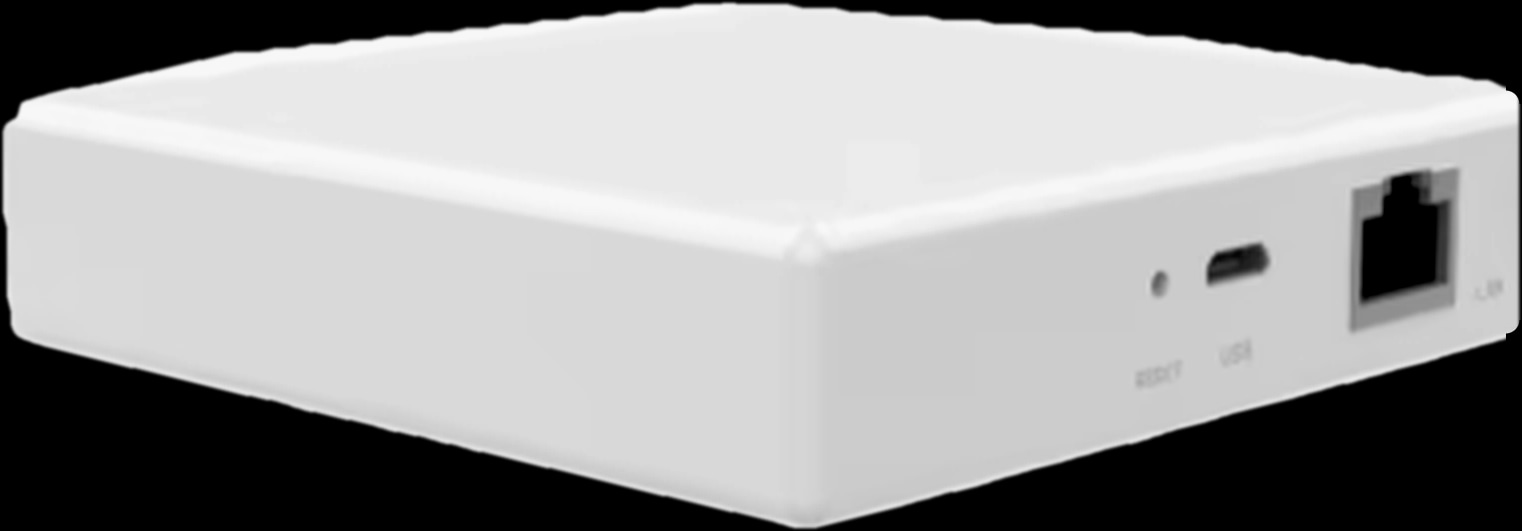
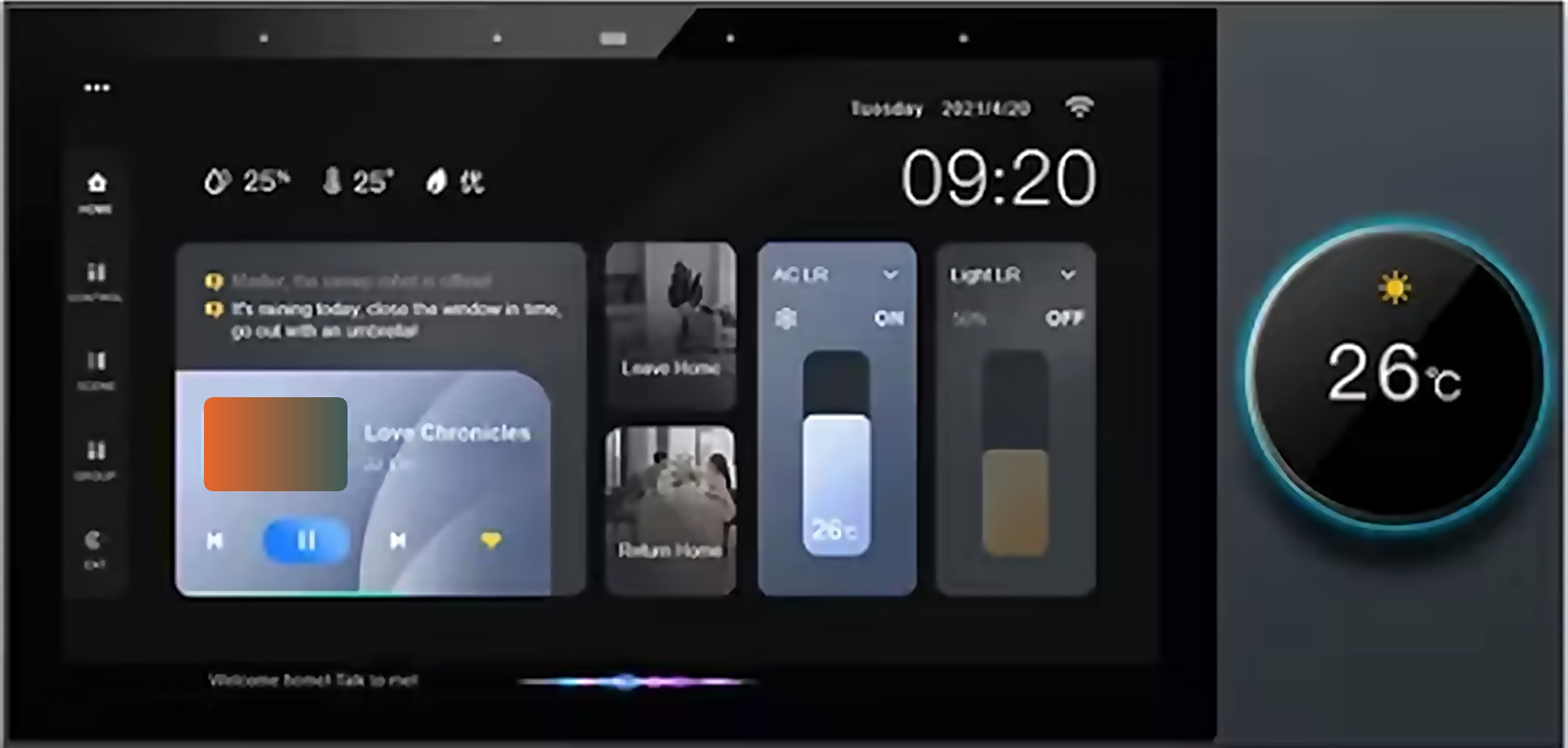
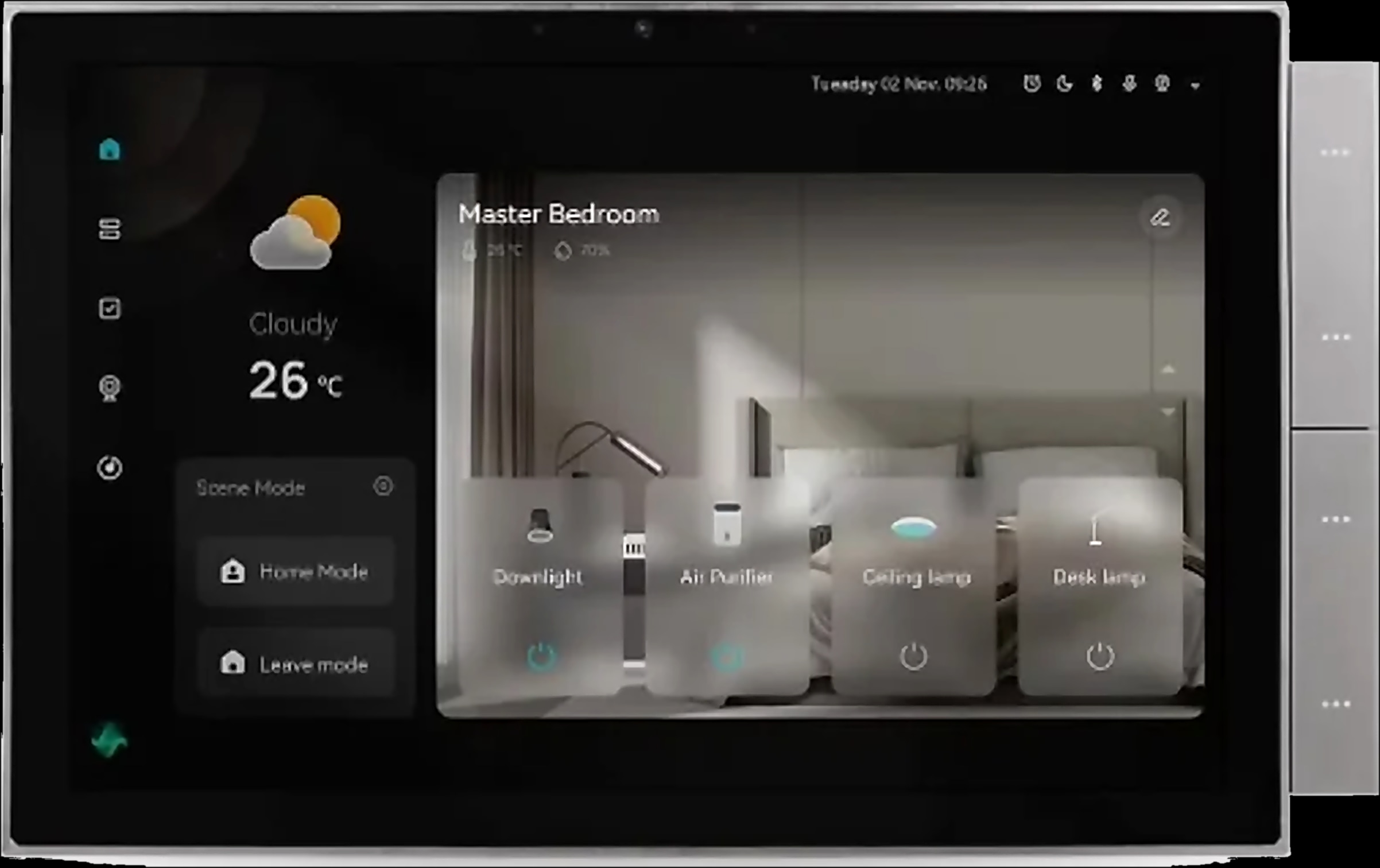
Zigbee version. The IR-10 Zigbee joins through a Tuya Zigbee gateway. That can be the Hub-Z from the Spark hubs range, with up to 128 sub-devices in its Ethernet version, or a wall panel: every one of the Spark control panels has a Tuya Zigbee gateway built in, including the 7-inch Panel and the 10-inch Panel.
Zigbee suits a whole-home system, since the Hub-Z also pairs Spark ZT and ZM switches, the MC-10 and MC-20 for curtains and blinds and the T-50 thermostat in their Zigbee versions. Our guide to Zigbee vs Wi-Fi smart switches compares the two in full.
Whichever you choose, control from outside the home and voice assistants need internet at the home; our guide to a smart home without internet covers what keeps running when it drops.
Gateways for the Zigbee versions
Turn on the AC remotely: app, voice, timers and scenes
With the IR-10 you can turn on the AC remotely from the Tuya Smart or Smart Life app: cool a room before you get home, or switch off a unit someone left running.
Voice and timers. The IR-10 works with Alexa and Google Home, which need an internet connection like any voice assistant. Timers preset the temperature, mode and timing for your day or night, so the bedroom unit does not run all night.
Scenes. In an app scene, the IR-10 reacts to compatible Tuya door, temperature or motion sensors, sold separately:
- Door opens: send an AC command when you arrive.
- Temperature rises: a room-sensor reading triggers the AC.
- Motion detected: a motion sensor triggers the fan.
On a VRF system, ask a Spark partner to confirm voice, timers or scenes for your configuration.
Can you use your split AC for heating in winter?
Many homes in Jordan also heat with their split units. The IR-10 sends the commands your unit understands but cannot add a mode it does not have: the available modes depend on the air conditioner. The IR-10 page names cooling and drying as examples, so ask a Spark partner to confirm heating for your model before winter.
If your heat comes from underfloor pipes, electric floor heating or a gas boiler, use a thermostat instead. The Spark T-50 thermostat runs those systems on a 7-day programme, and our underfloor heating thermostat settings guide explains how to set it up. You can also compare all Spark smart thermostats.
How to set up the IR-10 step by step
Setting up the IR-10 takes a few steps in the app. A Spark partner or your AC installer connects the VRF Controller to the bus.
- 1
Check your air conditioner
A split unit with an infrared remote suits the IR-10. A central VRF system needs the VRF Controller.
- 2
Pick the network version
Wi-Fi for a direct router connection, or Zigbee with a Hub-Z or a Spark panel.
- 3
Place it in sight of the unit
Within 10 m of the indoor unit, with nothing in between.
- 4
Add it in the app
Add the IR-10 in Tuya Smart or Smart Life. For Zigbee, pair it through the gateway in the app.
- 5
Find your AC in the library
Test power, temperature, mode and fan speed. If your model is not listed, teach the IR-10 the original remote's buttons.
- 6
Add timers, voice and scenes
Set timers, link Alexa or Google Home and build scenes with compatible sensors.
Installers and architects can become a Spark partner to specify these controllers for each home or building.
Questions people ask about controlling an AC from a phone
Do I need a phone with an IR blaster?
No. The IR-10 is the IR blaster: it sits in the room and sends the infrared commands, while your phone talks to it through the app, from another room or from outside.
How far does an IR blaster for AC reach?
The IR-10 reaches up to 10 m (32.8 ft) without barriers, in clear line of sight of the indoor unit, so each room with a split unit needs its own IR-10.
Can I turn on my AC remotely when I am away?
Yes, if the home has a working internet connection. A timer, or a scene with a compatible door sensor, can also send the command for you.
Will the IR-10 work with my air conditioner?
Its IR library covers above 98% of infrared appliances, as stated in the brochure, and it can learn buttons from the original remote. Modes depend on the air conditioner, so a Spark partner can confirm your model.
Can I control central AC from my phone?
Yes, if it is a multi-split VRF system: the Spark VRF Controller connects to the X-Y bus, discovers the indoor units and controls power, mode, temperature and fan speed. Give your Spark partner the system's brand and model first.