The short answer
An automatic water pump controller reads the tank level and switches the pump itself. In Spark's range, the WL-50 Tank Level Monitor does this: it starts the pump below your Min level and stops it at Max minus 5 percentage points (Max 60% stops at 55%). The WL-30 and WL-100 read the level and send alerts, but do not run a pump.
On this page
Why the water pump needs watching on supply day
On supply day, the pump needs watching. In many homes in Jordan, mains water arrives on set days and fills a ground tank, and a pump lifts it to the roof tank that feeds the taps. Left running, the pump overflows the roof tank; run with the ground tank empty, it has nothing to lift.
An automatic water pump controller takes that job off your hands: it switches the pump at levels you choose, even when nobody is home.
- No overflow: the pump stops at a level you set, below the top of the tank.
- No forgetting: the pump starts by itself when the roof tank runs low.
- One limit: a controller on the roof tank cannot see the ground tank.
To choose a level sensor for any tank, see our water tank level sensor guide.
How does an automatic water pump controller work?
An automatic water pump controller pairs a level sensor with a start level and a stop level: the pump runs when the water falls to the first and stops when it rises to the second, so it fills the tank in one run instead of switching every time a tap opens.
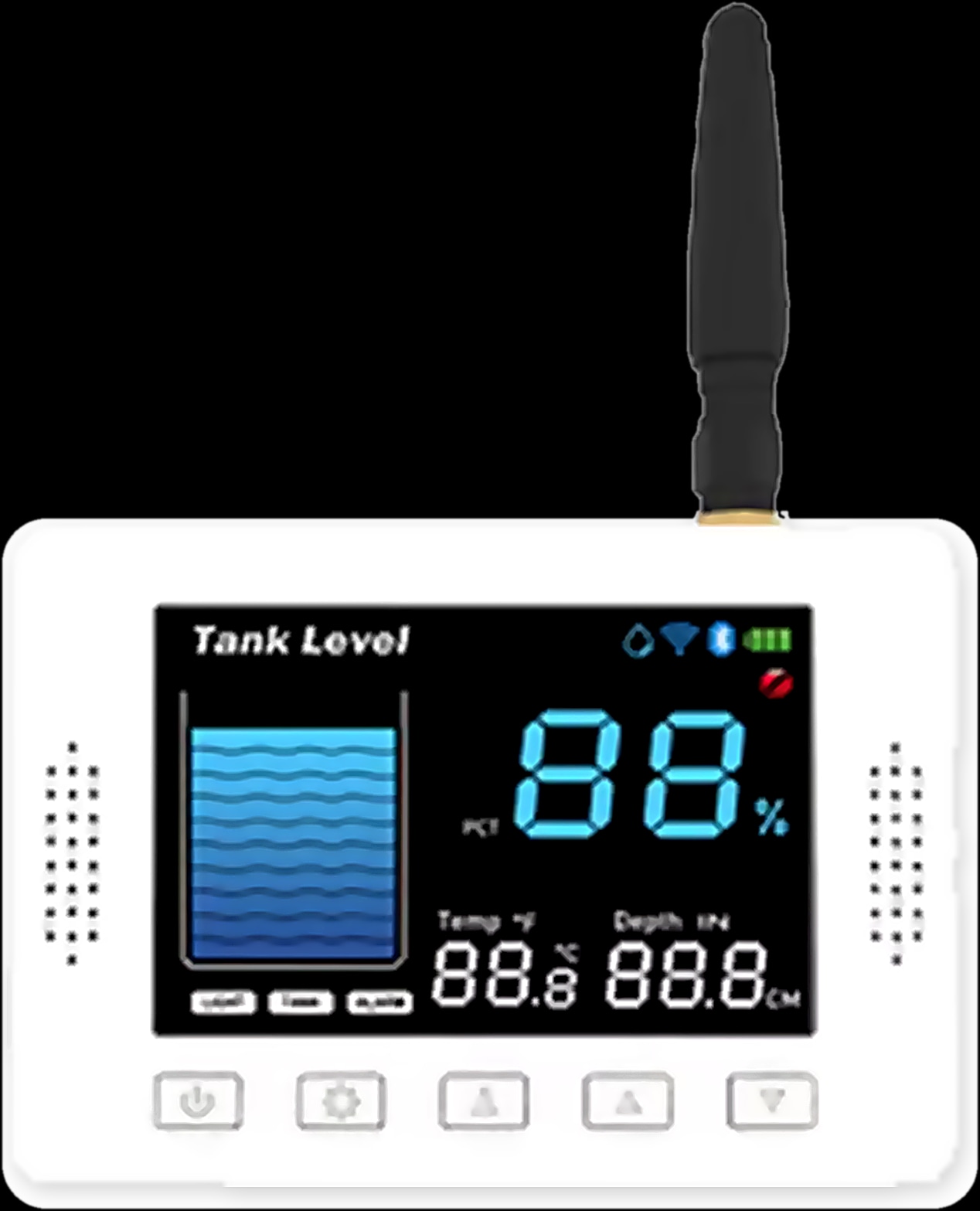
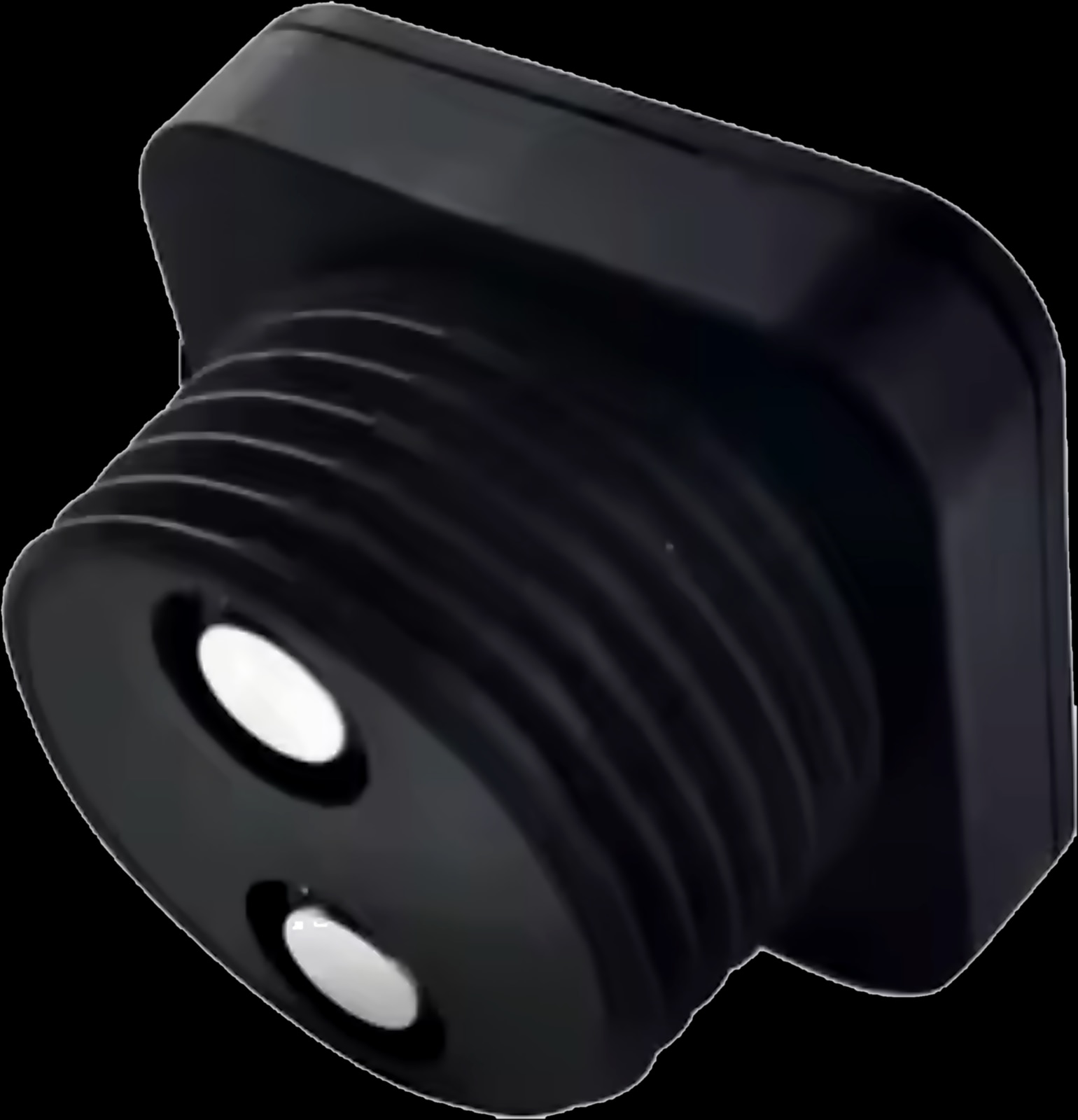
In the Spark tank level sensors range, the WL-50 Tank Level Monitor is built for this. Its ultrasonic sensor in the tank lid measures without touching the water and sends the level by LoRa radio to a colour display in the house, which joins your 2.4 GHz Wi-Fi for the Tuya Smart app. The kit sounds an alarm and can run the pump for you.
A normal cycle looks like this:
- 01Below Min: the pump starts.
- 02Filling: the display shows the level rising.
- 03At Max minus 5 percentage points: the pump stops, so with Max at 60% it stops at 55%.
- 04In use: the pump stays off until the level falls below Min again.
Which Spark tank sensors can control a water pump?
Only the WL-50 controls a pump. The WL-30 Water Level Sensor and the WL-100 Tank Level Monitor measure the level and raise high and low alarms, but do not list pump control.
| Feature | WL-30 | WL-50 | WL-100 |
|---|---|---|---|
| Automatic pump control | Not listed | Yes: starts below Min, stops at Max minus 5 percentage points | Not listed |
| Alarms | High and low, phone notification through a Tuya Smart scene | Buzzer above Max or below Min | High and low notifications in the Tuya Smart app |
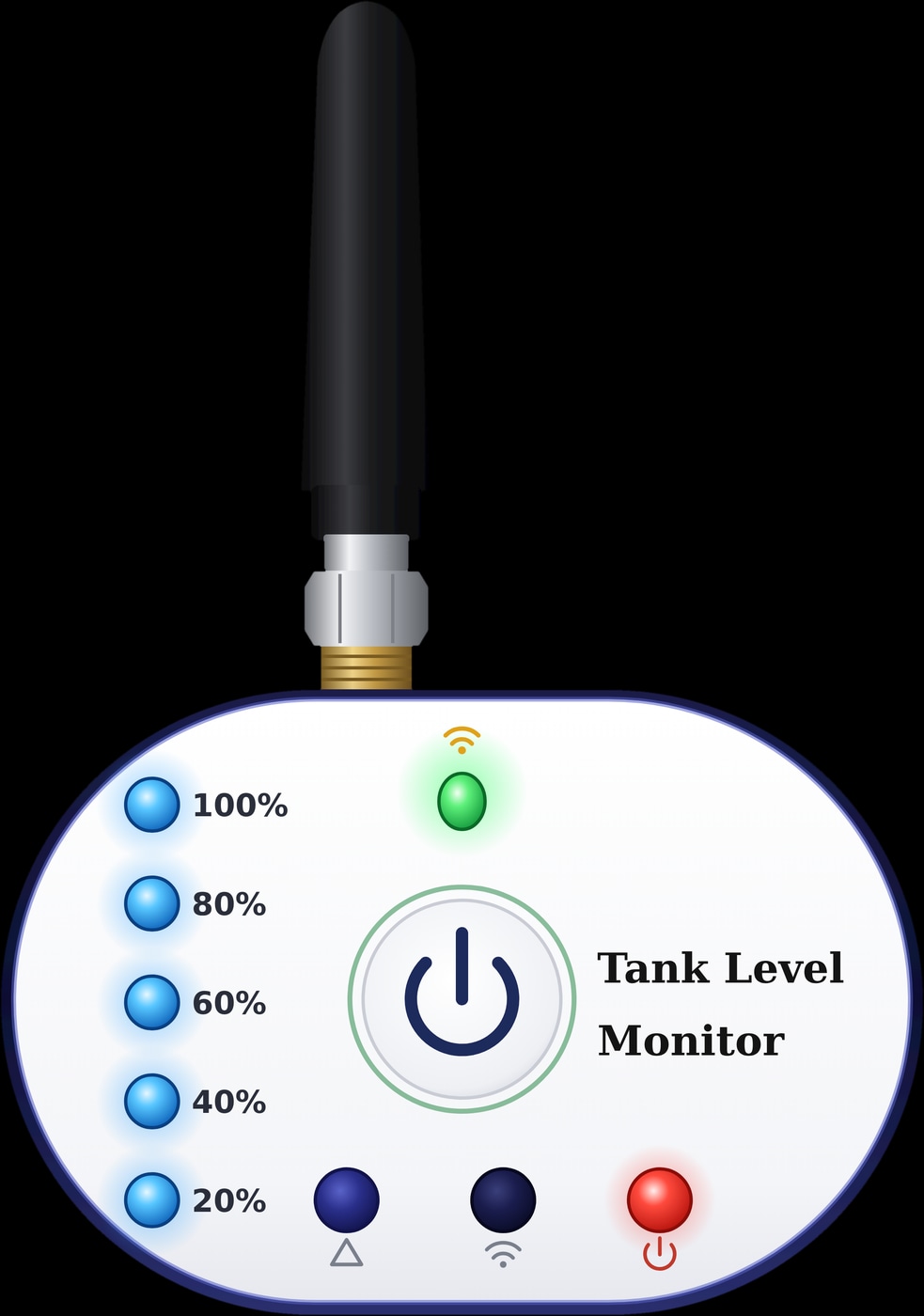
| Where you read the level | Tuya Smart app, with history | Colour display in the house, and Tuya Smart | Receiver with five level lights, exact level in Tuya Smart |
| Measuring range | 10 cm to 2.9 m | 10 cm to 5 m | 40 cm to 10 m |
So fit the WL-50 on the tank the pump fills, and a WL-30 or WL-100 on a tank you only watch, such as the ground tank.
Spark tank level sensors and monitors
How to set Max and Min for automatic pump control
Treat Max as your overflow warning and Min as the point where the pump starts. Set both on the display or in the Tuya Smart app; they stay in sync.
- 1
Measure the installation height
Measure from the sensor down to the tank bottom: up to 5 m, set in 5 cm steps on the display.
- 2
Enter the full line
The distance from the sensor to the highest water level must be at least 0.1 m.
- 3
Choose where the pump stops
Pick the highest level you want the pump to reach and set Max 5 percentage points above it.
- 4
Choose where the pump starts
Set Min high enough that the house still has water while the pump refills the tank.
- 5
Watch one cycle
Check that the app and display agree, then watch one supply day before leaving the pump alone.
How the WL-50 helps stop water tank overflow
The WL-50 stops the pump before the water reaches Max, so in a normal cycle the high alarm stays quiet. If the buzzer does sound above Max, the level kept rising after the pump stopped: check what else feeds the tank, such as a mains pipe, and have the pump connection looked at.
The buzzer stops when the level returns to range, and any key mutes it. Min is both the low alarm and the start point, so expect the buzzer when the level drops below it, until the pump lifts the water back into range. If the LoRa link drops, the depth on the display flashes after 30 seconds.
Keep the float valve on any mains supply pipe as well: closing that inlet when the tank is full is its job, not the WL-50's.
What if the ground tank is empty? Dry running and the source tank
The WL-50 watches only the tank its sensor sits on. On the roof tank, it knows when the roof needs water, not whether the ground tank has any to give, and its page does not describe dry-run protection.
- Watch the ground tank too. Fit a WL-30 (up to 2.9 m deep) or a WL-100 (up to 10 m) with a low-level alarm, so Tuya Smart warns you on your phone. The pages do not say this alarm can stop the WL-50's pump: treat it as a warning, not a cut-out.
- Ask about protection at the pump. Many pumps can be fitted with their own dry-run protection; your plumber or electrician can tell you whether yours has it.
Float switch, timer or level sensor: which should run the pump?
For a pump, control by level is safer than control by the clock: a float switch and a level sensor follow the water, a timer only the time.
- An electric float switch flips a contact at a fixed point in the water. It is simple and needs no app, but you cannot see the level, and moving the points means opening the tank.
- A smart switch on a timer does not know whether the tank is full, so it can overflow it or start with the ground tank empty.
- A level sensor with pump control, such as the WL-50, switches the pump from the measured level and lets you move Max and Min without opening the tank.
What about a Wi-Fi module such as the Spark WR-50 Switch Module? Spark makes it for lighting circuits behind wall switches: its page gives LED loads and current per channel (300 W and 16 A on the 1CH version) and does not mention pumps or motors. Do not wire a pump to it unless a Spark partner or a qualified electrician confirms it suits that pump.
Connecting the pump, powering the WL-50 and the app
Connecting the pump is a job for a Spark partner or a qualified electrician, with the circuit switched off. The WL-50 page does not show how the pump connects or which pumps the kit can switch, so have them confirm it for yours.
- Two power points: two 5 V adapters, one for the display and one for the sensor.
- A socket near the tank: the sensor has a 3 m cable with a waterproof DC2.0 connector.
- A hole in the lid: about 58 mm, centrally on the tank top.
- Wi-Fi at the display only: 2.4 GHz, as 5 GHz is not supported.
- Operating temperature: −10 to 70 °C.
Pair the sensor and display with their buttons, then add the display to Tuya Smart using Bluetooth and 2.4 GHz Wi-Fi (Smart Life works too). You can then check the level from your phone while the home has power and internet, which helps when you manage your Jordan home from abroad.
After a power cut, the WL-50 keeps its installation and level settings; our power outage guide covers the rest of the house. Building or renovating? See our smart home wiring guide for new builds for what to wire before plastering.
Automatic water pump control: your questions
How do I make my water pump turn on and off automatically?
Fit a level controller on the tank the pump fills. The Spark WL-50 starts the pump below your Min level and stops it at Max minus 5 percentage points; a Spark partner or a qualified electrician connects the pump.
Will the WL-50 stop the pump if the ground tank is empty?
Not on its own: it reads only its own tank, and its page does not describe dry-run protection. Add a WL-30 or WL-100 on the ground tank for a low-level warning, and ask your electrician about protection at the pump.
Can I use a smart wifi switch for my water pump?
A timer switches by the clock, not the level, so it can overflow a full tank. Spark's WR-50 is made for lighting circuits, and its page does not rate it for pumps. Use the WL-50's level control instead.
Why does the pump stop before the tank reaches Max?
The WL-50 stops the pump at Max minus 5 percentage points: with Max at 60%, it stops at 55%. That leaves a margin below the high alarm, which sounds only if the water keeps rising past Max.
Can I switch the pump on from the app?
The WL-50 page describes automatic control from Max and Min, set in the Tuya Smart app, but no manual pump button: ask a Spark partner what your setup allows, and compare the range in Spark products.