The short answer
A smart home saves energy by stopping waste, not by changing your tariff. The Spark T-50 thermostat heats to a 7-day programme with an energy-saving mode, the IR-10 switches a split AC off on a timer, the Spark VRF Controller puts every central indoor unit in one app, and Leave mode turns everything off at once. Savings depend on your home, tariff and habits.
On this page
How does a smart home save energy?
A smart home saves energy by switching off what nobody is using. It does not make your AC or boiler more efficient, and it does not change your tariff. It removes the waste that comes from habit: a floor heated all day for an empty house, an AC running in an empty bedroom, a garden light burning until morning.
In winter, many Jordanian homes pay for that waste twice: electricity for split units, floor heating and the pump, and fuel for the boiler. The fix is the same: put each load on a schedule or a mode.
| Habit that wastes energy | Spark product | What it does |
|---|---|---|
| Heating at one temperature all day | T-50 Thermostat | 7-day programme, up to 6 periods a day |
| Heating an empty home at full comfort | T-50, energy-saving mode | Holds the economy temperature instead |
| A split AC left running all night | IR-10 Smart Remote | Timers switch it off at a chosen time |
| VRF indoor units on in empty rooms | VRF Controller | Every indoor unit in one app |
| Lights left on, indoors or outside | ZR-50 or WR-50 module | Timer schedules turn lights on and off |
| Everything on when the last person leaves | Leave mode on a Spark panel | One tap runs your leaving scene |
| Curtains open on cold nights | MC-10 Curtain System | A timer closes them at a set time |
| A pump running until someone remembers | WL-50 Tank Level Monitor | Starts below Min, stops at Max minus 5 percentage points |
Most of these work with the AC, heating and switches you already have. The real work is agreeing the schedule once.
Smart thermostat energy saving: the T-50 programme and economy mode
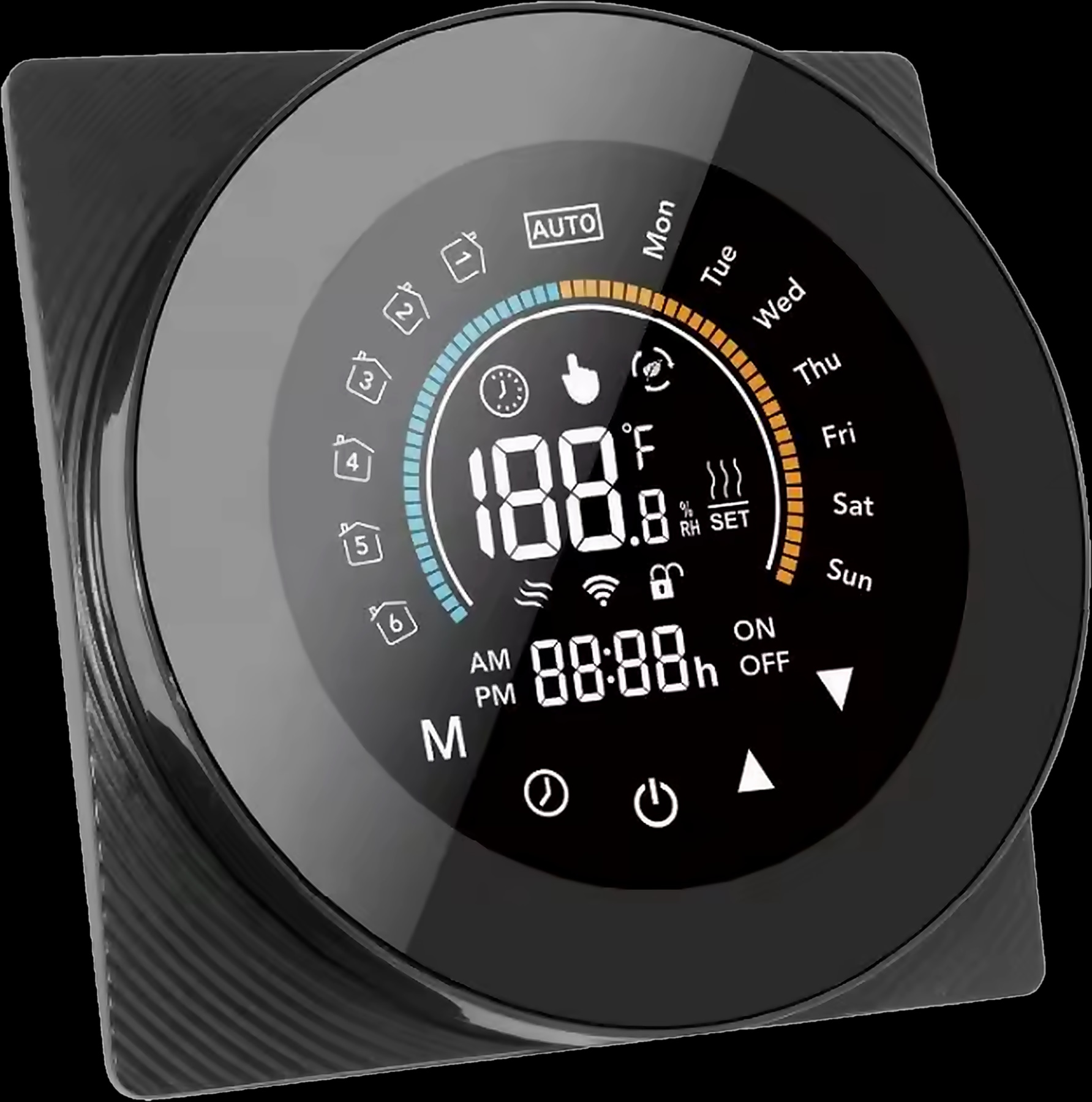
A smart thermostat saves energy when it heats to the household's timetable instead of one fixed temperature. The T-50 is the smart thermostat in the Spark range, for water underfloor heating, electric floor heating and gas boilers.
Its weekly programme covers 7 days with up to six periods a day, each with its own time and temperature: warm before breakfast, lower during work and school hours, warm again before the family is home.
- Programmable: follows the weekly programme automatically. The everyday mode for a home that wants to waste less.
- Manual: holds the temperature you set until you change it, whether anyone is home or not.
- Energy saving: uses the economy temperature, which your installer sets in the advanced menu (0 to 30 °C).
You can change the temperature, mode or programme in the Tuya Smart app, or by voice with Alexa and Google Assistant. If the family stays out late, you adjust the heating from your phone instead of warming an empty house.
Choose GA for water underfloor heating, GB for electric floor heating or GC for a gas boiler. Programming each period has its own guide: how to set up and program the T-50 for underfloor heating.
AC timer and schedule: stop heating and cooling empty rooms
An AC timer saves energy by switching the unit off when the room is empty, even when nobody remembers. Many homes in Jordan heat with split units in winter too, so the same waste happens all year.
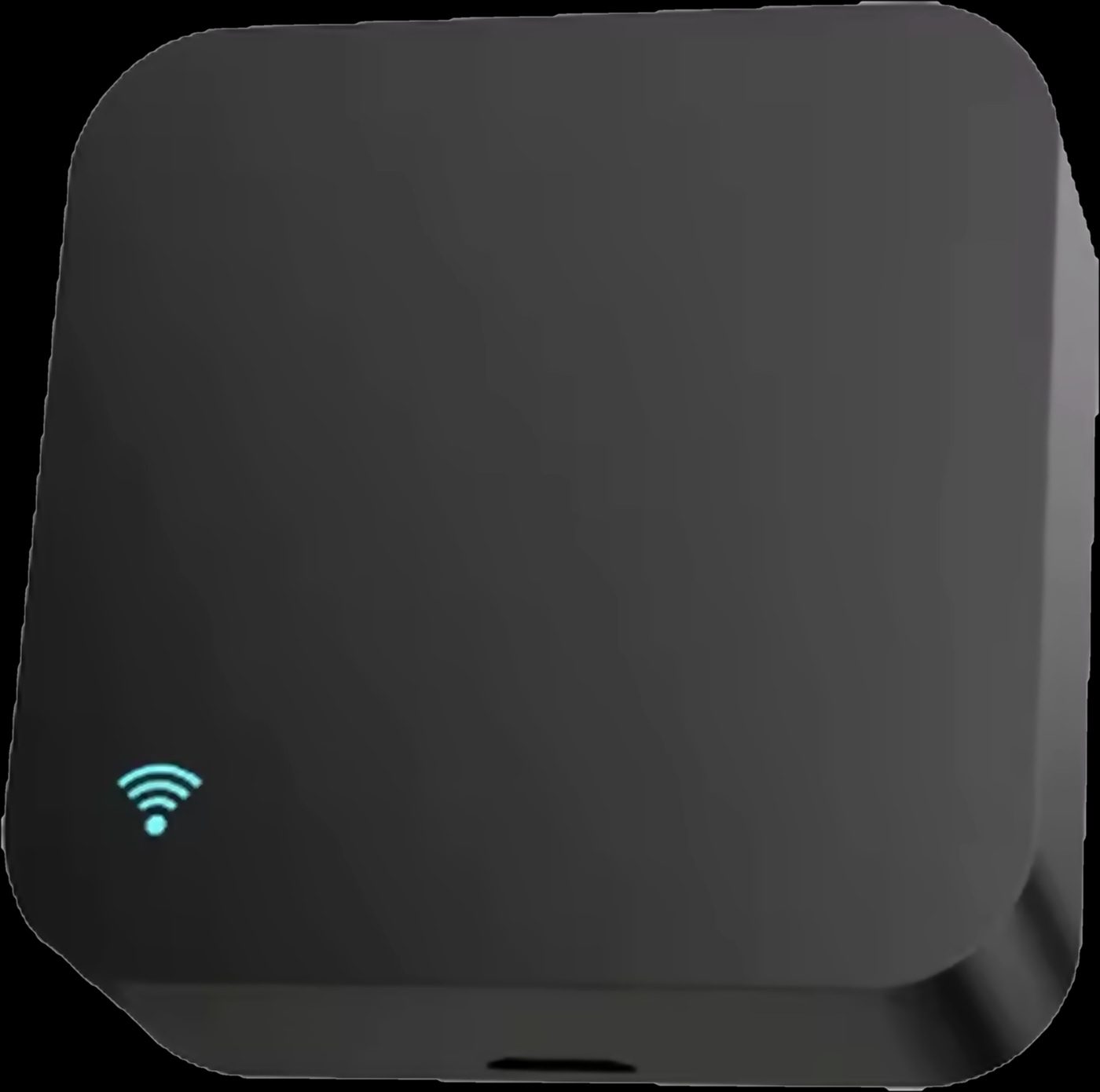
Split units: the IR-10. The IR-10 Smart Remote speaks your air conditioner's infrared language, so the split AC you already have joins the Tuya Smart app with no new AC and no wiring. Its timers change a setting or switch the AC off at a chosen time, and you control power, temperature, mode and fan speed from home or away.
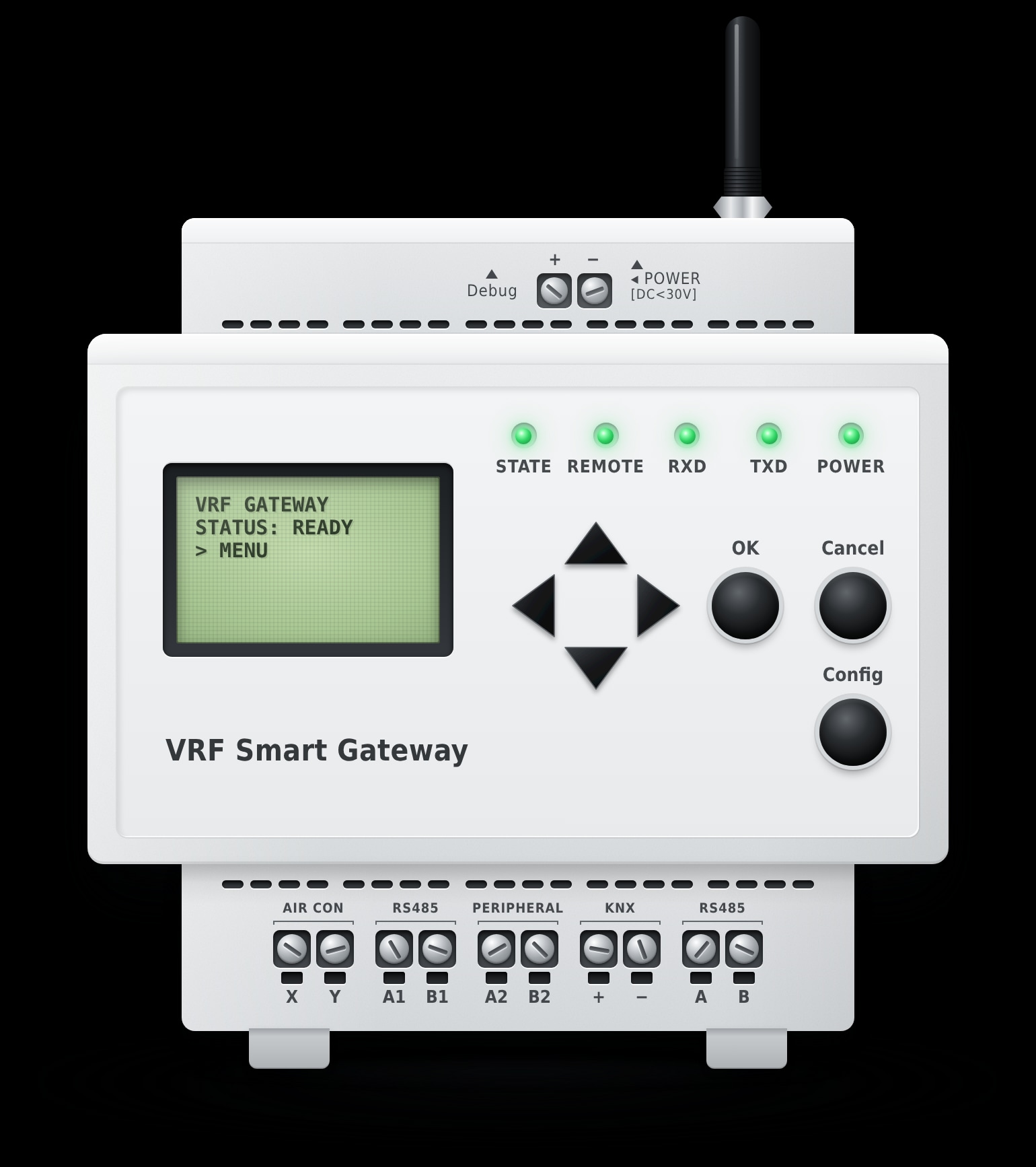
Central air conditioning: the VRF Controller. With a multi-split VRF system, the VRF Controller connects to the X-Y bus and finds the indoor units itself. You switch each unit on or off and set its mode, temperature and fan speed from one app, so a unit left on in a spare bedroom is easy to spot.
Choosing between the two is covered in how to control your AC from your phone.
Heating and air conditioning on a schedule
A leaving home scene that turns everything off
The most useful energy scene is the one you run on the way out: one tap, and the lights, AC and heating change together. The Spark 10-inch Panel and the other Spark panels start Home mode, Leave mode or a movie scene from the screen, set up in the Tuya Smart app.
Every Spark panel has a built-in Tuya Zigbee gateway. Without a panel, the Hub-Z Zigbee gateway brings Zigbee devices into the app, runs actions on schedules and keeps local scenes between Zigbee devices running when the internet is down.
- 1
Walk the house at leaving time
Note what is still on when the last person goes out: lights, AC units, heating, curtains.
- 2
Create the scene in the app
Add lights off, AC off through the IR-10 or VRF Controller and curtains closed, as your devices support.
- 3
Decide what the heating does
If the T-50 programme already covers working hours, leave it. For a longer trip, use energy-saving mode.
- 4
Put it by the door
Run Leave mode from a panel near the entrance, and pair it with Home mode for the way back.
- 5
Test it once
Run the scene, then check in the app that everything changed.
How to save electricity at home with lights on schedules
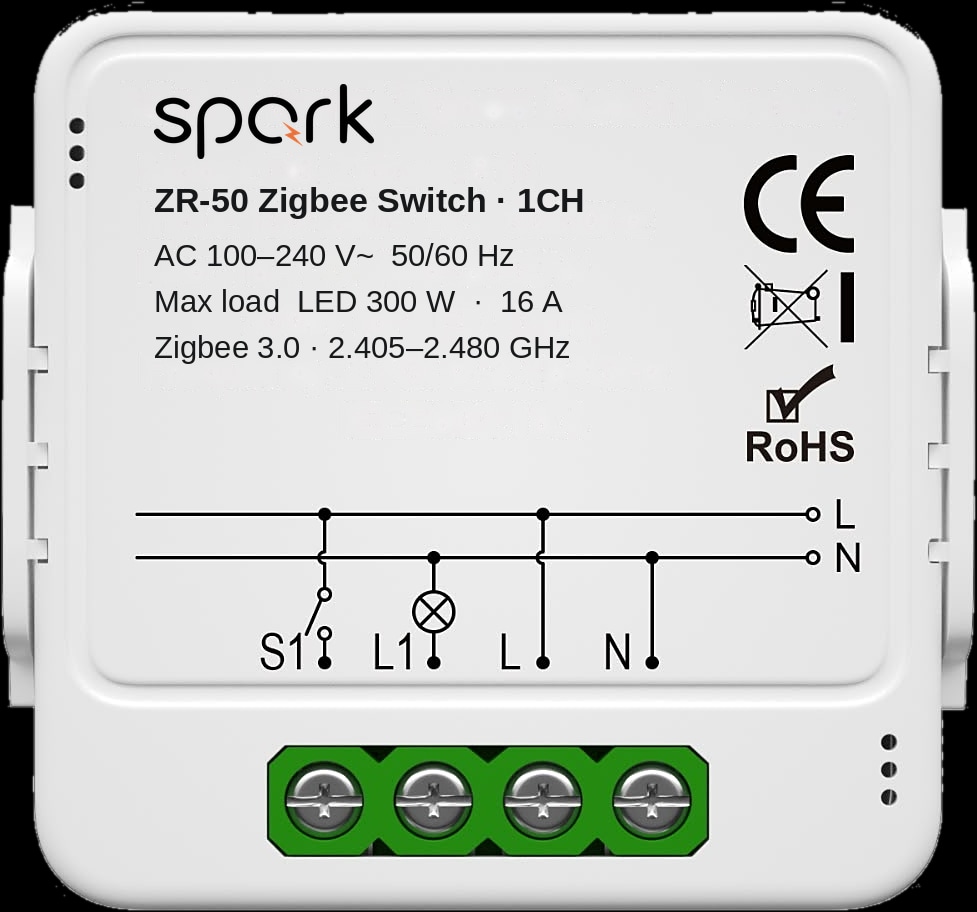
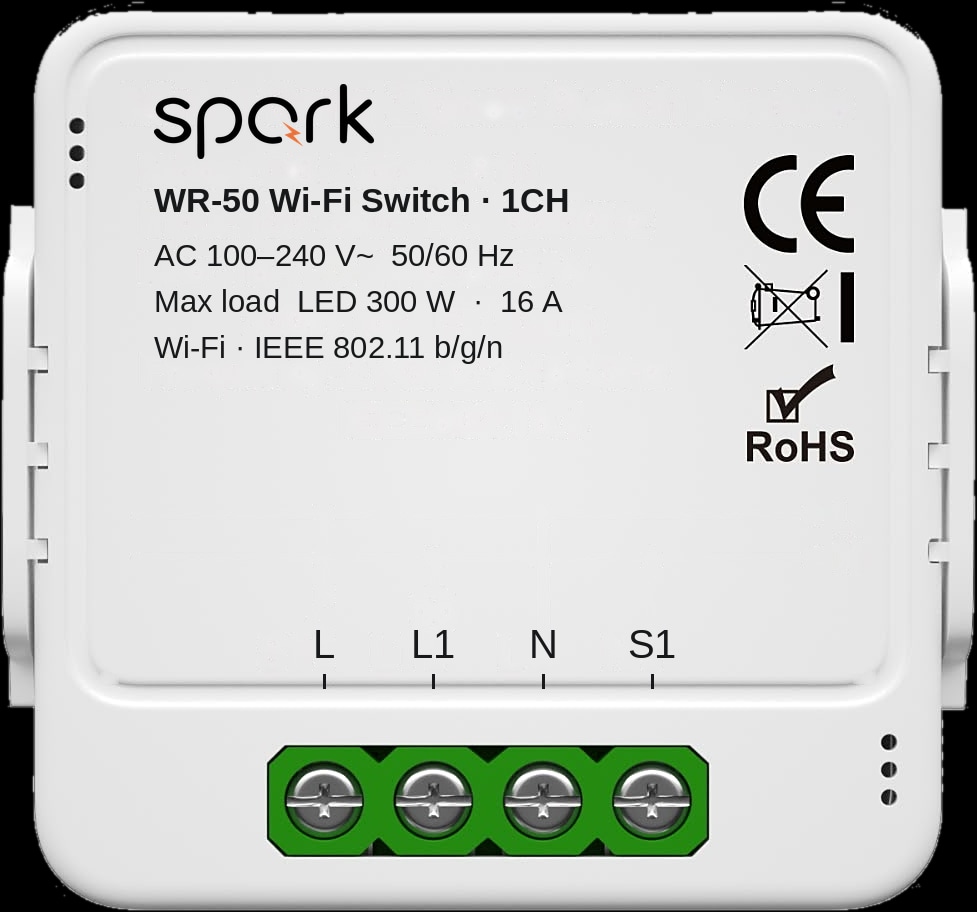
Lights are the easiest load to forget. The ZR-50 (Zigbee) and WR-50 (Wi-Fi) switch modules fit in the wall box behind your existing switches, in 1, 2, 3 or 4 channels, and each circuit runs from the wall, the app, by voice or on timer schedules.
Put outdoor lights, the entrance and stairs at night and decorative lighting on schedules. The wall switches keep working, so nobody is locked out of a light, and a light you remember on the way to work goes off from your phone.
Both modules need a neutral wire in the box and a qualified electrician. The ZR-50 pairs through a compatible Zigbee gateway; the WR-50 joins your 2.4 GHz Wi-Fi without one. See how to make normal light switches smart.
Save energy in winter: close the curtains at dusk
Closed curtains on winter evenings help keep the heat you paid for inside, because windows lose heat faster than walls. Open on sunny mornings, they let the sun help. Motorised curtains on a timer do both daily, even when nobody is home.
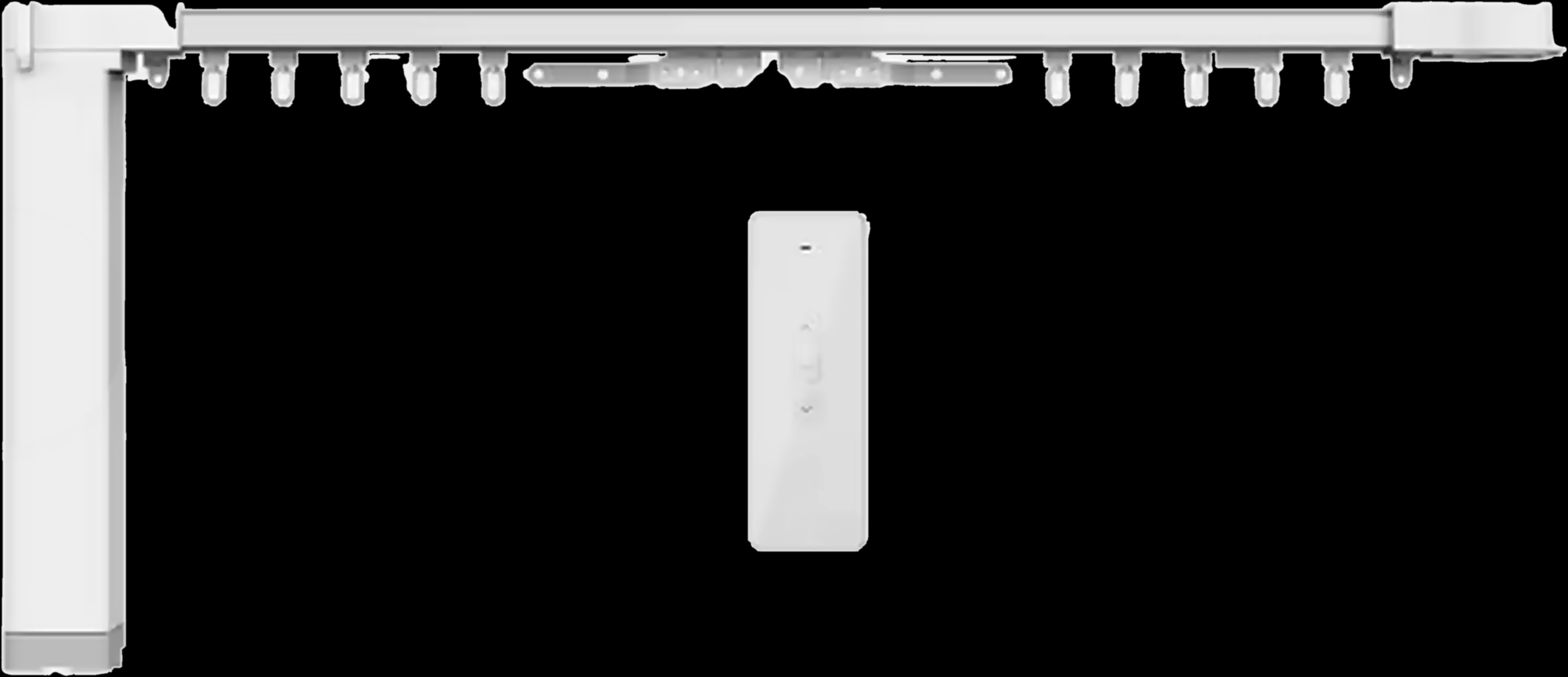
The MC-10 Curtain System is a quiet motor, a track and a 433 MHz remote in one kit, with tracks from 3.2 to 6.2 m. It runs from the app, by voice, by remote, on a timer or with a gentle pull. Already have motors? Spark curtain modules in the wall box add timer schedules: open in the morning, close at night.
With Zigbee versions on the Hub-Z, curtains opening on a schedule is one of the brochure's example scenes, and it runs offline. In winter, open the sunny side in the morning and close everything at dusk.
Run the water pump only when needed, and watch the heating oil
A pump that runs only between two levels wastes neither electricity nor water. On supply day, many homes in Jordan pump from the ground tank to the roof tank until someone remembers, or until it overflows.
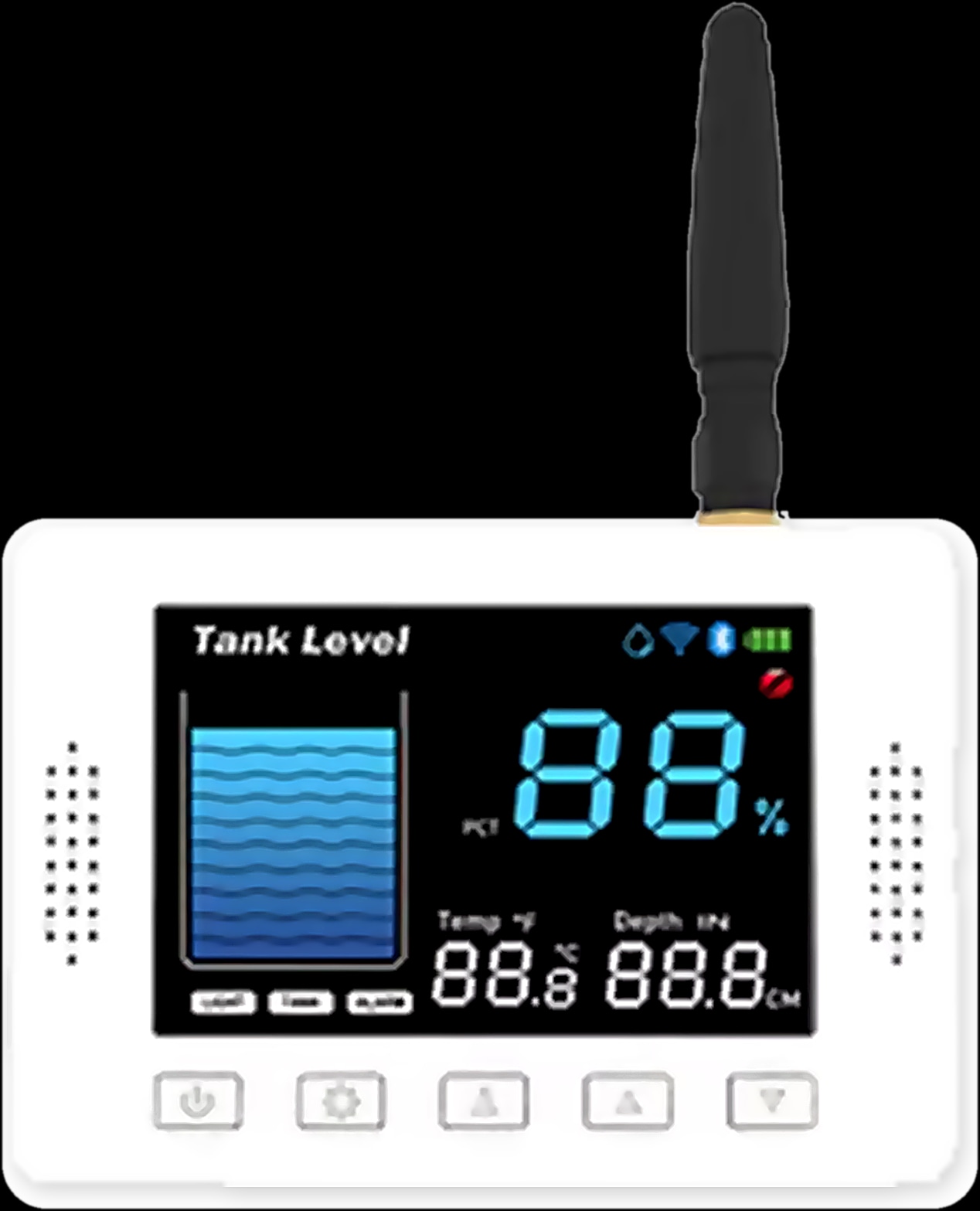
The WL-50 Tank Level Monitor sends the level by LoRa radio from an ultrasonic sensor on the tank to a display in the house. Set Max and Min on the display or in the app, and its automatic pump control starts the pump below Min and stops it at Max minus 5 percentage points: Max 60% stops at 55%. It is the Spark tank sensor that lists pump control.
Heating oil. If your boiler burns diesel, seeing the tank level on your phone lets you order before it runs low, and a level falling faster than usual is a cue to check the heating hours. See the heating oil tank level sensor guide.
Lights, curtains and the pump on a schedule
Will a smart home reduce your electricity bill?
It depends on your home, tariff and habits, and a percentage quoted before anyone has seen your home is a guess. Spark does not publish savings figures. A family that already switches everything off by hand will notice less.
Smart devices draw a little power themselves, and Spark smart breakers are on their way to the catalogue. A sensible order for an existing home:
- 01Start with what runs for hours: heating on the T-50 programme, AC on timers.
- 02Add the leaving scene on a panel by the front door.
- 03Put outdoor lights and curtains on schedules.
- 04Automate the pump if someone at home is the pump timer today.
A Spark partner can check your heating, AC and wiring and plan which steps fit your home.
Questions about saving energy with a smart home
Does a smart home save electricity?
It can, by removing waste: heating and AC running when nobody is home, lights left on, a pump left running. It doesn't change your tariff, so the result depends on your home and habits.
Does a smart thermostat save energy?
It helps when it heats to a timetable instead of one fixed temperature. The Spark T-50 runs a 7-day programme with up to six periods a day and has an energy-saving mode that holds the economy temperature your installer sets.
Does an AC timer save electricity?
A timer stops the unit running when nobody needs it, such as through the night. The IR-10's timers switch a split AC off or change its setting at a chosen time.
How can I reduce my electricity bill in winter?
Put the heating on a weekly programme, the AC on timers and the curtains on a dusk schedule, and use one leaving scene. The effect on your bill depends on your tariff and your heating.
Do smart devices use electricity when idle?
Yes, a little. By their specifications, the T-50 thermostat consumes less than 1.5 W and the VRF Controller below 2 W. The other Spark product pages in this guide don't list a figure.
Can a smart home show how much electricity I use?
Not with the Spark catalogue today: none of its products is an energy meter. Spark smart breakers are on their way, and a Spark partner can tell you what fits your home now.