The short answer
A dead battery doesn't lock you out of a Spark smart lock. Connect a power bank to the Type-C port to power the lock for entry, or open it with the mechanical key. Automatic models such as the Spark SL-210 run on a 5000 mAh lithium battery, and lever locks such as the SL-100 on four AA dry batteries. Neither backup needs the home's electricity or Wi-Fi.
On this page
What powers a Spark smart lock?
A Spark smart lock runs on its own battery, not on the home's electricity. Across the range of Spark smart door locks there are two kinds of power: a 5000 mAh lithium battery in the fully automatic models, and four AA dry batteries in the lever and glass-door locks.
Whatever the battery, every model has the same two backups: a Type-C port where a power bank can power the lock for entry, and a mechanical key. The table shows each family as its product pages describe it.
| Models | Door | Battery | Emergency power | Backup | Low-battery alert in the app |
|---|---|---|---|---|---|
| SL-120, SL-130, SL-140, SL-150, SL-180, SL-210, SL-220, SL-230 | Security doors | 5000 mAh lithium | Type-C port (power bank) | Mechanical key | Not stated |
| SL-160, SL-170, SL-250, SL-260 | Security doors | 5000 mAh lithium | Type-C port (power bank) | Mechanical key | Not stated |
| TL-150, TL-220, TL-230, TL-240, TL-250 | 85-series doors | 5000 mAh lithium | Type-C port (power bank) | Mechanical key | Not stated |
| SL-100 (Tuya Wi-Fi or TTLock version) | Security doors | 4 × AA dry batteries | Type-C port (power bank) | Mechanical key | Not stated |
| WL-50, WL-70, WL-100 | Wooden doors | 4 × AA dry batteries | Type-C port (power bank) | Mechanical key | Yes, when the AA batteries run low |
| AL-50 | Aluminium doors | 4 × AA dry batteries | Type-C port (power bank) | Mechanical key | Yes, when the AA batteries run low |
| GL-50 | Glass doors | 4 × AA dry batteries | Type-C port (power bank) | Mechanical key | Yes, when the AA batteries run low |
The battery follows the lock, and the lock follows the door. Which model suits your door is a separate decision, covered in our guide to choosing a smart lock by door type.
Lithium battery or AA batteries: what is the difference?
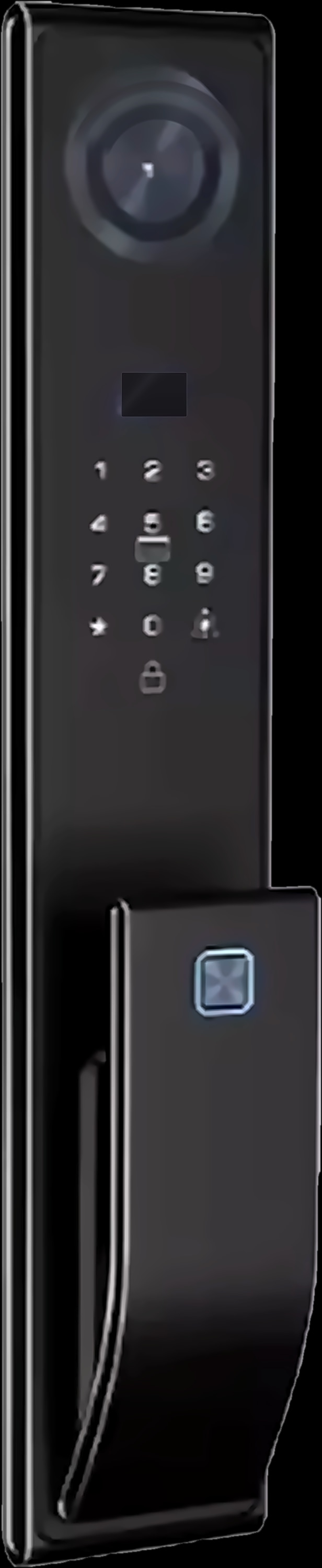
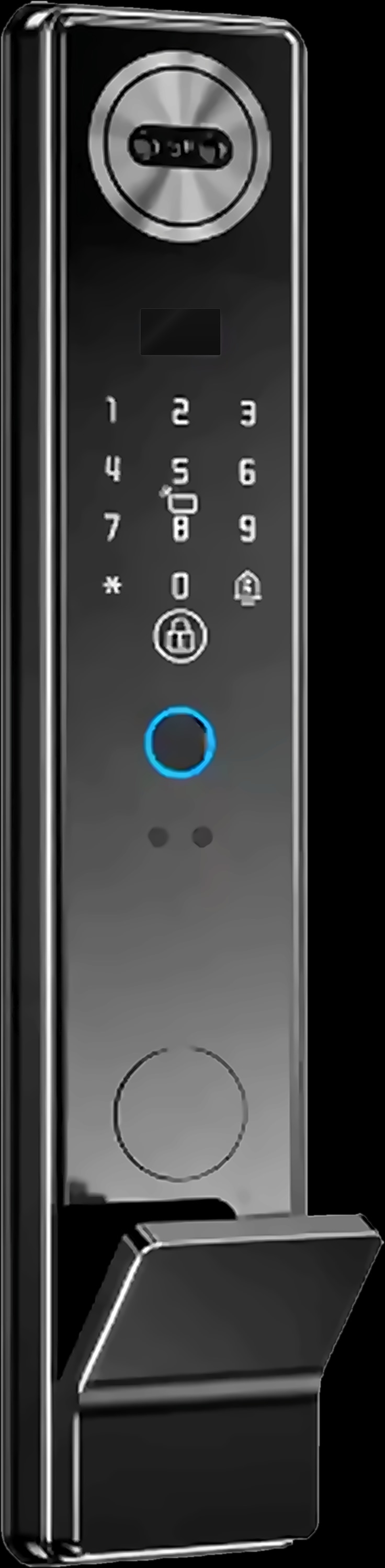
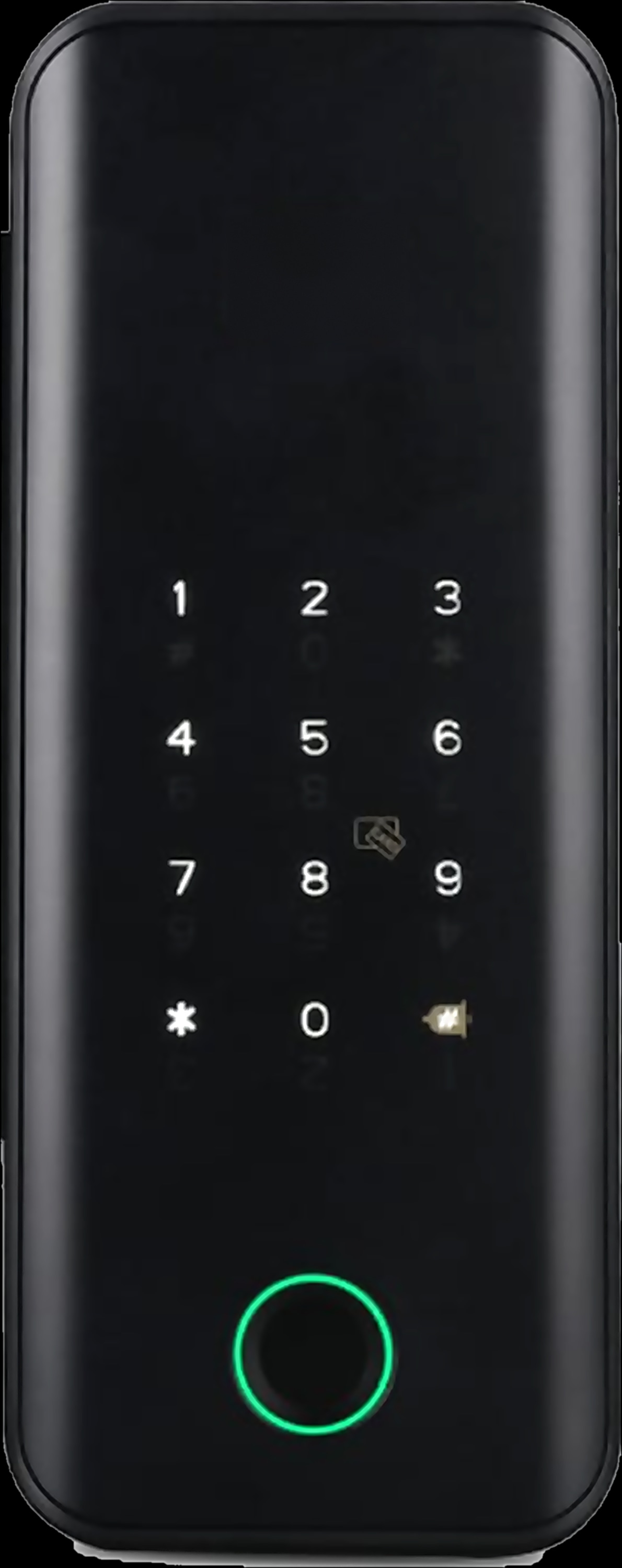
The difference comes from what the lock has to do. The lithium models are fully automatic: once you are verified, a motor retracts the bolts and you push the door to enter, with no handle to turn. Their product pages state that this automatic mechanism runs on the 5000 mAh lithium battery.
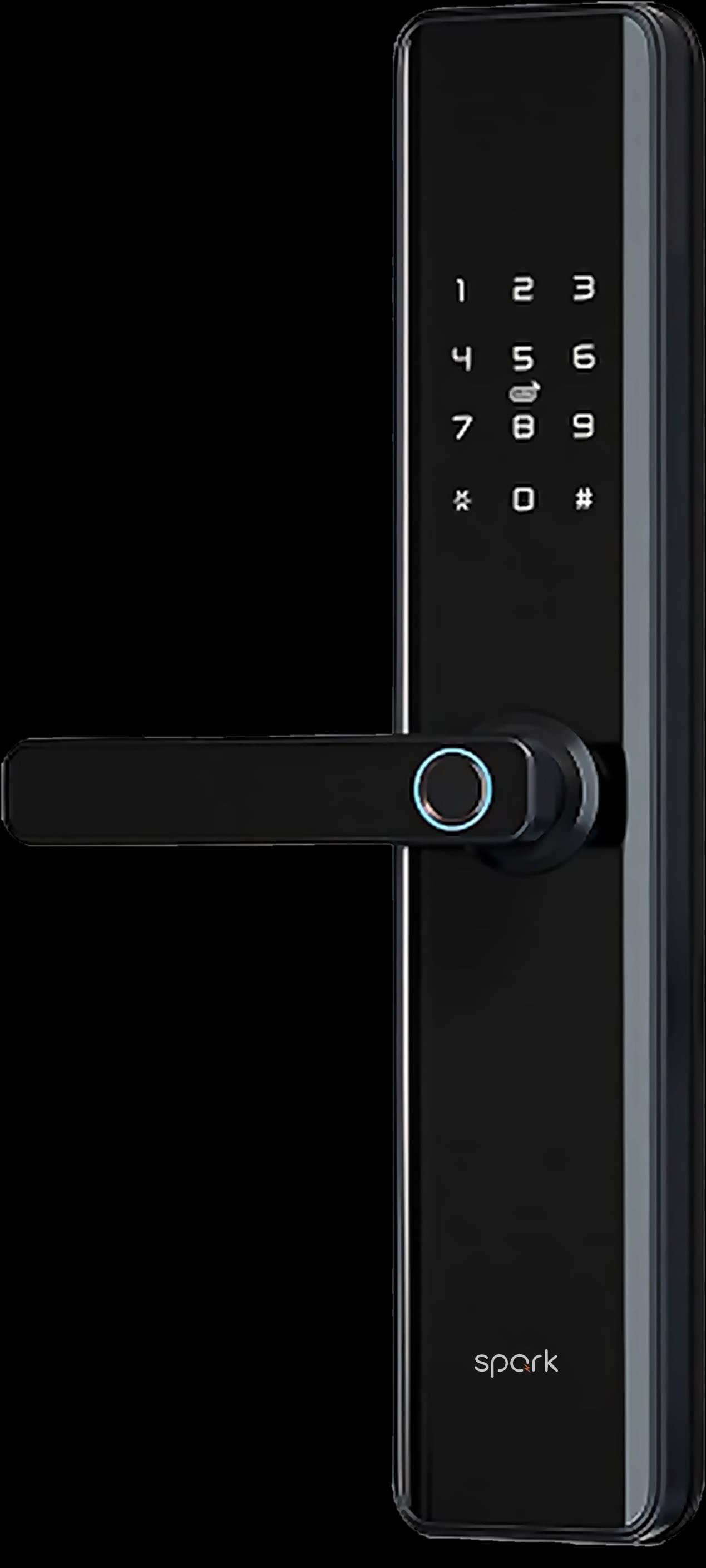
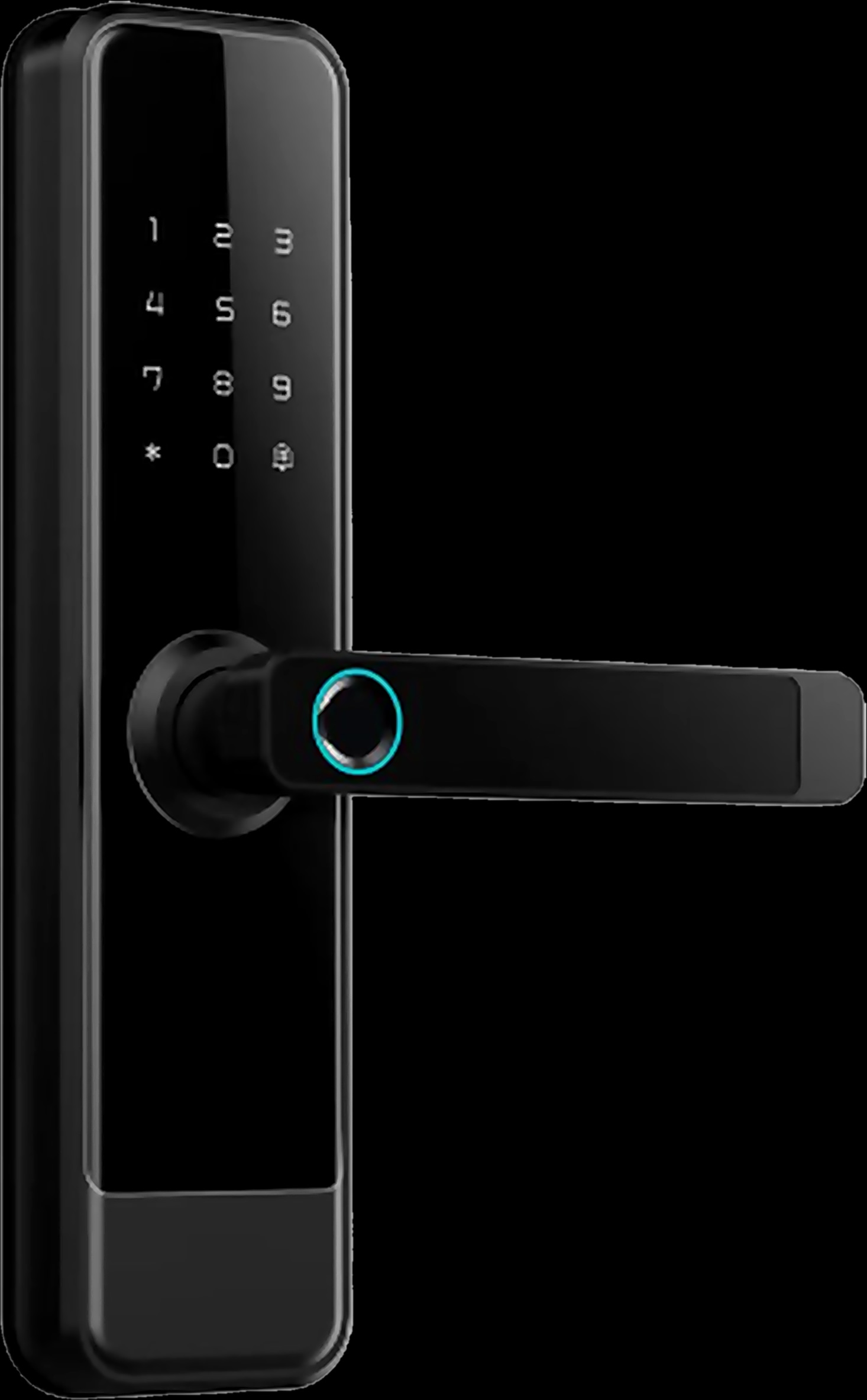
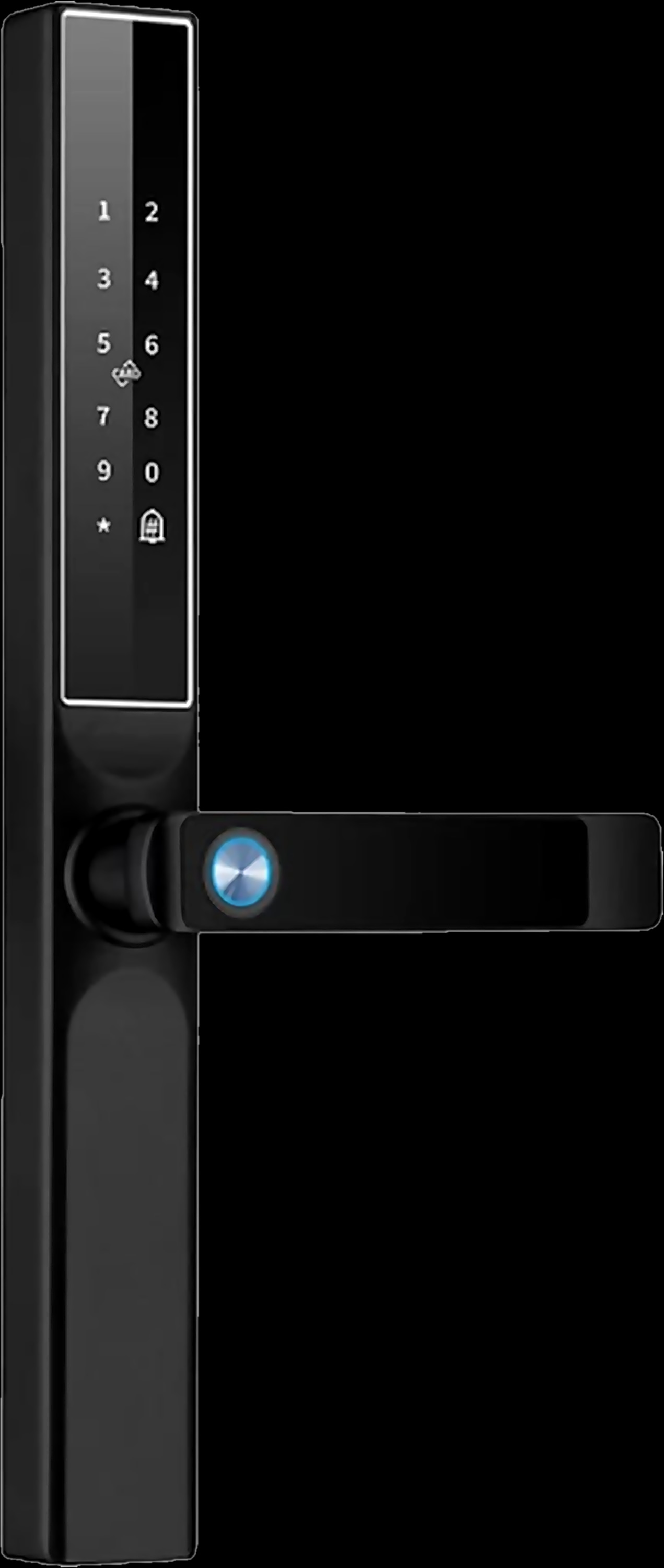
The AA models are lever locks for security, wooden and aluminium doors, plus the GL-50, which mounts on a glass door and holds it shut with a hook locking tongue. In short:
- Lithium, 5000 mAh: seventeen automatic models in the SL and TL families, all with face recognition and a built-in camera. The SL-160, SL-170, SL-250, SL-260, TL-240 and TL-250 add palm recognition.
- Four AA dry batteries: six models, the SL-100, WL-50, WL-70, WL-100, AL-50 and GL-50, each with four ways in: fingerprint, password, card and app.
Is it a rechargeable smart lock? The product pages give the lithium battery's capacity, but they don't describe how it is charged or replaced, and they describe the Type-C port only as emergency power for a power bank. Ask your Spark partner to show you the routine for your model at handover. On the AA models, the dry batteries are replaced with four fresh AA batteries.
Automatic locks on a 5000 mAh lithium battery


How long does a smart lock battery last?
There is no honest single number. The Spark lock pages don't give a battery life, and how long a battery lasts depends on how the lock is used in your home.
As with any battery-powered device, the more the lock works, the sooner the battery needs attention. A busy family front door asks more of it than a side door, and on the automatic models the motor moves the bolts at every entry, while the camera, video calls and live view add their own use.
How do you know the battery is running low?
On five models, the app tells you. The WL-50, WL-70, WL-100, AL-50 and GL-50 send a battery alert to the Tuya Smart app when their AA batteries run low, alongside remote unlocking, user management and unlock records.
The pages for the SL-100 and the seventeen lithium models don't mention a low-battery alert. That doesn't mean there is none; it means we can't promise one here. Ask your Spark partner what your model shows and where, and until you know, rely on a routine check rather than a notification.
An alert also travels over the home's Wi-Fi and internet, so while the router is off it can't reach you. One more reason to keep the routine check.
Locks on four AA dry batteries
How to open a smart lock when the battery is dead
Use the power bank first, then the key. Both are built into every Spark smart lock for exactly this moment, and neither needs the home's electricity.
- 1
Don't force the door
A flat battery is not a fault. Without power, the lock can't check your face or finger and the motor can't move, so the lock stays as it is until you give it power or use the key.
- 2
Take a charged power bank and a cable
You need a charged power bank and a cable that fits the lock's Type-C port. Keep both somewhere you can reach from outside the house, not inside it.
- 3
Connect it to the Type-C port
Plug the cable into the lock's Type-C emergency power port, which powers the lock for entry. Your Spark partner can show you where the port sits on your model.
- 4
Open the lock as usual
Verify with your face, palm, fingerprint, code or card, as your model allows. On the automatic models, the motor retracts the bolts and you push the door to enter.
- 5
No power bank? Use the key
Every Spark smart lock has a mechanical key backup, and a mechanical key needs no power at all.
- 6
Once inside, deal with the battery
Fit four fresh AA dry batteries in the AA models. For the lithium models, follow the charging or replacement routine your Spark partner showed you, then try every unlock method once before you rely on the lock again.
Does a smart lock work without electricity?
Yes. A Spark smart lock runs on its own battery, so a power cut in the home doesn't switch it off. The ways in at the door work from the lock itself: face, palm, fingerprint, code or card, as your model allows, and the mechanical key.
What pauses is everything that travels over the home's Wi-Fi. The router needs electricity, so while it is off you can't count on:
- Unlocking from the Tuya Smart app, including opening the door for a visitor remotely.
- Unlock records and alerts reaching your phone.
- Video calls and live view from the built-in camera; how these work is covered in our guide to the smart lock with camera.
- Alexa on the SL-250 and SL-260, the two Spark locks that work with Alexa.
These return once the electricity, the router and the internet are back. What the rest of your smart home does during a power cut is a subject of its own; here we stay with the lock.
Looking after a family home in Jordan while you live abroad? Plan for remote features pausing during a cut; our guide to managing your Jordan home from abroad covers remote control in general.
How to make sure a flat battery never locks you out
A few habits at handover remove most of the risk. Go through them with your Spark partner when the lock is fitted.
- See the Type-C port and the key. Know where the port is, try a power bank on it once, and agree who holds the keys.
- Learn the battery routine. Fresh AA batteries for the AA models; for the lithium models, how your partner recommends charging or replacing the battery.
- Turn on the alerts you have. On the WL, AL and GL models, make sure the battery alert reaches the right phones in the Tuya Smart app.
- Enrol more than one way in. Give each family member a second method, such as a code or a card; our guide to face, palm and fingerprint unlock helps you choose.
Installers who fit smart locks for their clients can become a Spark partner.
Questions people ask about smart lock batteries
What happens when a smart lock battery dies?
A Spark smart lock with a flat battery can't check your face, finger, code or card until it has power, and the door stays as it is. Connect a power bank to the Type-C port to power the lock for entry, or open it with the mechanical key.
How do I open my smart lock if the battery is dead?
Connect a charged power bank to the lock's Type-C emergency power port, then verify as usual and enter. If you have no power bank with you, use the mechanical key that every Spark smart lock keeps as a backup.
How long does a smart lock battery last?
The Spark lock pages don't give a battery life, because it depends on use: how often the door opens and, on the automatic models, how much the motor and camera work. Check the lock on a routine and keep a power bank to hand.
Is a smart lock rechargeable?
The seventeen automatic Spark models run on a 5000 mAh lithium battery and the other six on four AA dry batteries. The pages don't describe how the lithium battery is charged, so ask your Spark partner to show you. The Type-C port is described as emergency power for a power bank.
Do smart locks work without electricity?
Yes. A Spark smart lock runs on its own battery, not the home's electricity, so the ways in at the door keep working in a power cut. App unlocking, remote features, video calls and alerts wait for the router and the internet.
Will my smart lock warn me when the battery is low?
The WL-50, WL-70, WL-100, AL-50 and GL-50 send an alert to the Tuya Smart app when their AA batteries run low. The pages for the other models don't mention one, so ask your Spark partner what your model shows.