The short answer
You can control your home in Jordan remotely through the Tuya Smart app, as long as the house has power and a working internet connection. The WL-100 Tank Level Monitor sends high and low tank alerts while you are away, the S-303 video intercom kit lets you answer the door and unlock from anywhere, and the T-50 thermostat and IR-10 smart remote run heating and AC.
On this page
Smart home for expats: what can you control remotely?
If you manage a home while abroad, most household jobs have a remote version, whether the flat stands empty between visits or your parents live there. Each one runs through the Tuya Smart app on your phone, while the Spark device stays connected at home.
| Task | Spark product | What the home needs |
|---|---|---|
| Check the water tank level | WL-30, WL-50 or WL-100 | Wi-Fi at the tank (WL-30) or indoors (WL-50, WL-100) |
| Open the door for a visitor | WL-50 lock for wooden doors, GL-50 for glass or AL-50 for aluminium | Home Wi-Fi at the door, fresh AA batteries |
| Answer the door or gate and unlock | S-303 video intercom kit | Cat5 cable, PoE or DC 24 V, a motor-operated electric lock |
| Turn the heating on before you land | T-50 thermostat | The router (Wi-Fi version) or a Zigbee gateway (Zigbee version) |
| Cool a room or change the AC mode | IR-10 smart remote | Line of sight to the split unit, up to 10 m |
| Switch lights and run scenes | Spark switches and relay modules | A gateway for Zigbee models, a neutral wire for modules |
Every row also needs power, internet at the house and setup in the app before you leave.
How to check your water tank level remotely
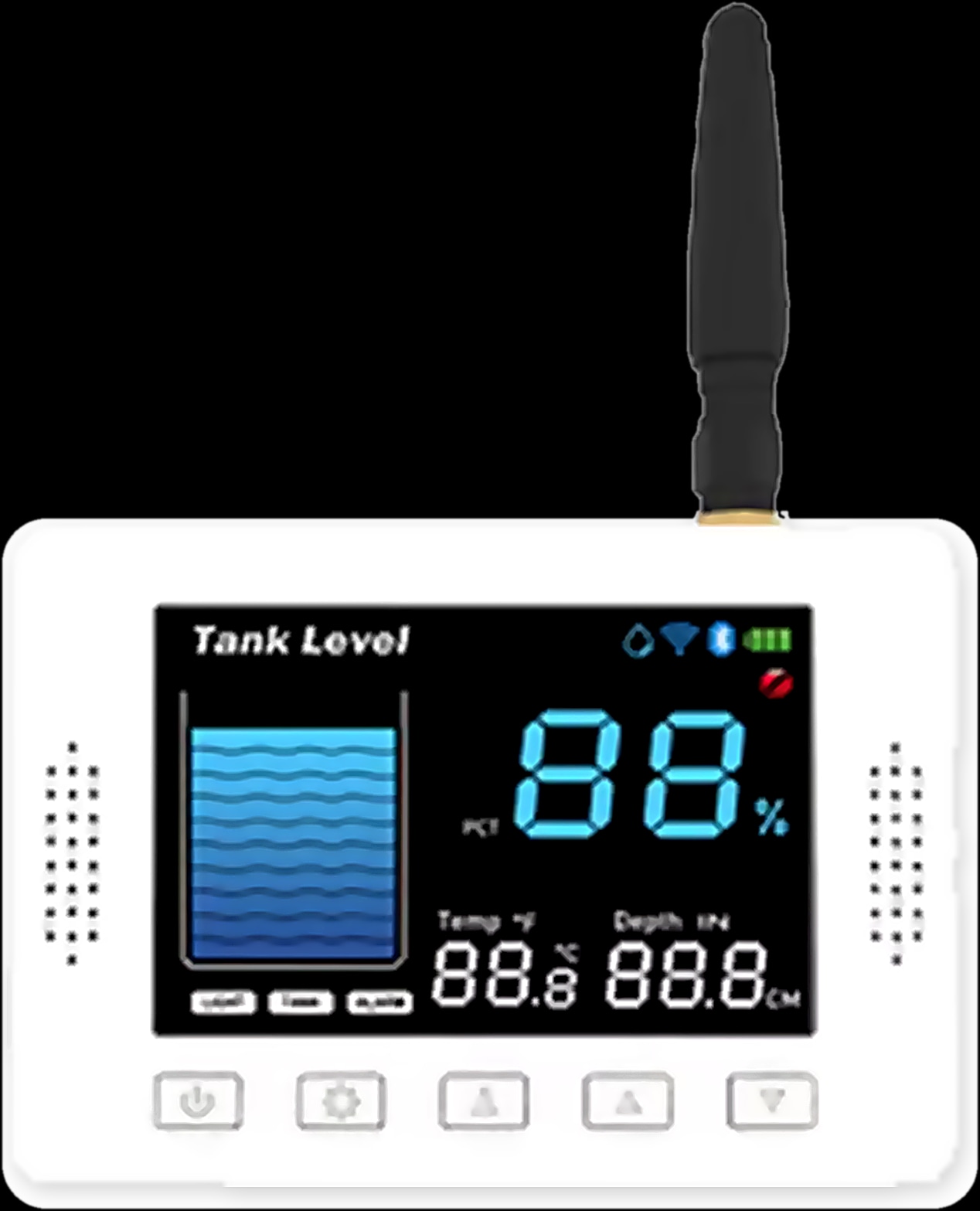
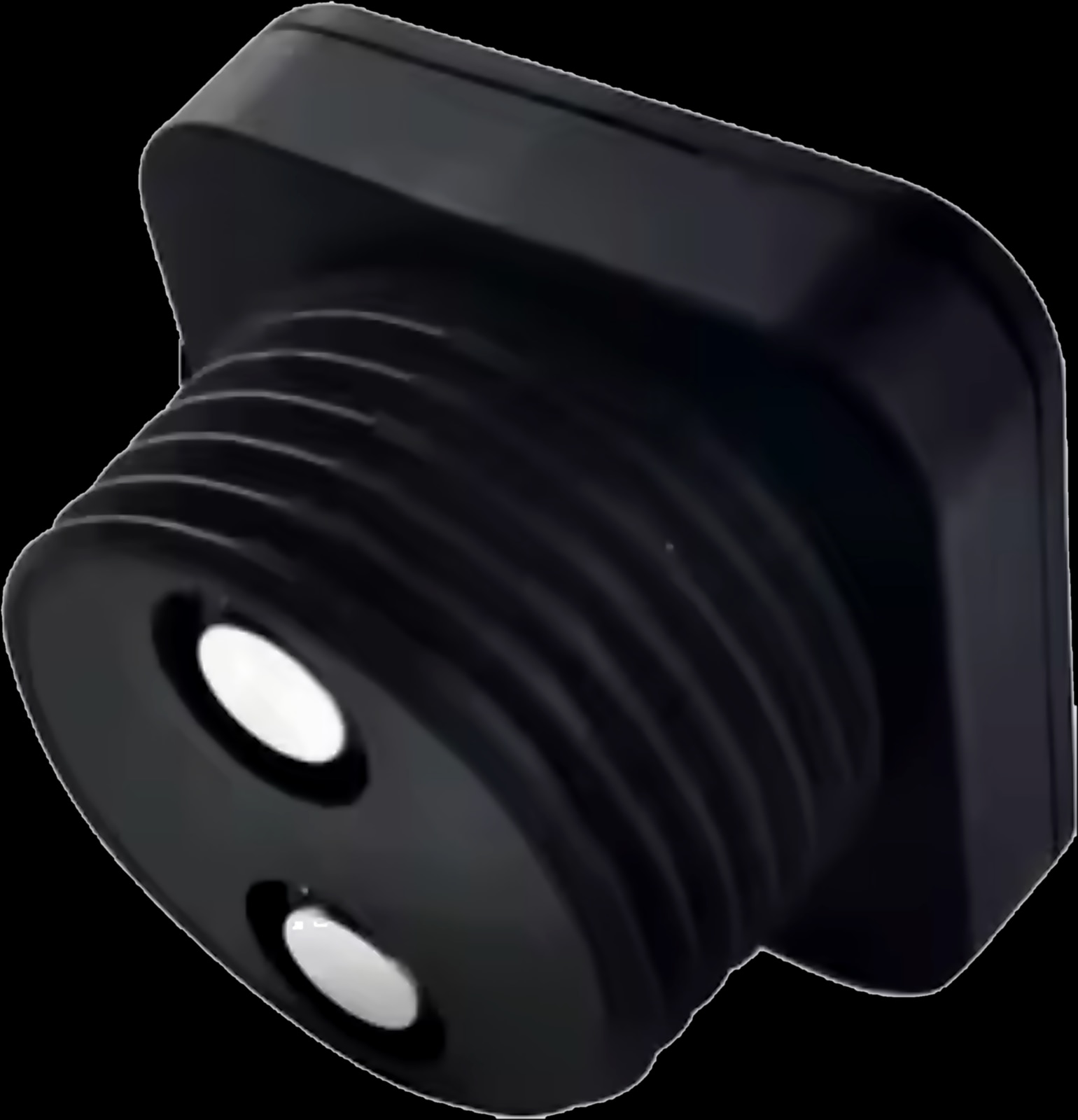
Fit a Spark tank sensor and you can check the water tank level remotely: it measures with ultrasound, without touching the water, and shows the level in the Tuya Smart app. With rooftop and ground tanks filled on set supply days, that is often the first thing you check from abroad.
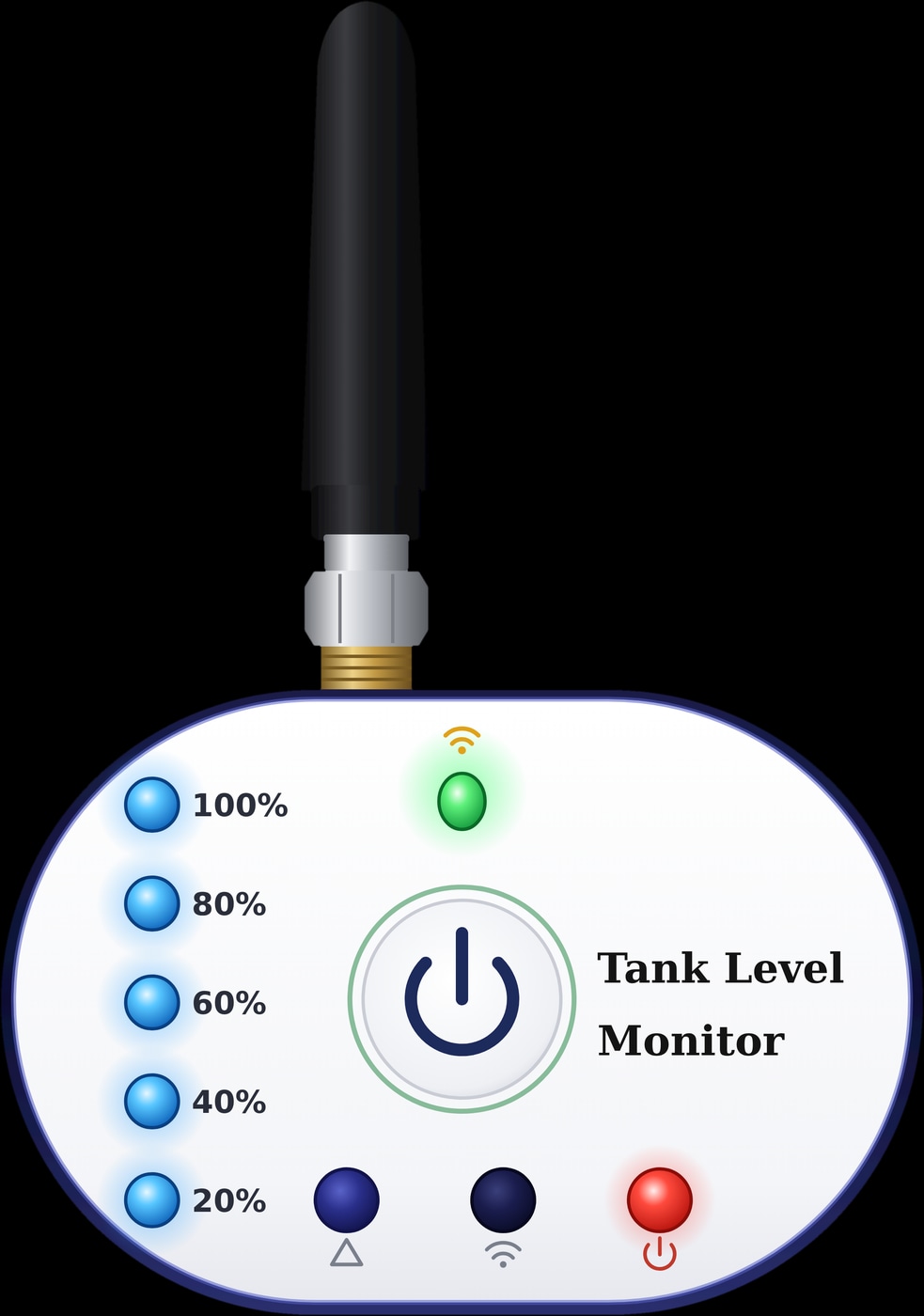
- Large, deep tanks. The WL-100 reads 40 cm to 10 m, sends the level by LoRa radio to a receiver indoors and sends high and low alerts even when you are away.
- App only. The WL-30 joins your home Wi-Fi, reads up to 2.9 m and can notify you through a Tuya Smart scene.
- A display and the pump. The WL-50 reads up to 5 m, shows the level indoors and in the app, and can run the pump automatically.
The WL-30 can share access with family too. For depths, installation and pump control, read our water tank level sensor guide.
Spark tank level sensors
Unlock the door remotely with the app
The Spark locks that list remote unlock among their features are the WL range for wooden doors (WL-50, WL-70 and WL-100), the GL-50 for glass doors and the AL-50 for aluminium doors. Connected to the home Wi-Fi, they let you open the door for a visitor through the Tuya app, so your phone becomes a key when a relative or a technician needs to get in.
These locks also open with a fingerprint, a password or an IC card, keep unlock records of who came in and when, and alert you when the AA batteries run low. The WL-50 and WL-100 here are door locks, not the tank sensors of the same name.
The SL-250, a fully automatic lock for security doors, opens with your face, your palm, a fingerprint, a password, a card or the Tuya app. Its built-in camera lets you answer video calls on your phone and see who is at the door in the live view. If you have an SL or TL model, ask a Spark partner to confirm remote unlocking for it.
Answer the door or gate from abroad with a video intercom
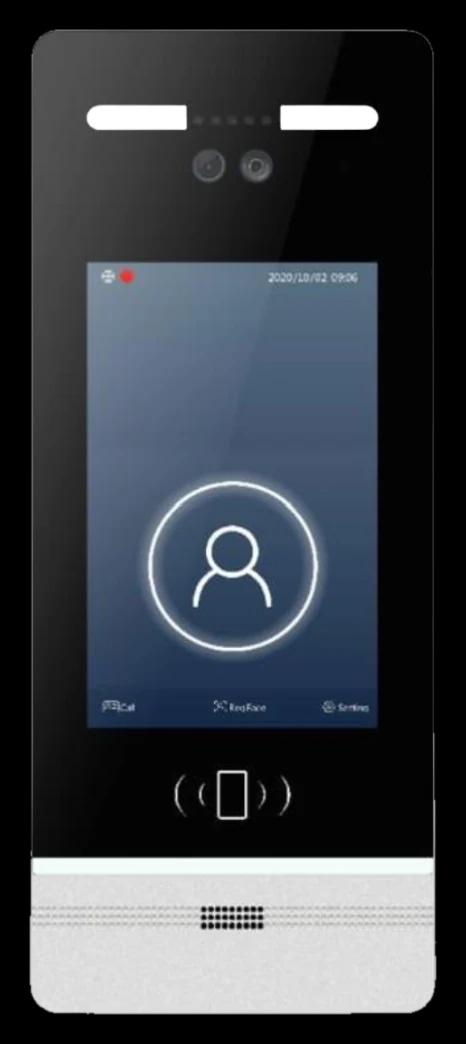
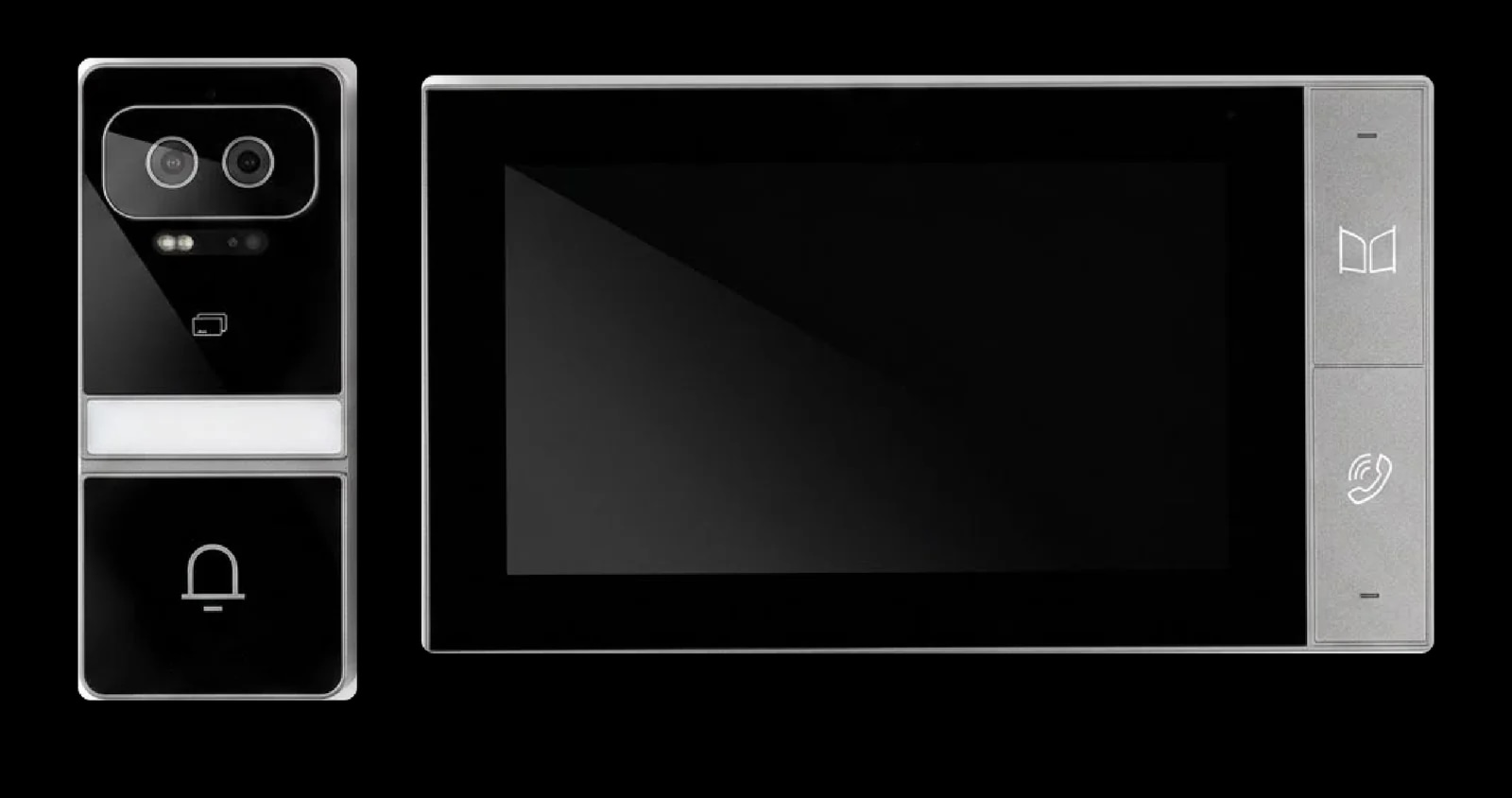
The S-303 video intercom kit rings your phone when a visitor presses the call button outside, so you can see them, talk and unlock from anywhere through the Tuya or Smart Life app.
- Live view at any time, from a 3.0 MP camera with infrared night vision.
- Unlock from the call: the relay output drives one motor-operated electric lock (12 V, max 500 mA instantaneous).
- Entry without a call: residents use Face ID or an IC card.
Installation is local work: one Cat5 or Cat5e cable, up to 50 m, links the outdoor station to the 7-inch indoor monitor, powered by PoE or DC 24 V. A Spark partner can confirm that your lock suits it.
For distant gates, building entrances or several flats, see our guide to video intercom for a villa or an apartment building.
Turn on the heating or the AC remotely before you land
Yes: the T-50 thermostat and the IR-10 smart remote both take commands from the Tuya Smart app, so the house can be warm or cool when you walk in.
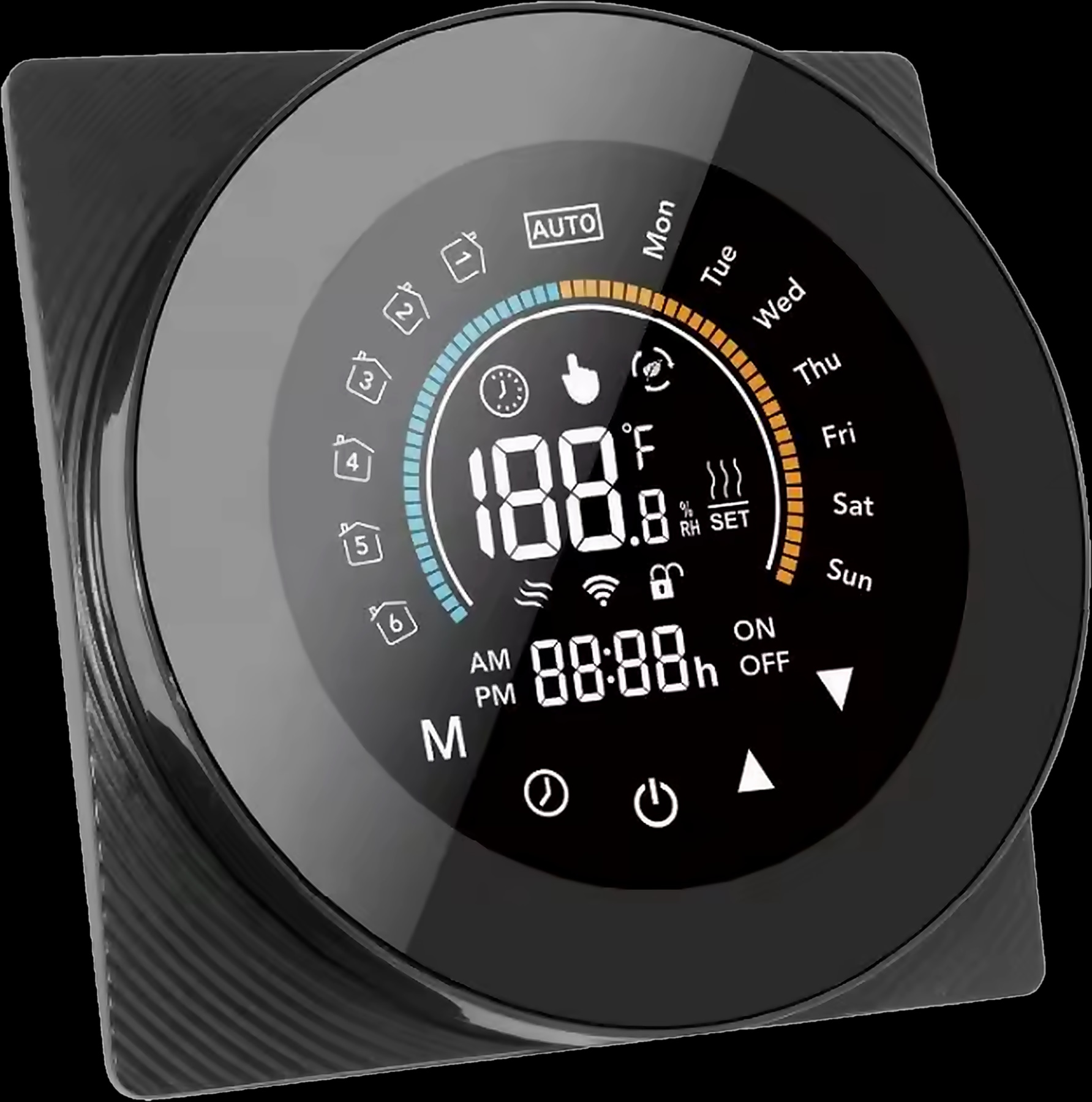
Heating: the T-50 thermostat
The T-50 runs water underfloor heating (GA version), electric floor heating (GB) or a gas boiler (GC). From the app you change the temperature, the mode or the weekly programme: energy-saving mode while the house is empty, then manual or the 7-day programme before your flight.
Frost protection (0 to 10 °C) and the floor overheat limit (25 to 70 °C) are installer settings, and their right values depend on the floor and the heating system. See our guide to underfloor heating thermostat settings.
Air conditioning: the IR-10 smart remote
The IR-10 controls your existing split AC by infrared: power, temperature, mode and fan speed from home or away, plus timers. Many homes in Jordan also heat with split units, but the available modes depend on the air conditioner, so ask a Spark partner to confirm yours. More in our guide to control your AC from your phone.
For the door, the heating and the AC

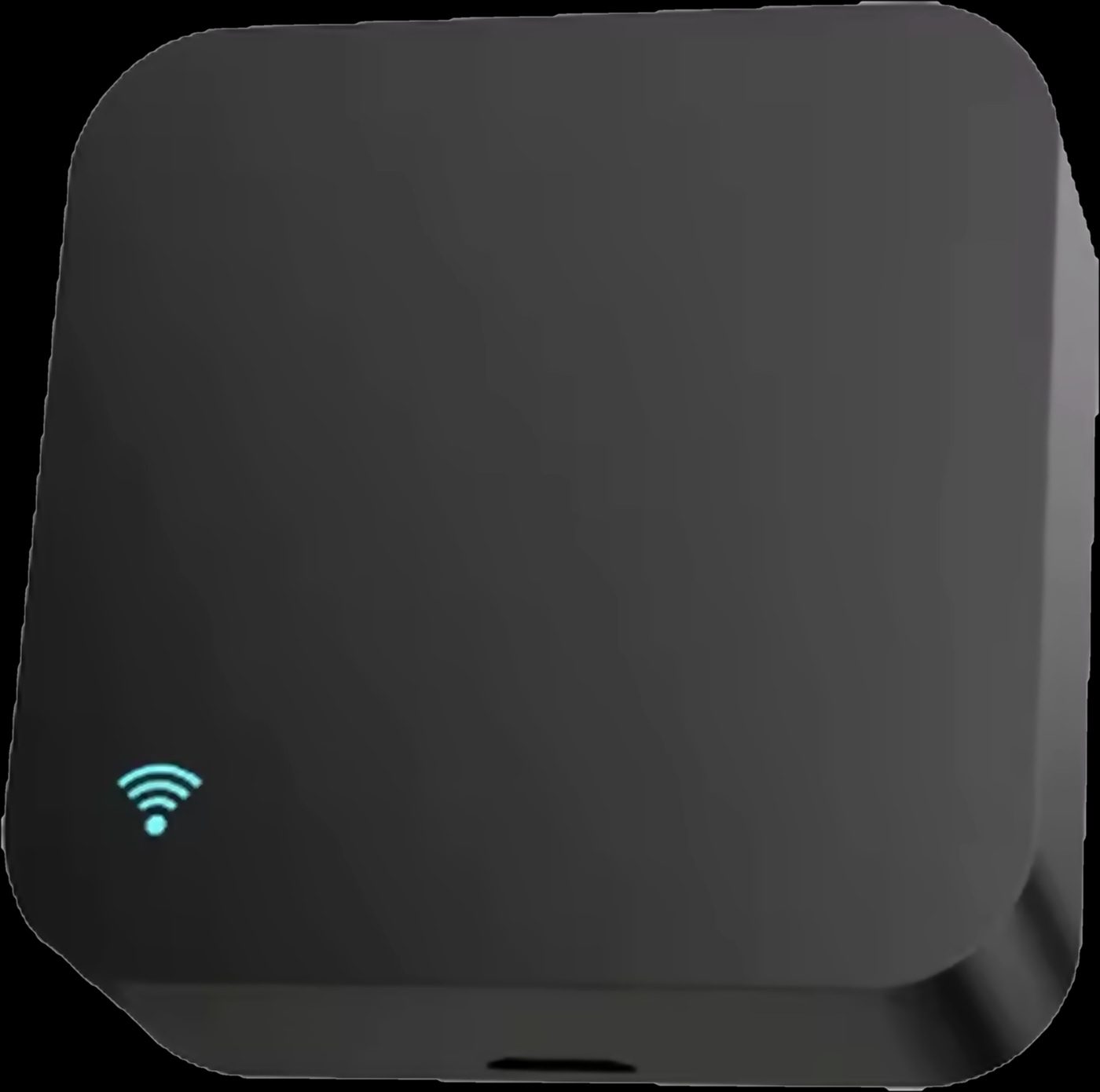
Lights and scenes: control your home from your phone
Spark switches and relay modules let you switch lights from your phone, and scenes can do it on a schedule, such as lighting the entrance before a relative arrives.
Every model in the Spark switches and keypads range is a real switch first. Zigbee models (ZM, ZT) join through a gateway, and Wi-Fi models (WT) connect to the router. To keep existing switches, a relay module behind them adds app, voice and timer control, given a neutral wire in the box.
The Hub-Z gateway brings compatible Tuya Zigbee devices, including the Zigbee T-50 and IR-10, into one app with scenes and schedules. Spark control panels have a Tuya Zigbee gateway built in and give family at home a wall screen for lights, curtains, locks and scenes.
What your home in Jordan needs for remote control to work
Your phone can be on any network in any country, but the house cannot be offline. It needs:
- Power for the router, the gateway and every mains-powered device.
- A working internet connection at the home, because commands from abroad travel over it.
- The Tuya Smart app, with every device added before you travel.
- A gateway for Zigbee devices: the Hub-Z or a Spark control panel. Wi-Fi devices connect to the router.
- 2.4 GHz Wi-Fi for the WL-50 display and Spark Wi-Fi modules; the WL-50 does not support 5 GHz.
Setup happens at the house: the WL-30, for example, pairs from a phone on the same Wi-Fi with Bluetooth on. Do it on a visit, or ask a Spark partner or someone you trust in Jordan.
If the internet drops at home
The house still works: Spark wall switches still switch the lights, and local scenes between Zigbee devices keep running through the Hub-Z. More in our guide to smart switches that work without internet.
Before you travel: a checklist for your home in Jordan
Go through these steps on your last visit, or with a Spark partner.
- 1
Check the router
Confirm the connection works and someone nearby can restart the router.
- 2
Put every device in one app
Add the tank sensor, lock, intercom, thermostat, AC remote and switches to Tuya Smart.
- 3
Set the tank alerts
Choose high and low levels, add a notification scene for the WL-30 and check that alerts reach your phone.
- 4
Give people their own access
Add family or trusted visitors to the lock, and show someone the mechanical key.
- 5
Prepare the heating and the AC
Have the installer set frost protection and the floor limit on the T-50, and check your AC's modes.
- 6
Test from mobile data
Turn off your phone's Wi-Fi and run each task once, so anything that fails is fixed before you fly.
Questions about controlling your home remotely
Can I control my home in Jordan from another country?
Yes. The Tuya Smart app works from abroad as long as the house has power and a working internet connection. Your phone only needs its own connection, on Wi-Fi or mobile data.
How do I check my water tank level remotely?
Fit a Spark tank sensor and read the level in the Tuya Smart app. The WL-100 reads up to 10 m and sends high and low alerts even when you are away.
Can I unlock my door remotely with an app?
Yes, with the right lock. The Spark WL locks for wooden doors, the GL-50 for glass and the AL-50 for aluminium list remote unlock for a visitor through the Tuya app. For an SL or TL model, ask a Spark partner to confirm. The S-303 intercom kit also lets you answer a door call and unlock from anywhere. Test it on mobile data before you travel.
Can I turn on the heating remotely?
Yes, with the T-50 thermostat: change the temperature, mode or weekly programme in the Tuya Smart app. The Zigbee version needs a gateway such as the Hub-Z.
What happens if the internet goes down at home?
Remote control, app alerts and voice wait for the connection. Spark wall switches still switch the lights, and local Zigbee scenes keep running through the Hub-Z.
Who sets up the devices if I live abroad?
Setup is done at the house, from a phone on the home network. Do it on a visit, or ask a Spark partner or someone you trust in Jordan.