The short answer
A smart home system is a set of connected devices that you control as one. Wall panels, switches, the Tuya Smart app and your voice give the commands; a Zigbee gateway or Wi-Fi carries them; locks, intercoms, thermostats, AC controllers, curtain motors, relays and sensors do the work. The Spark 10-inch Panel puts a touch screen, Alexa and a Zigbee gateway on one wall.
On this page
What is a smart home system?
A smart home system is a set of everyday devices, such as switches, locks, curtains, thermostats and sensors, connected to each other and to one app. You control them from the wall, a screen, your phone or your voice, and they can act on their own through schedules and scenes.
That is the idea behind Spark: the switch, the lock, the curtain and the thermostat made quietly intelligent, as one system you build room by room. And it still behaves like a home: every Spark switch is a real switch, so pressing it never waits for an app, a server or the Wi-Fi.
Smart home system components: what makes up a smart home
Whatever its size, a smart home is built from five groups of parts: control (panels, switches, the app and your voice), the network (a Zigbee gateway, Wi-Fi or both), access, comfort, and power and sensing.
| Component | What it does | Spark category | Example models |
|---|---|---|---|
| Wall control panel | Touch screen for lights, curtains, locks and scenes; built-in Zigbee gateway | Smart home control panels | 10-inch Panel, 7-inch Panel |
| Switches | Real wall switches for lights, curtains and shutters | Smart switches | ZM-100-B, ZT-50-B, WT-50-B |
| Zigbee gateway | Joins Zigbee devices to the app; runs local scenes offline | Zigbee hubs | Hub-Z |
| Smart lock | Opens by face, palm, fingerprint, password, card or app, by model | Smart door locks | SL-250, TL-250, WL-50 |
| Video intercom | Shows who is at the door or gate; answer from inside or your phone | Video intercom | S-303, I-500, S-210 |
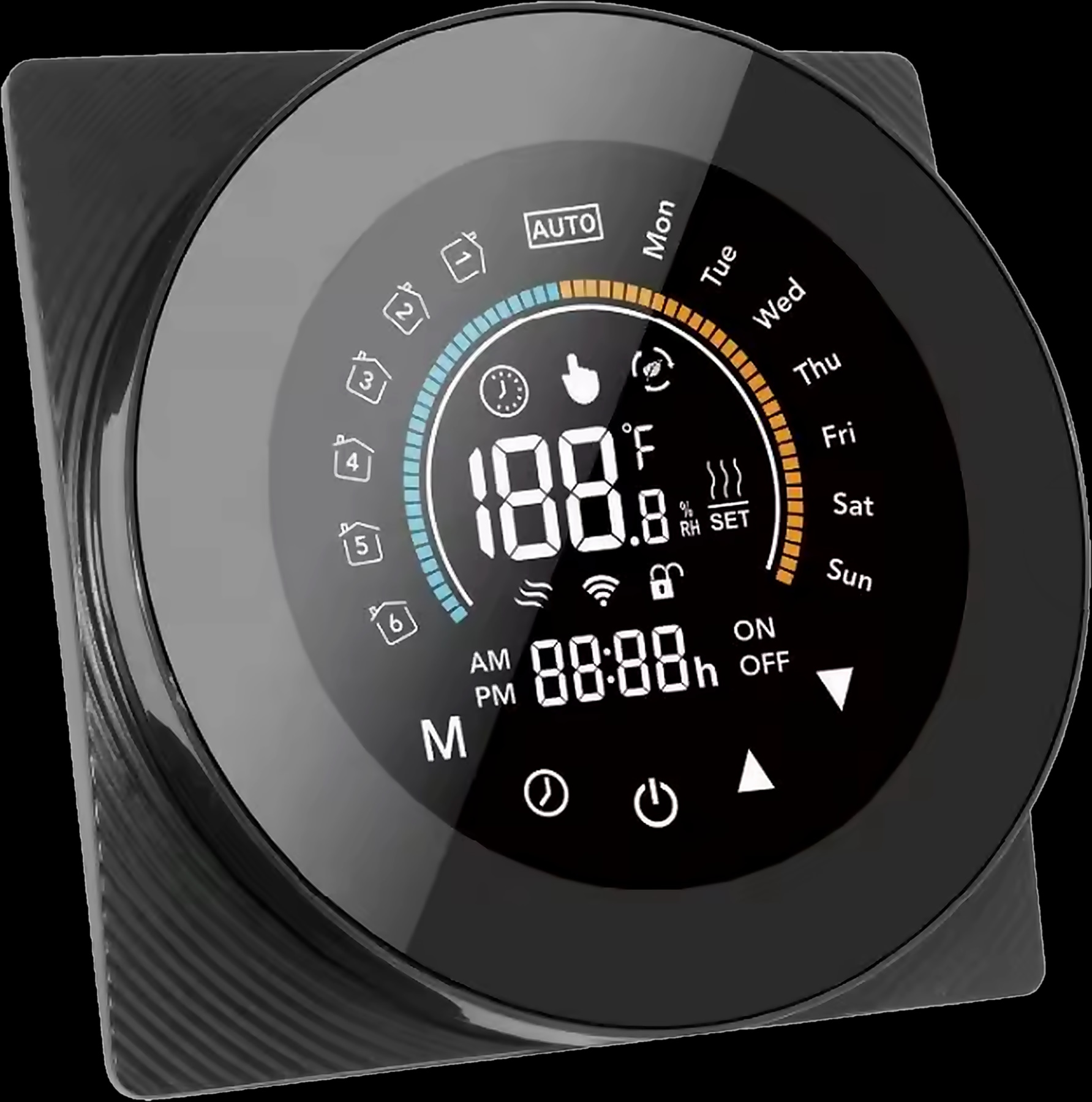
| Thermostat | Runs underfloor heating or a gas boiler on a weekly programme | Smart thermostats | T-50 |
| AC controller | Brings split units or a VRF system into the app | Smart AC controllers | IR-10, VRF Controller |
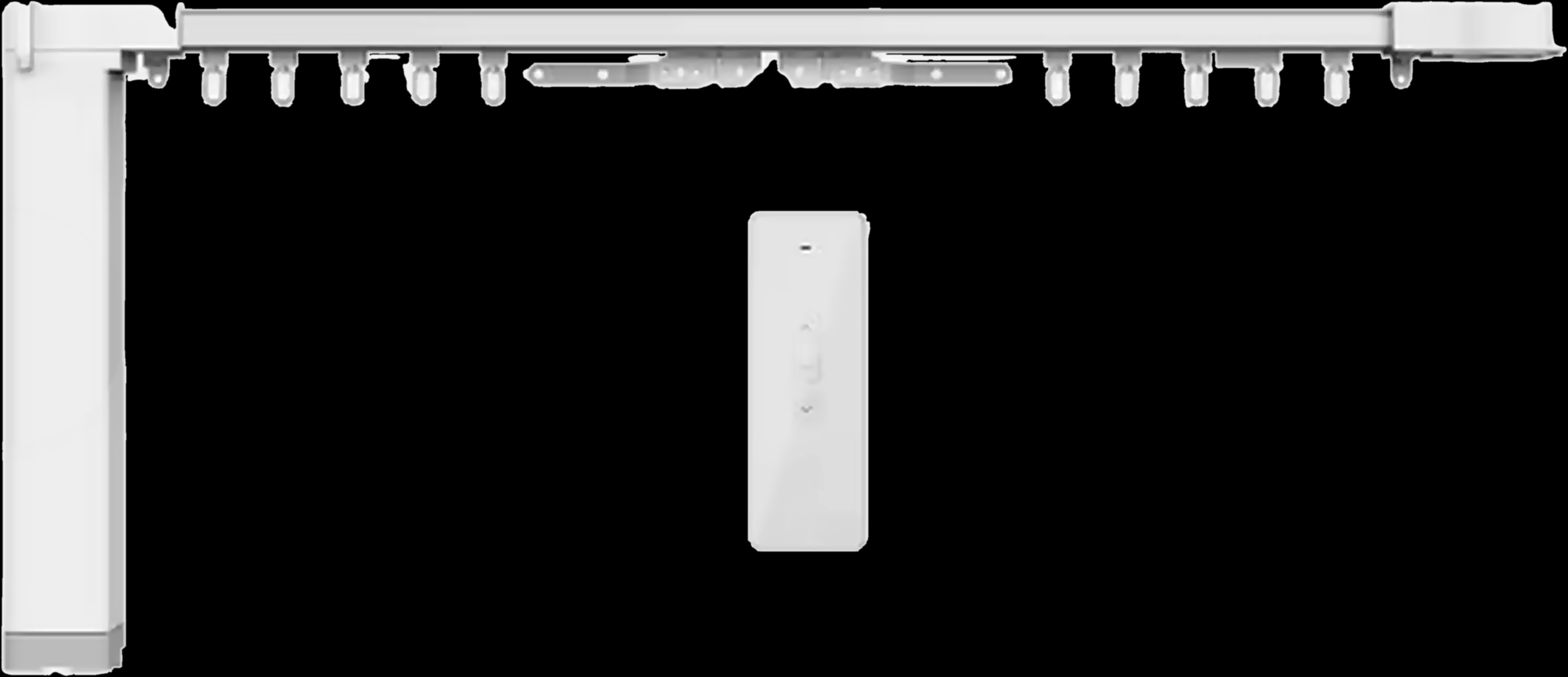
| Curtain motor | Moves curtains and blinds by app, remote or voice | Smart curtain motors | MC-10, MC-20 |
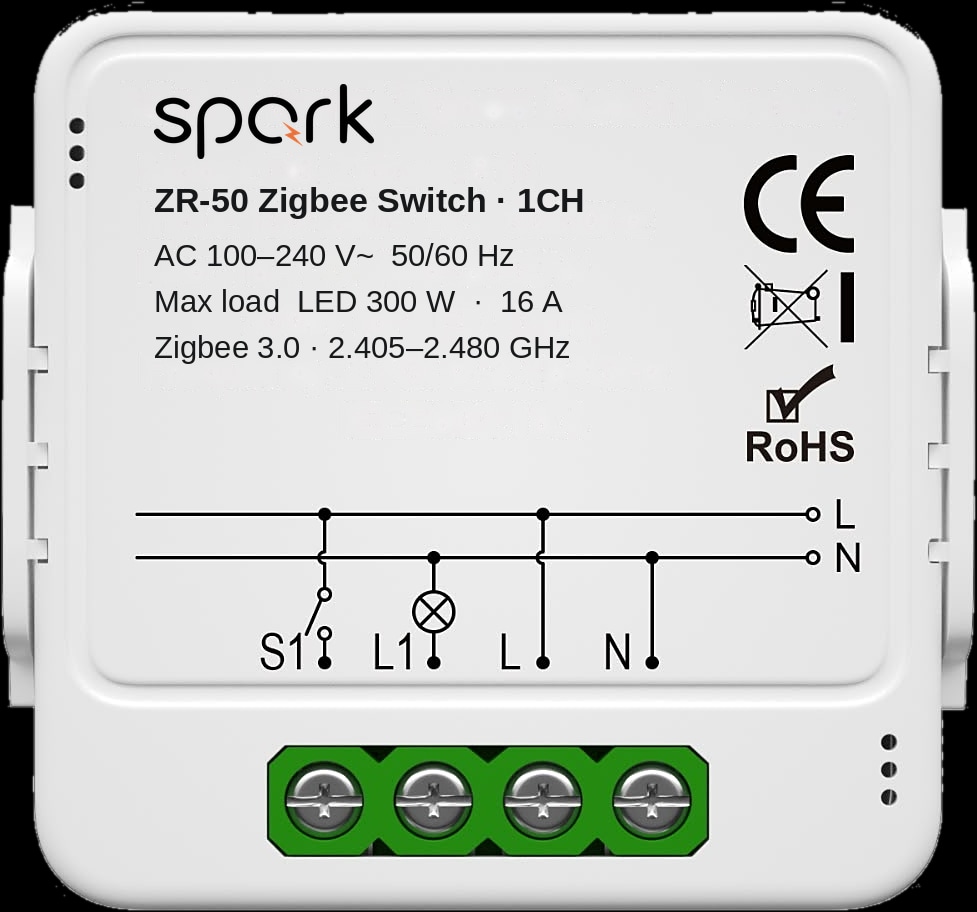
| Relay module | Makes existing circuits smart, in the wall box or the board | Smart relay modules | ZR-50, WR-50, 16-CH Relay |
| Smart breaker | Circuit protection you can also switch remotely | Smart breakers | Joining the catalogue soon |
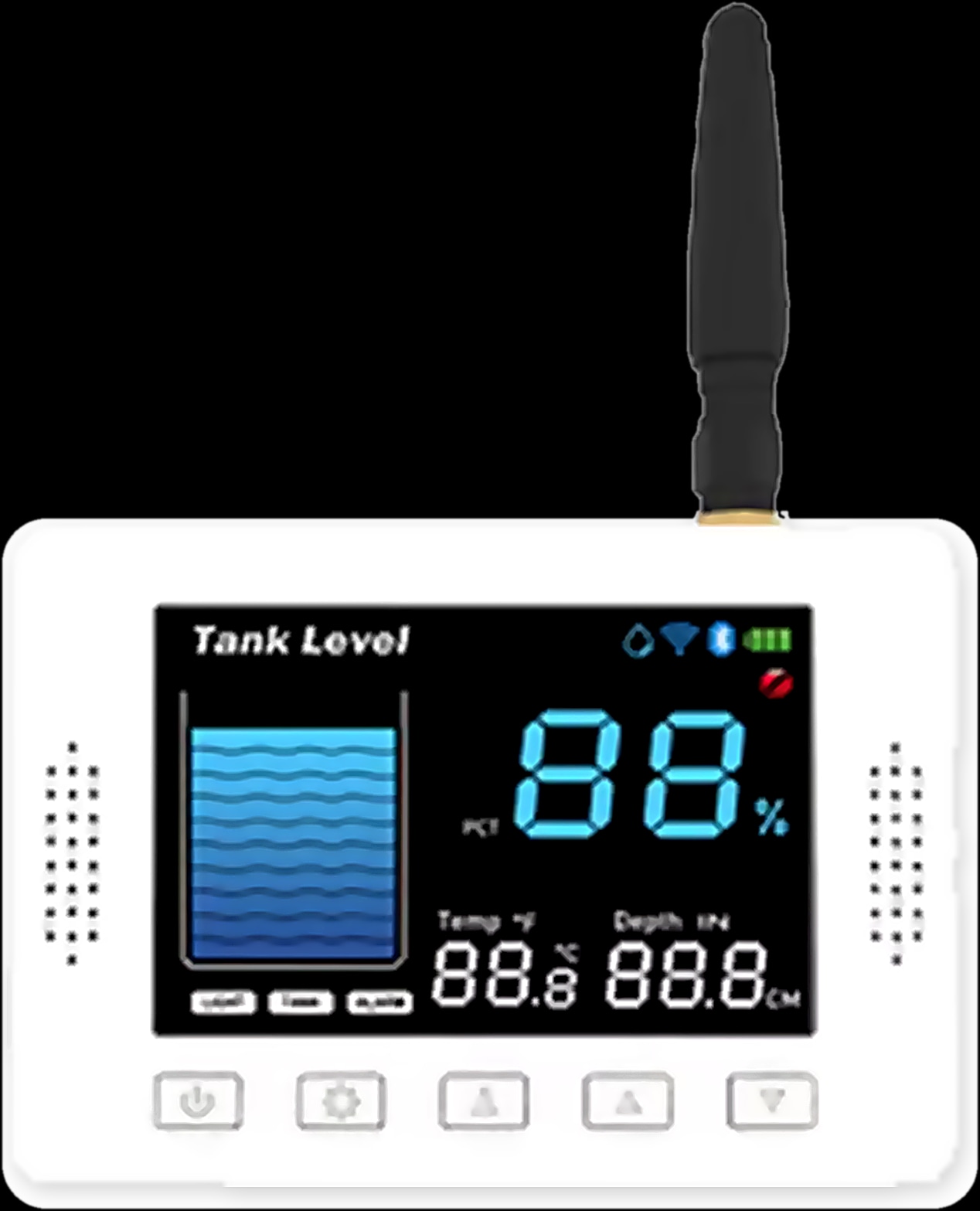
| Water tank sensor | Reads the tank level without contact; high and low alarms | Water tank level sensors | WL-30, WL-50, WL-100 |
How do you control a smart home? Panels, switches, app and voice
You control a smart home in four ways: wall switches, a screen in the main rooms, the app and your voice, all reaching the same devices.
Wall control panels
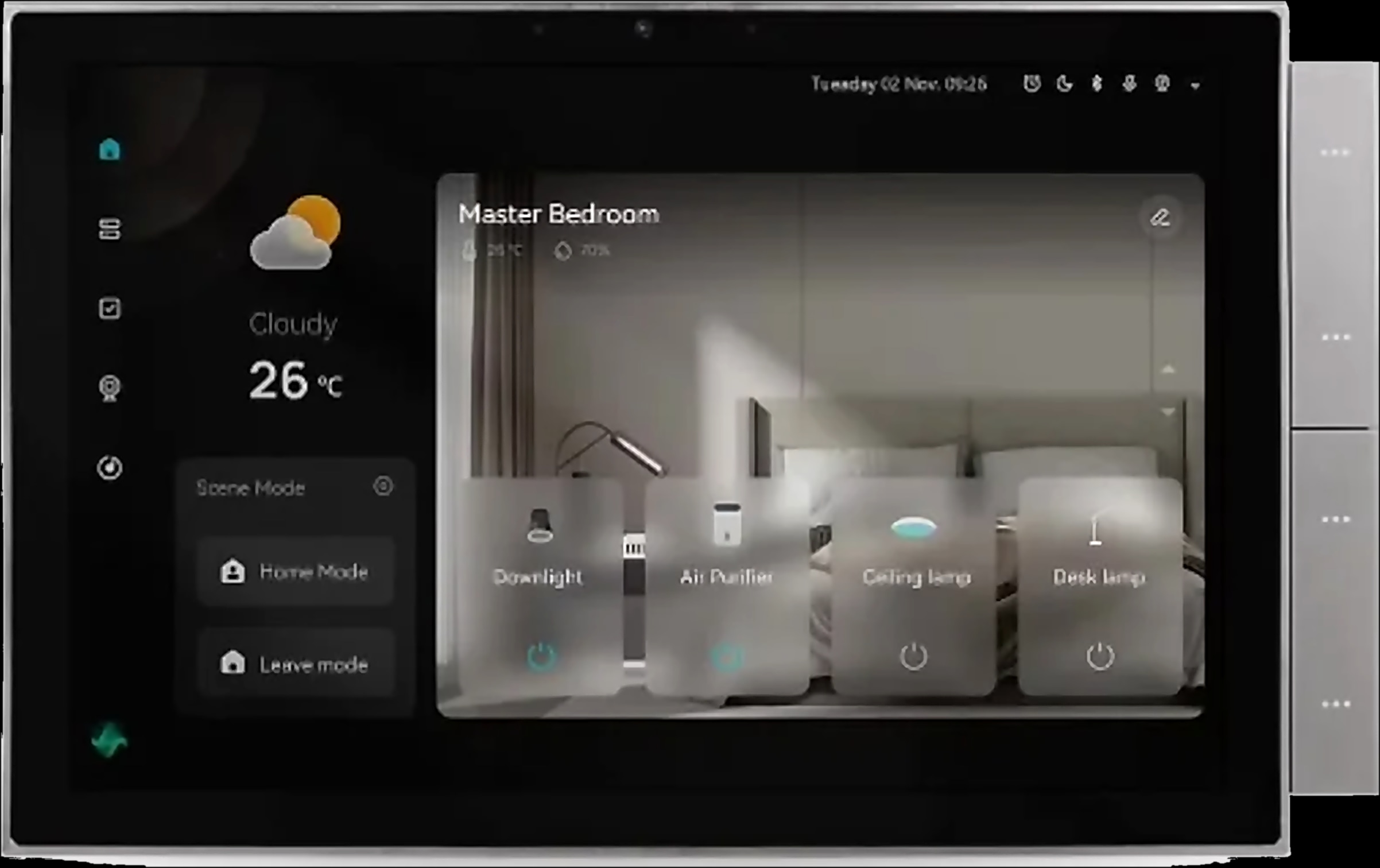
A control panel is a wall touch screen for lights, curtains, switches, locks, scenes and music. Spark panels run Android, from 4 to 10 inches, each with a Tuya Zigbee gateway built in, and the 10-inch Panel has Alexa, a camera and an intercom built in. Our smart home control panel guide matches a size to each room.
Switches and keypads
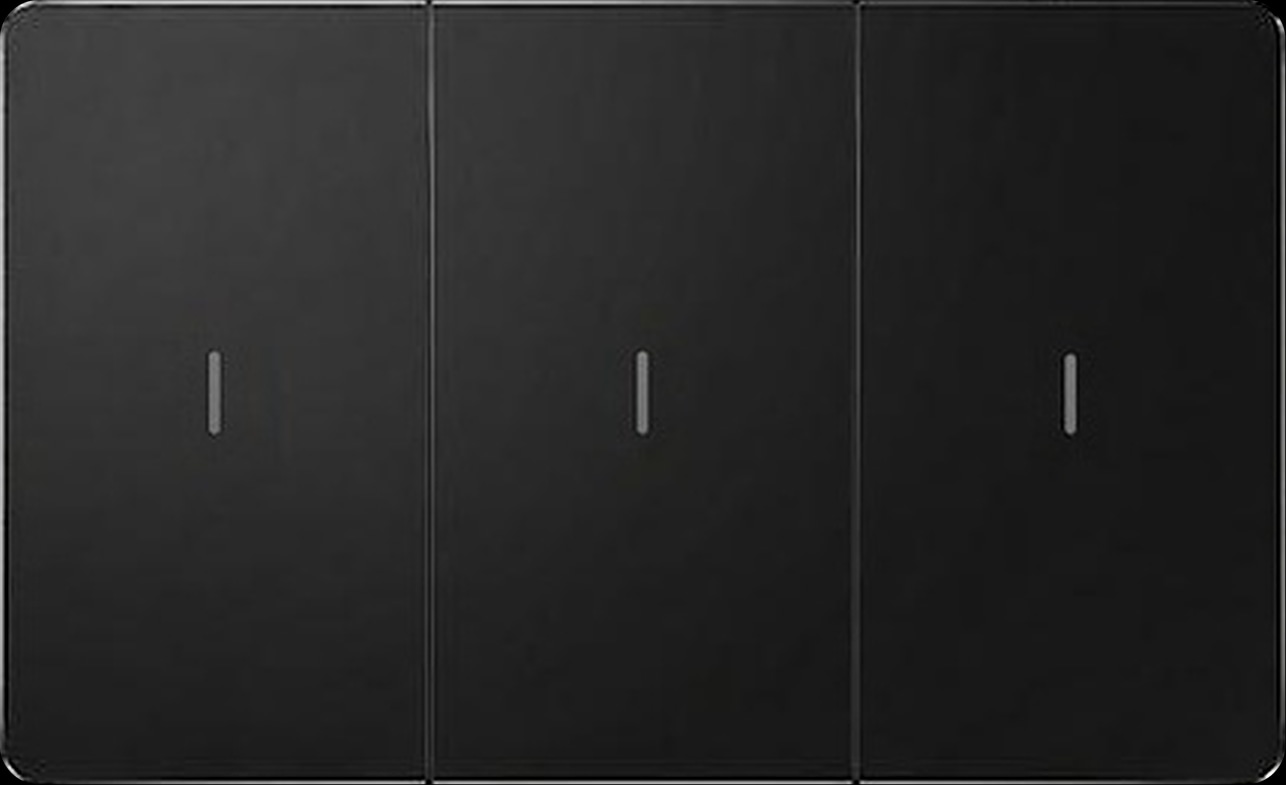
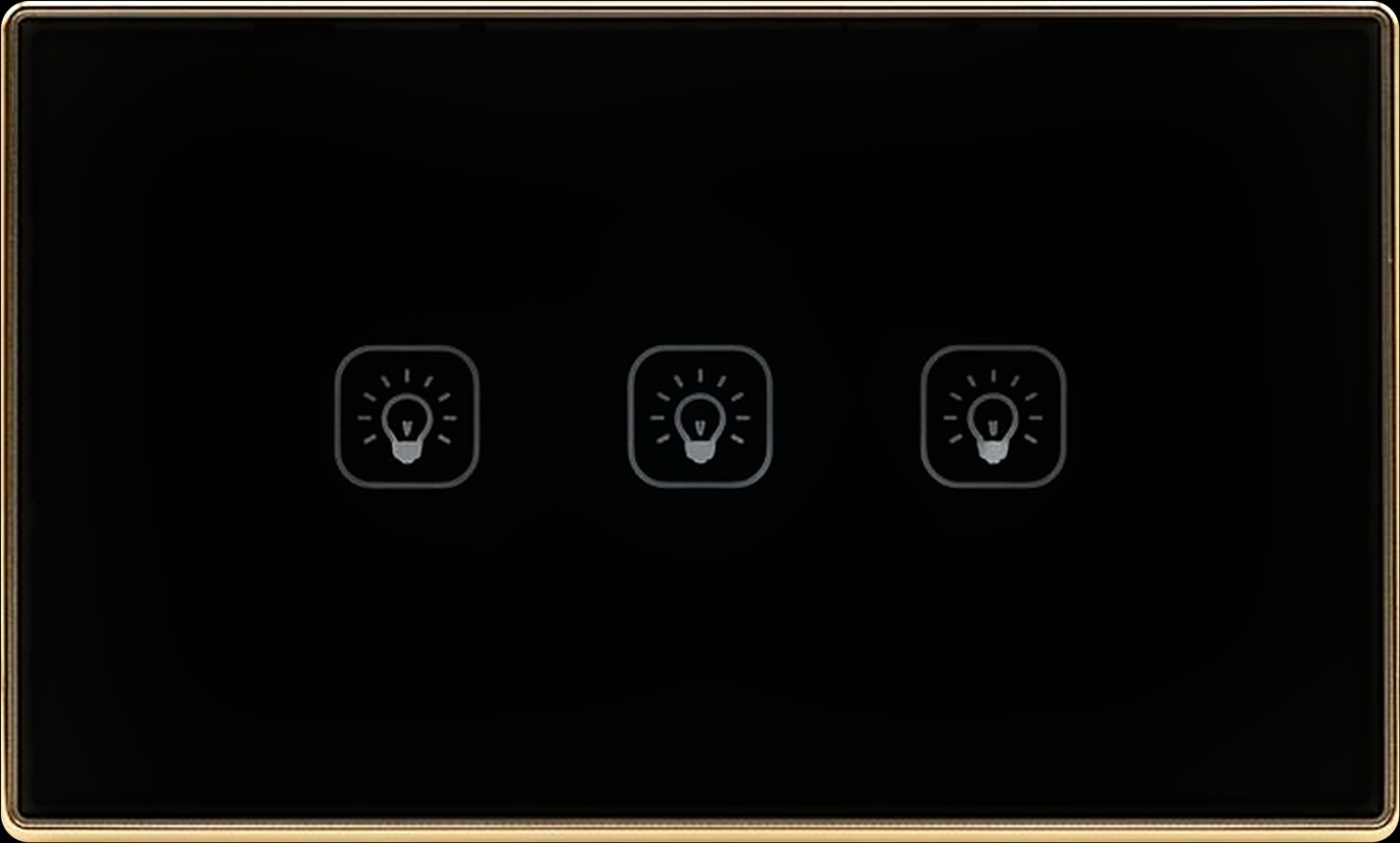
The switch is the control everyone knows, so it should never depend on the app. Spark switches have mechanical or touch keys, in Zigbee or Wi-Fi, from 1 to 4 gang for lights and with 3 or 4 keys for curtains and shutters.
The app and your voice
Spark devices join one app, Tuya Smart, for control from home or away, schedules and scenes. Many take voice commands too: the 10-inch Panel has Alexa built in, and the T-50 thermostat works with Alexa and Google Assistant.
How does a smart home work? Zigbee, Wi-Fi and the gateway
A smart home works by carrying commands from the controls to the devices over a network: in a Spark home, Zigbee, Wi-Fi or both.
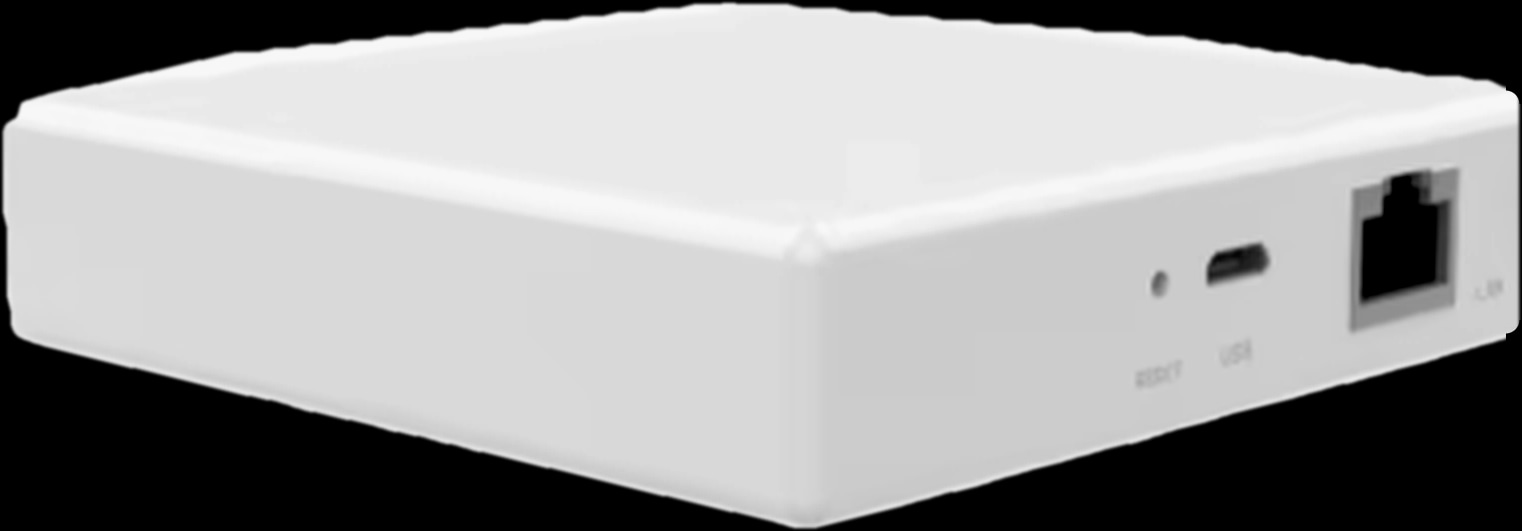
Zigbee devices join through a gateway: the Hub-Z, or the one built into a Spark control panel. The Hub-Z keeps them off the router's Wi-Fi, and its Ethernet version supports up to 128 sub-devices.
Wi-Fi devices, such as the WT switches and the Wi-Fi versions of the T-50, IR-10 and MC-10, connect straight to the router.
Scenes make the parts work together: actions that run from one tap, at a set time or when a device notices a change, such as lighting the hall when a door opens. Local Zigbee scenes keep running through the Hub-Z when the internet is down; see our guide to smart switches that work without internet.
The control and network parts of a Spark home
Smart home devices list: access, comfort, power and sensing
Beyond control and the network, a smart home's devices fall into three groups: access, comfort, and power and sensing.
Access
A smart lock opens for the right people and tells you when it does. Spark makes locks for security, 85-series, wooden, aluminium and glass doors. The SL-250, for example, opens by face, palm, fingerprint, password, card or app, and with its built-in camera you answer video calls on the inside screen or your phone.
A video intercom shows who is at the door or gate and opens it from inside. The S-303 kit pairs a 7-inch indoor touchscreen with a Face ID outdoor station, and you can answer and unlock from the Tuya app. See which smart lock fits your door and our video intercom guide for villas and buildings.
Comfort
The T-50 thermostat runs water underfloor heating, electric floor heating or a gas boiler on a 7-day programme with up to 6 periods a day. The IR-10 smart remote controls a split AC by infrared, with no wiring, up to 10 m in clear line of sight, and the VRF Controller brings a VRF system into the app. For windows, the MC-10 is a complete curtain kit and the MC-20 a tubular motor for roller, zebra and Shangri-La blinds.
Power and sensing
Relay modules make existing circuits smart: the ZR-50 and WR-50 fit behind your switches and need a neutral wire, and the 16-CH Relay puts sixteen circuits on one DIN-rail module in the board. Smart breakers are joining the catalogue soon, and a Spark partner can already plan them in.
Many homes in Jordan store water in rooftop tanks. The WL-30, WL-50 and WL-100 read the level by ultrasound, without touching the water, and warn you about high and low levels. Our water tank level sensor guide shows which one fits your tank.
One device from each part of the system

Benefits of a smart home, without the hype
The real benefits of a smart home are everyday ones:
- One place for everything: lights, curtains, locks and scenes on one screen and in one app.
- A home that runs itself: curtains on a schedule, heating on a weekly programme and one scene that turns everything off as you leave.
- The door, answered from inside: see who is there on an indoor monitor or your phone.
- Fewer surprises: a tank alert before the water runs out, and the AC on before you get home.
The honest limits: remote control and voice need the internet, every device needs power, and any energy saving depends on how you use your home, so this guide gives no figure.
How to plan a smart home system room by room
Plan a smart home before the walls close. In a Spark project, breakers and relays live in the cabinet, while panels, locks and sensors are placed on the plan.
- 1
Walk the home room by room
List the lights, curtains, heating or AC, doors, gates and tanks in each room.
- 2
Choose the network
Zigbee with a gateway for a whole home and local scenes, or Wi-Fi devices for a room or two.
- 3
Place the controls
A wall switch for every important light, a panel in the main rooms, then the app and voice.
- 4
Check the board and the wall boxes
Group circuits for a 16-CH Relay, confirm a neutral wire for ZR-50 or WR-50 modules, and add an outlet near each MC-10 motor, whose cable is 1 m long.
- 5
Bring in a Spark partner early
At the design stage of a new build, or before you buy for a renovation. Partners plan each room, then wire, pair and hand over a working home.
- 6
Build scenes, then test
Create Home and Leave scenes in the app, then test every switch and scene, once with the internet off.
Questions people ask about smart home systems
Is a smart home the same as a home automation system?
Nearly. Home automation is the part that runs by itself, such as schedules and scenes; a smart home also covers what you control by hand, from the switch to the app.
Does a smart home need internet to work?
Not for everyday use. Spark switches still work at the wall, and local Zigbee scenes keep running through the Hub-Z. Remote control and voice assistants need the connection.
Do I need a hub for a smart home?
Only for Zigbee devices, which join through the Hub-Z or the gateway built into every Spark control panel. Wi-Fi devices connect straight to your router.
Can I make my existing home smart without rewiring?
Often, yes. ZR-50 and WR-50 modules fit behind existing switches where there is a neutral wire, the IR-10 needs no wiring and the MC-10 plugs into an outlet. A Spark partner can check each room.
Can I control a smart home with Alexa or Google Home?
Yes. Spark works with Alexa, Google Home, Home Assistant and SmartThings, with voice support listed for each device. The 10-inch Panel has Alexa built in, and the IR-10 works with Alexa and Google Home.
How much does a smart home system cost?
It depends on the home, the rooms and the devices, so there is no single price. Start with one room, or ask a Spark partner to plan the whole home with you.