The short answer
A smart lock with a camera has a camera in its outside panel: you see who is at the door, answer a video call and check the live view in the Tuya Smart app. Every Spark SL lock from SL-120 up and every TL lock has one; the Spark SL-250 adds palm recognition, Alexa and IP68. A gate or building entrance still needs a video intercom.
On this page
What does a smart lock with a camera do?
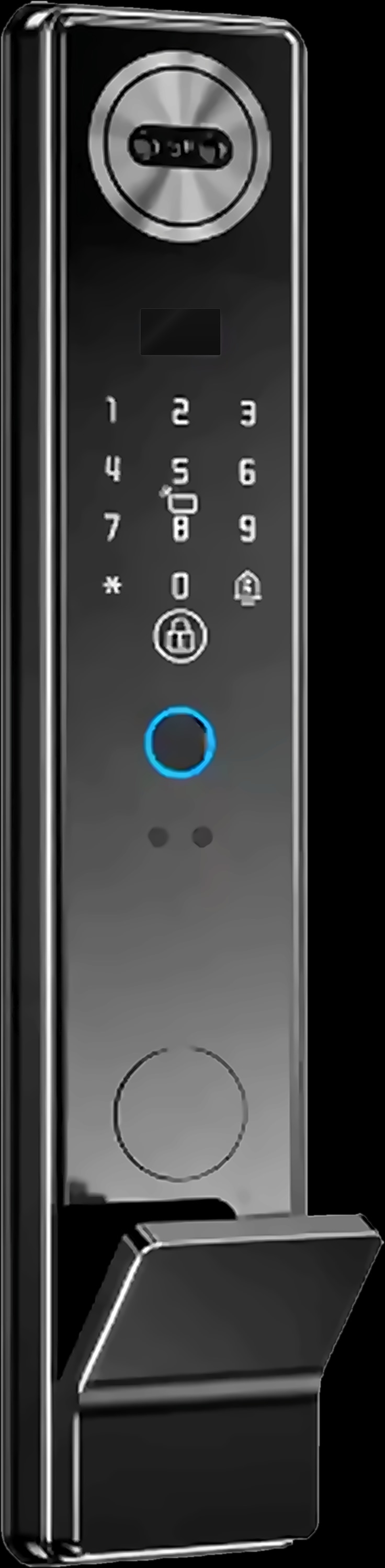
A smart lock with a camera lets you see who is at the door before you open it. On Spark locks the camera sits in the outside panel, and the lock still does its main job: it opens for the people you choose.
Across the Spark smart locks range, the camera models use that camera in three ways:
- See who is there. The camera is built into the outside panel, facing whoever stands at the door.
- Video calls. Answer a video call from the door on the inside screen or on your phone, depending on the model.
- Live view. Open the Tuya Smart app at any time to check the door through the camera.
The same camera handles face recognition: look at it to verify, and the motor retracts the bolts for you. Push the door to enter; there is no handle to turn.
Which Spark smart locks have a camera?
Seventeen Spark locks have a built-in camera: every SL security-door lock from SL-120 up, and all five TL locks for 85-series doors. The SL-100 and the WL, AL and GL locks for wooden, aluminium and glass doors have no camera; they open with a fingerprint, a code, a card or the app.
Every camera model opens with five digital methods (face, fingerprint, code, card and app), and some add palm recognition as a sixth. The table groups them by what sets them apart.
| Models | Door, lock body | Unlocking methods | Video calls on | Water rating, extras |
|---|---|---|---|---|
| SL-120, SL-130, SL-140, SL-150, SL-180 | Security door, 6068 | 5 | Inside screen or phone | None listed |
| SL-160, SL-170 | Security door, 6068 | 6, adds palm | Inside screen or phone | None listed. SL-170: optional remote-control add-on |
| SL-210, SL-220, SL-230 | Security door, 6068 | 5 | Inside screen or phone | IPX5 |
| SL-250 | Security door, 6068 | 6, adds palm | Inside screen or phone | IP68, dust-tight. Alexa. Black or silver |
| SL-260 | Security door, 6068 | 6, adds palm | Inside screen or phone | IP65, dust-tight. Alexa |
| TL-150 | 85-series door, 6085 | 5 | Inside screen or phone | None listed |
| TL-220, TL-230 | 85-series door, 3585 | 5 | Phone | IP67, dust-tight |
| TL-240, TL-250 | 85-series door, 6085 | 6, adds palm | Phone | IP65, dust-tight |
Not sure which lock body your door has? Our guide to choosing a smart lock by door type shows what to measure.
Camera locks to compare



Smart lock with camera and screen: inside or on your phone?
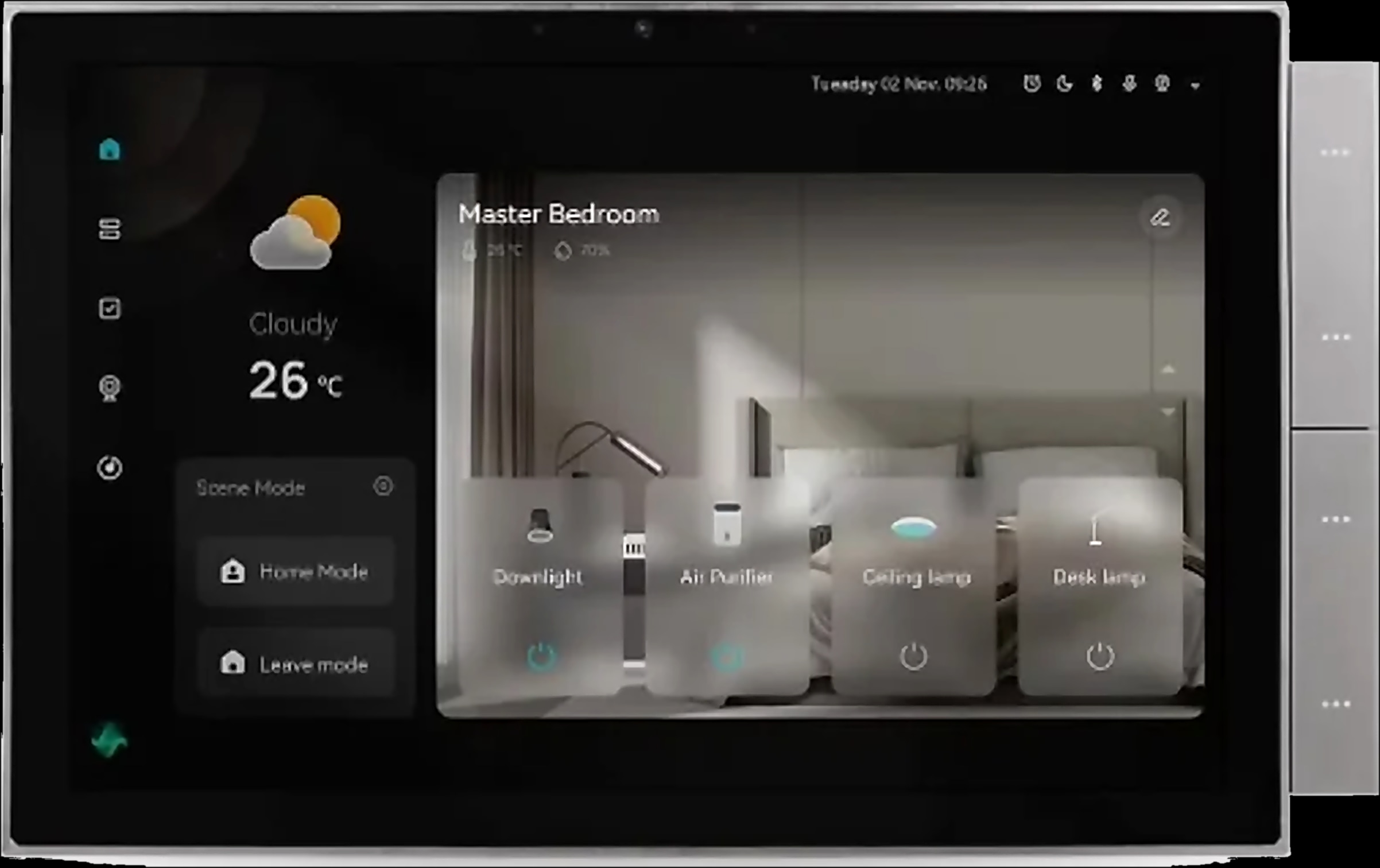
Every SL camera model and the TL-150 let you answer a video call on the inside screen or on your phone. On the TL-220, TL-230, TL-240 and TL-250, you answer video calls on your phone.
It depends on who answers the door. An inside screen lets anyone at home see the visitor without a phone or an app, useful for children, older parents and guests. Your phone works wherever it has a connection, and every camera model offers live view in the Tuya Smart app. That screen sits at the door, though; an intercom monitor can be in the kitchen or upstairs.
What do all Spark camera locks have in common?
All seventeen share the same core: Tuya Wi-Fi, face recognition, fully automatic opening, a 5000 mAh lithium battery, a mechanical key and Type-C emergency power. What changes is the door they fit, palm recognition, the water rating and the inside screen.
- Face, palm and more. Look at the camera to open, or use a fingerprint, a code on the touch keypad, a card or the Tuya Smart app. Six models add touch-free palm recognition: SL-160, SL-170, SL-250, SL-260, TL-240 and TL-250.
- Fully automatic. The motor retracts the bolts after verification. On TL locks fitted to compatible 85-series doors, the top, middle and bottom locking points work together.
- Two backups. A mechanical key, and a Type-C port where a power bank can power the lock for entry if the battery is flat.
Smart lock with camera vs video doorbell or intercom
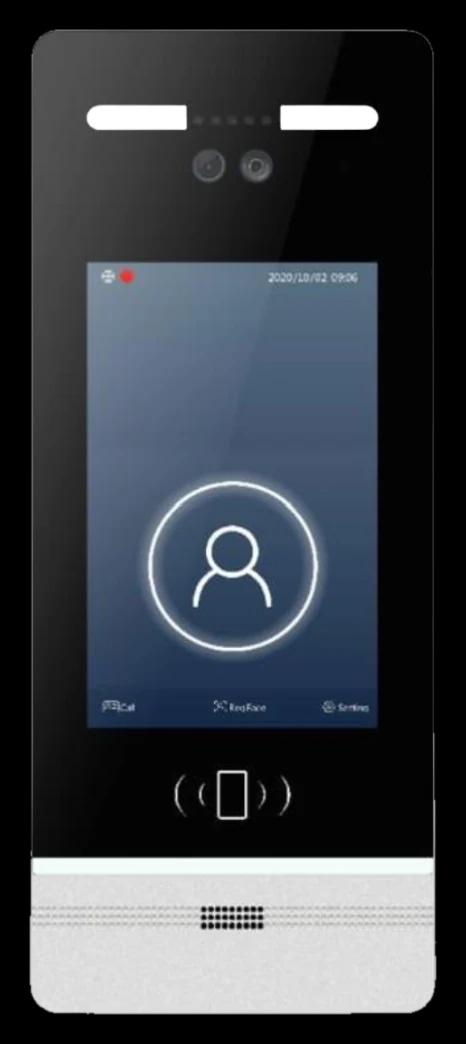
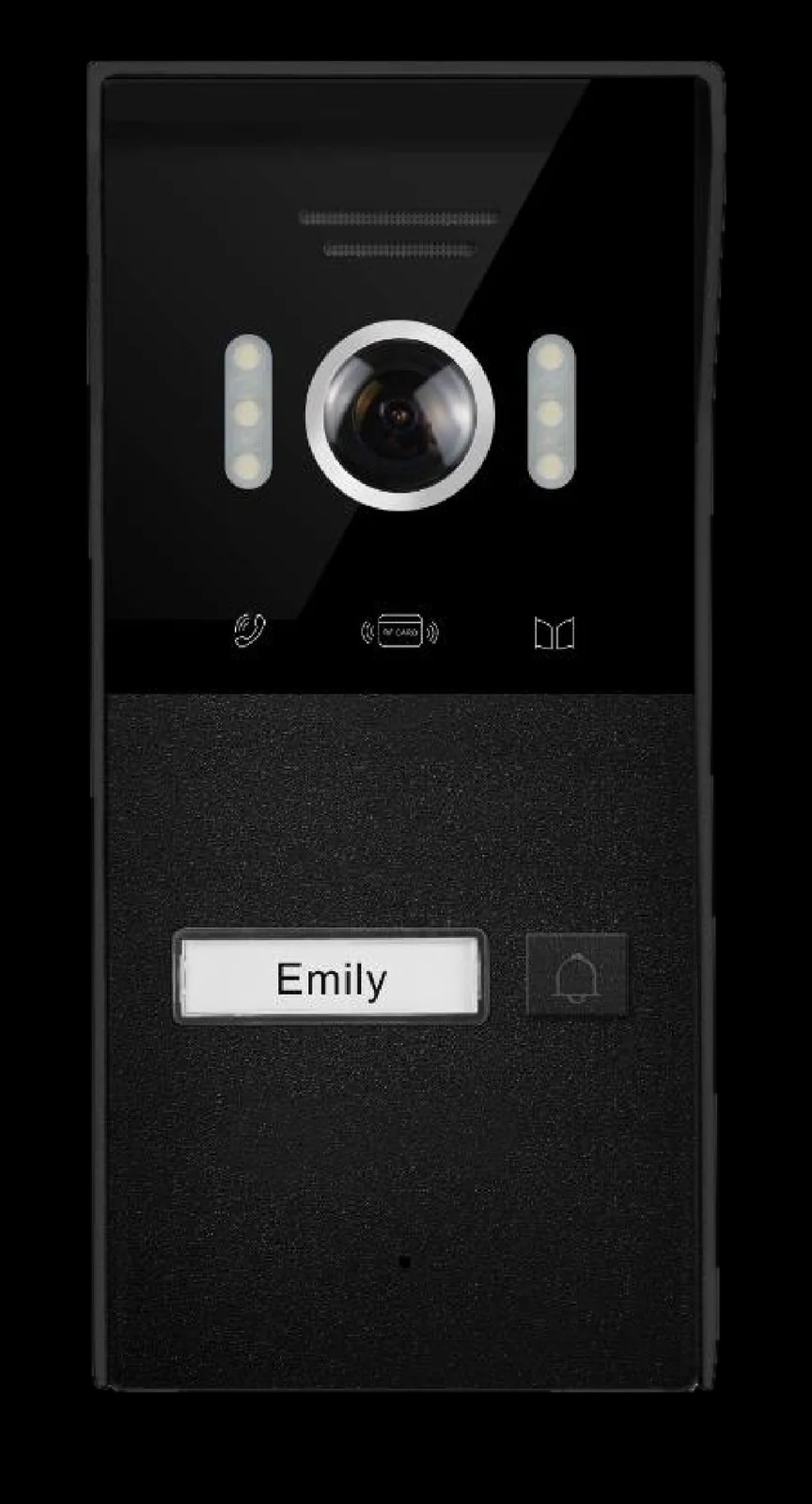
Both show you the visitor, but they sit in different places and open different things. A lock's camera is on the door it locks; an intercom door station is a separate unit at the gate or entrance that rings an indoor monitor, and with some kits your phone.
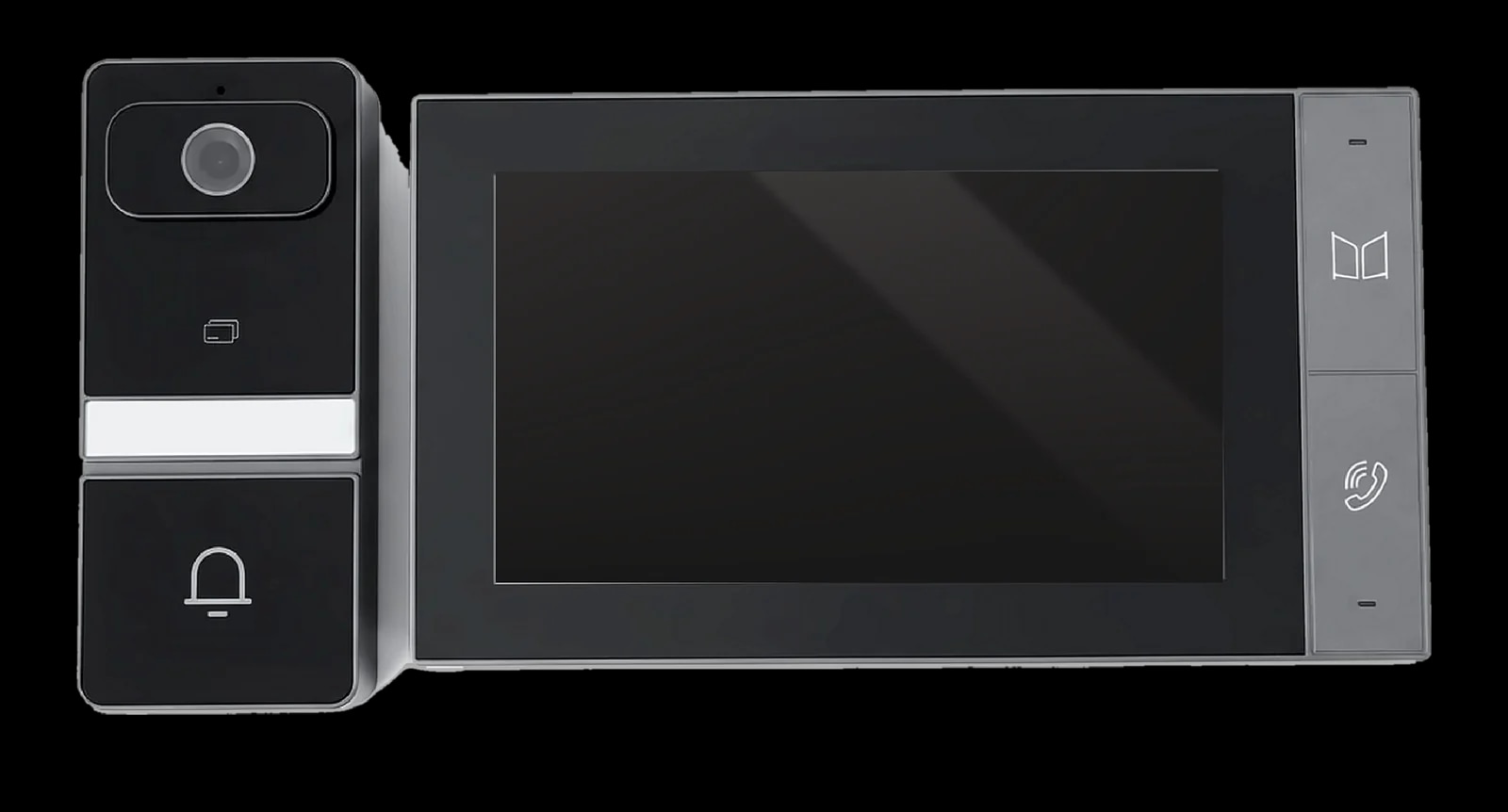
The table compares the SL-250 with a complete kit, the Spark S-301, which pairs a 7-inch touchscreen monitor with a 3.0 MP outdoor station over a single Cat5 cable.
| Feature | SL-250 smart lock | S-301 intercom kit |
|---|---|---|
| Camera | In the lock's outside panel, on the door | On the outdoor station, wherever you mount it: 3.0 MP, 140° |
| You answer on | Inside screen or phone | 7-inch IPS touchscreen (1024 × 600), and your phone through the Tuya or Smart Life app |
| It opens | The door it is fitted to | The lock wired to its relay output, such as one motor-operated electric lock (12 V, max 500 mA instantaneous) |
| Entry without a call | Face, palm, fingerprint, code, card or app | IC card at the outdoor station |
| Power | 5000 mAh lithium, Type-C emergency power | PoE or DC 24 V |
| Saving images | Live view in the Tuya Smart app | Snapshots or video clips to an SD card of up to 128 GB |
| Weather | IP68, dust-tight | IP65 outdoor station, -30 °C to +50 °C |
So a camera lock does the job of a video doorbell at a door that visitors walk straight up to. An intercom earns its place wherever they stop before reaching it.
Do you need an intercom with a smart lock?
Not if visitors walk straight up to the door with the lock. You still want a video intercom in four cases:
- A gate far from the front door. Many villas in Jordan have a street gate and a front door set back behind a garden. The lock's camera only sees its own door, so the gate needs a door station such as the Spark I-50, whose two lock outputs work with electric or magnetic locks.
- A building entrance. In an apartment building, visitors stop first at the shared entrance downstairs. That door needs a door station for the whole building; your camera lock covers your flat door.
- Several flats. Each flat needs its own indoor monitor so the call reaches the right home. At the entrance, Spark door stations let residents in with a face, a fingerprint, a card or a code, depending on the model.
- A dedicated indoor monitor. To answer from the kitchen or upstairs on a 7, 8 or 10-inch wall screen, you need an intercom monitor. The S-301 monitor has physical answer and unlock buttons.
In a villa, the two work well together: a door station at the gate for visitors, and a camera lock on the front door for the family. For door stations, kits and monitors, read our guide to video intercom for a villa or an apartment building.
A camera lock for the door, an intercom for the gate

How to choose a smart lock with a camera
Choose the door first, then where you answer, then the weather and the extras.
- 1
Identify the door
A security door with a 6068 mortise lock body takes an SL lock. An 85-series door with three locking points takes a TL lock: TL-220 and TL-230 fit the 3585 lock body, TL-150, TL-240 and TL-250 the 6085.
- 2
Decide where you answer
For an inside screen as well as your phone, choose an SL camera model or the TL-150. Otherwise, any camera lock that fits the door will do.
- 3
Check what the door faces
For rain and splashes, IPX5 (SL-210, SL-220, SL-230). For a door that faces the weather, IP65 (SL-260, TL-240, TL-250), IP67 (TL-220, TL-230) or IP68 (SL-250), all dust-tight.
- 4
Pick the extras
Palm recognition on six models, and Alexa on the SL-250 and SL-260.
- 5
Plan the gate and the entrance
If visitors stop at a gate or building entrance first, add a door station and indoor monitor there. The I-50 links to its monitor over Cat5 or Cat5e under 50 m.
A Spark partner can check your door and specify the right model for it. Architects and installers who specify Spark in their projects can become a Spark partner.
Questions people ask about smart locks with cameras
Can a smart lock with a camera replace a video doorbell?
At a door visitors walk straight up to, yes. A Spark camera lock shows the visitor, takes video calls on the inside screen or your phone and offers live view in the Tuya Smart app. A gate or building entrance still needs a door station.
Do I need an intercom if I have a smart lock with a camera?
Only where the lock's camera can't see the visitor: a villa gate far from the front door, a shared building entrance or several flats. These need a door station and indoor monitors. If visitors come straight to your door, the camera lock is enough.
Which smart lock has a camera and an inside screen?
In the Spark range, every SL camera model from SL-120 to SL-260, plus the TL-150, lets you answer video calls on the inside screen or your phone. On the TL-220, TL-230, TL-240 and TL-250, you answer on your phone.
Can I see who is at my door from my phone?
Yes, with every Spark camera lock. Video calls reach your phone, and the Tuya Smart app shows the live view whenever you open it.
Does a smart lock with a camera need Wi-Fi?
For its smart features, yes. Spark camera locks join the Tuya Smart app over your home Wi-Fi for video calls, live view and app unlocking; away from home, the house also needs internet. At the door you verify with your face, fingerprint, code or card, with the key as a backup.
What happens if the smart lock battery dies?
Connect a power bank to the Type-C port to power the lock for entry, or open it with the mechanical key. Every Spark camera lock runs on a 5000 mAh lithium battery and has both backups.