The short answer
The changes that help elderly parents most are a lock with no key to lose, such as the Spark SL-250 with face, palm and fingerprint access, a 10-inch indoor monitor like the S-110 to see and answer the door, switches that work as normal, and heating, AC and water routines the family adjusts in the Tuya Smart app. Spark sells no fall detection or medical alarms.
On this page
Smart home for elderly parents: what actually helps?
The changes that help most remove small daily risks: hunting for keys, opening the door to a stranger, a dark corridor at night, a cold house, a tank that runs dry. Technology for seniors living alone works best when it asks nothing new of them: the switch still switches, the door still opens, and the family looks after the settings.
| Concern | Spark product | What it does |
|---|---|---|
| Lost keys or a stiff lock | SL-250 or SL-160 smart lock | Opens by face, palm or fingerprint and retracts the bolts itself |
| Opening the door to a stranger | S-110 or S-210 indoor monitor | Shows the visitor on a 10-inch screen: talk first, then unlock with a tap |
| Getting up in the dark | ZR-60 dimmer behind the existing switch | A soft glow at 10% brightness, from the app or by voice |
| A cold house in winter | T-50 thermostat | Runs underfloor heating or a gas boiler on a 7-day programme |
| A bedroom AC left on all night | IR-10 smart remote | Switches the split AC off at a chosen time |
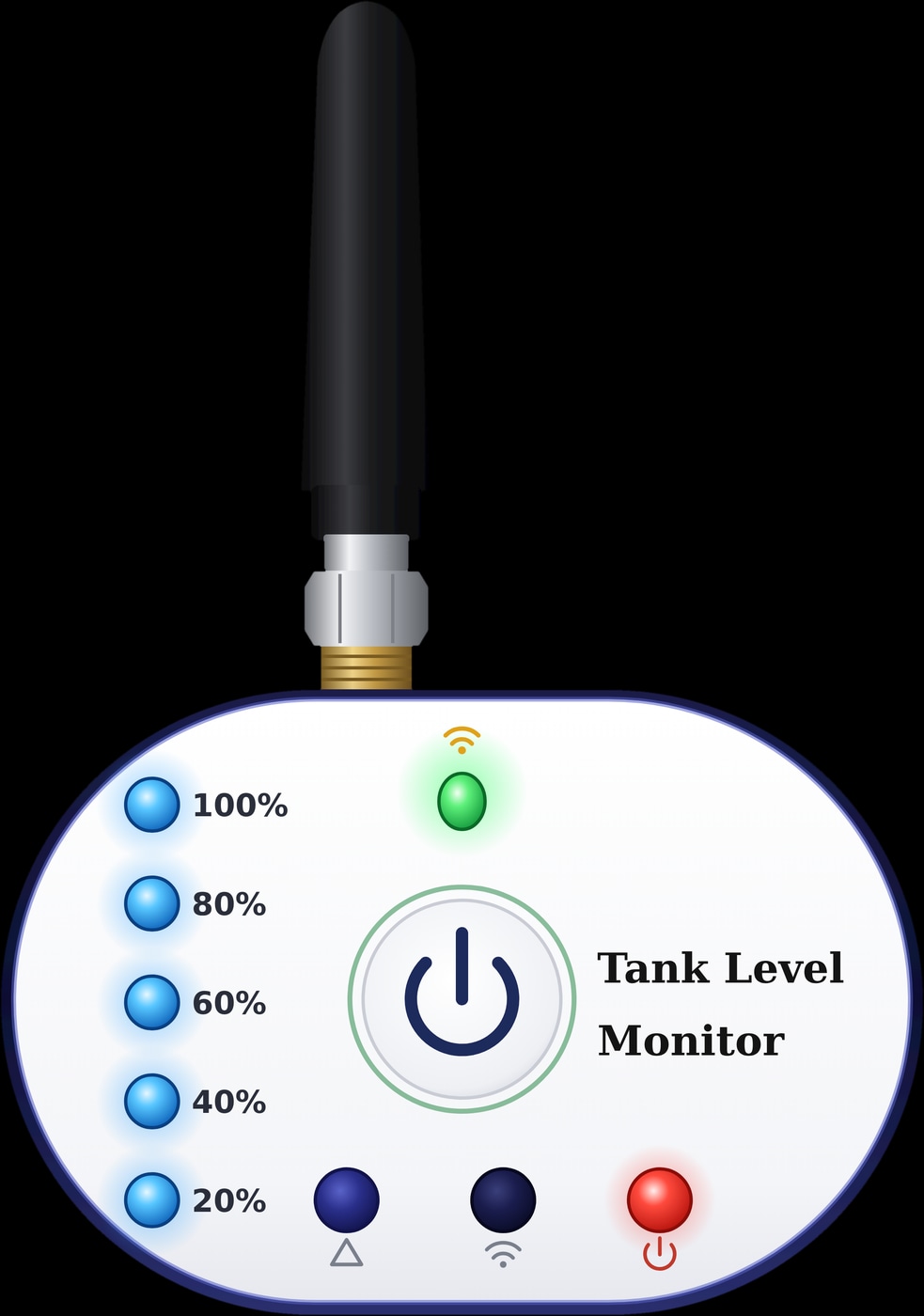
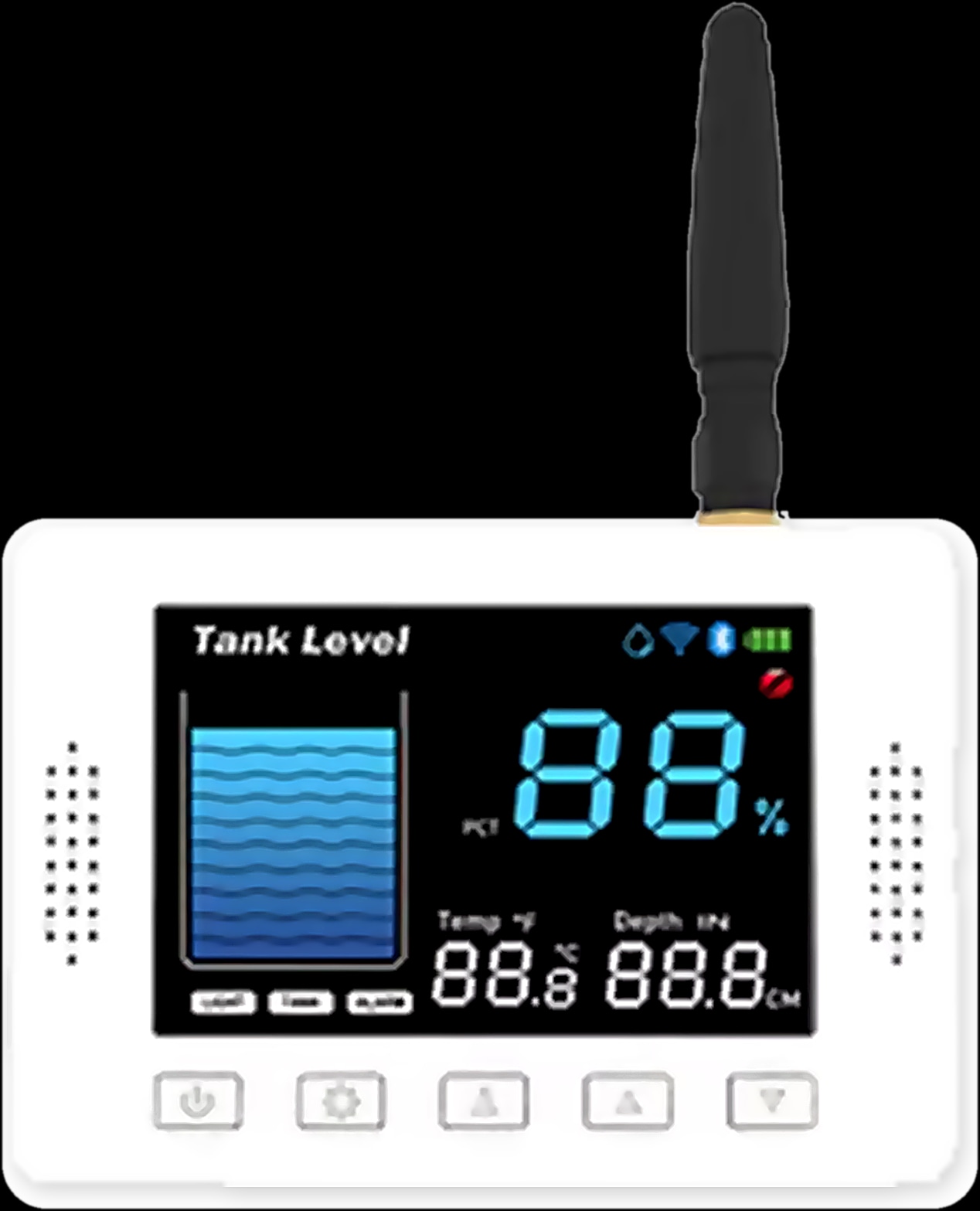
| Not knowing whether there is water | WL-50 Tank Level Monitor | Shows the level indoors, sounds a buzzer and can run the pump |
Running the home from another country is covered in our guide to managing your Jordan home from abroad. This guide stays on your parents' side of the door.
Which smart lock is best for elderly parents?
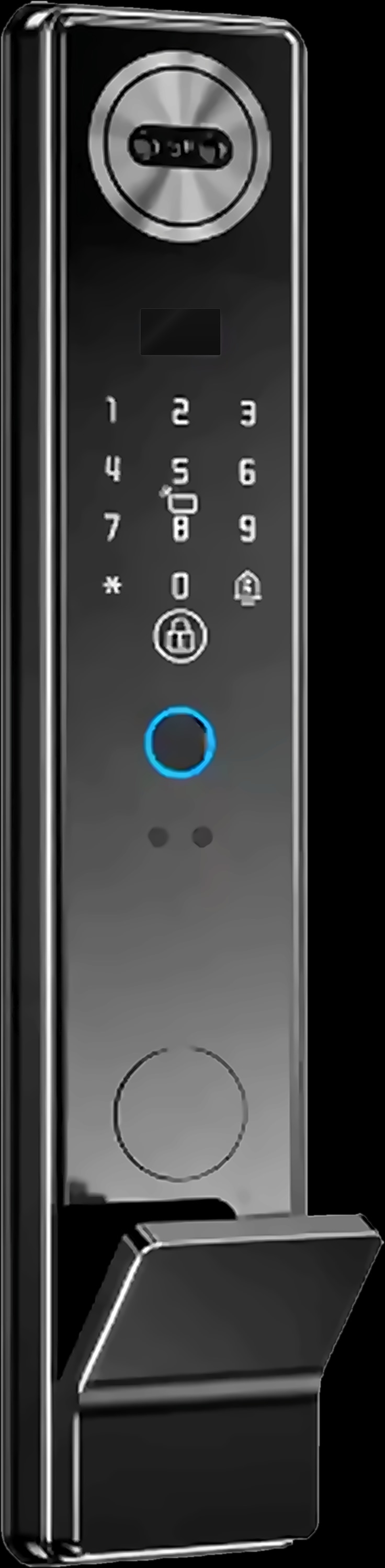
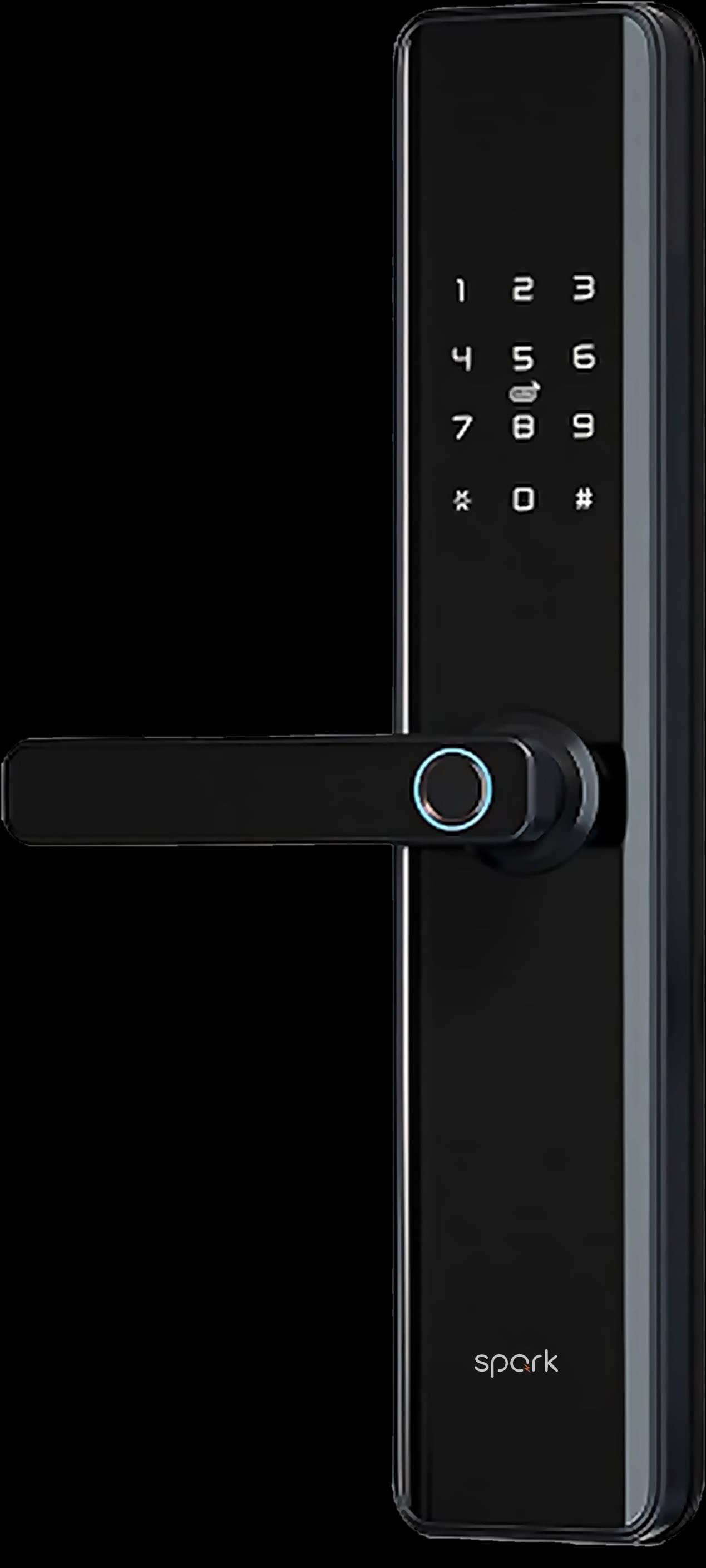
For most parents, a lock that recognises them beats one that needs a key or a code to remember. The SL-250 and SL-160 open with a face, a palm or a fingerprint, as well as a password, a card or the Tuya Smart app. Both are fully automatic: the motor retracts the bolts and your parent pushes the door, with no handle to turn.
| Lock | Ways in | Opening | Power | Also listed |
|---|---|---|---|---|
| SL-250 | Face, palm, fingerprint, password, card, app | Automatic: the motor retracts the bolts | 5000 mAh lithium | Camera with video calls, IP68, works with Alexa |
| SL-160 | Face, palm, fingerprint, password, card, app | Automatic: the motor retracts the bolts | 5000 mAh lithium | Camera with video calls |
| SL-100 | Fingerprint, password, card, app | Lever handle | 4 × AA dry batteries | Unlock records, Tuya Wi-Fi or TTLock version |
All three keep a mechanical key as a backup, take a power bank on the Type-C port if the battery runs flat, and are made for security doors with a 6068 mortise lock body. Check the door before you choose; the full range is in Spark's smart door locks.
Fingerprints can be harder to read on worn or dry fingertips, so face and palm recognition suit many older users. For how each method suits different people, read face, palm or fingerprint: choosing how your door opens.
Locks for a parent's front door

See and answer the door on a big indoor screen
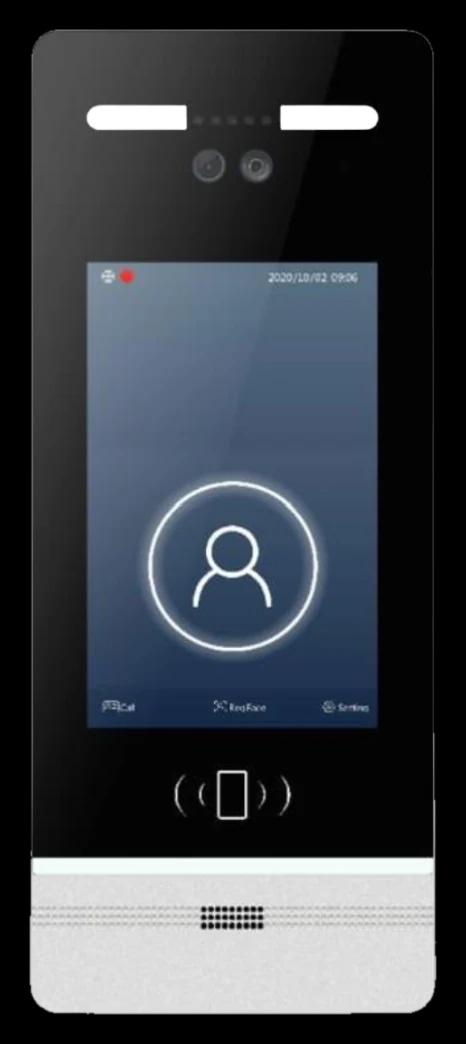
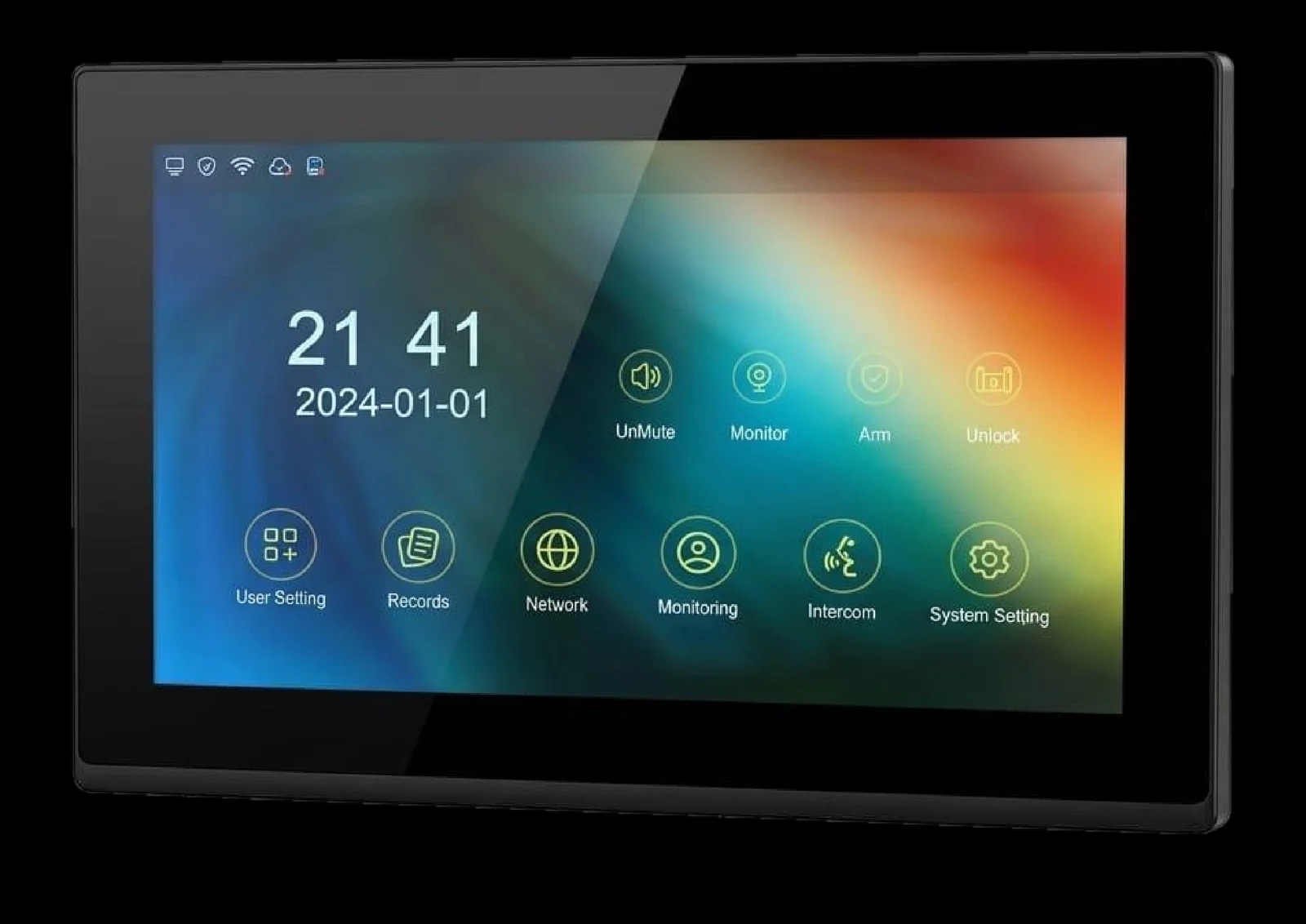
A 10-inch indoor monitor lets your parents see who is outside before they open, then talk and unlock from where they stand. The S-110 shows the visitor on a touch screen with full-duplex audio, so both sides talk at once, and one tap opens the door-station lock.
- Messages when nobody answers. Visitors can leave a message on the SD card while your parents rest or are out.
- Quiet nights. Night mode lowers the ringtone between set hours, 00:00 to 08:00 by default.
- Arabic on screen. The S-110's menu languages are English, Arabic, Russian and Chinese.
The S-210, the other 10-inch monitor, also unlocks with a tap and runs the Tuya platform natively, so it can control paired locks, lights and sensors. The right door station and cabling depend on the home: see video intercom for a villa or an apartment building.
Letting a relative or a helper in, and knowing who came
Give every regular visitor their own way in, so nobody hides a spare key. The SL-100 keeps unlock records in its app, showing who came in and how. For the SL-250 and SL-160, Spark lists app unlocking, video calls on your phone and a live view; ask a Spark partner to confirm remote unlocking and records for your model.
With the S-110 on Wi-Fi, door calls reach the family's phones wherever they are. Several phones can share it and all receive call notifications, but only the main account can unlock the door; shared accounts can view and talk.
- 1
Enrol your parents first
Register their face, palm or fingerprint with the installer, plus a password as a backup.
- 2
Add each relative
Each family member who visits gets their own fingerprint, password or card.
- 3
Give a helper a separate code or card
Anyone who comes to clean or help has their own access, so you know whose is whose.
- 4
Choose the main account
Decide who holds the S-110's main account, the only one that can unlock from the app.
- 5
Show someone nearby the backups
A relative or neighbour in Jordan should know where the mechanical key is and how to use Type-C emergency power.
Simple controls: switches that stay switches, and voice
Your parents should never need a phone to turn on a light. Every Spark switch is a real switch before it is a smart one, and pressing it never waits for an app or the Wi-Fi. To keep the switches they know, a Spark module behind each one adds app, voice and schedule control; it needs a neutral wire and a qualified electrician.
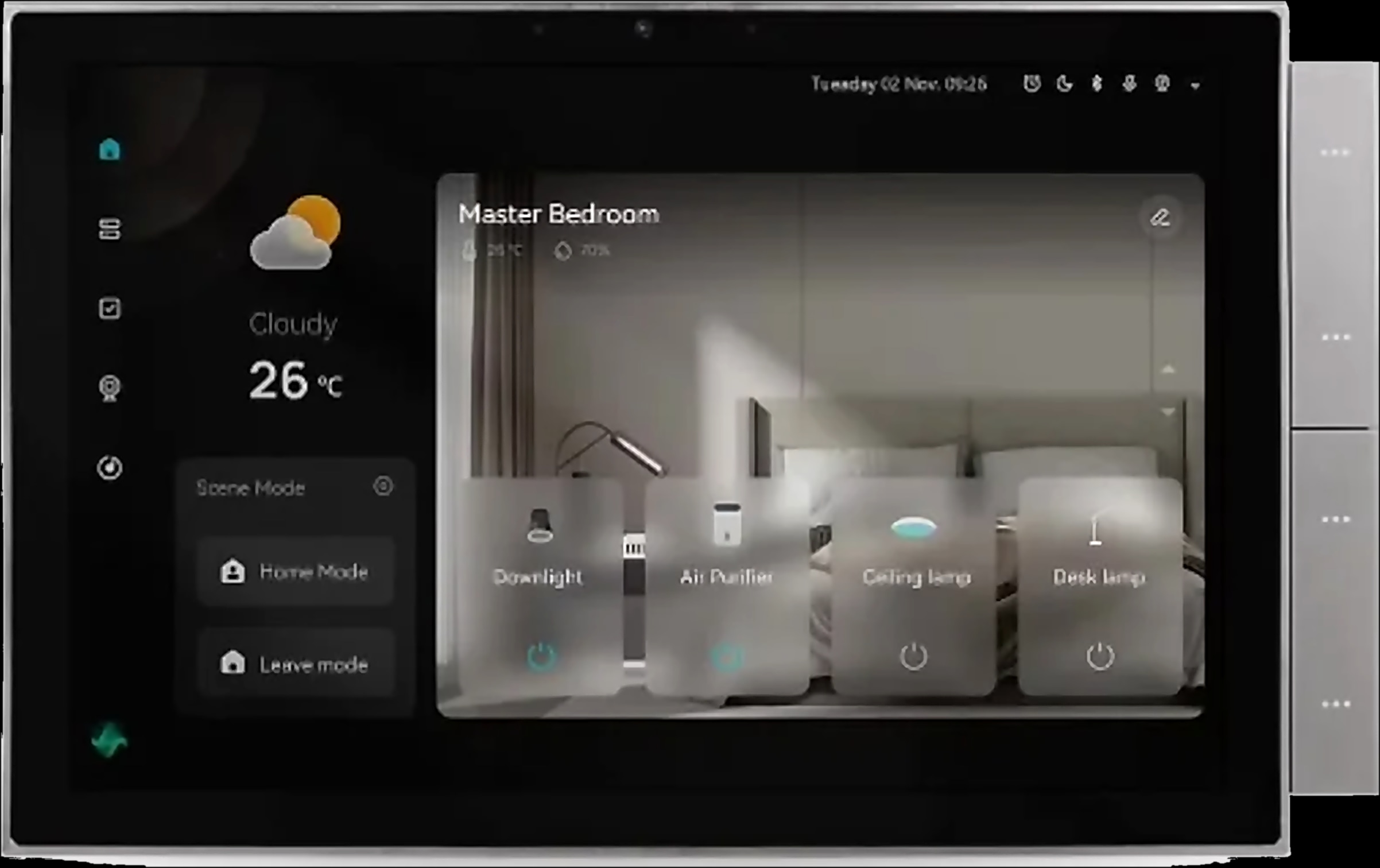
Voice helps when hands are full. The 10-inch Panel has Alexa built in, a large touch screen for lights, curtains, locks and scenes, and a camera and intercom for hands-free video calls. The T-50 also works with Alexa and Google Assistant, and the IR-10 with Alexa and Google Home.
Voice assistants need the internet, and the languages they understand change, so check the current options with your parents. More in our guide to voice control for a smart home.
A night path of lights to the bathroom
A soft path of light from the bedroom to the bathroom is one of the simplest changes. The ZR-60 dimmer fits behind the existing switch, and Spark's own night example is 10%: a soft glow to find your way.
Save it as a scene that brings the bedroom, corridor and bathroom lights on low, and start it from the app or by voice. The ZR-60 needs dimmable LED lamps, a neutral wire and a compatible Zigbee gateway, which a Spark partner matches to the system.
Lights that switch on when someone walks past need a motion sensor, which Spark doesn't make: its sensors read tank levels. A Spark partner can suggest compatible Zigbee motion sensors, sold separately.
Heating, AC and the water tank on routines you can adjust
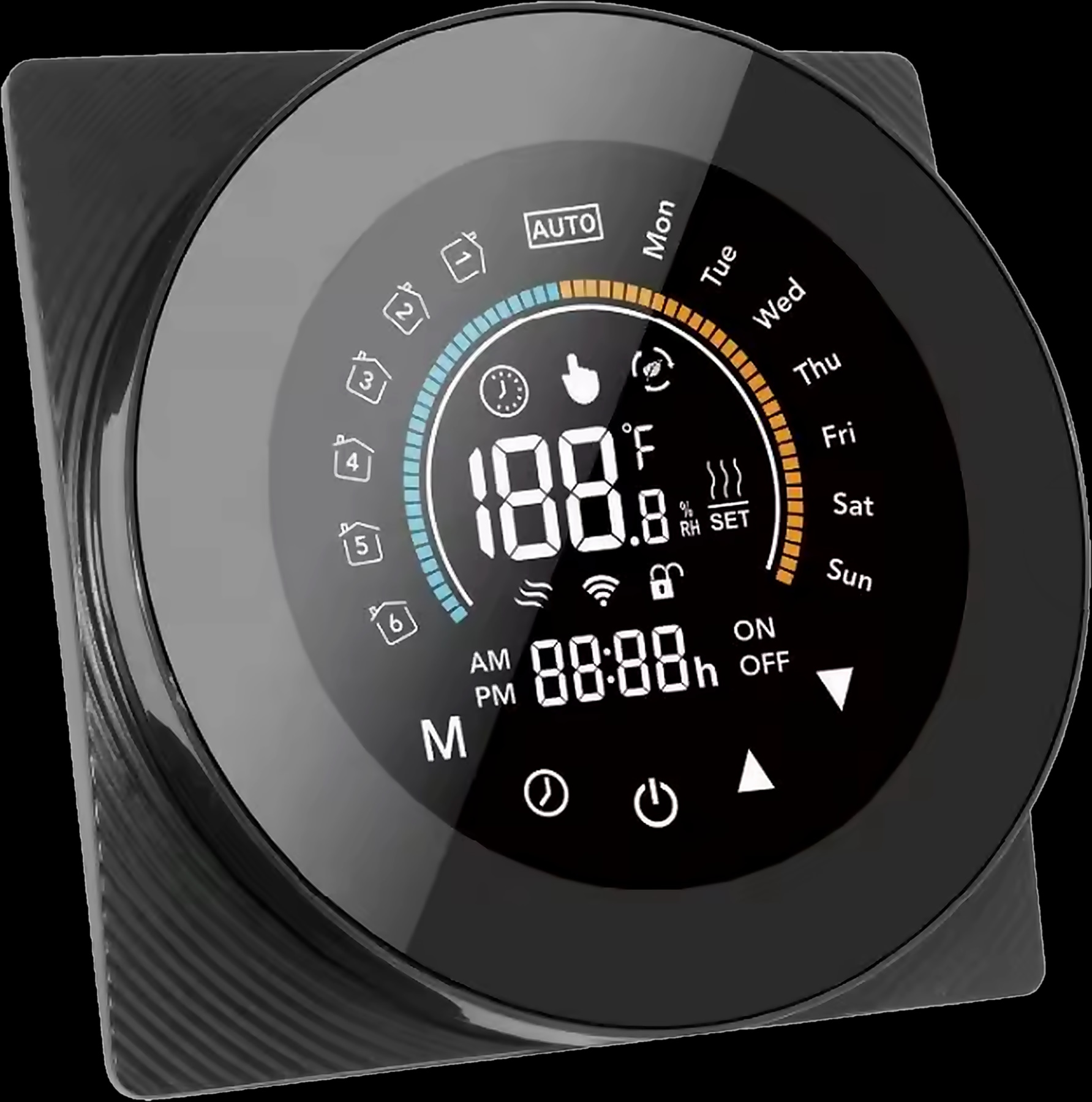
The T-50 runs water underfloor heating, electric floor heating or a gas boiler on a 7-day programme with up to 6 periods a day, and the family can change it from the Tuya Smart app. Its child lock can lock every key or leave only the power key free, and the installer can limit the lowest and highest set temperature.
For split air conditioners, the IR-10 controls power, temperature, mode and fan speed, and its timers switch the AC off at a chosen time. It needs a clear line of sight to the AC, up to 10 m, and the original remote keeps working.
For water, the WL-50 Tank Level Monitor shows the level on a colour display indoors, so nobody climbs to the roof to check. Its buzzer sounds above Max or below Min, the family sees the same level in the app, and automatic pump control starts the pump below Min and stops it at Max minus 5 percentage points.
For the rest of your parents' home
What a smart home can't do for elderly parents, and privacy
Be clear about the limits. Spark's catalogue has no fall detection, medical or emergency buttons, wearables or motion sensors. A smart home makes daily life easier; it does not replace calls, visits or a neighbour who checks in.
One useful signal: the S-110 tells the family when the monitor goes offline. Treat it as a reason to call home, not as an alarm.
Cameras need consent. The SL-250 and SL-160 have a camera in the outside panel, and the monitors can view the door station at any time. Agree with your parents who sees the live view, and keep any IP cameras you add out of private rooms.
Questions families ask about a smart home for elderly parents
What smart home devices are best for elderly parents?
Start with what they use every day: the front door, the intercom, the lights and the heating. A face or palm lock such as the SL-250 and a 10-inch indoor monitor solve more than gadgets do.
Is a smart lock good for elderly people?
Usually, if it fits the door and they choose how to open it. The SL-250 and SL-160 recognise a face, a palm or a fingerprint and retract the bolts themselves, with a mechanical key and Type-C emergency power as backups.
Do my parents need a smartphone for a smart home?
No. The lock opens with a face, palm, fingerprint, card or password, the switches work at the wall, and the monitor answers the door with a tap. The family keeps the app for settings.
Can a smart home detect if an elderly person falls?
Not with Spark today. The catalogue has no fall detection, medical alarms or motion sensors, so plan regular calls and someone nearby who can visit.
How can I keep an eye on my elderly parents' home from abroad?
Through the Tuya Smart app: S-110 door calls reach your phone, the SL-250's camera gives a live view of the door, and the WL-50 Tank Level Monitor shows the water level. It all needs power and internet at the house.