The short answer
Spark's 4-inch Panel Alexa, 8-inch Panel and 10-inch Panel have Alexa built in. The WR-50 and ZR-50 light modules, the WR-55 and ZR-55 curtain modules, the MC-10 curtain system and the IR-10 AC remote name Alexa and Google Home, the T-50 thermostat names Alexa and Google Assistant, and the SL-250 and SL-260 locks work with Alexa. Voice needs the internet; wall switches don't.
On this page
How does voice control work in a smart home?
A smart home voice assistant works in three steps: you speak, the assistant sends the command over the internet to your devices' app, and the device acts. With Spark, that app is Tuya Smart, where your switches, curtains, AC remote, thermostat and lock are already set up.
The assistant can be built into a Spark control panel on the wall, or run on a smart speaker or phone linked to the same Tuya Smart account. Either way, voice is one more way to reach the same devices.
Spark's home page lists Alexa, Google Home, Home Assistant and SmartThings among the apps Spark works with, but each product page states what that product supports. Most name Google Home; the T-50 page names Google Assistant.
Which Spark devices work with Alexa and Google?
Spark's panels with Alexa, its light and curtain modules, the MC-10, the IR-10, the T-50 and two locks name a voice assistant on their product pages. The table shows what each page says.
| Product | What you control | Voice assistant on its page | Connects through |
|---|---|---|---|
| 4-inch Panel Alexa, 8-inch Panel, 10-inch Panel | Tuya devices and scenes, from the wall | Alexa built in | Wi-Fi 2.4 GHz, built-in Zigbee gateway |
| WR-50 switch module | Lights behind existing switches | Alexa and Google Home | Home 2.4 GHz Wi-Fi |
| ZR-50 switch module | Lights behind existing switches | Alexa and Google Home, through a compatible Zigbee hub | Zigbee gateway |
| WR-55 curtain module | One or two curtain or shutter motors | Alexa and Google Home | Home 2.4 GHz Wi-Fi |
| ZR-55 curtain module | One or two curtain or shutter motors | Alexa and Google Home, through a compatible gateway | Zigbee gateway |
| MC-10 curtain system | A curtain motor and track | Alexa and Google Home | Wi-Fi or Zigbee |
| IR-10 smart remote | A split AC and other infrared appliances | Alexa and Google Home | Wi-Fi or Zigbee |
| T-50 thermostat | Underfloor heating or a gas boiler | Alexa and Google Assistant | Wi-Fi or Zigbee |
| SL-250 and SL-260 locks | Security-door locks | Works with Alexa | Tuya Wi-Fi |
| Hub-Z gateway | Zigbee devices, ZT and ZM switches among them | Voice commands, no assistant named | Ethernet or wireless |
Note the third column: only the T-50 page says it works with Google Assistant, and the locks name Alexa alone. Spark's WT, ZT and ZM wall switch pages name no assistant, and its other panels have a microphone but don't list Alexa.
Talk to the wall: control panels with Alexa built in
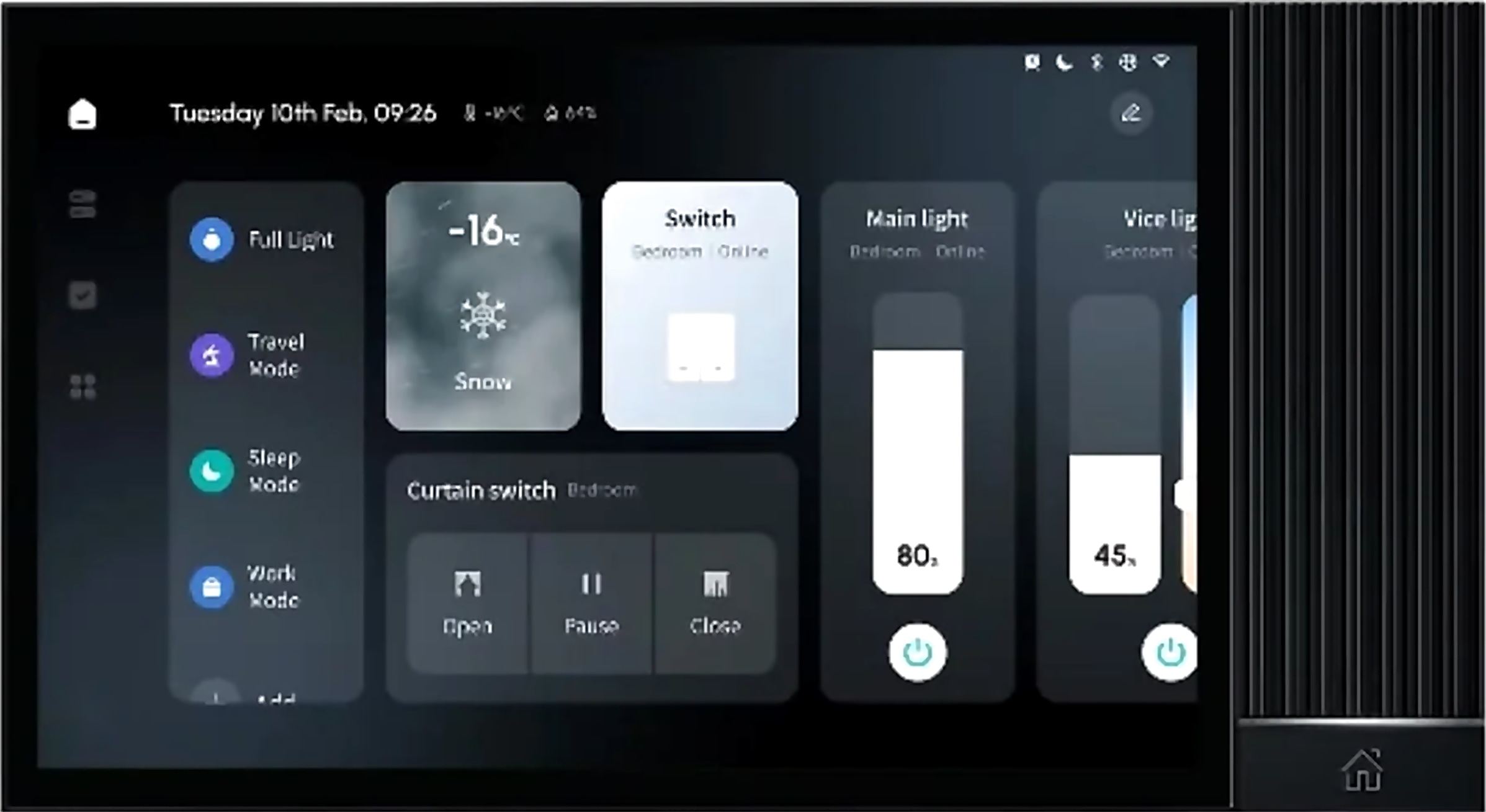
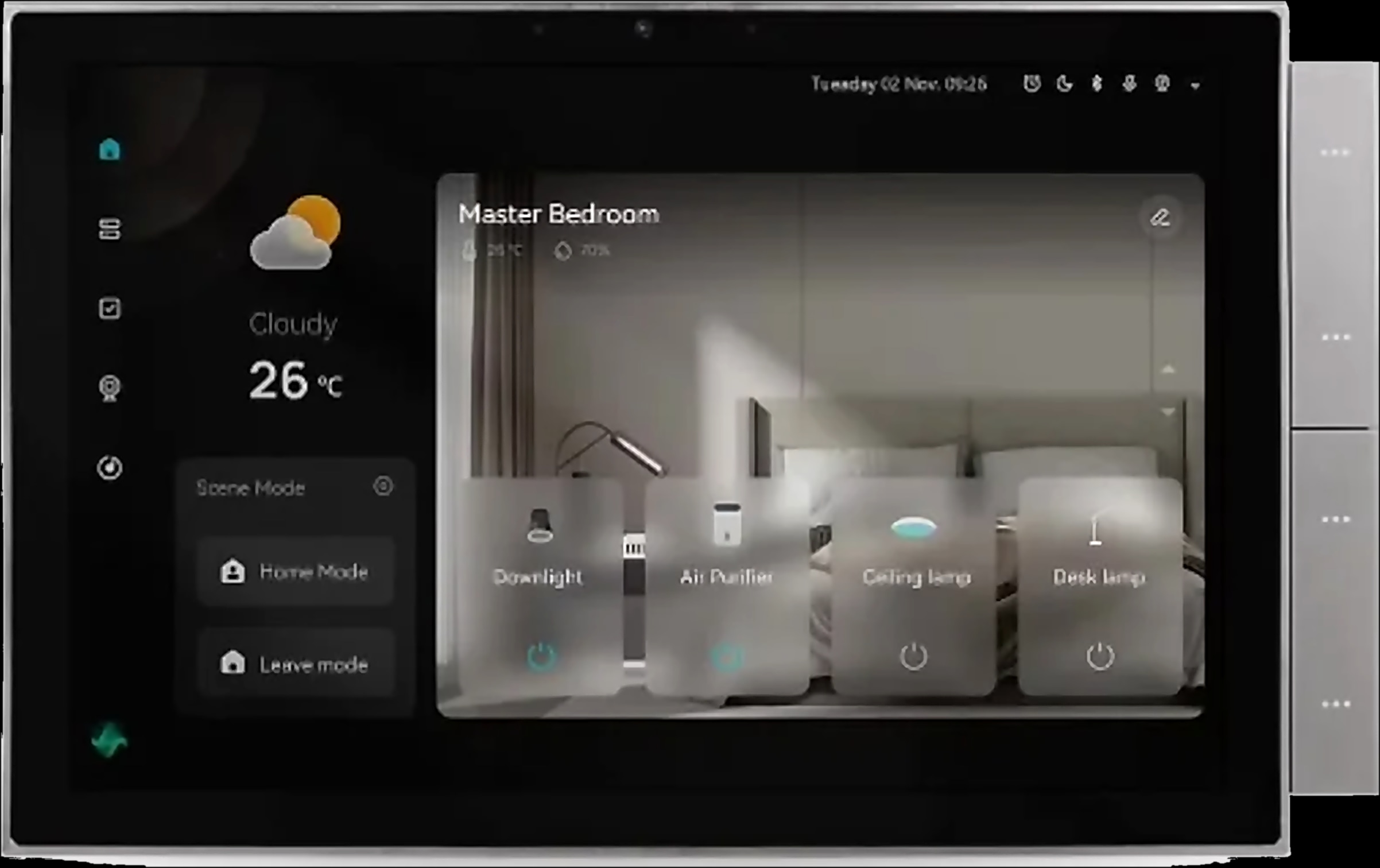
To speak to the wall rather than a phone, choose one of the three Spark panels with Alexa built in. Each is an Android touch screen with its own speaker and microphone, a built-in Tuya Zigbee gateway and Wi-Fi 2.4 GHz, so Zigbee devices pair with the panel itself.
Each screen controls lights, curtains, smart switches, door locks and scenes. They differ in size and extras:
- 4-inch Panel Alexa: 86 × 86 × 10.5 mm, small enough for a bedroom wall or beside a doorway.
- 8-inch Panel: adds a built-in intercom for talking to the family hands-free, two speaker connections and LAN.
- 10-inch Panel: adds a built-in camera for hands-free video calls, plus the intercom and two speaker connections.
Voice earns its place where hands are busy: the kitchen, the bedroom at night, the entrance on the way out. Which size suits which room is covered in our guide to smart home control panel sizes.
Spark panels with Alexa built in
Can Alexa or Google control your lights and curtains?
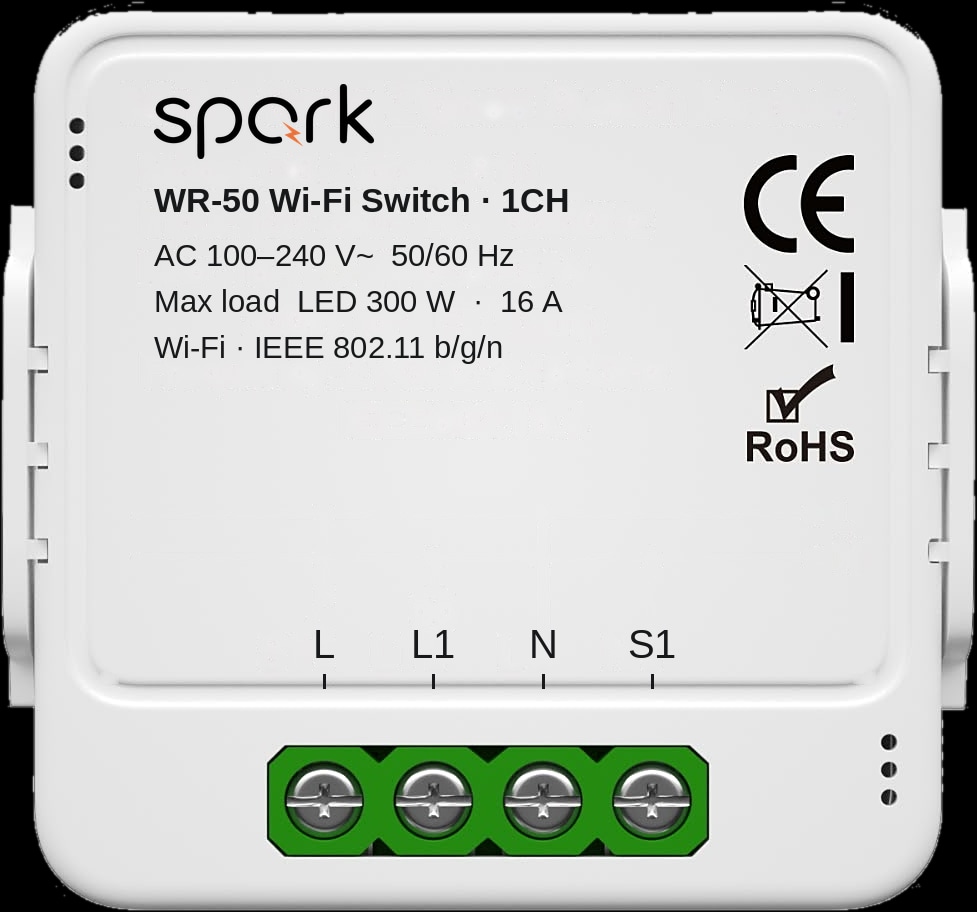
Yes, through modules that work with the switches and motors you already have. The WR-50 and ZR-50 switch modules fit in the wall box behind your existing switches, in 1 to 4 channels, and both pages name Alexa and Google Home. Your switches keep working.
Both need a neutral wire in the box. The WR-50 joins your 2.4 GHz Wi-Fi; the ZR-50 pairs through a compatible Zigbee gateway. Fitting them is a job for a qualified electrician with the power off.
Want an Alexa light switch on the wall instead? The Hub-Z page says it brings Spark ZT and ZM switches into Tuya Smart for app control and voice commands, without naming the assistant, so a Spark partner confirms it for your home.
Curtains, shutters and blinds by voice
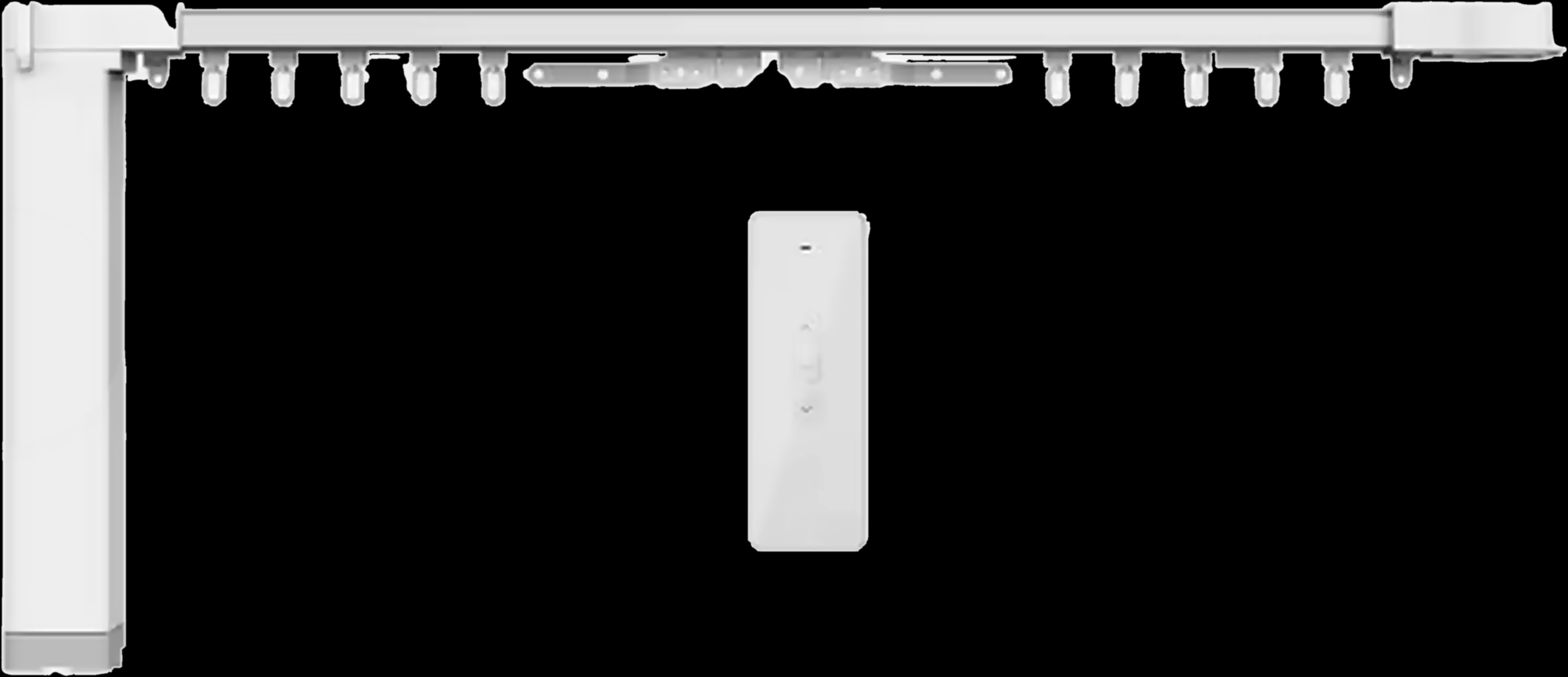
For Alexa curtain control from one kit, the MC-10 curtain system brings a quiet motor, a track and a 433 MHz remote, and its page names Alexa and Google Home. Open, close, stop or set a position by app, voice, remote, timer or a gentle pull. Its Zigbee version needs a Tuya Zigbee gateway.
Already have motors? The WR-55 (Wi-Fi) and ZR-55 (Zigbee) curtain modules fit in the wall box and run one motor (1CH) or two (2CH), and both pages name Alexa and Google Home. The 1CH keeps up and down wall push-buttons; the 2CH runs on app, voice and timers.
Can you control the AC and underfloor heating by voice?
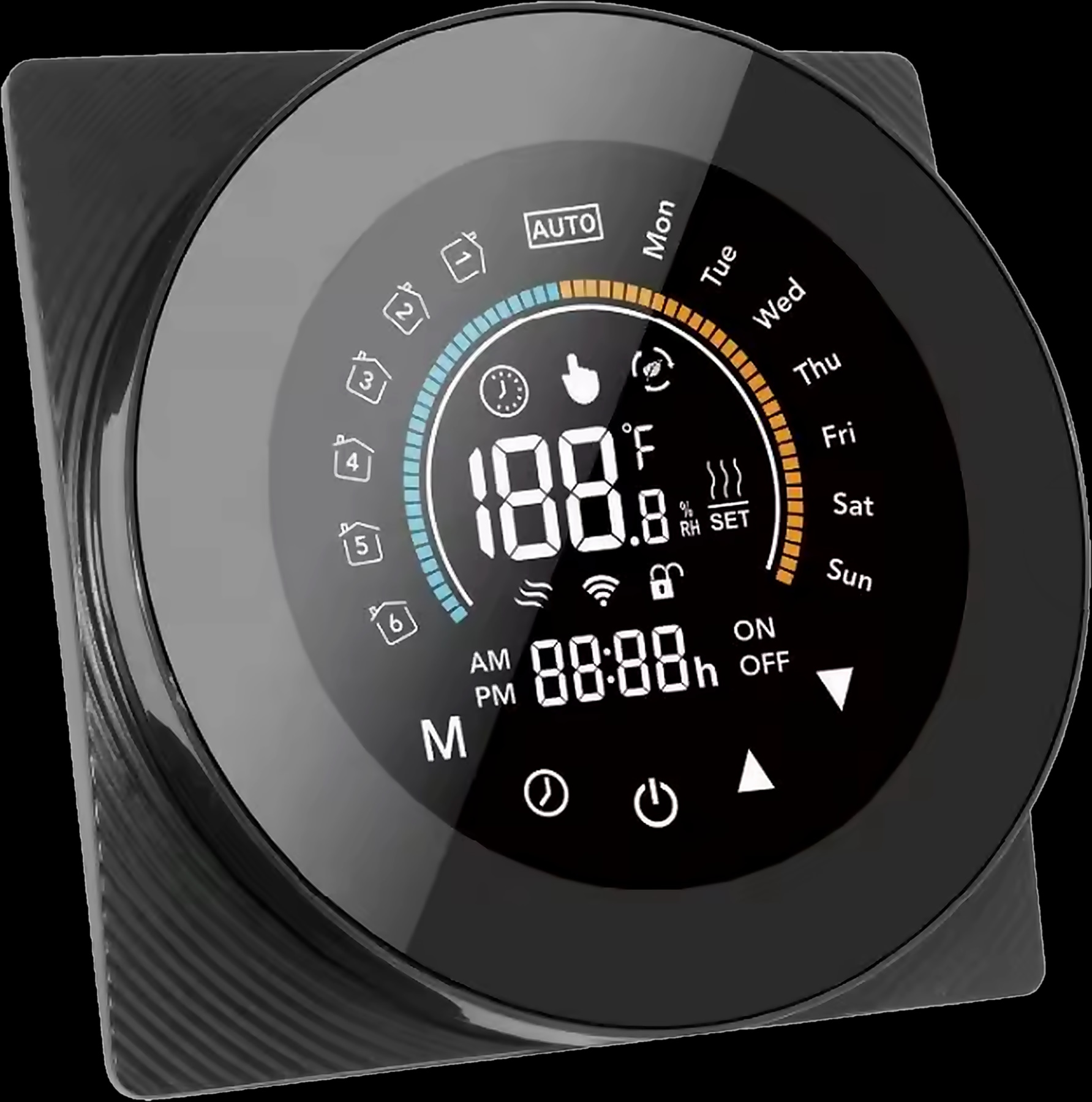
Yes, for split air conditioners and for heating run by the T-50. The IR-10 smart remote works with Alexa and Google Home, and the T-50 thermostat works with Alexa and Google Assistant.
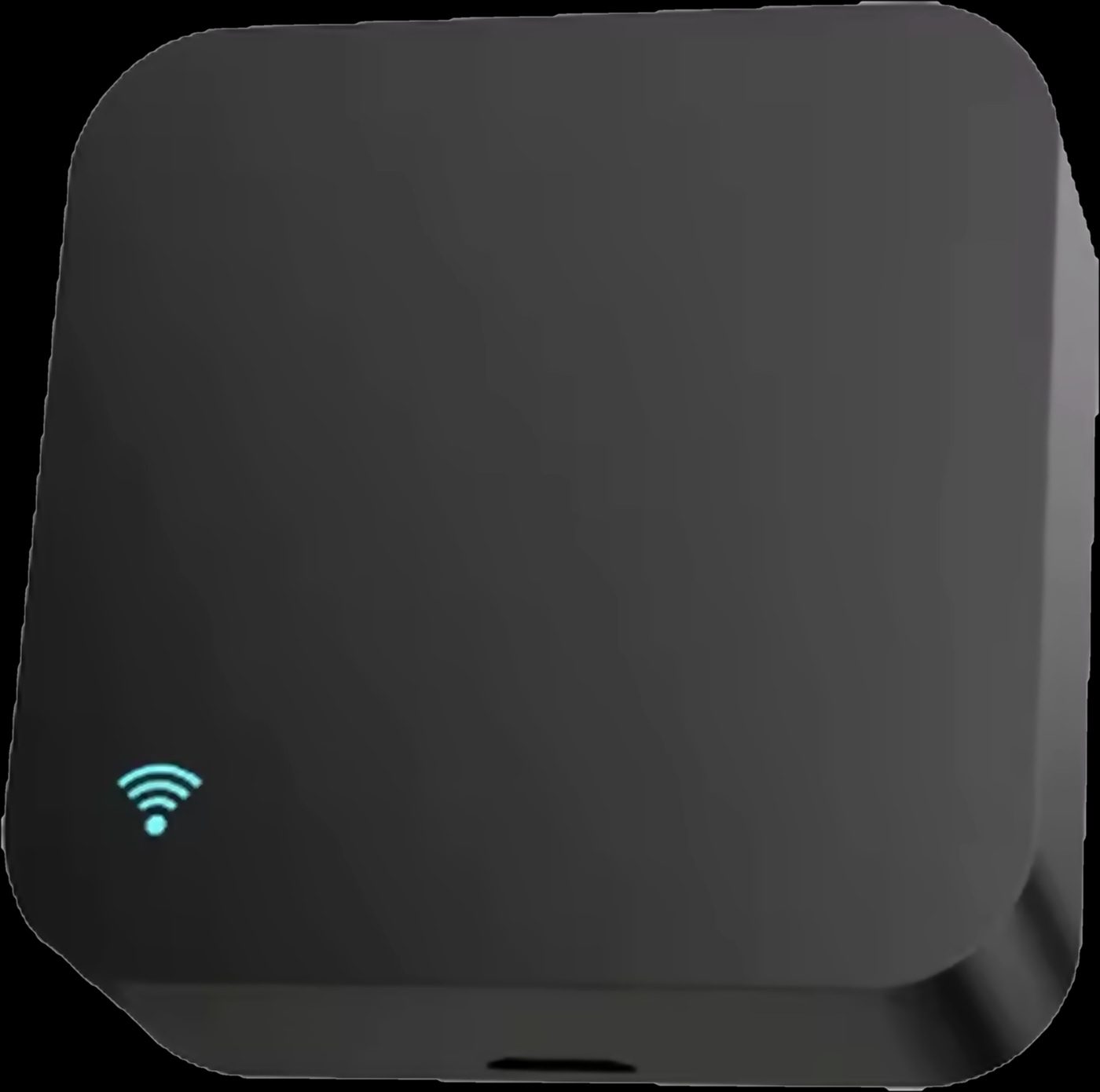
The IR-10 talks to your split AC in infrared, so you keep the unit you have and control power, temperature, mode and fan speed by app or voice. It needs a clear line of sight to the AC, up to 10 m without barriers.
The T-50 runs water underfloor heating, electric floor heating or a gas boiler on a 7-day programme with up to 6 periods a day. Let the programme do the daily work and use voice for exceptions, such as a warmer evening with guests.
Central VRF systems differ: the page for Spark's VRF controller describes control in the Tuya app and doesn't mention voice, so check with a Spark partner first.
Voice-ready lights, curtains, AC and heating
Smart locks and voice: what the SL-250 and SL-260 do
Two Spark locks name a voice assistant: the SL-250 and SL-260 pages both say they work with Alexa. Both are fully automatic security-door locks that open with face, palm, fingerprint, password, card or the Tuya app, with a mechanical key as a backup.
Neither page lists which lock commands Alexa offers, so treat voice as an extra, not the way in. Ask a Spark partner what your setup can do, and keep face, palm, fingerprint or card for everyday entry. The other Spark lock pages don't mention voice.
How to set up voice control, and what to say
Set up the devices first, then the voice. Short commands work best: a room or device name plus what you want, so the names you choose matter.
- 1
Get every device working in Tuya Smart
Pair each device in the app, or on a panel's built-in gateway for Zigbee devices, and test it before you add voice.
- 2
Name devices for speaking
Use short names that sound different, such as majlis lights, kitchen spots and bedroom curtains.
- 3
Link the assistant once
Link your Tuya Smart account to Alexa or Google Home in the assistant's own app. For a panel with Alexa built in, ask your Spark partner to set it up at handover.
- 4
Start with three routines
Good night, leaving home and arriving home cover most days. Add more once the family uses them.
- 5
Test with and without internet
Try every command, then unplug the internet line from the router and check that wall switches and local scenes still work.
Once everything is linked, try commands like these with your own room names:
- Lights: "Alexa, turn off the living room lights" (WR-50 or ZR-50).
- Curtains: "Hey Google, open the bedroom curtains" (MC-10, WR-55 or ZR-55).
- AC: "Alexa, turn on the majlis AC" (IR-10).
- Heating: "Hey Google, turn up the bedroom heating" (T-50).
- Routine: "Alexa, good night" turns off the lights and closes the curtains.
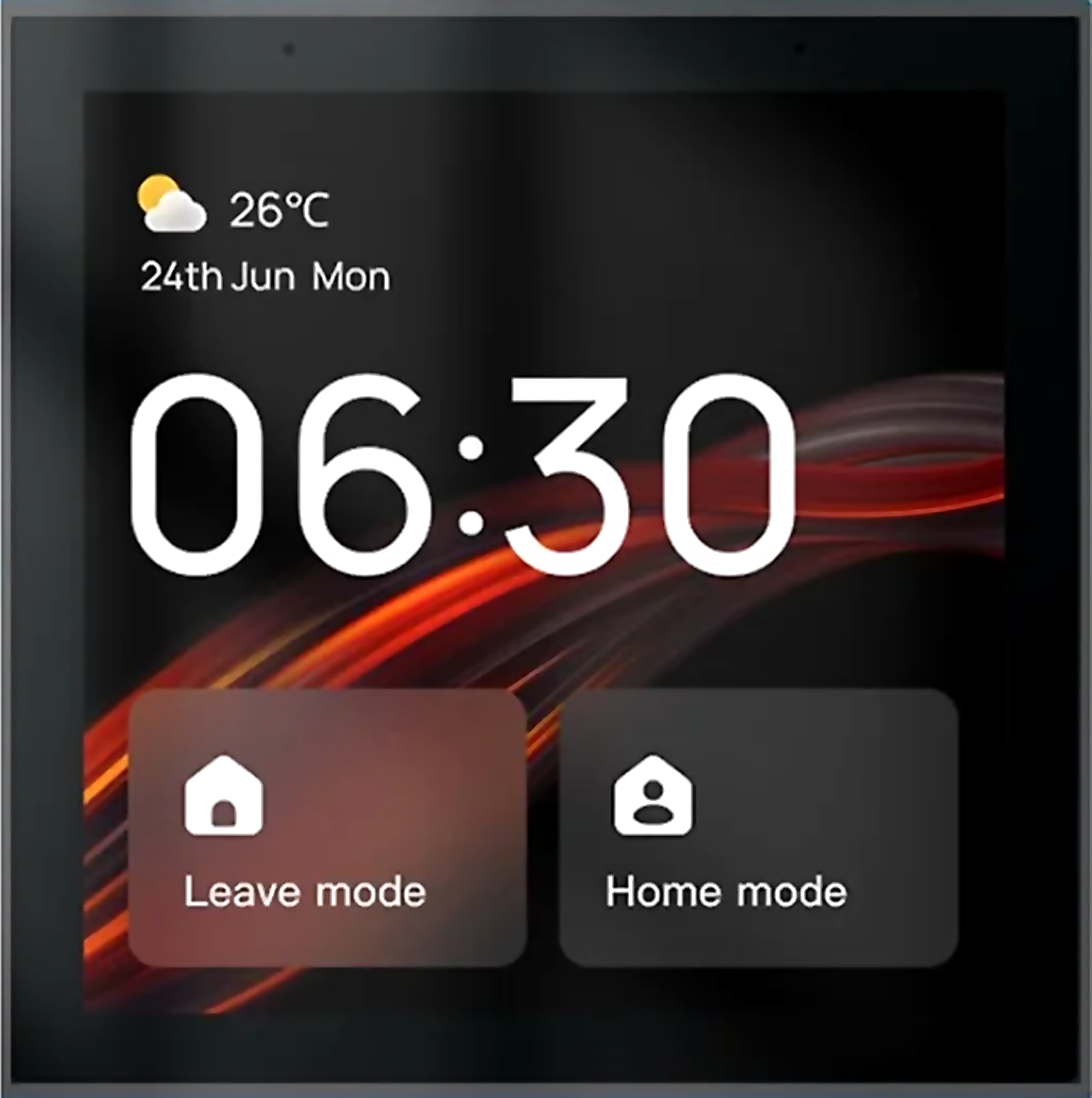
The panel pages name Home mode, Leave mode and a movie scene to tap on the wall. A few routines the family remembers beat a long list nobody uses.
Does voice control work without internet?
No. Alexa and Google need the internet to understand you, so voice pauses when the connection drops and returns with it. The rest of a Spark home doesn't wait:
- Wall switches: pressing a Spark switch never waits for an app, a server or the Wi-Fi.
- Local scenes: scenes between Zigbee devices keep running through the Hub-Z.
- Curtains: the MC-10 still answers its 433 MHz remote and a gentle pull.
- Locks: face, palm, fingerprint, password, card and key are on the lock itself.
So let voice sit on top of switches and scenes, never replace them. For the full offline picture, read our guide to smart switches that work without internet.
Questions people ask about voice control in a smart home
Does Alexa work without internet?
No. Alexa needs an internet connection to respond, like any voice assistant. Spark wall switches and local Zigbee scenes on the Hub-Z keep working while the connection is down.
Do Spark smart switches work with Alexa or Google Home?
The WR-50 and ZR-50 modules behind your existing switches name both. The WT, ZT and ZM wall switch pages name none; the Hub-Z adds voice commands for ZT and ZM switches without naming the assistant, so ask a Spark partner.
Can I unlock my front door with Alexa?
The SL-250 and SL-260 pages say they work with Alexa but don't list which commands. Ask a Spark partner what your setup allows, and decide who may use voice with the lock.
Does Alexa or Google Assistant understand Arabic?
Language support changes over time and differs by assistant and country, so check the assistant's current language options. The language is a setting of the assistant, not of the Spark device.
Do I need a smart speaker if I have a Spark panel?
Not in rooms with a 4-inch Panel Alexa, 8-inch Panel or 10-inch Panel, because Alexa, a speaker and a microphone are built in. Elsewhere, a smart speaker or your phone can do the job once your account is linked.