The short answer
Choose the Spark T-50 for your heating: GA for water underfloor heating, GB for electric floor heating, GC for a gas boiler, in Wi-Fi or Zigbee. Your installer sets the sensor mode, floor overheat limit, frost protection and calibration once. You program all 7 days, up to 6 periods each, in the Tuya Smart app. Zigbee versions need a gateway such as the Hub-Z.
On this page
Which smart thermostat fits underfloor heating or a gas boiler?
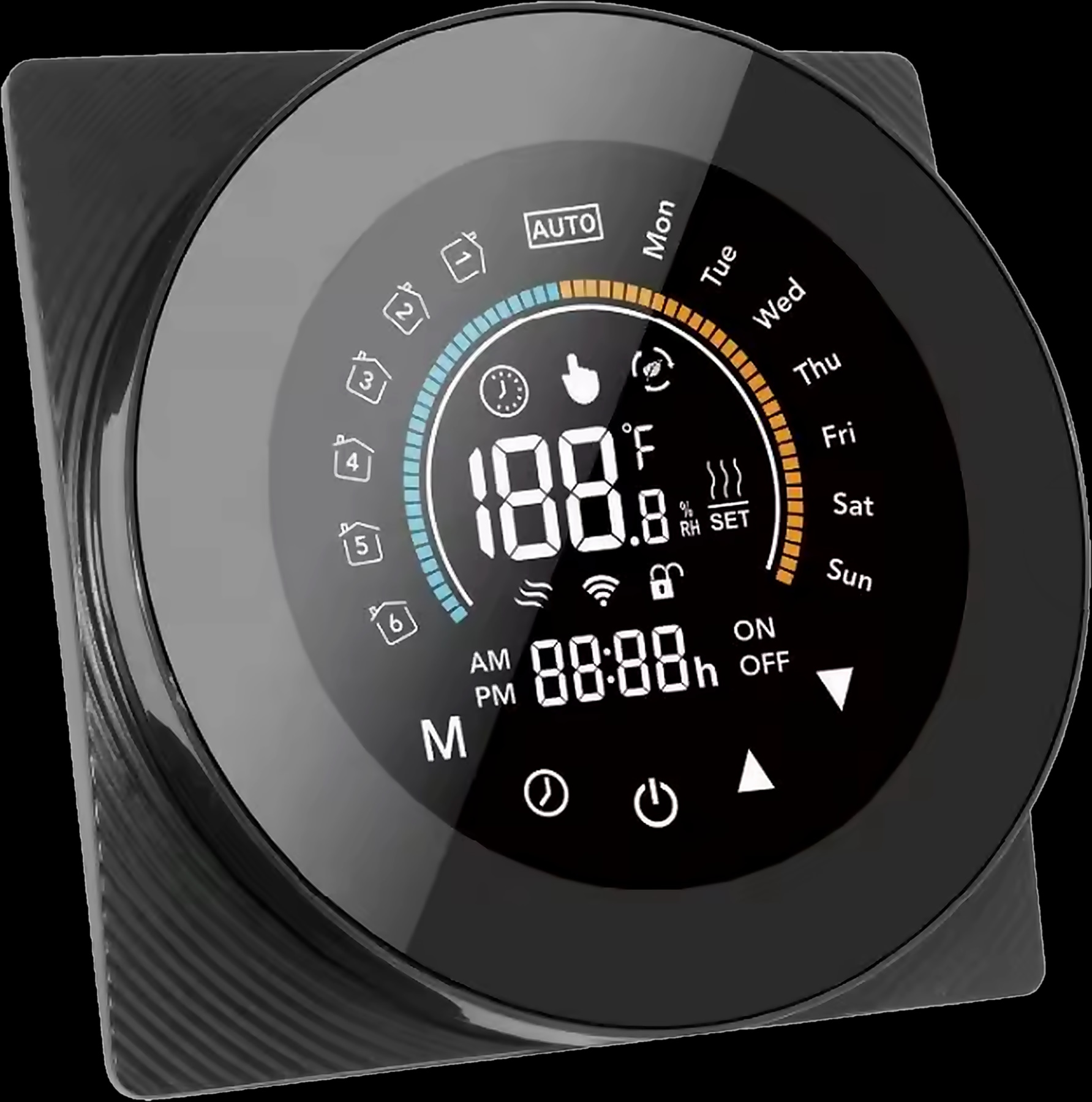
Start with the heating, not the screen. The Spark T-50 comes in three heating versions that share the same round touch screen, settings and NTC sensor input. The right one depends on what the thermostat has to switch.
| Version | Heating system | What it switches | Maximum load | Network |
|---|---|---|---|---|
| GA | Water underfloor heating | Valve or actuator on the manifold | 5 A | Wi-Fi or Zigbee |
| GB | Electric floor heating | Heating cable or mat | 16 A | Wi-Fi or Zigbee |
| GC | Gas boiler | Dry contact that starts and stops the boiler | 5 A | Wi-Fi or Zigbee |
Water or electric floor heating. GA drives the valve or actuator on a water manifold. GB switches an electric heating cable or mat directly, so ask your electrician to check its load against the 16 A maximum.
Gas boiler. Looking for a Wi-Fi thermostat for a gas boiler? That is the GC version: a dry contact starts and stops the boiler, which then follows your programme. If your boiler is not a gas boiler, ask a Spark partner to confirm the right version first.
Find the T-50 and its versions among Spark smart thermostats. It runs on 95 to 240 V AC and is rated IP20, so mount it on a dry indoor wall away from direct sun and heat sources.
Floor sensor thermostat: internal, external or both?
The sensor mode decides which temperature the T-50 follows. It reads NTC sensors in three ways:
| Code | Sensor mode | What the thermostat follows |
|---|---|---|
| In | Internal | The sensor inside the thermostat, reading the room |
| Ou | External | The external NTC sensor |
| AL (default) | Internal control, external limit | The room temperature, with a floor-temperature limit from the external sensor |
AL, the factory default, lets the room temperature decide when the heating runs, while the external sensor keeps the floor within your installer's limit. The right mode depends on the floor and the heating system, so leave it to your installer or Spark partner.
A floor sensor is laid during installation, so plan it before the screed and tiles go down, and confirm with your Spark partner whether one comes with your T-50.
Underfloor heating thermostat settings your installer sets once
The advanced menu holds the settings that protect your floor and your heating system. Your installer sets them once at commissioning; day to day, you only use the programme and the modes.
| No. | Setting | Adjustable range | Factory default |
|---|---|---|---|
| 1 | Temperature compensation (calibration) | −9 °C to +9 °C, internal sensor | −1 |
| 2 | Temperature deadzone | 1 °C to 5 °C | 1 |
| 3 | Button locking (child lock) | 00: all keys except power. 01: all keys | 01 |
| 4 | Sensor type | In, Ou or AL | AL |
| 5 | Minimum set temperature | 5 °C to 15 °C | 05 |
| 6 | Maximum set temperature | 15 °C to 45 °C | 35 |
| 7 | Display mode | 00: set and room temperature. 01: set temperature only | 00 |
| 8 | Low-temperature (frost) protection | 0 °C to 10 °C | 00 |
| 9 | High-temperature (floor overheat) protection | 25 °C to 70 °C | 45 |
| A | Economy mode | 0: off. 1: energy saving | 0 |
| B | Economy temperature | 0 °C to 30 °C | 20 |
Floor overheat limit. Adjustable from 25 to 70 °C. The right limit depends on the floor covering and the heating system, so your installer or a Spark partner sets it.
Frost protection. Adjustable from 0 to 10 °C, it sets a minimum for the thermostat to guard, useful when the home stands empty in winter.
Calibration and deadzone. If the screen disagrees with a reliable thermometer, compensation corrects the internal sensor by −9 to +9 °C. The deadzone (1 to 5 °C) is the band around the set temperature before the heating switches again.
Child lock. Lock all keys, or leave the power key free; the display shows when the lock is on.
How to program an underfloor heating thermostat: the 7-day schedule
The T-50 is a 7-day programmable thermostat: every day has its own programme of up to six periods, each with a time and a temperature. In programmable mode it follows that programme automatically.
Underfloor heating warms and cools slowly, so it suits a schedule better than switching on when you feel cold. To set up your underfloor heating thermostat schedule:
- 1
Check the clock
Use the clock key to check the time and day; every period starts by the clock.
- 2
Map your week
Note when people wake, leave, come home and sleep. In Jordan, Friday and Saturday usually run differently from working days.
- 3
Open the T-50 in the Tuya Smart app
Once the thermostat is paired, the app changes the temperature, mode or weekly programme from your phone.
- 4
Set each period
Give each day up to six periods, each with a time and a temperature your family finds comfortable.
- 5
Switch to programmable and watch a day
Follow the heating status on the display for a full day, then move any period that starts too early or too late.
Programmable, manual or energy saving: which mode should you use?
Choose the mode with the mode key on the thermostat or in the Tuya Smart app.
- Programmable follows the weekly programme automatically: the mode for ordinary winter weeks.
- Manual holds the temperature you set, for days that break the routine, such as guests staying over.
- Energy saving uses the economy temperature your installer sets in the advanced menu, for days when the home is empty.
Travelling? Switch to energy saving from the app before you leave and back to programmable a day or so before you return, so the floor has time to warm. Remote control needs a working internet connection at home.
Wi-Fi or Zigbee thermostat: app, voice and the gateway
Both versions work with the Tuya Smart app and with Alexa and Google Assistant. The difference is how they reach your router:
- Wi-Fi version: connects directly to the home router with no hub, a simple choice for one or two thermostats within good Wi-Fi range.
- Zigbee version: joins through a Tuya Zigbee gateway, such as the one built into the Spark 7-inch Panel and Spark 10-inch Panel, or the Hub-Z Zigbee gateway.
Zigbee suits a home that has, or plans, Spark panels and Zigbee switches, curtains and sensors in one app. The Hub-Z lists the T-50 Zigbee among its compatible devices; see its Ethernet and wireless versions in the Spark hubs range.
Through the Hub-Z, local scenes between Zigbee devices keep running when the internet is down, such as turning the heating on from a temperature sensor. Control from outside the home and voice need the internet; see smart switches that work without internet for what keeps working offline.
Planning wall screens too? Our guide to choosing a smart home control panel size matches each panel to a room, and Spark control panels shows every model.
The thermostat and its gateways
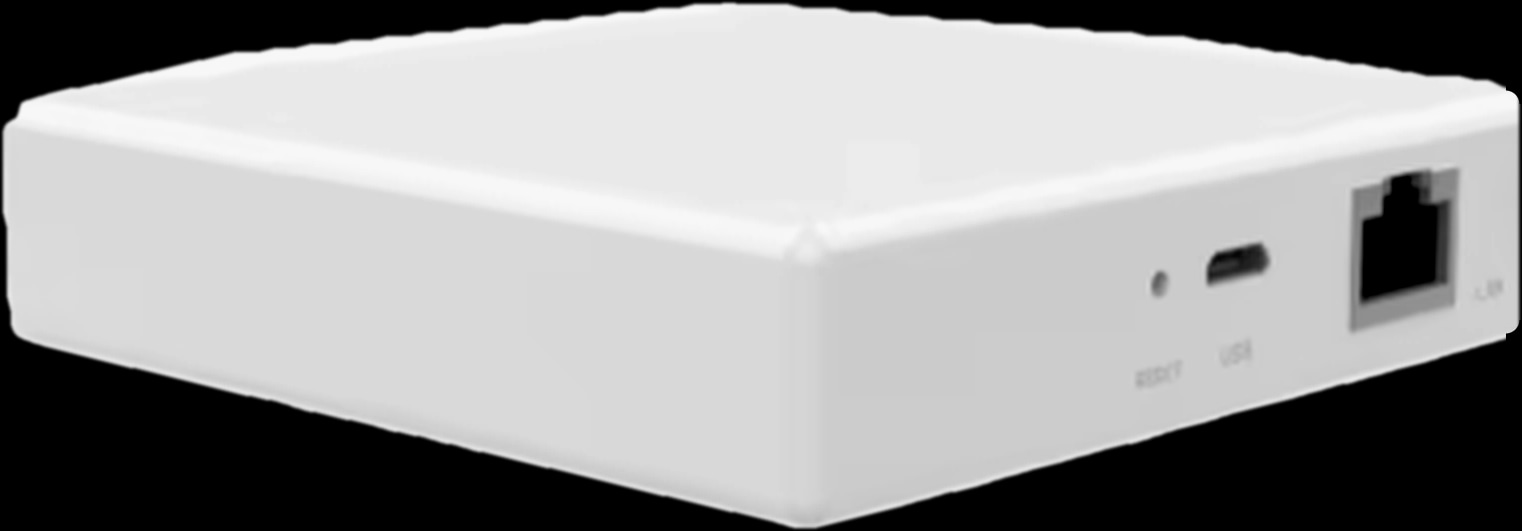
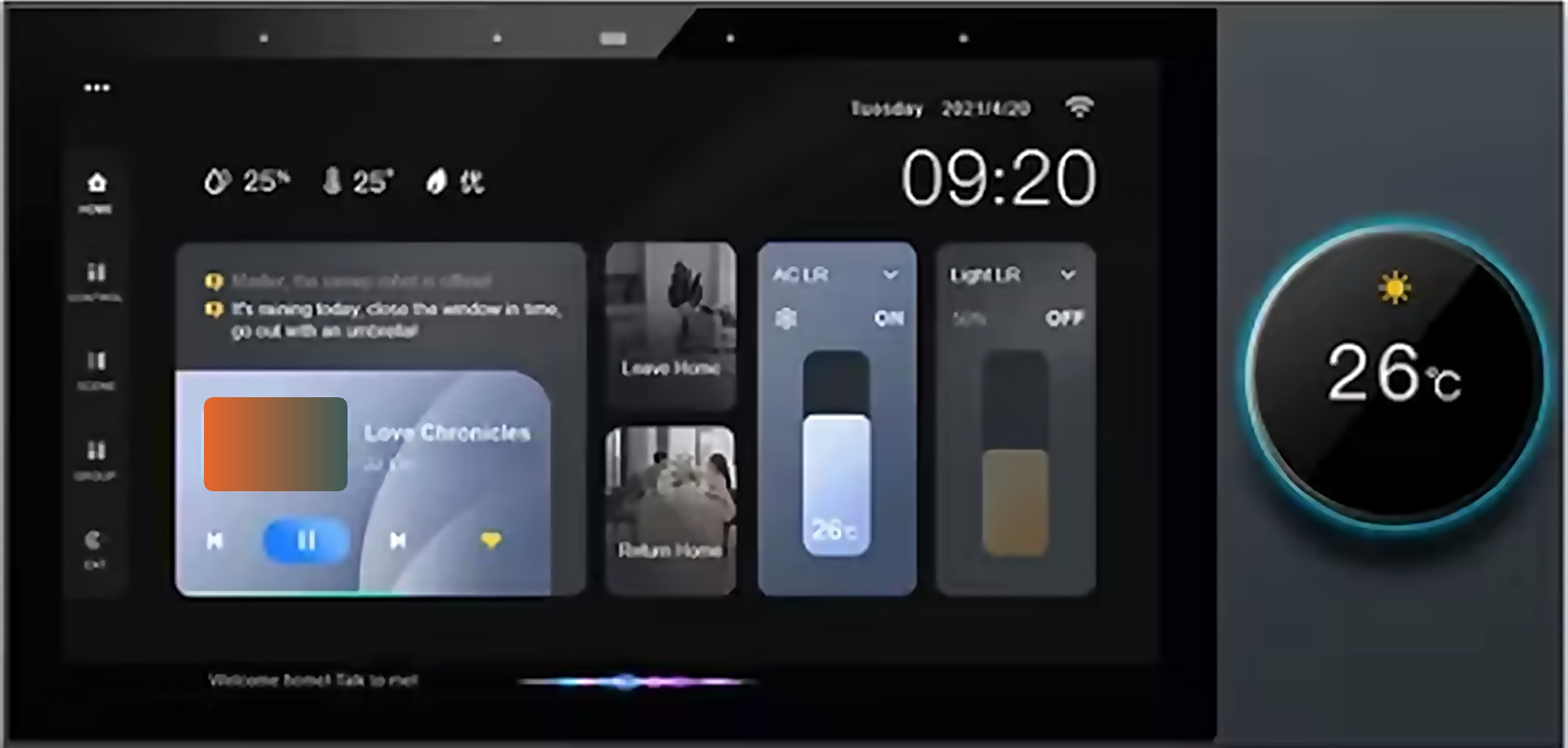
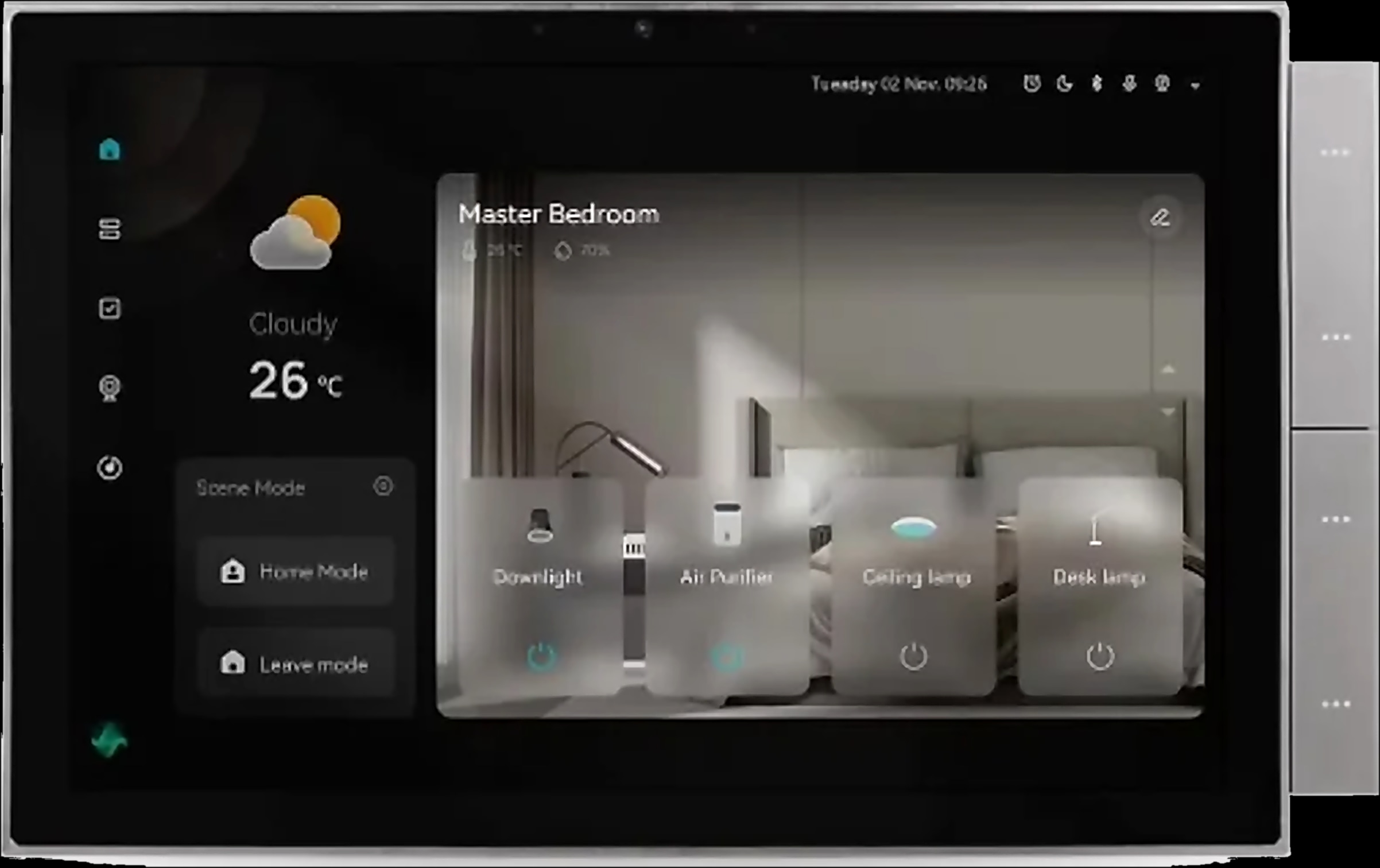
Before winter: a thermostat checklist for the first cold night
Run through this with your installer in October or November, before the first cold nights:
- 1
Match the version
GA on a water manifold, GB on an electric cable or mat, GC on a gas boiler, within the 5 A or 16 A maximum.
- 2
Check the sensors
Confirm the sensor mode, and that the thermostat reads the external floor sensor if you use one.
- 3
Review protection and calibration
Confirm the floor limit and frost protection, and calibrate the room reading.
- 4
Test the app and voice
Change the temperature once from the Tuya Smart app and once by voice.
- 5
Load the programme and lock the keys
Enter each day's periods, select programmable mode and set the child lock if small children can reach it.
Building or renovating? A Spark partner can specify the right T-50 for each heating zone. If you design or install homes, become a Spark partner, or browse all Spark products.
Questions people ask about underfloor heating thermostat settings
What temperature should I set my underfloor heating thermostat to?
There is no single right number. Choose room temperatures your family finds comfortable, within the T-50's set range of 5 to 35 °C. The floor limit is separate: your installer sets it for your floor and heating system.
How do I program my underfloor heating thermostat?
Check the clock, open the thermostat in the Tuya Smart app and give each day up to six periods with a time and a temperature. In programmable mode, the T-50 follows them automatically.
Do I need a floor sensor for underfloor heating?
You need one for a floor-temperature limit: the T-50's AL mode controls from the room and limits the floor through an external sensor. Ask your installer before the floor is laid.
Can a WiFi thermostat control a gas boiler?
Yes. The T-50 GC starts and stops a gas boiler through a dry contact, and its Wi-Fi version connects straight to the home router with no hub.
Does a smart thermostat work with Alexa and Google Assistant?
The T-50 works with both. Voice control needs an internet connection at home, and the Zigbee version also needs a Tuya Zigbee gateway such as the Hub-Z.