Access · 9 min read
Face recognition intercom: entry by face, fingerprint or card
Which Spark door stations open by face, fingerprint, card or code, how they release the lock and the gate, and who keyless intercom entry suits.
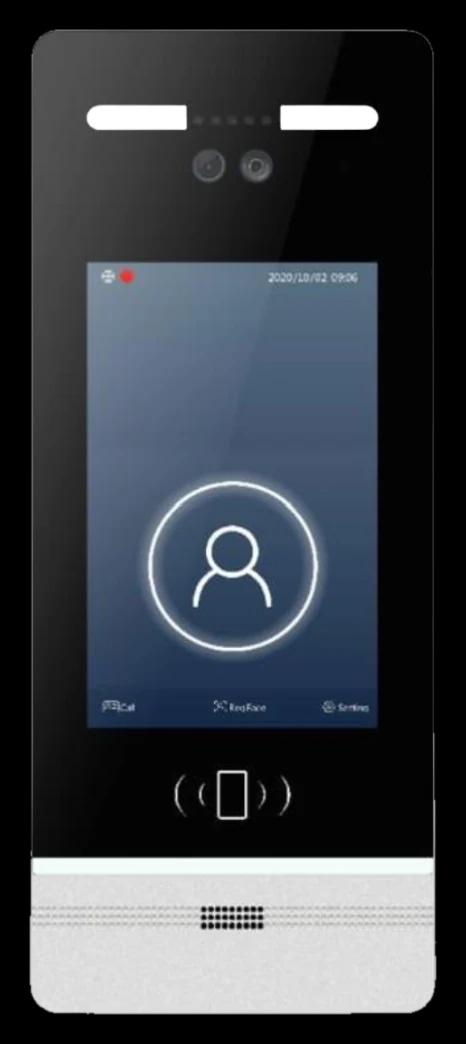
Spark I-500
Square · 1:1
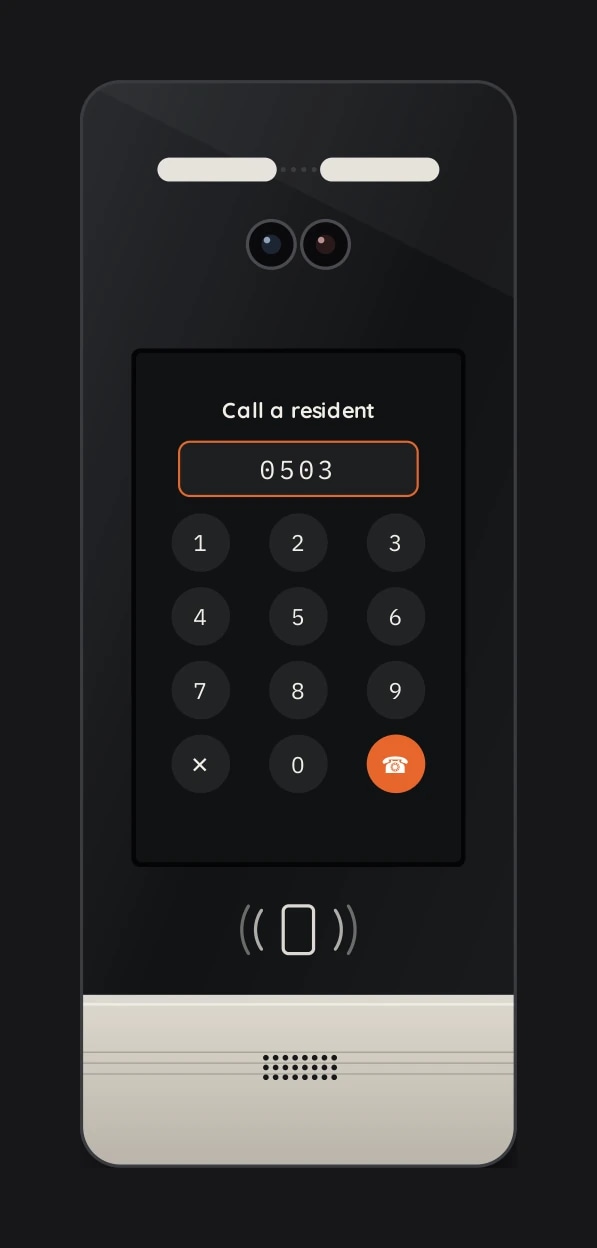
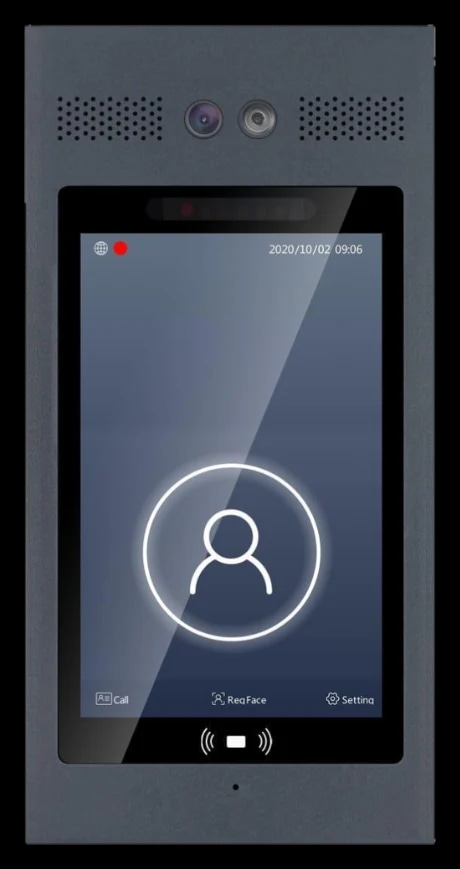
Face recognition outdoor station.
An IP video intercom for the building entrance. Residents open the door with their face, a card or a code, and visitors call straight through to the apartment.
5,000faces
Registered faces, with liveness detection switched on by default.
1080pH.264
Video with 3D noise reduction, lit by white LED and infrared.
IP55IK07
Sealed against water and dust, and rated for impact.
-40to +65 °C
Working temperature, at 10 to 90% humidity.
Ways in
Every resident gets in the way that suits them, and the building administrator can switch each method on or off.
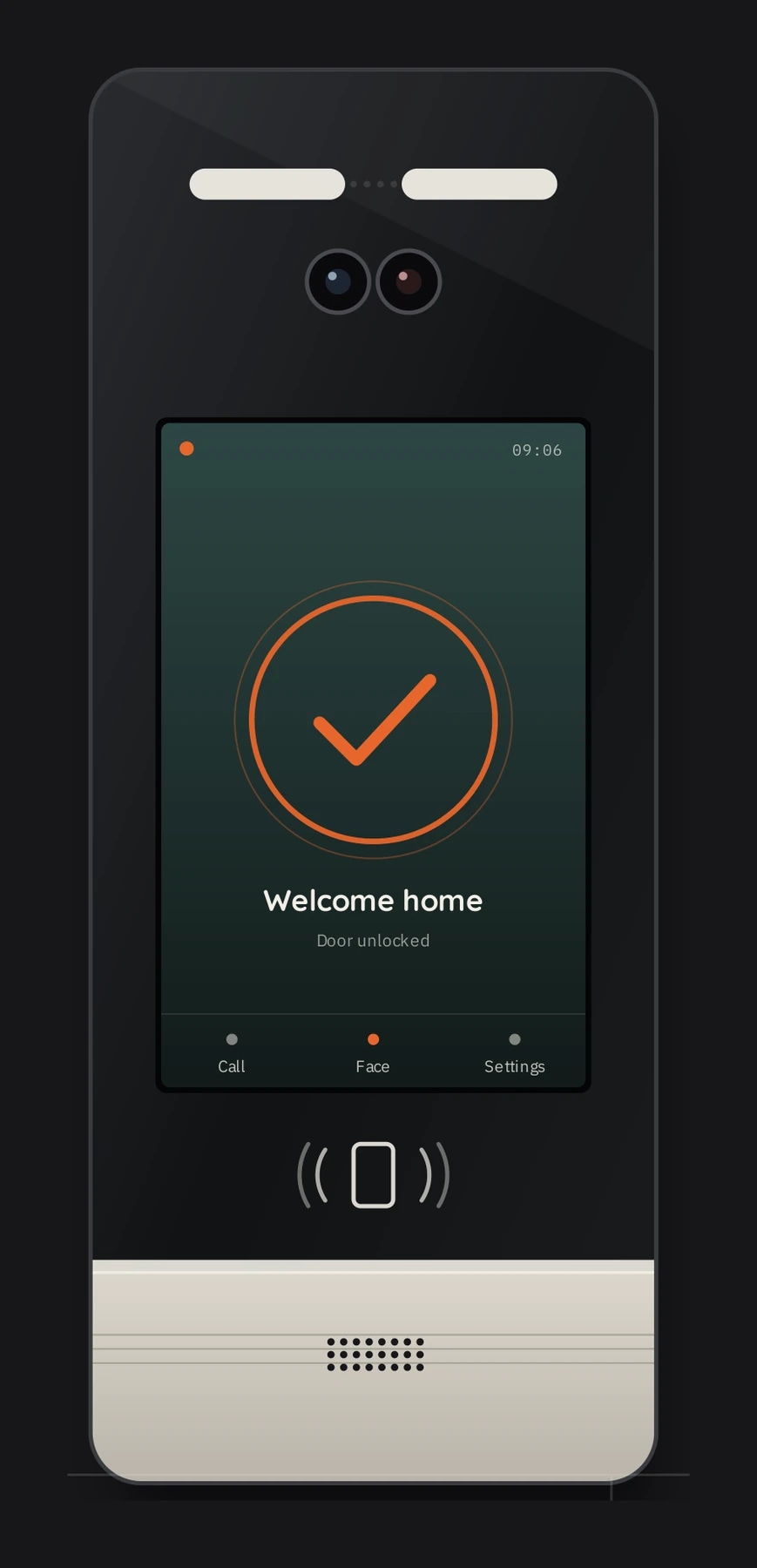
Look at the camera to unlock. Liveness detection blocks photos. Up to 5,000 faces.
Tap a Mifare card on the reader below the screen. Up to 2,000 cards at 13.56 MHz.
The card reader supports NFC, built in.
A public password, a resident's own password, or a one-time dynamic code from the indoor monitor.
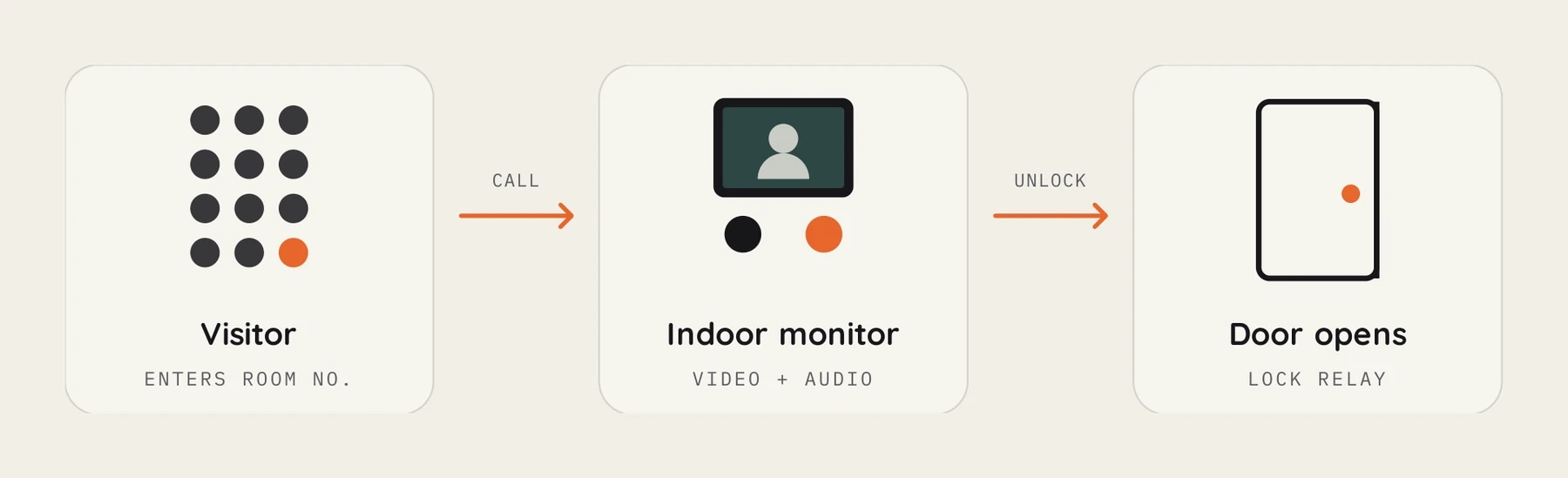
The resident unlocks the door from the indoor monitor during a full-duplex video call.
Face recognition
The I-500 stores up to 5,000 registered faces. Liveness detection means only a real person can unlock the door. A printed photo won't work.
Only faces with live human features can unlock. On by default.
Human-body sensing can light the screen automatically when someone walks up.
White LED and infrared supplement light switch on together.
Faces register against a resident's IC card. Optionally limit each card to one face.
Face data syncs from the server and backs up to the SD card.
Video intercom
Visitors tap Call, enter a room number and are connected to the indoor monitor with full-duplex audio and live video. The resident can open the door during the call.
Or pick from an imported visitor call list, with names and room numbers.
Dial 888 or 1000 to reach the security station or the management centre.
Ringing time 10 to 60 s, call time 10 to 120 s.
Optionally end the call as soon as the door is unlocked.
Built for the entrance
An aluminium and acrylic body rated IP55 for water and dust and IK07 for impact, working from -40 °C to +65 °C. If someone removes the unit or forces the door, the management centre gets an alarm.
Alerts the management centre if the station is removed.
Reports a door left open, with a 1 to 99 s delay.
Separate inputs for the lock and the gate.
Monitor the lock and the gate independently.
English, Arabic, and Simplified and Traditional Chinese.
Installation and wiring
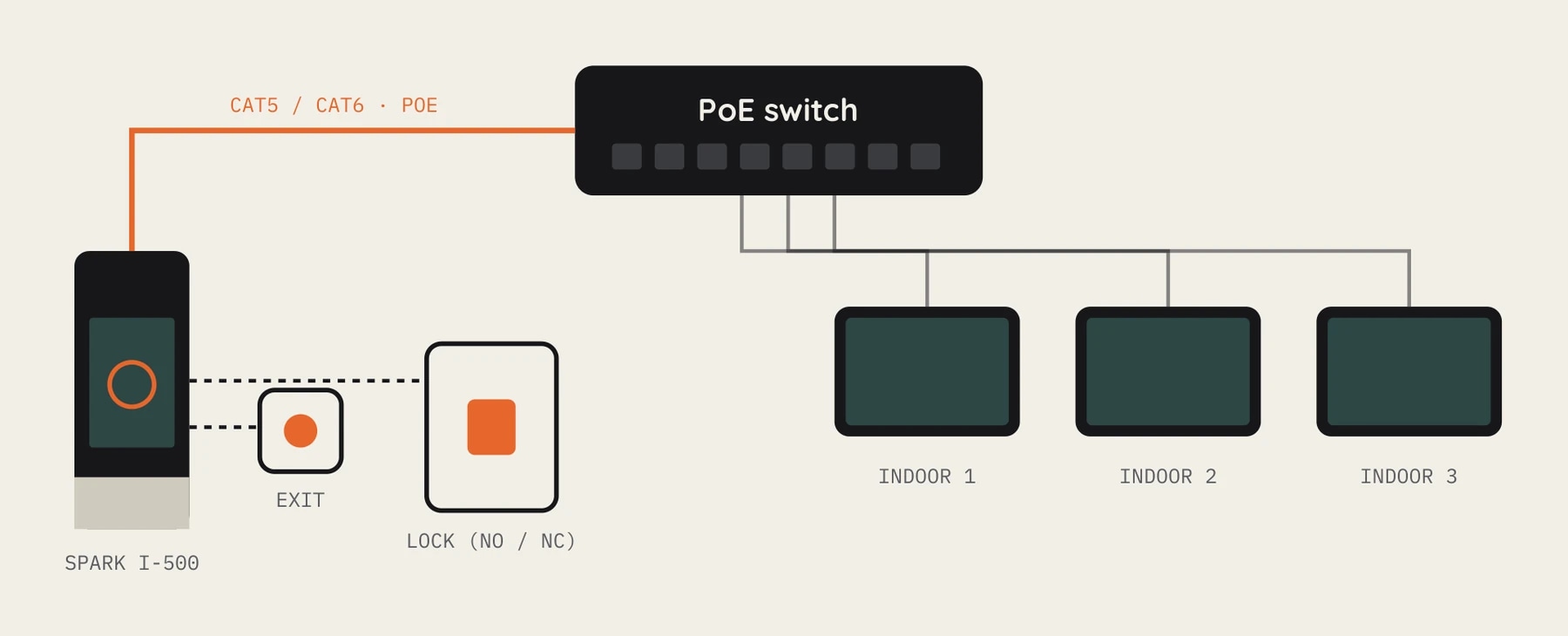
Power and data run over a single Cat5 or Cat6 cable from a PoE switch, or use a separate DC 15 V supply. The lock relay drives electric or magnetic locks directly.
10/100/1000M adaptive, PoE, Cat5 or Cat6.
NO / NC, max AC 125 V 0.5 A or DC 30 V 2 A.
Power-on or power-off unlocking, 1 to 99 s.
For the building manager
Everything is managed from a password-protected settings menu on the station itself, with backup and sync to keep resident data safe.
Add or delete cards by room, by card or all at once. View and manage face data.
Back up the local database to an SD card and restore it in one step.
Synchronise data with the management centre software.
Play notices sent by the management centre while in standby.
Built-in checks for camera, speaker, mic, card reader, relay, network and screen.
Choose a background and set ringtone, call, button and alarm volumes.
Answers to the questions people ask before they choose.
Access · 9 min read
Which Spark door stations open by face, fingerprint, card or code, how they release the lock and the gate, and who keyless intercom entry suits.
Access · 9 min read
Which Spark door station, kit and indoor monitor suit a villa or an apartment building, how residents get in, and how to answer from your phone.
Planning a home or a building? A Spark partner can specify the right I-500 for it.