The short answer
Seventeen Spark smart locks have face recognition: every SL security-door lock from SL-120 up and all five TL locks. Six of them, including the Spark SL-160 and Spark SL-250, add palm recognition. The SL-100 and the WL, AL and GL locks open by fingerprint without face recognition. Every model also opens with a code, a card or a phone app, with a mechanical key as backup.
On this page
Which Spark smart locks have face recognition?
Seventeen of the 23 Spark smart door locks have face recognition. They are the fully automatic models: every SL lock for security doors from the SL-120 up, and all five TL locks for 85-series doors with three locking points. The range falls into three groups:
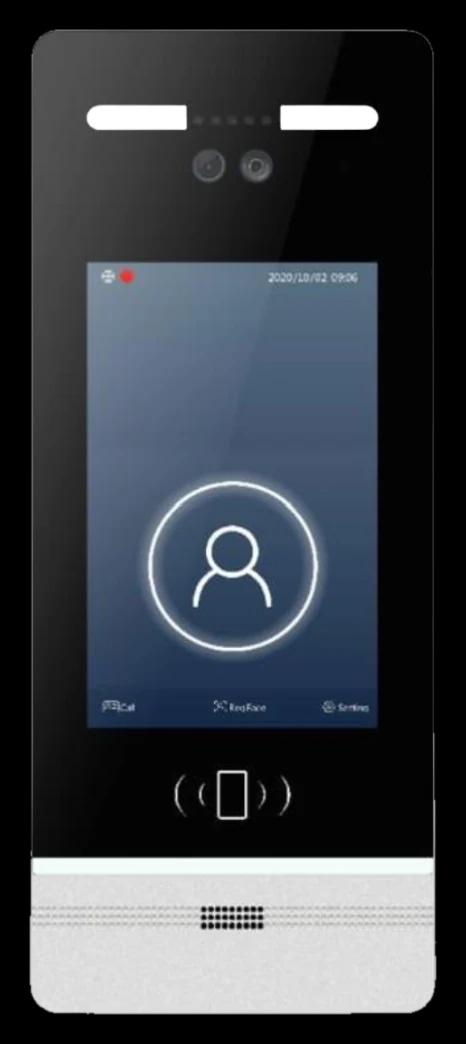
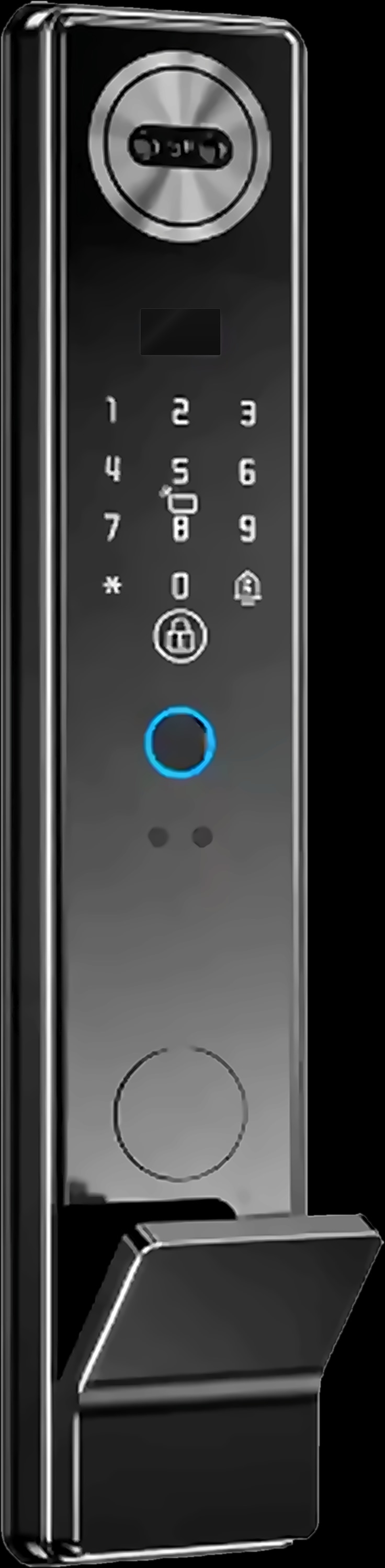
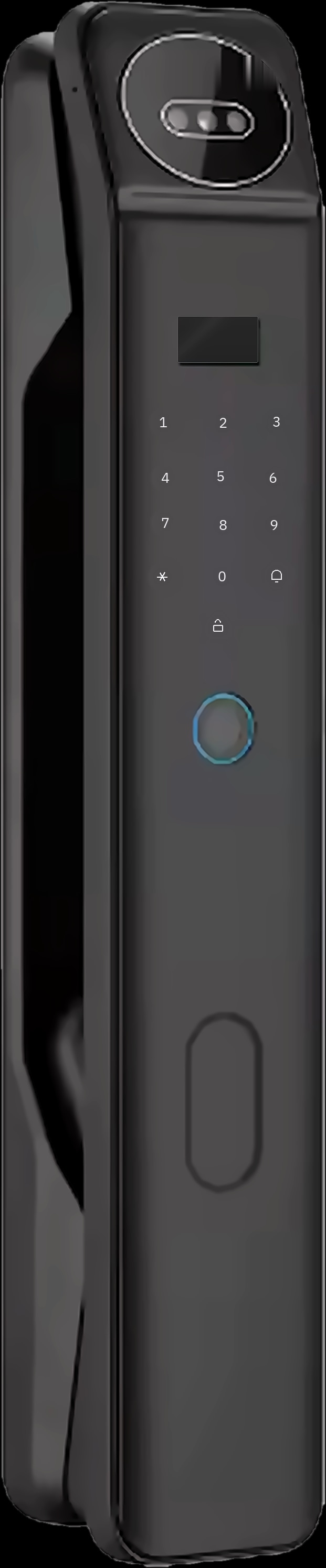
- Face and palm, six digital methods. The SL-160, SL-170, SL-250 and SL-260 for security doors, and the TL-240 and TL-250 for 85-series doors.
- Face, five digital methods. The SL-120, SL-130, SL-140, SL-150, SL-180, SL-210, SL-220 and SL-230 for security doors, and the TL-150, TL-220 and TL-230 for 85-series doors.
- Fingerprint, four digital methods, no face recognition. The SL-100 for security doors, the WL-50, WL-70 and WL-100 for wooden doors, the AL-50 for aluminium doors and the GL-50 for glass doors.
Every Spark lock, in any group, also opens with a fingerprint, a code, a card and a phone app, with a mechanical key as a backup. So the real question is not face or fingerprint, but which extra methods you want on top.
Face, palm or fingerprint: how each method opens the door
Face and palm are touch-free, and on the automatic models the motor opens the lock for you. A fingerprint is a quick touch, and every Spark lock has one.
Face recognition
You look at the camera in the lock's outside panel. When verification succeeds, the motor retracts the bolts and you push the door to enter; there is no handle to turn. Nothing touches the lock, which matters most when you arrive with your hands full.
Palm recognition
You hold up your palm for touch-free verification. Palm recognition only comes on models that also recognise faces, so a recognised palm opens the same automatic lock. It gives the household a second touch-free method, for anyone who would rather not line up their face with the camera.
Fingerprint
You touch the fingerprint sensor: on the SL-100, the WL locks and the AL-50 it is in the handle, and on the GL-50 it sits at the bottom of the lock unit. It is familiar, but it needs a fingertip the sensor can read, and some people find that harder with wet, dry or worn skin.
Smart lock unlock methods compared, model by model
The table groups all 23 Spark locks by unlock method, with the door type and camera that come with each group.
| Models | Unlock methods | Door type | Camera |
|---|---|---|---|
| SL-160, SL-170, SL-250, SL-260 | 6: face, palm, fingerprint, code, card, app | Security door, 6068 lock body | Built in |
| TL-240, TL-250 | 6: face, palm, fingerprint, code, card, app | 85-series door, three locking points, 6085 lock body | Built in |
| SL-120, SL-130, SL-140, SL-150, SL-180, SL-210, SL-220, SL-230 | 5: face, fingerprint, code, card, app | Security door, 6068 lock body | Built in |
| TL-150, TL-220, TL-230 | 5: face, fingerprint, code, card, app | 85-series door, three locking points, 6085 or 3585 lock body | Built in |
| SL-100 | 4: fingerprint, code, card, app (Tuya or TTLock version) | Security door, 6068 lock body | None |
| WL-50, WL-70, WL-100 | 4: fingerprint, code, IC card, app | Wooden door | None |
| AL-50 | 4: fingerprint, code, IC card, app | Aluminium door | None |
| GL-50 | 4: fingerprint, code, IC card, app | Glass door with a 5 mm gap | None |
Every model keeps a mechanical key and a Type-C port for emergency power from a power bank. The face and palm models run on a 5000 mAh lithium battery, the fingerprint models on 4 × AA dry batteries.
Notice what the door decides. In the Spark range, face and palm recognition are for security and 85-series doors; wooden, aluminium and glass doors take a fingerprint lock. Our guide to choosing a smart lock by door type shows how to measure yours.
Face and palm locks to compare


Which unlock method suits each person in your home?
Choose for the people who use the door, not for the lock. Each kind of user tends to suit a different method.
- Arriving with shopping. Face recognition: look at the camera, the motor retracts the bolts, and you push the door with a free elbow. On a lever lock you still need a hand for the handle.
- Older parents. No key to find and no code to remember. Face and palm are touch-free, and the automatic models have no handle to turn. If their fingerprints are hard to read, face or palm gives them another way in.
- Children. A fingerprint or a face means no key or card to lose on the way home from school. Check that they can reach the sensor and be seen by the camera, and teach them a code as a backup.
- Wet or worn fingertips. After washing up, wudu or an afternoon in the garden, a fingerprint may not read first time. Face and palm don't use the fingertip, and a code doesn't depend on skin at all.
- Helpers and relatives. Give a housekeeper, driver or relative their own code, card or fingerprint instead of sharing yours, so each person's access stays their own.
- Guests. On the camera models, a visitor's video call reaches the inside screen or your phone, depending on the model, and the lock opens through the Tuya Smart app. Our guide to the smart lock with camera covers that side.
Fingerprint door lock without face recognition: when it fits
A fingerprint lock is the right choice when the door calls for it, or when touch suits everyone at home. Six Spark locks open by fingerprint without face recognition:
- Spark SL-100: a lever lock for security doors, in a Tuya Wi-Fi or a TTLock version, with unlock records showing who came in and how.
- Spark WL-100, WL-50 and WL-70: lever locks for wooden doors, with five lock-body backsets to match the door.
- Spark AL-50: a slim lever lock for aluminium doors, rated IPX5.
- Spark GL-50: mounts on a glass door, with the fingerprint sensor at the bottom.
On the WL, AL and GL locks, the Tuya Smart app adds remote unlocking for a visitor, user management, unlock records and a low-battery alert. What these locks don't do is open themselves: on the lever models you verify, then press the handle.
Code, card, app and key: the other ways in on every lock
The quieter methods do a lot of the daily work, and every Spark lock has all four:
- Code. Entered on the touch keypad. Good for anyone you would rather not enrol, and a backup for everyone else.
- Card. Tap a card to open the lock; the WL, AL and GL models use IC cards. Handy for a child or a helper, but a card can be lost or lent, so treat it like a key.
- App. Unlock through the Tuya Smart app over your home Wi-Fi; the SL-100 also comes in a TTLock version. The SL-250 and SL-260 work with Alexa, and the SL-170 has an optional remote-control add-on.
- Mechanical key. The backup on every model, for the day nothing else is possible.
If the battery runs flat, a power bank on the Type-C port powers the lock for entry. Letting someone in while you travel is covered in our guide to managing your Jordan home from abroad.
How to set up face, palm and fingerprint access for your household
Plan access around the people, not the lock: one main method and one backup for each person, tested at your own door.
- 1
Start with the door
A security or 85-series door can take a face or palm model; a wooden, aluminium or glass door takes a fingerprint lock.
- 2
List everyone who uses the door
Family, older relatives, children, helpers and regular visitors. Note who arrives with full hands and whose fingertips are hard to read.
- 3
Choose a main method for each person
Face or palm for touch-free entry, a fingerprint for a quick touch, a code or card for helpers, and the app for guests.
- 4
Enrol a backup for everyone
Add a second method for each regular user, so one method that doesn't read never leaves them outside.
- 5
Test in real conditions
Try face recognition in daylight and after dark, and fingerprints with dry and damp hands. If a method is unreliable for someone, make their backup the main one.
- 6
Confirm with a Spark partner
A Spark partner can confirm the fit for your door, install the lock and show you how to add and remove users in the app.
At a villa gate or a building entrance, residents get in at the intercom door station with a face, a fingerprint, a card or a code, depending on the model; see our guide to video intercom for a villa or an apartment building. Architects and installers who specify Spark can become a Spark partner.
Questions people ask about face recognition door locks
Which is better on a door lock, face recognition or fingerprint?
Neither is better for everyone. Face recognition is hands-free, and on Spark's automatic models the motor opens the lock for you. A fingerprint is a quick touch and comes on every Spark lock. For most families, a lock with both, plus a code, is the practical choice.
What is a palm recognition door lock?
A lock that opens when you hold up your palm, without touching it. Six Spark models offer it alongside face recognition: the SL-160, SL-170, SL-250 and SL-260 for security doors, and the TL-240 and TL-250 for 85-series doors.
Is there a face ID door lock for a wooden or aluminium door?
Not in the Spark range. Spark's face and palm models are made for security and 85-series doors. Wooden, aluminium and glass doors take the WL, AL and GL locks, which open with a fingerprint, a code, an IC card or the app.
Can a smart lock open without touching it?
Yes, with face or palm recognition. On Spark's automatic models, a recognised face or palm lets the motor retract the bolts, and you push the door to enter.
How many faces or fingerprints can a smart lock store?
Spark's lock pages don't state a number. A Spark partner can confirm the user capacity of the model you choose before you buy.
What if the lock doesn't recognise my face?
Use another method: a fingerprint, a code, a card or the Tuya Smart app, with the mechanical key as the last backup. If it happens often, ask your Spark partner to check the setup.