The short answer
A water tank level sensor sits on top of the tank, measures how full it is and warns you before it runs dry or overflows. Spark's three models use ultrasound and never touch the water: the Wi-Fi WL-30 for tanks up to 2.9 m deep, the WL-50 with an indoor display and automatic pump control up to 5 m, and the WL-100 up to 10 m.
On this page
What does a water tank level sensor do?
A water tank level sensor measures how much water is in a tank and shows it where you can see it: on your phone, on a screen in the house, or both. Instead of climbing onto the roof or lifting the lid of the ground tank, you read a number.
Spark's tank level sensors tell you more than full or empty: they show the level as a percentage and as water depth, against high and low limits you set. When the level crosses one, you get an alarm on your phone or from a buzzer in the house, depending on the model.
Why it matters for homes with rooftop and ground tanks
Many homes in Jordan store water in a rooftop tank, a ground tank or both, because the supply comes on set days and must last until the next one. Often a pump lifts it from the ground tank to the roof. A water tank level sensor for home use helps at three moments:
- Before the tank runs dry, so you can save water or arrange a delivery.
- Before it overflows, so water does not spill over the roof.
- When the pump runs, so you know when to stop it and whether the tank it draws from still has water.
Put one sensor on each tank to see them together in the Tuya Smart app, and share access so the family can check the water from anywhere.
How an ultrasonic water tank level sensor works
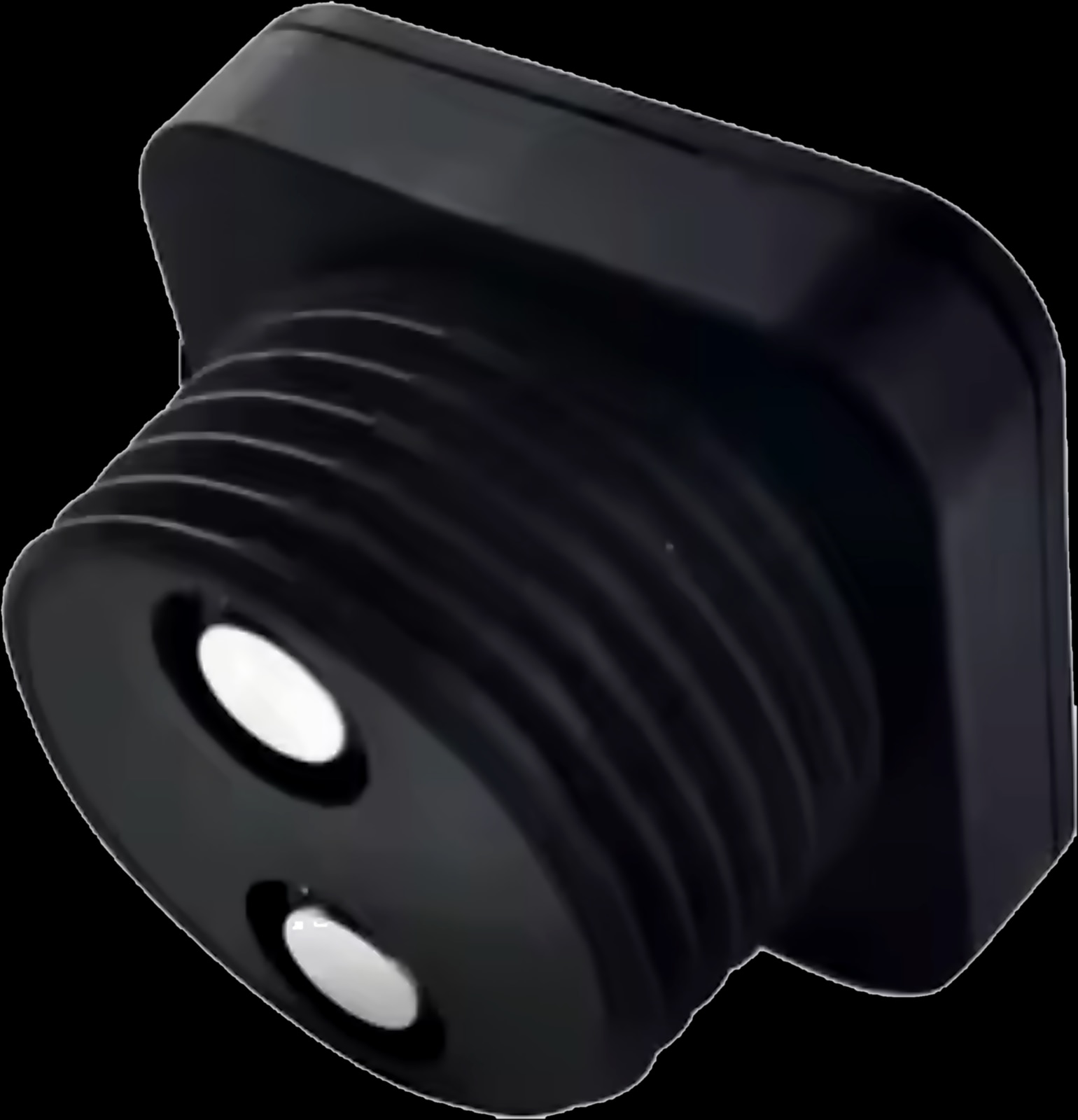
All three Spark models measure with ultrasound. The sensor sits in the tank lid and sends a pulse of sound down to the water. The echo that comes back gives the distance to the surface, which becomes the level percentage and the water depth.
Nothing touches the water, so there is no float to stick. The models differ in how the reading reaches you:
- Wi-Fi from the tank. The WL-30 Water Level Sensor joins your home Wi-Fi and reports to the Tuya Smart app, which keeps a history by day, month and year.
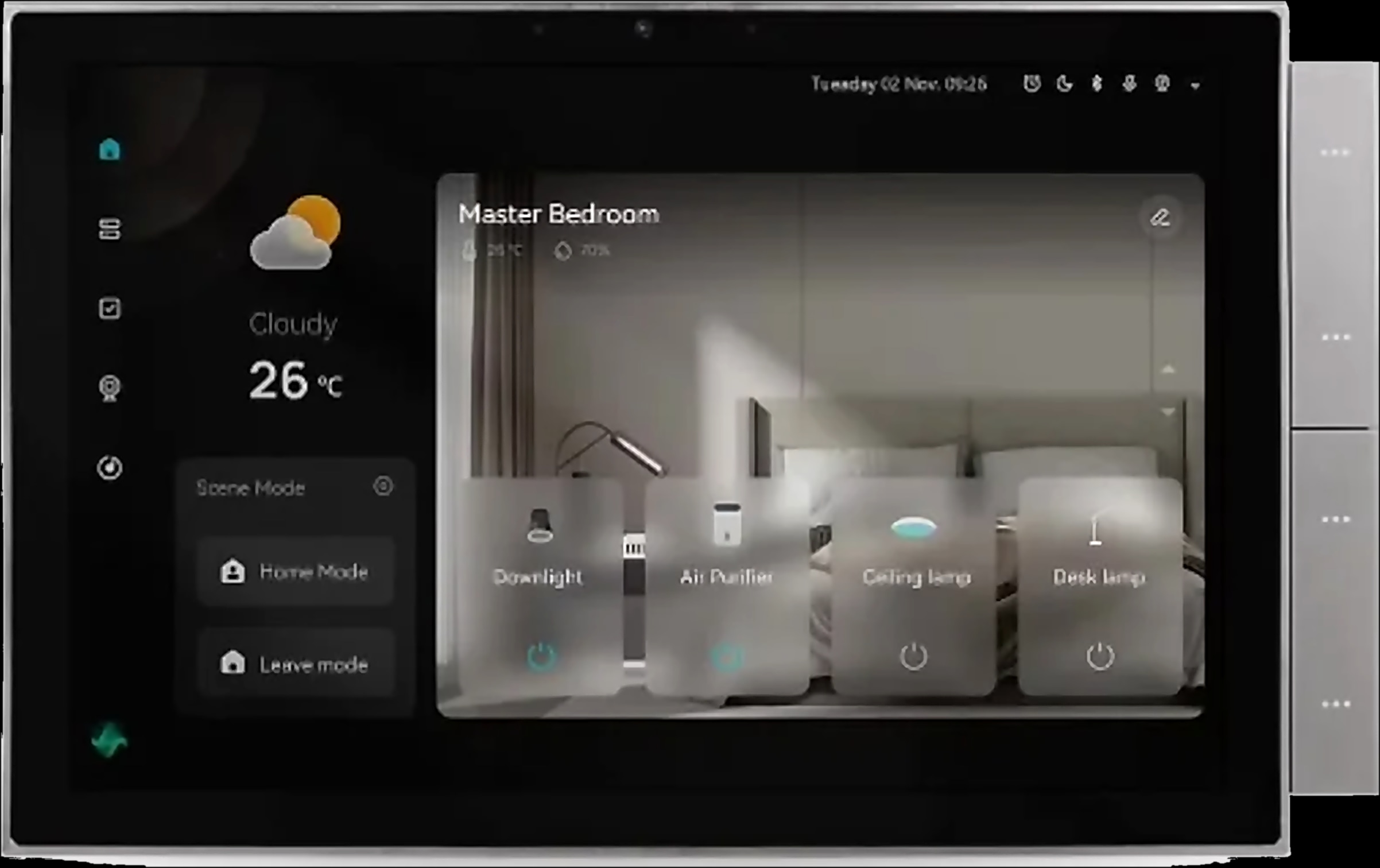
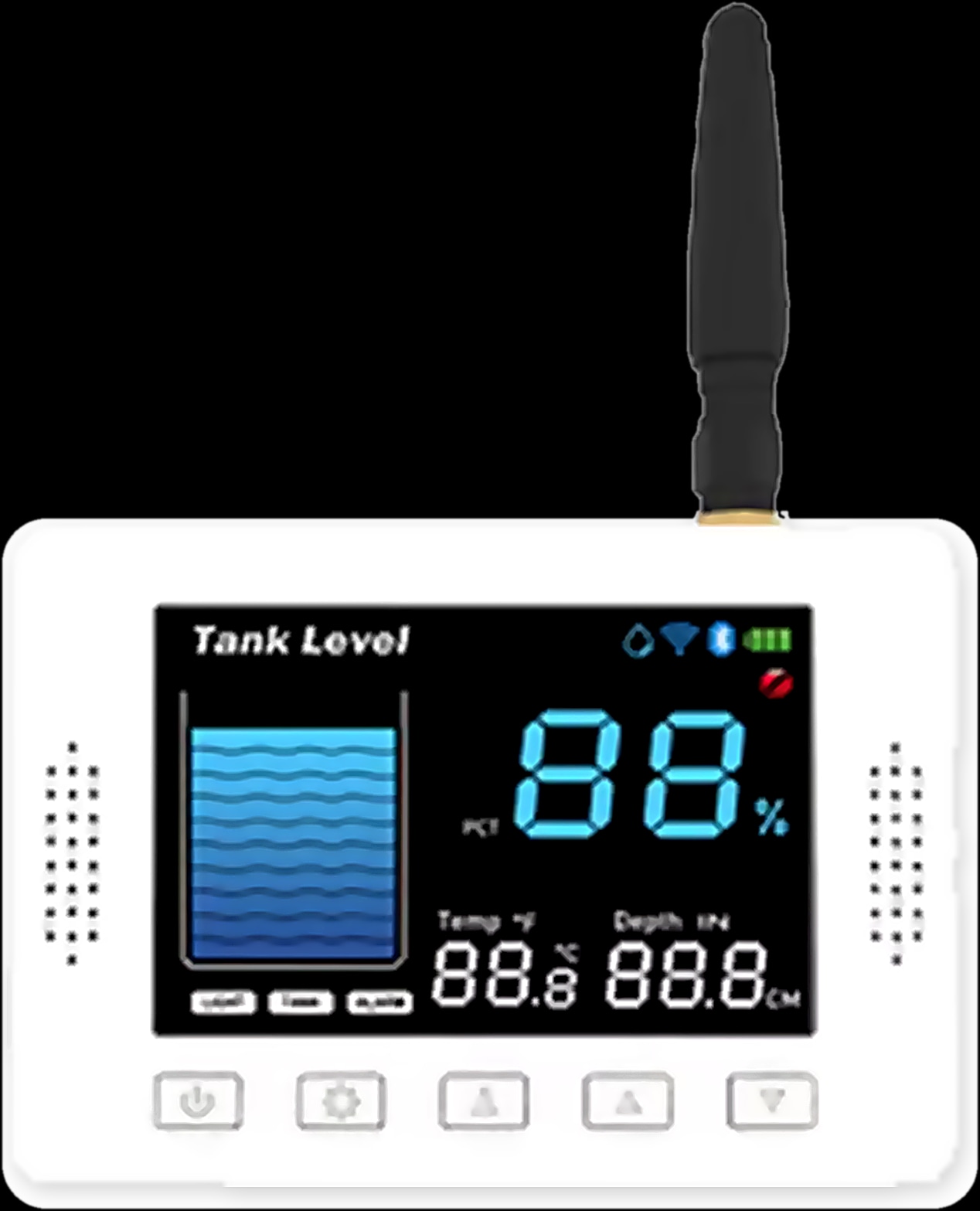
- LoRa radio to a display. The WL-50 Tank Level Monitor sends the level by LoRa radio to a colour display in the house, which shares it with Tuya Smart over 2.4 GHz Wi-Fi (5 GHz is not supported).
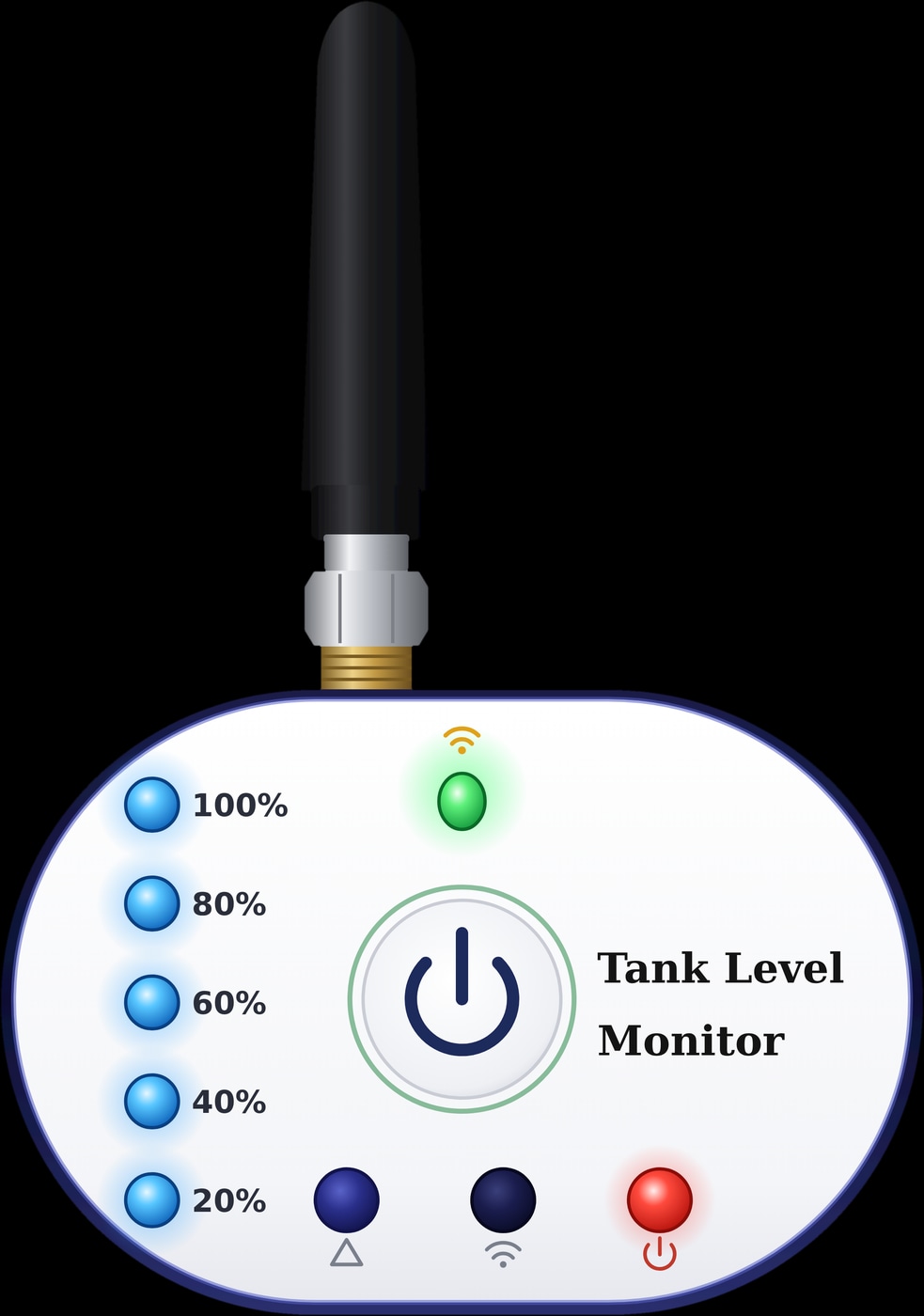
- LoRa radio to a receiver. The WL-100 Tank Level Monitor sends the level by LoRa to an indoor receiver with five level lights, and the app shows the exact level and depth.
LoRa is a long-range radio link, which helps when your Wi-Fi does not reach the roof or the ground tank: with the WL-50 and WL-100, only the indoor unit needs it. So all three are wireless water tank level sensors, though each still needs power, and all three work with Smart Life too.
WL-30, WL-50 or WL-100: which water tank level monitor fits your tank?
Start with the tank: the installation height, from the sensor at the top down to the bottom, narrows the choice. Each one also needs a blind zone, a gap above the highest water level where it cannot read.
| Feature | WL-30 | WL-50 | WL-100 |
|---|---|---|---|
| Installation height | Up to 2.9 m | Up to 5 m | Up to 10 m |
| Space above the full level | At least 0.1 m | At least 0.1 m | At least 40 cm |
| Where you see the level | Tuya Smart app: %, depth, status and history | Colour display in the house, and Tuya Smart | Five lights on a receiver, exact figures in Tuya Smart |
| Alarms | High and low, phone notification via a Tuya Smart scene | Buzzer on the display above Max or below Min | High and low, in the app even when you are away |
| Built-in pump control | No | Yes: starts below Min, stops at Max minus 5 percentage points | No |
| Tank to house | Wi-Fi from the sensor | LoRa to the display, display on 2.4 GHz Wi-Fi | LoRa to the receiver, receiver on Wi-Fi |
- App only, Wi-Fi at the tank: the WL-30 suits a rooftop or ground tank up to 2.9 m deep.
- A screen indoors and pump control: the WL-50 reads up to 5 m and adds a buzzer and automatic pump control.
- Large, deep tanks: the WL-100 reads up to 10 m; on a small tank filled to the lid, its 40 cm blind zone is a real limit.
Spark tank level sensors
Electronic level sensor or float switch?
A float switch is the traditional answer: a float rises and falls with the water and flips a contact, usually to start or stop a pump. It is simple and needs no app, but it only knows on and off, and it sits in the water.
An electronic sensor reads the whole range: you see the actual level, choose where the alarms sit and check the tank from anywhere.
- A float switch is enough when one fixed on and off point is all you need.
- An electronic sensor fits when you want early warning, phone alerts or several tanks in one view.
- For both jobs, the WL-50 measures the level and runs the pump too.
One job stays with the plumbing: closing the water inlet when the tank is full is the work of the float valve on the supply pipe, so keep it in place.
How to install a water tank level sensor
Position decides how well a sensor reads, so follow this order.
- 1
Measure the tank
Measure from where the sensor will sit down to the tank bottom: up to 2.9 m for the WL-30, 5 m for the WL-50 or 10 m for the WL-100, keeping the blind zone clear above the highest water level.
- 2
Pick a clear spot
Mount the sensor centrally, away from the inlet, where falling water causes false echoes, and away from the tank wall. Keep tilted surfaces, small objects and foam out of the beam.
- 3
Fit the sensor
For the WL-30 and WL-50, cut a hole of about 58 mm in the tank top and screw the sensor in; the WL-30 has a 2¼-inch thread. Screw the WL-100 probe through the top, pointing straight down.
- 4
Plan the power
The WL-30 uses its plug-in adapter. The WL-50 sensor has a 3 m cable with a waterproof DC2.0 connector and its own 5 V adapter. For the WL-100, a Spark partner can confirm how the sensor is powered.
- 5
Place the indoor unit and pair
Put the WL-50 display or WL-100 receiver where you see it daily, near a socket and within Wi-Fi range. Pair the WL-30 from a phone on the same Wi-Fi with Bluetooth on. For the WL-50, pair sensor and display with their buttons, then add the display to Tuya Smart with Bluetooth and 2.4 GHz Wi-Fi.
- 6
Set the height and limits
Enter the installation height and the sensor-to-full-line distance when the app asks, then set Max and Min. The WL-50 display can set Max, Min and the height too, in sync with the app.
Renovating? Plan a socket near the tank for the WL-30 or WL-50, and see our guides to smart switches that work without internet and control panel sizes for the next decisions.
Tank level alarms and automatic pump control
Whichever model you choose, set the high level just below overflow and the low level early enough to act.
Alerts on your phone: WL-30 and WL-100
On the WL-30, set Max and Min, then add a Tuya Smart scene that sends a notification when the level status changes. The WL-100 sends its high or low level notification through the Tuya Smart app, even when you are away.
A water tank level indicator with alarm: WL-50
The WL-50 display shows a tank graphic, the percentage, the water depth in centimetres and the room temperature; above 99%, it reads FU. Its buzzer sounds above Max or below Min, stops when the level returns to range, and any key mutes it. If the LoRa link drops, the depth flashes after 30 seconds.
Running the pump automatically: WL-50
For a water tank level monitoring and pump control system in one kit, choose the WL-50. It starts the pump when the level falls below Min and stops it at Max minus 5 percentage points: with Max at 60%, the pump stops at 55%.
That suits a pump that fills the tank the sensor is on, such as one lifting water from the ground tank to the roof. Installation and level settings stay saved after a power cut.
Water tank level sensor questions
Does a wifi water tank level sensor need Wi-Fi at the tank?
The WL-30 does, since it joins your home Wi-Fi from the tank. The WL-50 and WL-100 do not: their sensors reach an indoor display or receiver by LoRa radio, and only that unit needs Wi-Fi.
Can a water tank level sensor turn the pump on and off?
The WL-50 can. It starts the pump below your Min level and stops it at Max minus 5 percentage points. A Spark partner can confirm how your pump connects to it.
Is there a water tank level indicator with an alarm in the house?
Yes. The WL-50 display has a buzzer that sounds above Max or below Min. The WL-30 and WL-100 send high and low level alerts to your phone through Tuya Smart.
How accurate is an ultrasonic water tank level sensor?
Spark gives the WL-50's accuracy as ±(1 % of reading + 10 mm) at 20 °C. Mounting matters too: keep the sensor central, pointing straight down and clear of the inlet, the wall and foam.
How deep a tank can a water tank level sensor measure?
Up to 2.9 m with the WL-30, 5 m with the WL-50 and 10 m with the WL-100, measured from the sensor to the tank bottom. Compare them with the rest of the range in Spark products.